Try to do a foctory reset and add a jolla account and do nothing more than that. Only to observe the behaviour.
One hint: aaida is a hardware detection tool and this isnt native.. Try it first without that app and android support app and so om
In general set up step by step and always observer when the battery drain starts. If its from beginning without much actions (installing apps and so on) its a case for jolla
Greetings
I remember very well that what struck me during the initial setup was that the device was starting to overheat. That put me off right from the start… I think the battery is faulty. Anyway, as soon as it reaches 100%, I’ll run those tests…
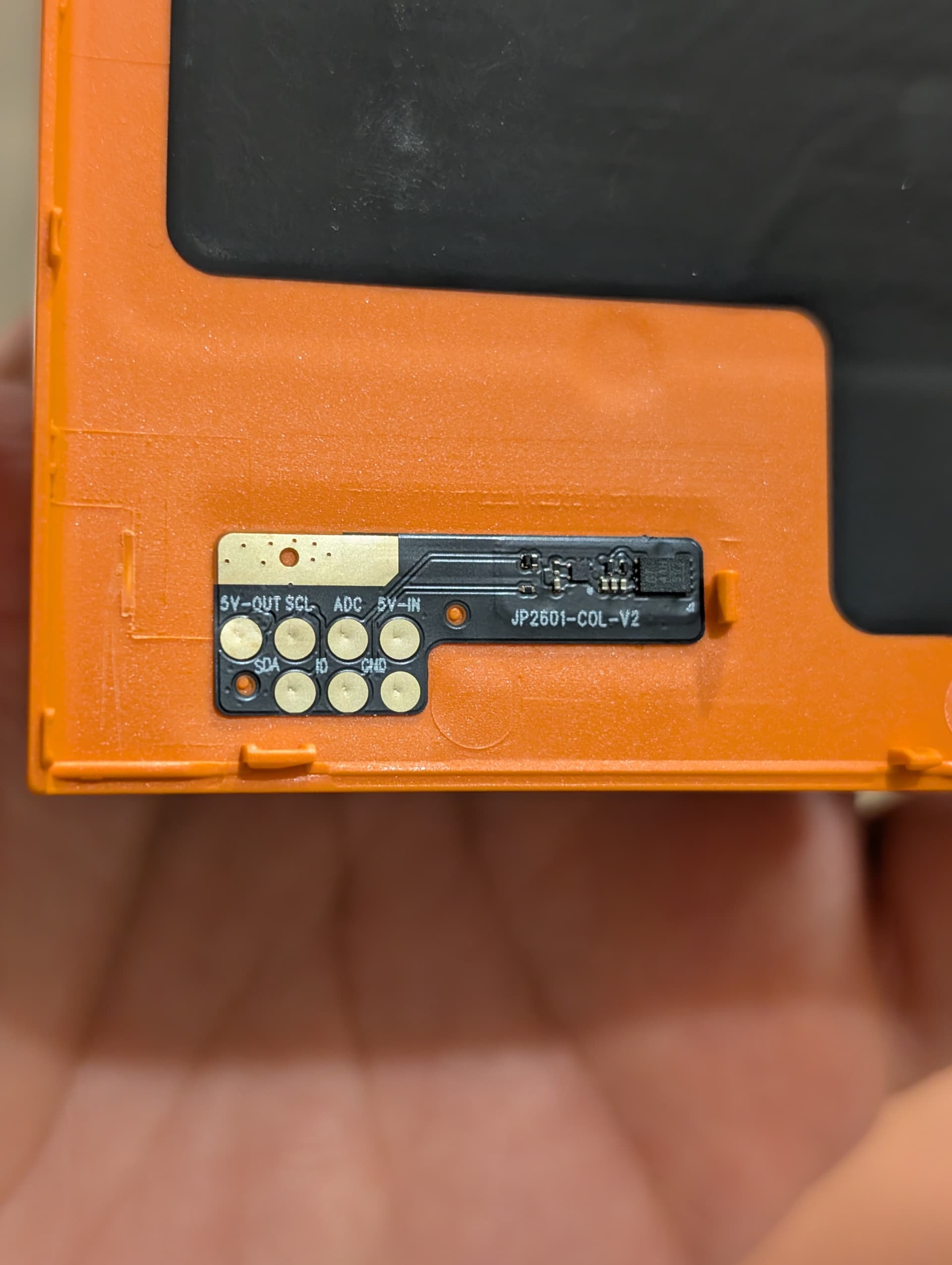
Also, with no intention to interfere with the valid suggestions already provided: remove the back cover. Just in case the i2c is somehow part of the fault.
To tell you the truth, I haven’t tried it without the case; besides, it consumes power at the same rate whether I use the Orange case or the Inari Blue one.
Yeah, but maybe problem on the device side. Remove backcover, check battery fitting and after facrory reset check the behaviour. If its still present - jolla case…
Did you find ‘the guilty’ app? Please stop AAS and maybe try to measure in Flight mode.
I’m sure that really SIM is also worth a try before returning the phone.
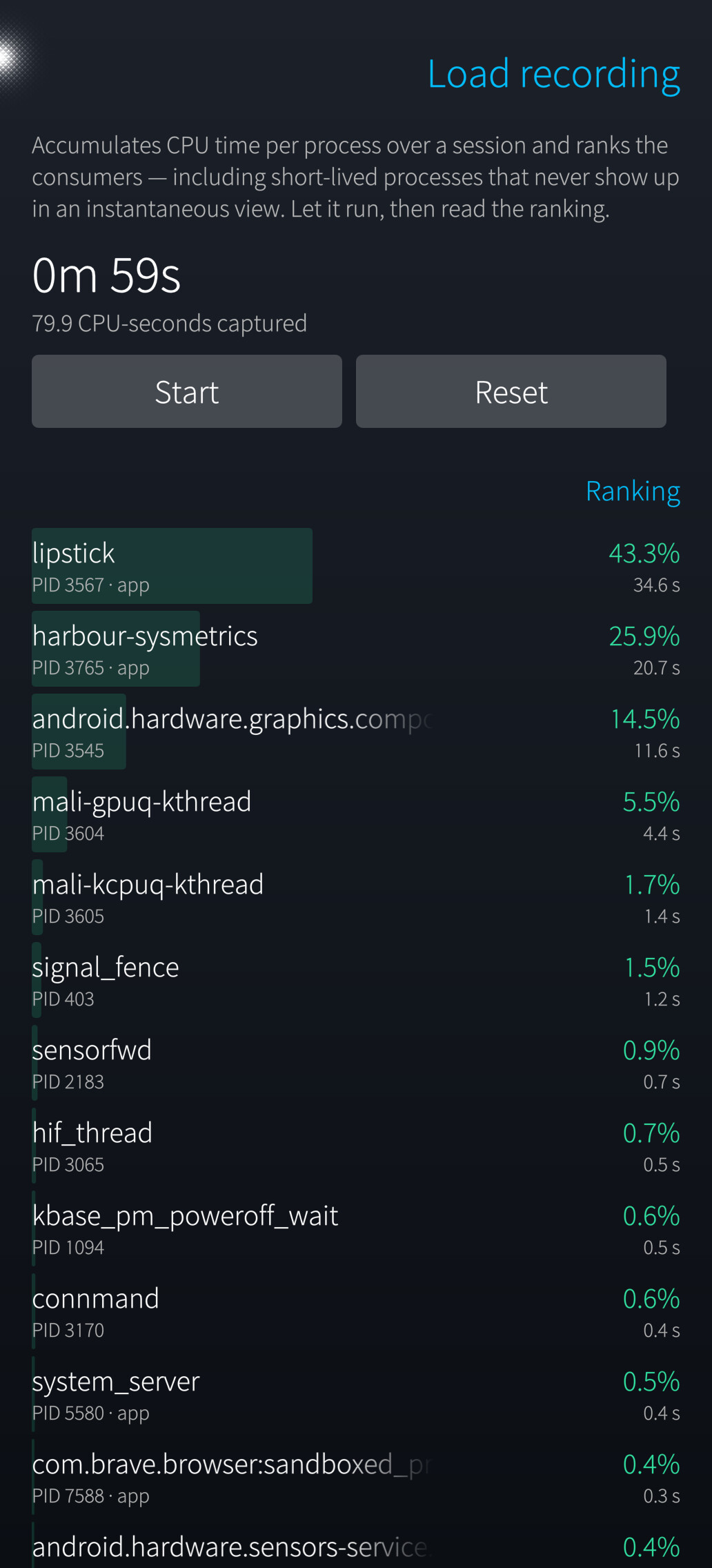
I expected way more from your knowledge then such unreal ridicules comment. So what’s better then SysMetrics in Record Load mode for a minute to exactly show the offending app?
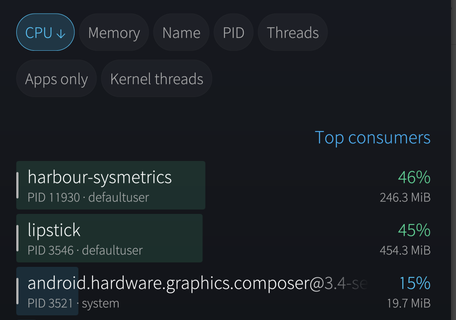
Gentlemen, please—any advice is welcome. I respect everyone’s opinion; I believe you are all skilled and certainly very helpful when it comes to troubleshooting. Thanks to everyone. My Jolla phone has finished charging to 100%. I’m going to reset it again now, remove the case, and—after the initial setup—switch it to airplane mode. What do you recommend I install to monitor the device and, above all, create system logs so I can provide real-time evidence of power consumption? Please forgive my lack of knowledge regarding Sailfish OS; it’s a whole new world for me.
That’s instantaneous CPU usage. Many process can legitimately use 100% of one core for a moment.
As I wrote: post screenshot of SysMetrics in Record Load mode for about a minute to exactly show the offending app.
I’ve noticed some times JP26 consumes noticeable more power, I do not know which app or combinations cause that, but switching to flight mode and back seems to resolve the issue, sometimes I use the settings utilities to restart home screen.
Where is the log I recorded saved if I want to share it?
Screenshots are saved into the Gallery. Not sure if SysMetrics app have an export option but in this case it’s not necessary anyway.
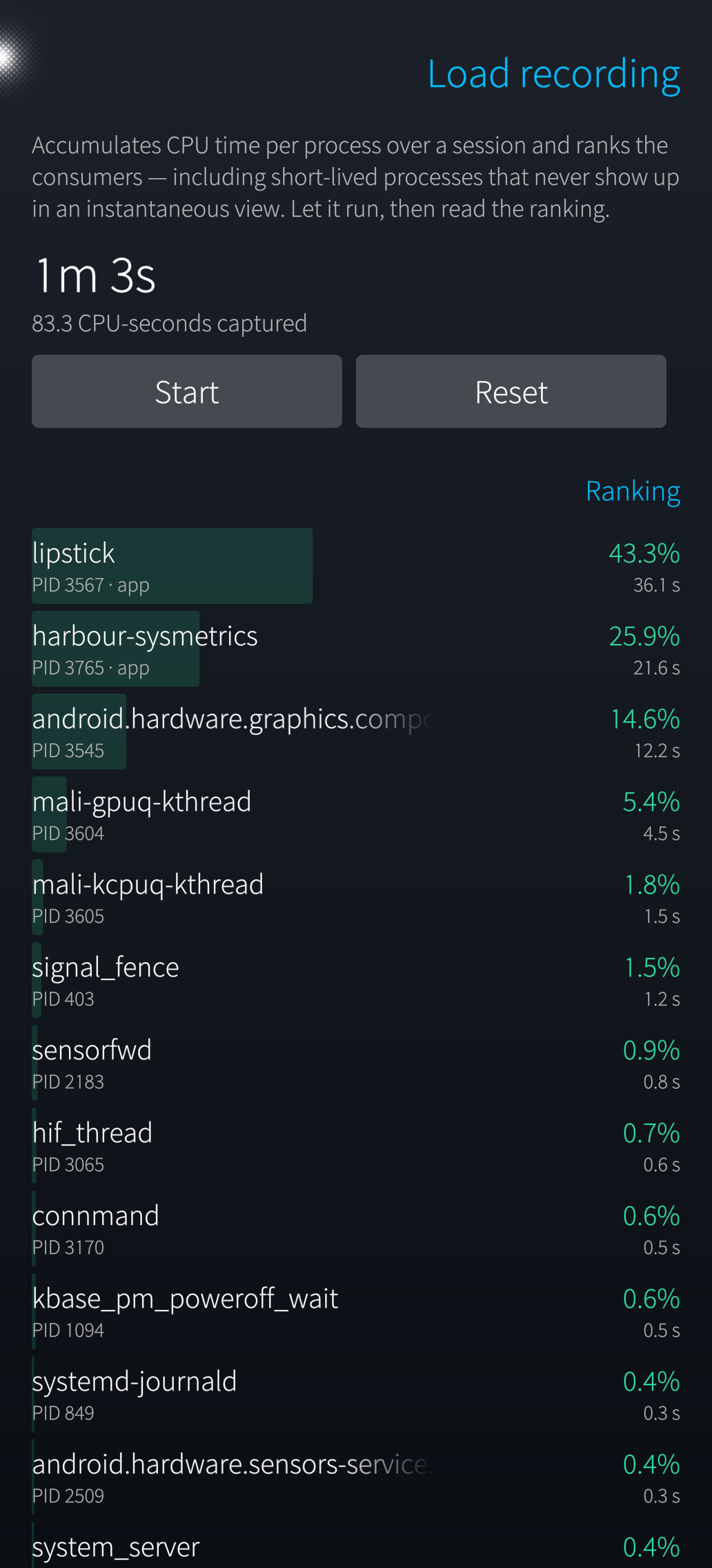
Not sure what that means. It seems the second quote contradicts the first?
Sure.
Still Home screen process (listick) seems unusually wild. Does restarting it from the Settings/System/Informations/Accessories helps?
What about the SIM test?
Well, still better then the phone?
It means that I captured this one-minute screen manually, but in the sysmetrics gallery it doesn’t capture the screens automatically.
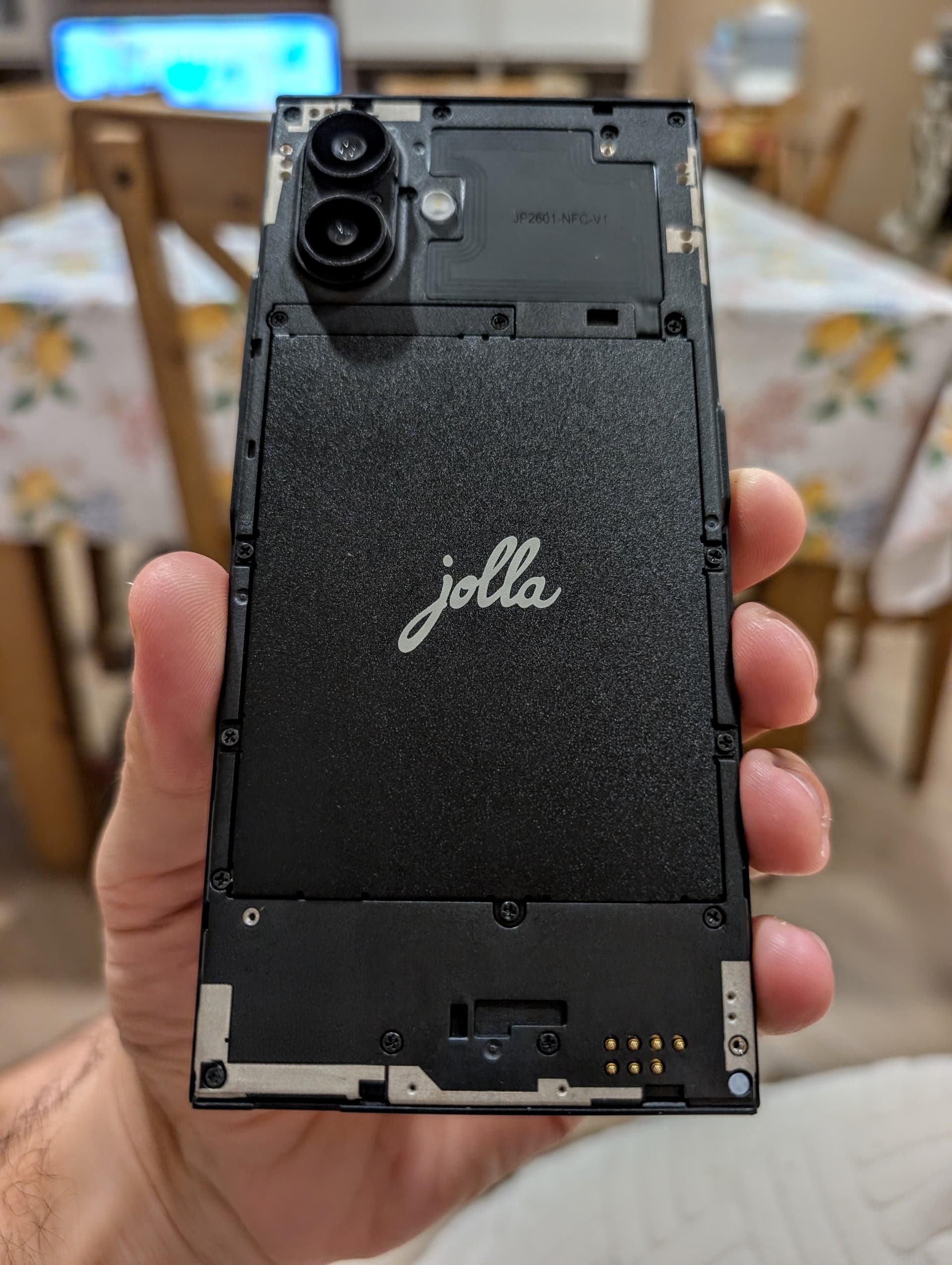
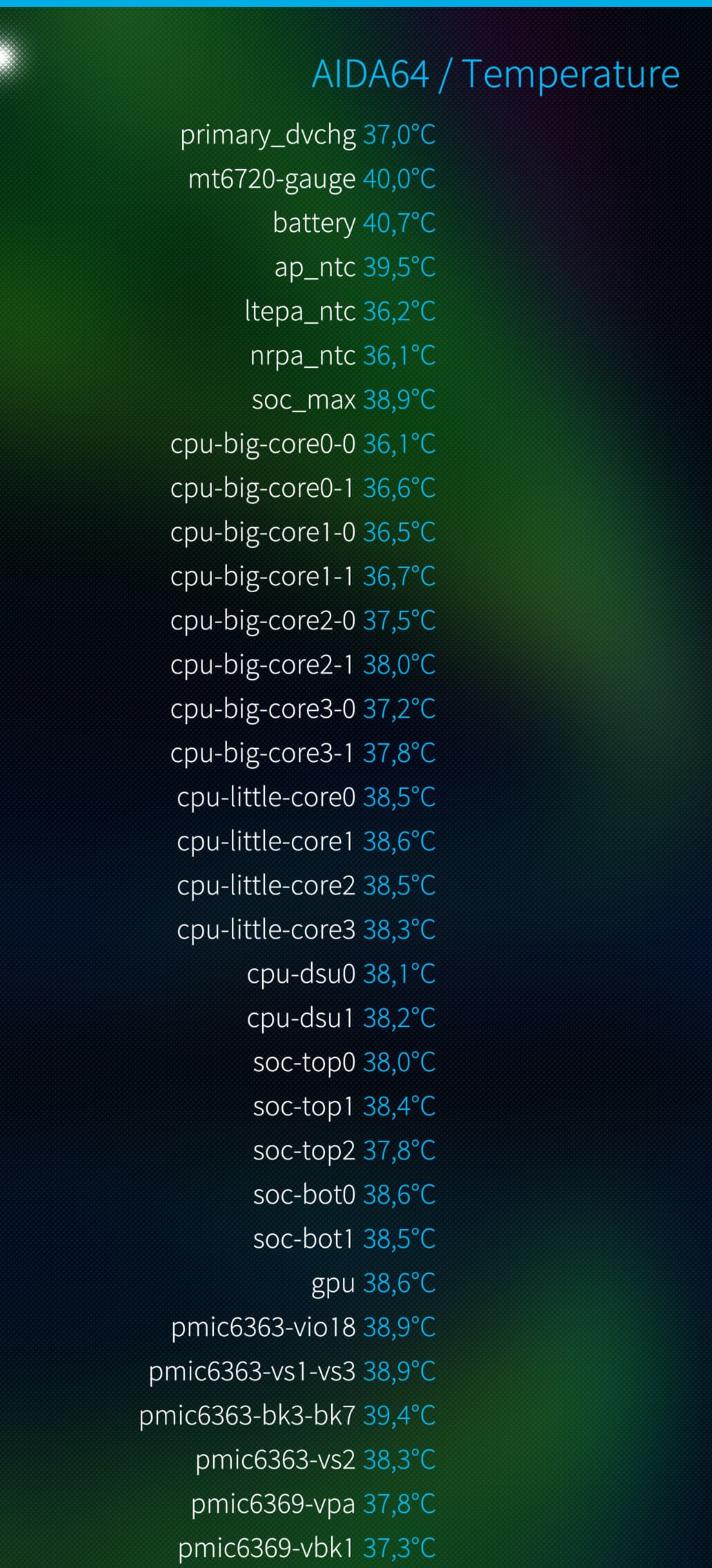
Temperatures have increased since I reinserted the cover and I warn that it discharges faster , the very part of the TOH Chip seems to burn.
As for the SIM I haven’t bought it yet because as I said in previous posts I have an eSIM, let’s see tomorrow if I can buy it -.
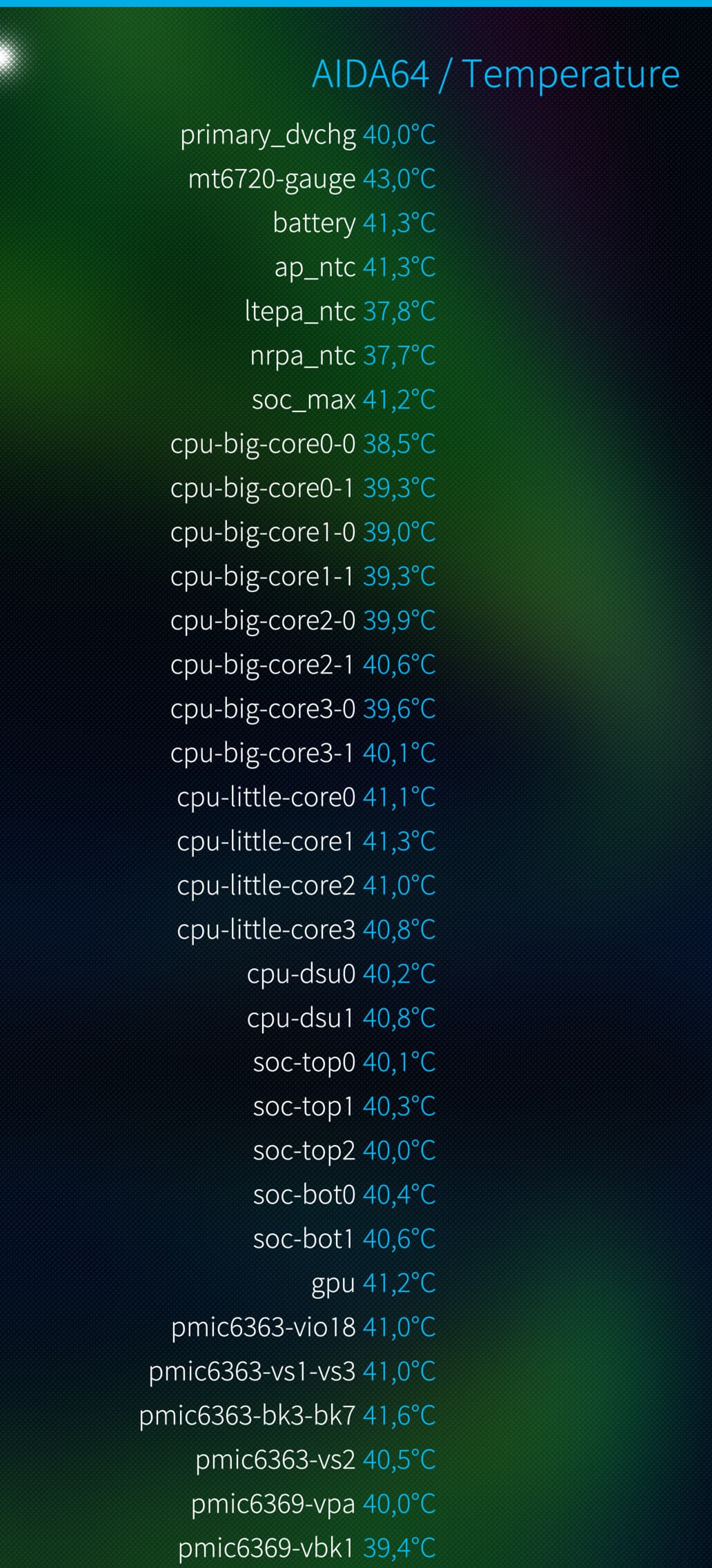
As for the heating issue, Raine had explained it before. I’m just saying what I remember, so feel free to correct me if I’m wrong. In the meeting, they said the phone gets very hot in apps and stuff like that. From what they explained, this phone uses a newer Android version, and because Android isn’t properly optimized, it consumes more power than it should, which in turn causes it to heat up. Raine had given some technical explanations along those lines.
But of course, if you ask me, I don’t think this phone has gone through thousands of tests. Maybe there’s also some kind of flaw caused by something the engineer overlooked or introduced while designing it.