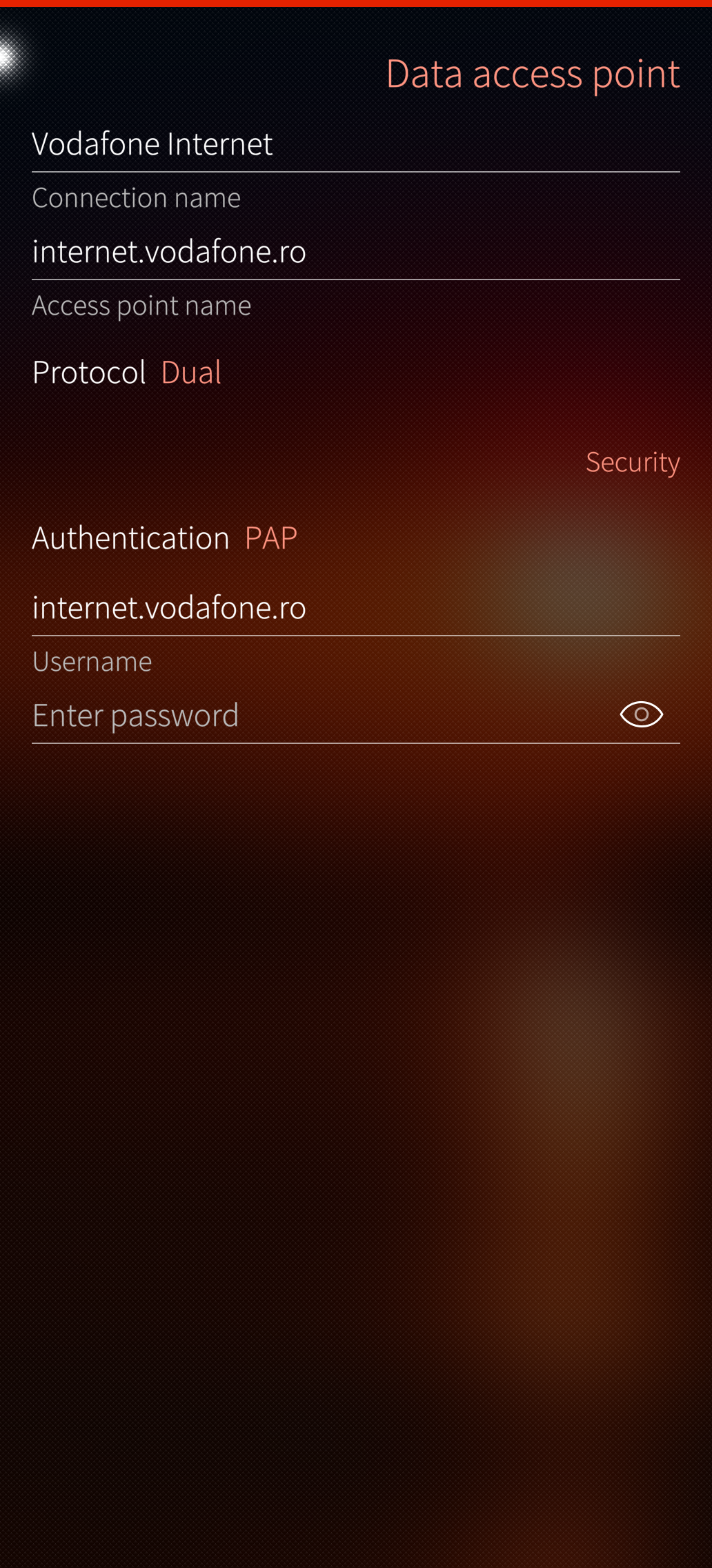
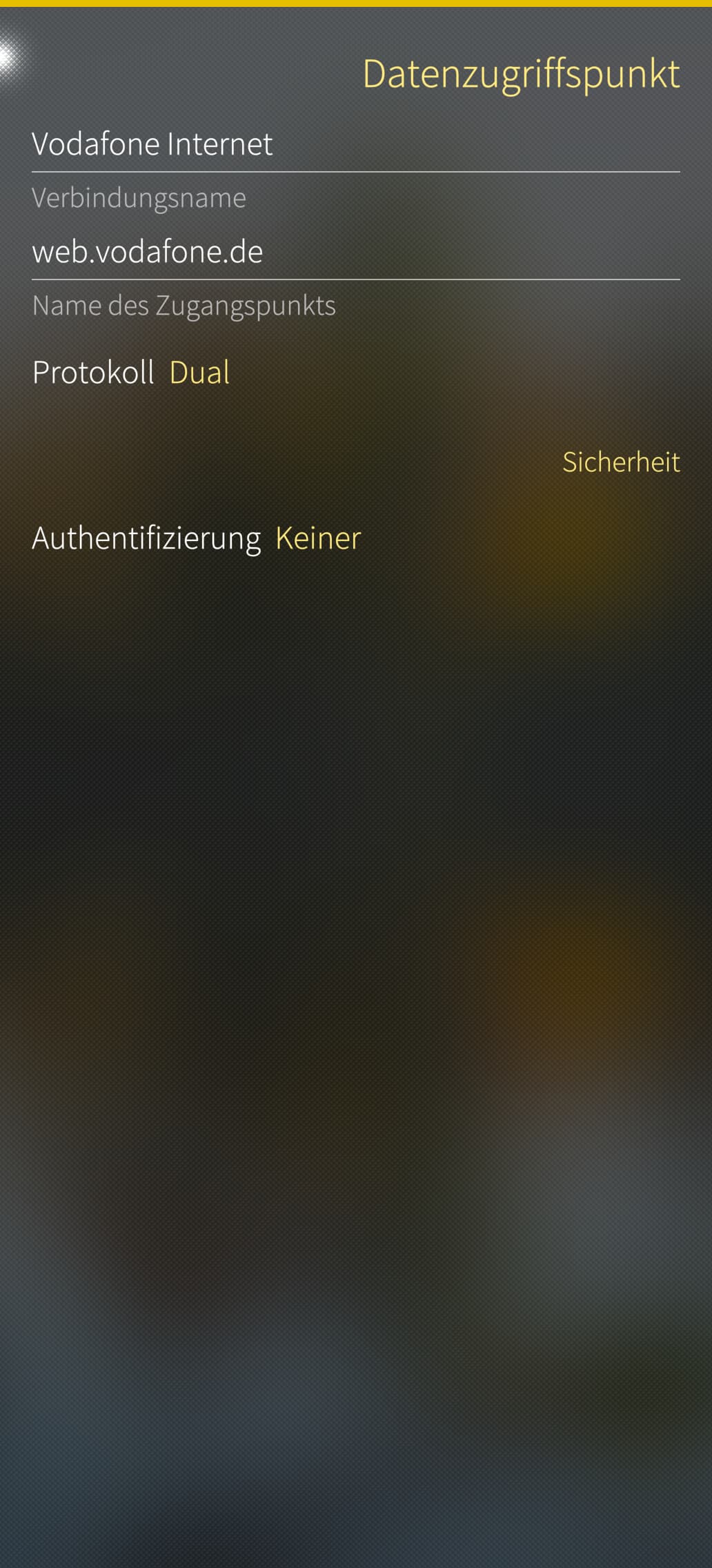
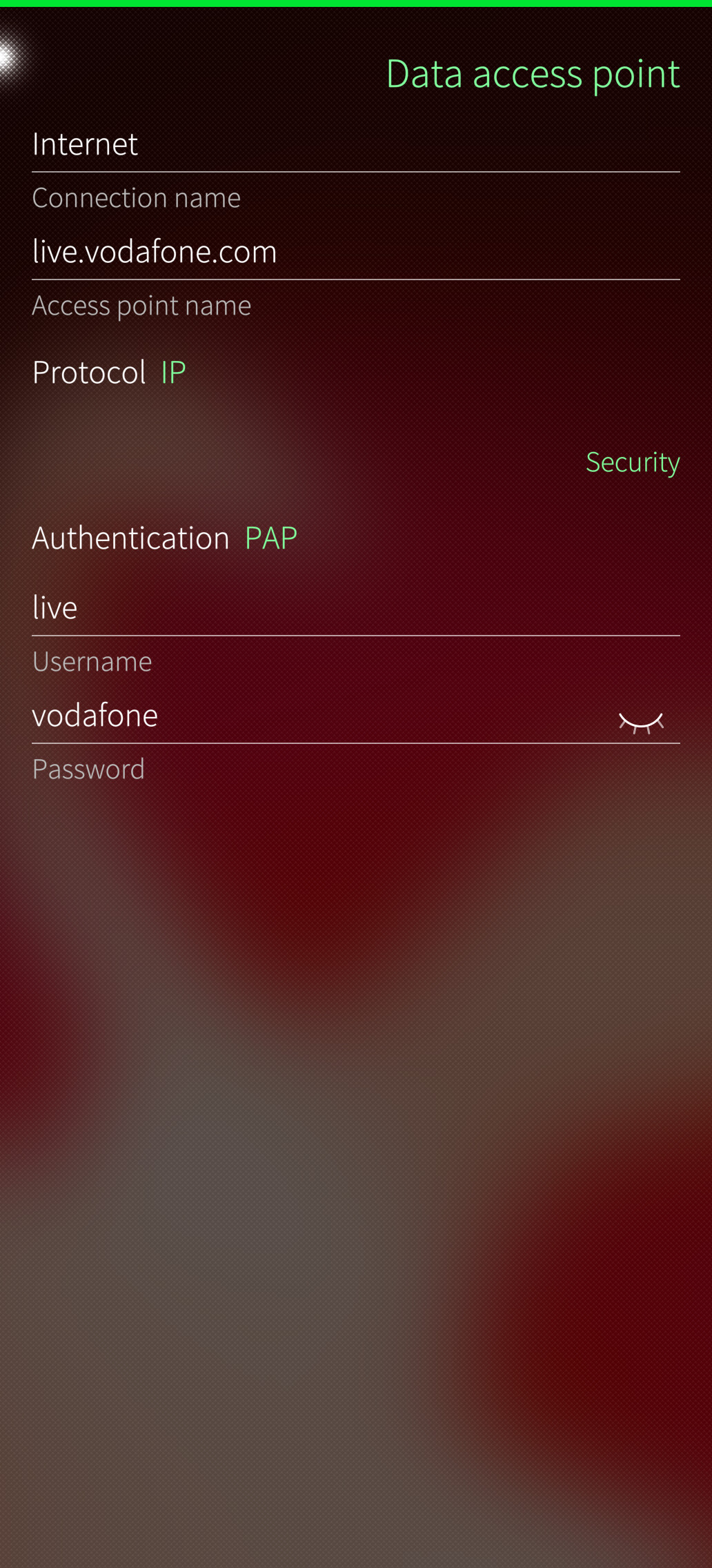
I got mobile data back, using the CLI, so you need developer mode enabled.
Disable WLAN (otherwise that connection is used), use the USB connection, then run as root:
$ dbus-send --system --print-reply --dest=org.ofono \
   /ril_0/context1 org.ofono.ConnectionContext.SetProperty \
   string:Active variant:boolean:true
This apparently force-enables the first context, the internet access context (found via dbus-send --system --print-reply --dest=org.ofono /ril_0 org.ofono.ConnectionManager.GetContexts)
edit: if you get “operation failed”, try resetting the mobile network system using Settings → Utilities.
And immediately after that I got internet!
BUT again IPv6 only!
$ dbus-send --system --print-reply --dest=org.ofono \
   /ril_0/context1 org.ofono.ConnectionContext.GetProperties
method return time=1787406455.057969 sender=:1.10280 -> destination=:1.10383 serial=635 reply_serial=2
   array [
      dict entry(
         string "Name"
         variant             string "KPN Mobiel Internet"
      )
      dict entry(
         string "Active"
         variant             boolean true
      )
      dict entry(
         string "Type"
         variant             string "internet"
      )
      dict entry(
         string "Protocol"
         variant             string "dual"
      )
      dict entry(
         string "AccessPointName"
         variant             string "internet"
      )
      dict entry(
         string "Username"
         variant             string ""
      )
      dict entry(
         string "Password"
         variant             string ""
      )
      dict entry(
         string "AuthenticationMethod"
         variant             string "none"
      )
      dict entry(
         string "Settings"
         variant             array [
               dict entry(
                  string "Interface"
                  variant                      string "ccmni3"
               )
               dict entry(
                  string "Method"
                  variant                      string "static"
               )
            ]
      )
      dict entry(
         string "IPv6.Settings"
         variant             array [
               dict entry(
                  string "Interface"
                  variant                      string "ccmni3"
               )
               dict entry(
                  string "Address"
                  variant                      string "2a02:a420:22c2:204a:1dd1:2ae1:dd8f:2189"
               )
               dict entry(
                  string "PrefixLength"
                  variant                      byte 64
               )
               dict entry(
                  string "Gateway"
                  variant                      string "::"
               )
               dict entry(
                  string "DomainNameServers"
                  variant                      array [
                        string "2A02:A47F:E000:0000:0000:0000:0000:0053"
                        string "2A02:A47F:E000:0000:0000:0000:0000:0054"
                     ]
               )
            ]
      )
   ]
And so pinging my home address doesn’t work:
$ ping 86.83.xxx.xxx
PING 86.83.xxx.xx (86.83.xxx.xxx): 56 data bytes
ping: sendto: Network is unreachable
Then I switched the mobile data settings in the regular UI to “IP” (instead of DUAL), reconnected, and now all works, including VPN.
$ ping 86.83.xxx.xxx
PING 86.83.xxx.xxx (86.83.xxx.xxx): 56 data bytes
64 bytes from 86.83.xxx.xxx: seq=0 ttl=57 time=32.532 ms
64 bytes from 86.83.xxx.xxx: seq=1 ttl=57 time=27.353 ms
This is a CLAT / connman problem?
Strangely, it at least survives flight mode, and switching WLAN on and off again. Haven’t powercycled yet.
Also, I never had this problem on my XA2, but that one is still on Sailfish OS 5.0.0.77.
Edit: I’ve created a new bug for clarity, even if it is a duplicate of this one, but with more details I found: No mobile data / No IPv4/CLAT on JollaPhone 2026