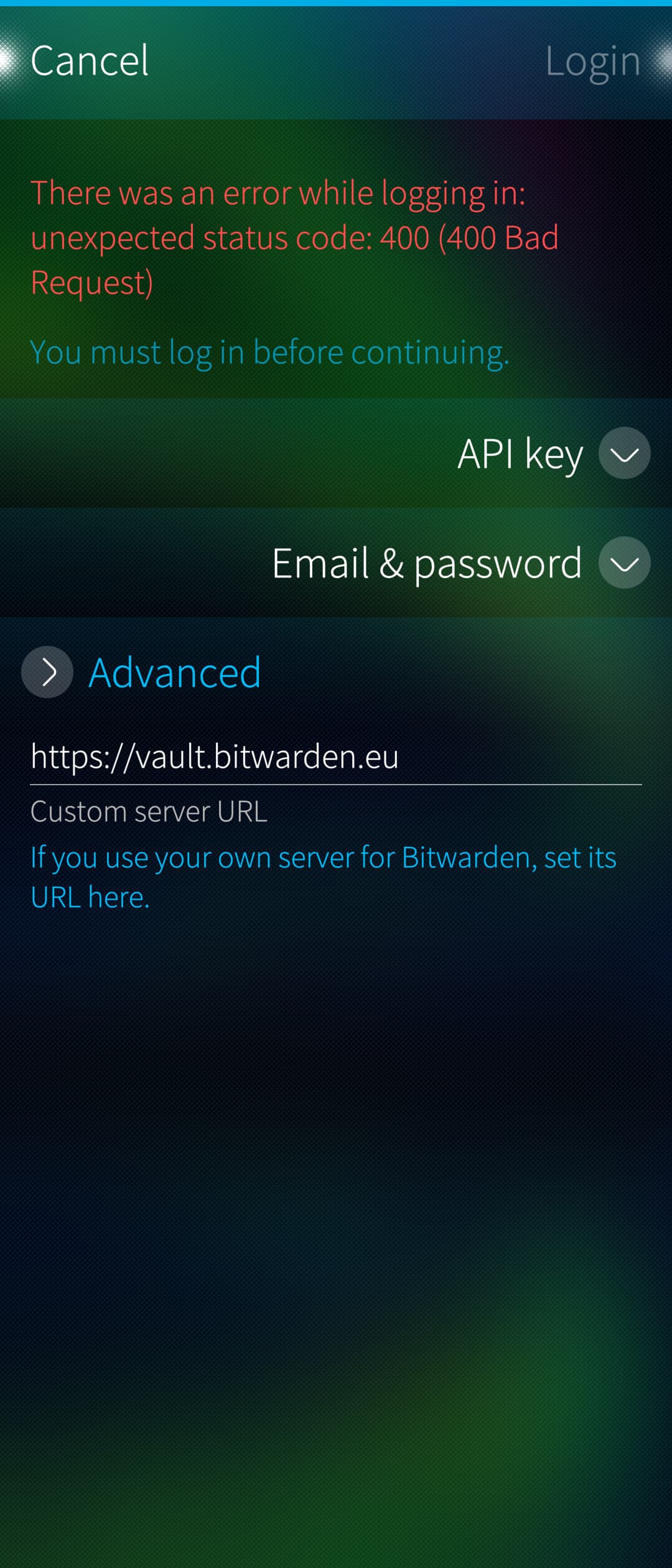
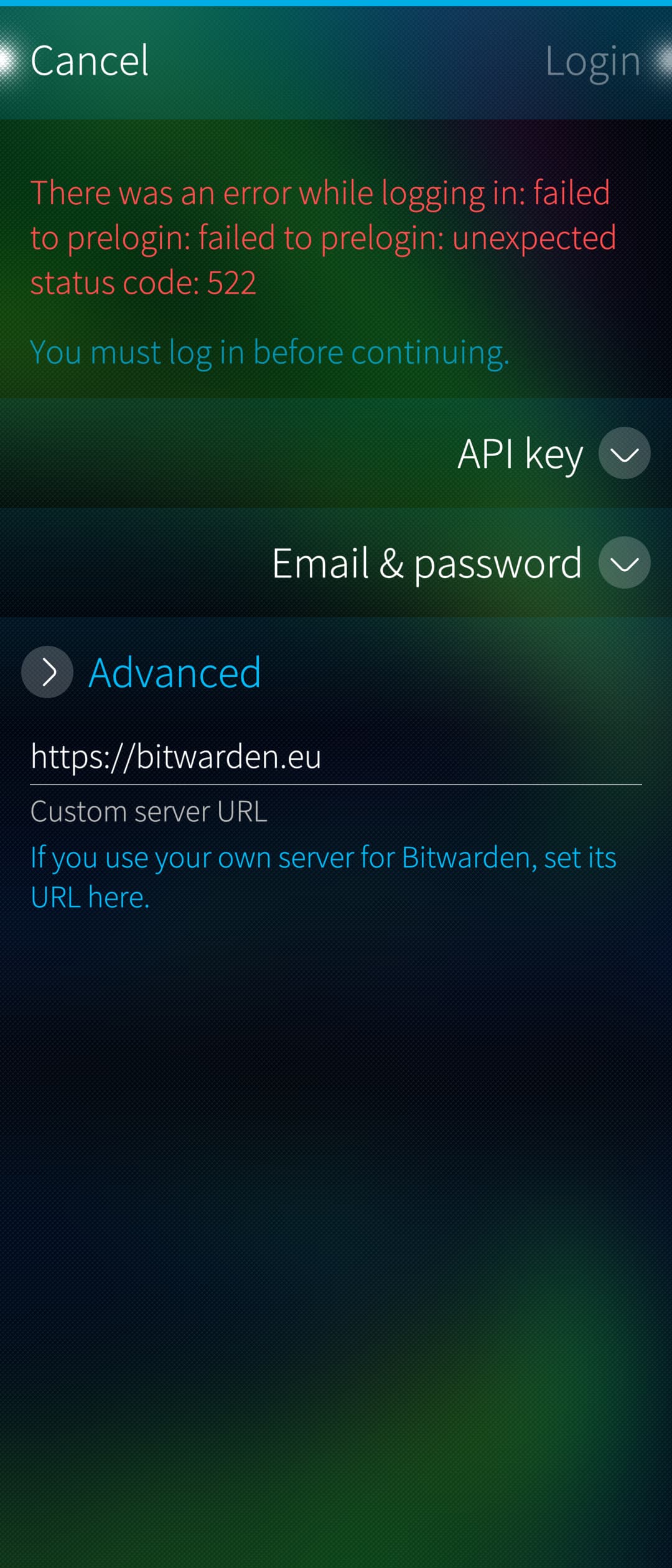
Edit: There’s actually a bug which is why just putting https://bitwarden.eu there doesn’t work. Currently getting built in CI, will be released shortly.
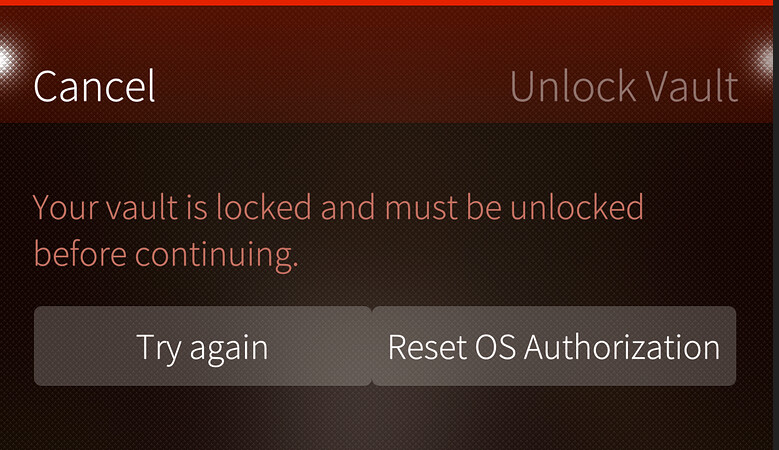
Will do, just side note. Logged in with API key, that was successful. After tried to activate the OS auth for fingerprint (Xperia 10 III, 5.1), gave the password and got same screen as BitSailor support thread - #129 by ahjolinna . Bitsailor version was 1.2.1. Will update and report back
That happens if you used pre-1.0.0 BitSailor, forgot to handle that, but it only happens once and when you reset the OS authorization, it should work. If it does not, it’s a different issue which I couldn’t reproduce on either of my two Xperia 10 III phones.
Just tried after update to 1.2.2. Reseted the OS auth (because still got the screen), went to the setting and re-enabled it, gave password, closed and reopened Bitsailor → Same screen. Tried again → same screen. Will now try the login again without API key
And login worked beautifully now! Amazing work, thanks a lot <3 Improvement for one day could be UI dialer for https://bitwarden.eu or https://bitwarden.com as someone already mentioned, but no rush Would prioritise to get this stunning app in Harbour first!
Everything is functional and fast, thanks a lot!
One very useful feature is missing: being able to access the vault while offline. I tried using airplane mode and wasn’t able to access the items in the vault.
I tried the OS auth thing again and it work for me now (I dont have the same error/issue)
Don’t know if this is by design, it now ask just my pin to login, not my fingerprint.
It looks like it only wants your code but you can also use fingerprint, it just isn’t advertised anywhwere. Nothing I can do about that, it’s a system dialog.
for me it doesnt even ask for that. It always just asks for permission (via system dialog thing) to authorize and then unlocks the vault - without fingerprint sensor/ pin input
Had the same issue, any chance you installed sudo and made yourself part of the wheel user group? Or added yourself to wheel for any other reason? If so, that is the cause - the polkit system used for authorization has a special handling for users part of that group.
By the way, anyone who had feature requests, would you be so kind as to write them into Issues · RikudouSage/harbour-bitsailor · GitHub? I must admit I’m getting kinda lost in the conversation here, so having a separate issue for each would be nice.
 Would prioritise to get this stunning app in Harbour first!


 stunning work