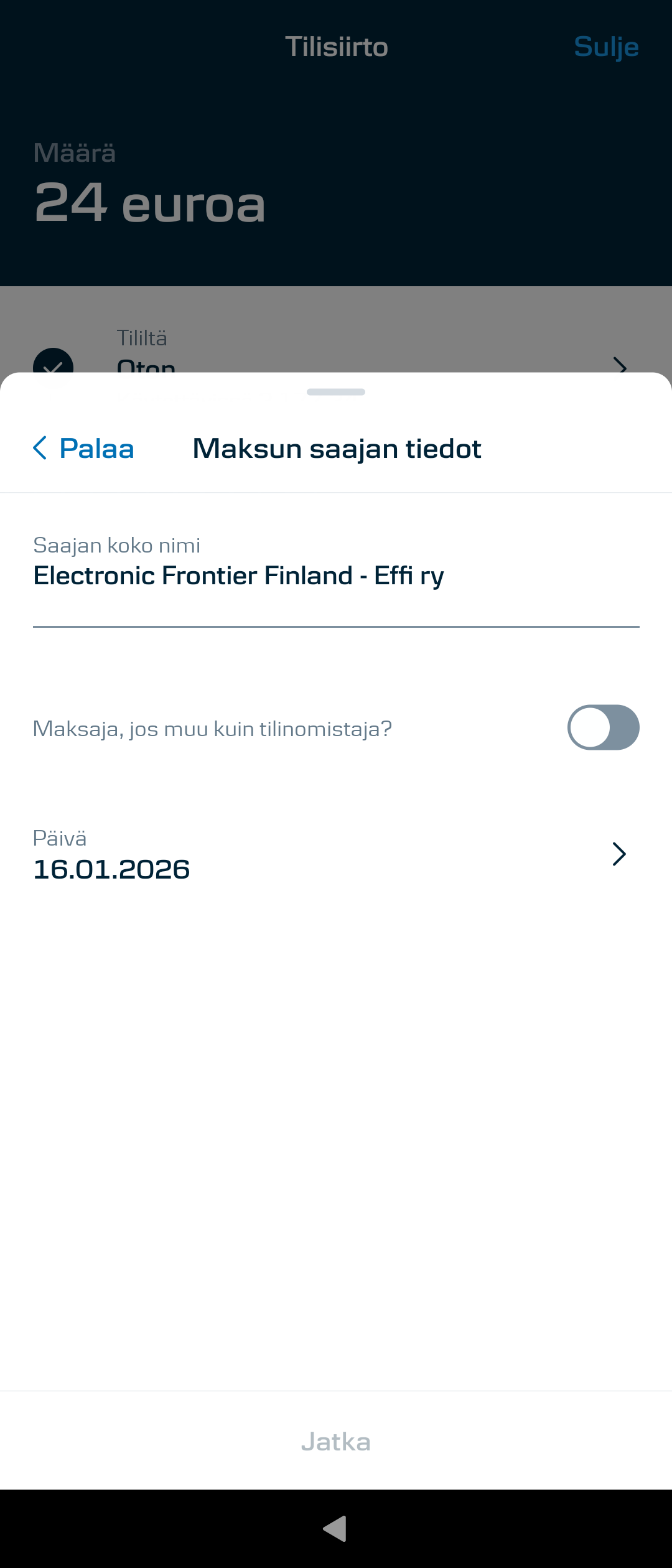
Mobiilivarmenne works perfecly.
I was more of thinking like, open account in other bank also. Benefit of S-pankki is that then you also have readiness for their bonus system. I donāt use mine to anything else really, but it helped me to login to OP account during first setup
What you did to get mobilepay working? I can just login couple times and then i canāt login. I have to reinstall app and register again. Xperia 10III 5.0.0.73 and latest microg. Mobilepay is latest version also
I donāt use my banking apps on SFOS so far (as sadly Xperia 10 III has still that camera quality and location service issues) but want to change that with the J2. So I already tried to install my banks apps and started them without problems, but didnāt login.
So only thing that wonāt work right now would be mobile payments via NFC.
In short words - it depends on your bankā¦, so itās your choice.
I have same symptoms, I usually can login around 10 times or more. I have to do that maybe every second week. But I donāt mind as setting it up takes maybe 1min
I had the same issue on my 10iii.
I had the issue with MicroG versions 0.3.10 and newer. Going back to version 0.3.0.233515 solved it for me. Maybe it is not necessary to go all the way back to 0.3.0. I did not test all versions between 0.3.0 and 0.3.10.
Only small issue I have with MobilePay (regardless of MicroG version) is that it always start minimized, I have not found a solution for this, but it not a big thing, just one tap, if anyone has a solution to this please let me know.
With Xperia 10, SFOS 5.0 and microG 0.3.12 at least MobilePay 10.8.0 works. Donāt remember doing any changes to any settings/files to make it work.
I think this product has the right philosophy, exactly what I want to see - though I would like the hardware to be more sustainable.
Anyways, canceling feels bad since this is the kind of device and OS Iābe waiting for, but as regular consumer who needs to have a reliable access to basic apps it just feels a bit intimidating to swap my current iPhone for a device which might need the user be a bit more tech-savvy. But this product is aimed for the general public, right?
You can replace the āneedsā with āwantsā.
If you are not willing to endure little bit of discomfort, then you are never going to get away from Appleās walled garden. The product can be used by general public, but only if they are open to do little bit of learning as they go, because SFOS is different from iOS or Android. To use SFOS, you donāt have to be as tech-savvy as people fear.
Well, sure there are wants and needs. But logging in to your bank account is unfortunately a āneedā, Iād say.
Iāve changed from Microsoft Windows to Linux so no, Iām not afraid that change. But a lot of stuff depends on digital apps these days, and Iām uncertain, if Iāll be able to solve the problems I might encounter with the phone. I think this is an understandable thought, and pretty sure it has been discussed over and over again. I guess I just paid a lot of attention to the phrase ālinux phone you can actually daily driveā, or something like that.
You can actually daily drive it. As said before it depends a lot. On your needs, on the things you want, on your country and on your bank.
I personally have a SailfishOS phone only, it has been my daily driver for almost four years now and I canāt complain. But what I also know is that Iām lucky and my banking app works with no issues (and even without microG).
So it is possible to daily drive SailfishOS. But you can be really unlucky with banking apps. I would suggest reading here: Banking apps on Sailfish OS
Most if not all Finnish banking apps works on SFOS and many of them still offer alternatives to the app when it comes to login. Last I checked at least OP still offer the paper lists with keys and Nordea and DanskeBank offered option to order small electronic dongle that generates the keys for your login.
Iām also in the same camp that bank identification is need, at least in Finland. But whether the bank apps work, has more to do how the banks have tied their apps to Google rather than Jolla. Of course as we are using completely different OS and are only emulating android, try to stay anonymous in Googleās eyes while still using all our android apps things can some times work and other day brake. That might happen if Google changes things and MicroG needs to catch up or Aurora wonāt work for a moment etc.
As avhakola pointed out, maybe you could get that small electronic dongle from Danske to use it for identifications? If I remember correctly someone here has said that Danske has two apps? One for the banking tasks and then the identification app? Again, if I remember correctly, I have faint memory that someone would have mentioned that the actual banking app work. Highly recommend to search answer from this forum!
This pugged me so I did look where I had seen this conversation and it was in Mastodon: Joshua Strobl :verified:: "@djbiker@vivaldi.net @jolla@techhub.social dkb asā¦" - Joshua Strobl So at least with @JoshStrobl case, the bank app itself seems to work, but to mitigate the problem with Danske ID app you need to get the small TOTP thing from Danske.
Now it is up to you decide what you want to do. Personally I think many would want to have real alternative to android/IOS. Hard reality is that if not enough people are willing to go through the harder beginning then the alternative wonāt ever grow big enough. Just my personal thinking, either way I think it was great that you found Sailfish, looked in to it, did pre-order(!!), have changed windows to linux etc. You are anyway on great path! ![]()
Yea and the Danske ID issue would simply be fixed if AppSupport reported as using a security locking mechanism (pin code lock, as an example). Iāve voiced my concerns with Danske Bank multiple times about the āsecurity checkā and they just donāt give a damn.
Dunno if Nordea is the same situation, I originally moved away from them around COVID timeframe (U.S. citizen āstimulus checkā shenanigans), but would really like to know from current Nordea customers (since the release reported in OP is really old) if things still work. Between terrible customer support, terrible app experience, and Danskeās refusal to let me buy crypto from basically any modern exchange (this was years ago, gave up and I doubt their policy has changed at all) I have strongly considered becoming a Nordea customer again.
Sorry to derail. tl;dr If you can avoid Danske Bank, go with literally anything else. Even stuffing cash underneath your mattress if you must.
Darn. Iāve had a good run, and f.ex. MobilePay still works for me flawlessly, but trying to finally switch to using a fresh Xperia 10 V now I got hit with a red ādownload the app from Play Storeā prompt by OmaVahvistus (2.6.0), the OmaSƤƤstƶpankki ID app. Iām using SF 5.0.0.73 with microG 0.3.12.250932. Trying to set up a google account in microG fails because of failure in āaccess to google serversā.
The silly thing is that the OmaVahvistus 2.6.0 app works in Xperia 10 II with the same versions of SFOS and microG, even witt he The Settings - Apps - OmaVahvistus - Androidsettings recognizing it was downloaded from Aurora Store. So it should work in Xperia V too I believe.
Could it be that there is some problem with the MicroG if it fails to access google servers?
You can try to use this app by @Rikudou_Sennin to patch the app and make it pretend it was installed from the Play Store, it works with my (Italian) bank application.
I tried with picking Google Play as the source for my OmaSp banking apps and I failed. A peculiar thing, now Settings -Apps - [ ] - Open AndroidSettings show āmicroG assistantā as the source for OmaSp apps instead of Aurora Store as it previously was.
My microG settings may be wonky after trying out things.
microG Assistant is IMO okay, they have a package with the same ID as the Play Store to avoid apps failing when the app does not exist.