I tried to research how to put stuff in the Events screen, but couldn’t find anything. In the end I tried to imitate what the Weather app does (with the help of AI), but couldn’t get anything to show up there.
I’m assuming weather, calendar and notifications are hard coded to be there for now, but please make an API for it so developers can also put their own stuff there!
Seriously, can’t it be added? Isn’t that part open source? What exactly is the problem? This was discussed regarding the clock at one point too, but I didn’t think widgets were restricted for app developers.
Anything not directly from Jolla right now is just available as patch. It could be a possible topic for the next community meeting, you could add it here: Community meeting on September 3, 2026
good to know! Maybe I can use that to reverse engineer how to use the events view. Then I could also ask AI to write a general documentation about it for others to use (I absolutely hate writing documentation)
From a quick glance at the rpm contents it looks like the important part is that it installs some qml files to /usr/share/lipstick/eventfeed/. I see there’s also eventswidgets in the lipstick directory, which seems to contain the weather and events widgets as json.
I managed to reverse-engineer it through Meecast and the stock weather app. I’ll try to document it at some point and try to have it added to the Sailfish SDK documentation
Nice! I for one would be interested in this. I also did some digging but had no time to figure it out on my own. It seemed the best place to put some custom content, instead of just patching eventsview itself.
Yeah, and it seems like you can basically put anything there. For now my Home-Assistant companion app just allows adding lights there to toggle and dim, but later I want to be able to for example add graphs (for example electricity prices) and other stuff there.
Graphs etc. I understand, but if you want to use the app’s toggles etc. in the EventView, wouldn’t it be easier to implement it by running the app in PartnerSpace instead?
PartnerSpace is a way to add more pages to the HomeView/EventsView-carousel.
As I recall, it was originally created for third-party phone manufacturers (back then Intex and Jala) to easily display their own apps (probably just so users would see ads?), but it can be easily activated via CLI or with the Karuselli app, and you can attach any app to it (native or through AAS).
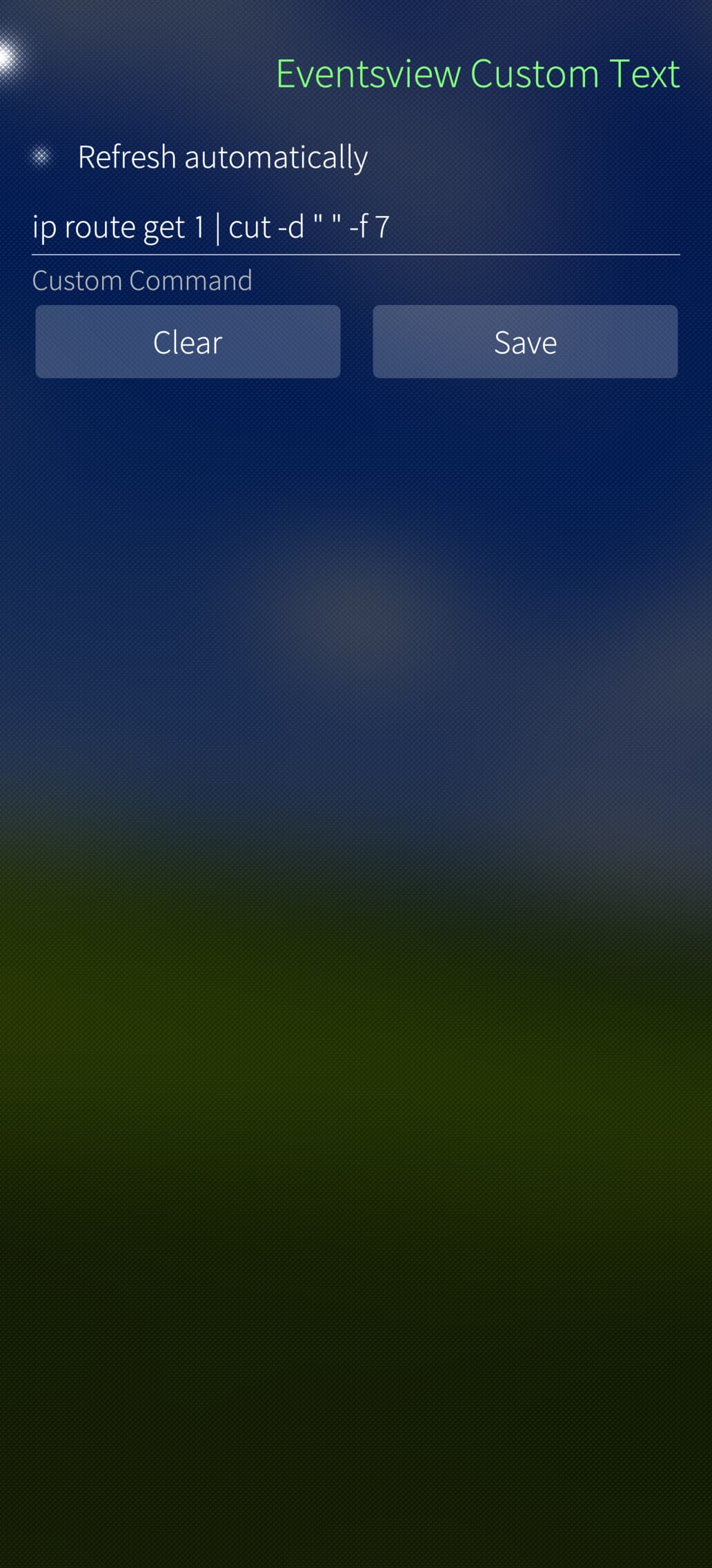
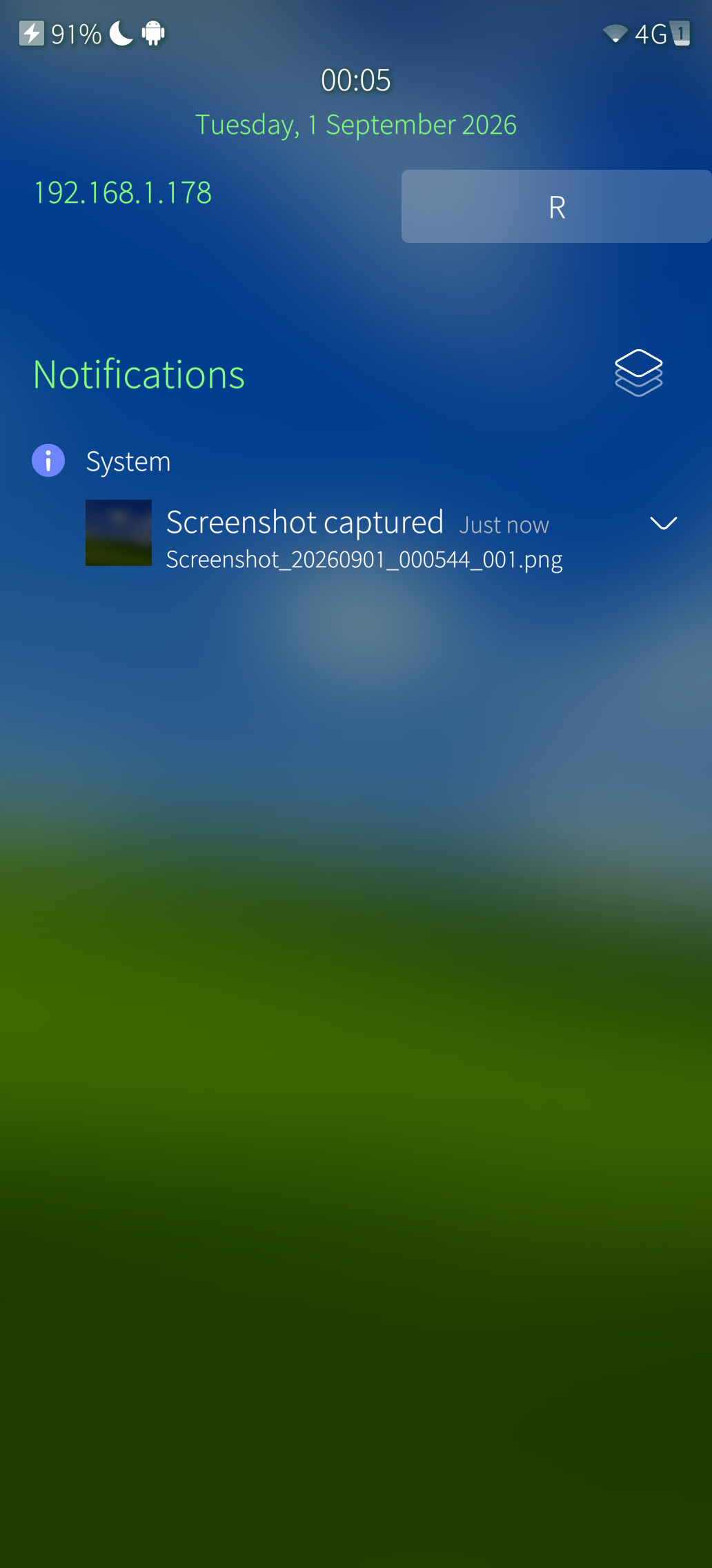
Prototyping! Using pyotherside to use python code from qml file to run shell commands (this way I do not need to ship an actual application binary, the settings are added to the settings app):
 (I absolutely hate writing documentation)