Well, 2 years later, with 5.0.0.73 A13 update bringing some risks wrt to patched GApps, I finally did the whole /dev/sda79 backup/restore + this topic’s Android “upgrade” flash dance while in there  Details below.
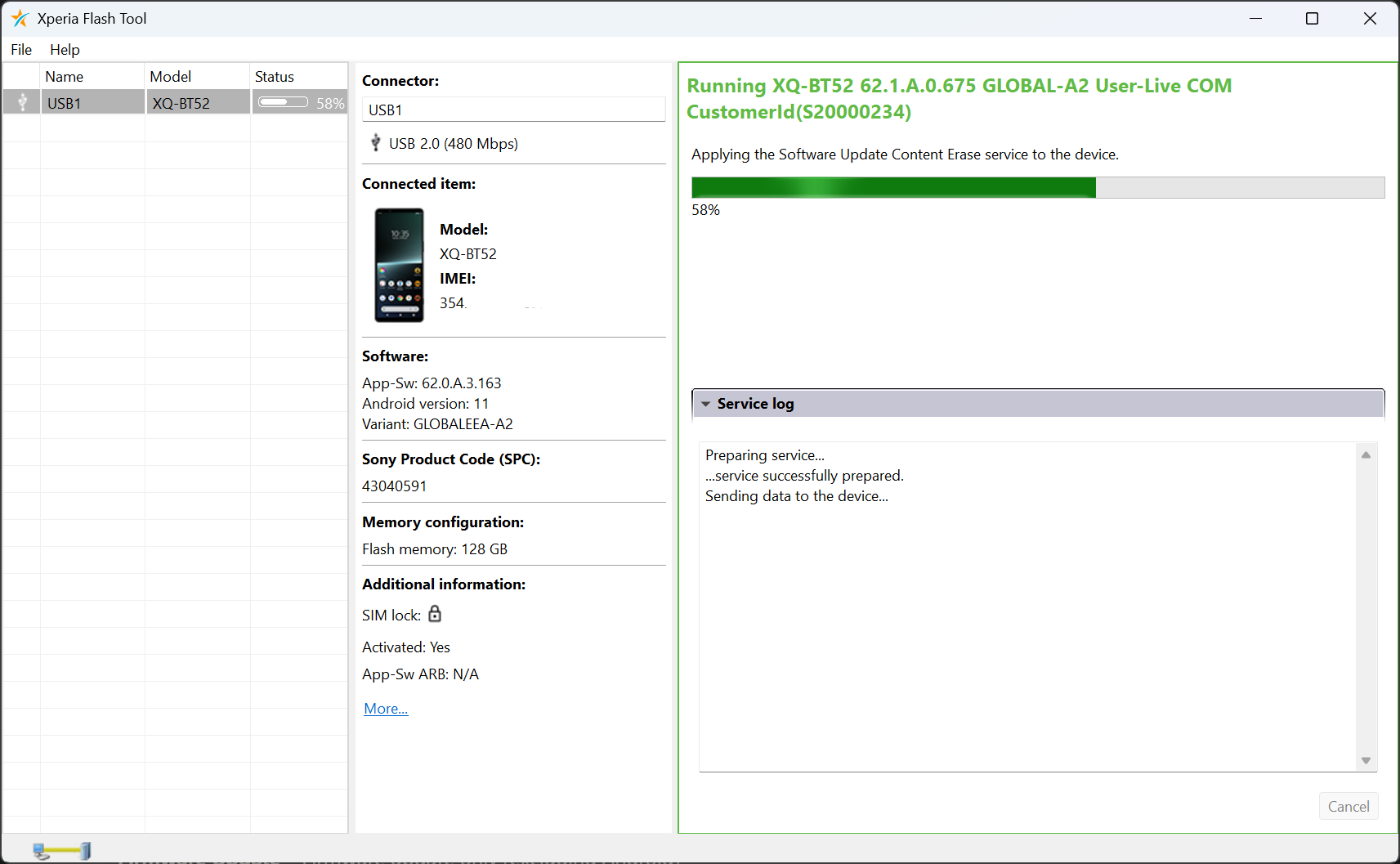
First question was: go A12, or A13? I’m not sure what’s different for @wetab73, for me A12 service was directly available in Xperia Flash Tool (ex-EMMA)  so that’s what I went with.
For SFOS re-flash, I went with v2a then. Updated flash-config.sh to SW_binaries_for_Xperia_Android_12_4.19_v2a_lena.img + bumped md5.lst.
RESULTS
My main experiment motivation was about the weird greenish paint blobs appearing below translucent elements like SFOS app cards below launcher icon grids, visible in dark room.
And… I think they’re still there! Is this “tint” issue still something else than I think it is, since nobody’s been able to screenshot (visible only on-screen), or photograph it (visible only in near-pitch-black dark room)?
I can clearly see it with these conditions:
- have multiple rows of app cards open in launcher (blobs appear around middle to lower card grid rows)
- open an app grid sub-folder with some icons in it (multiple layers of translucency)
- on A12-based SFOS install, right now I clearly still see a tinted “paint blob” around the launcher app cards due to app icon grid translucency
- it may or may not be rendering in a different shape now on A12 vs my previous A11, can’t remember such deep shape details anymore

Call echo: did a couple of test calls both on A12 and SFOS to spouse’s iPhone, everything seemed fine, no echo.
Fingerprint: worked also mostly fine on A11, other than standard OOMs crashing fpd every so often, I guess we’ll see how this goes, seems to work just as fine on A12 thus far, 1 day in.
Confirmed, this works great to backup directly to your laptop. Transfer speed matches, will take ~50 min to clone for 104 GB. I verified md5sum to be equal both on-phone and laptop, before proceeding with A12 install.
T/YdIL easiest way to get your SSH pubkey into recovery image instead of copy-pasta
ssh-copy-id ~/.ssh/id_ed25519 root@10.42.66.66
Restore cmdline for this filename is
pv -rab < sfos_backup_sda79.img | ssh root@10.42.66.66 dd of=/dev/sda79 bs=4M
Restore write goes only at 19 MB/sec, so great time to cook and eat dinner for 1,5 h or so.
I’m only now going to try booting AAS on A13 now, with patched MindTheGApps, so not sure yet about the above. But everybody here claims cameras should be working fine with A12 base + blobs.. can confirm things work fine on SFOS Camera, I’ll know about AAS soon.
One more noteworthy partition backup/restore side-effect: media indexing wasn’t able to pick up Camera saves to SD card anymore. Photos are visible swiping backwards in Camera app, but Gallery wouldn’t show them, until I used Utilities to reset media index

EDIT reset ofono also needed Android 13 and SailfishOS on Xperia 10 III - #185 by lkraav