I have bought a Sony Xperia 10 II Dualsim with Sailfish OS installed.
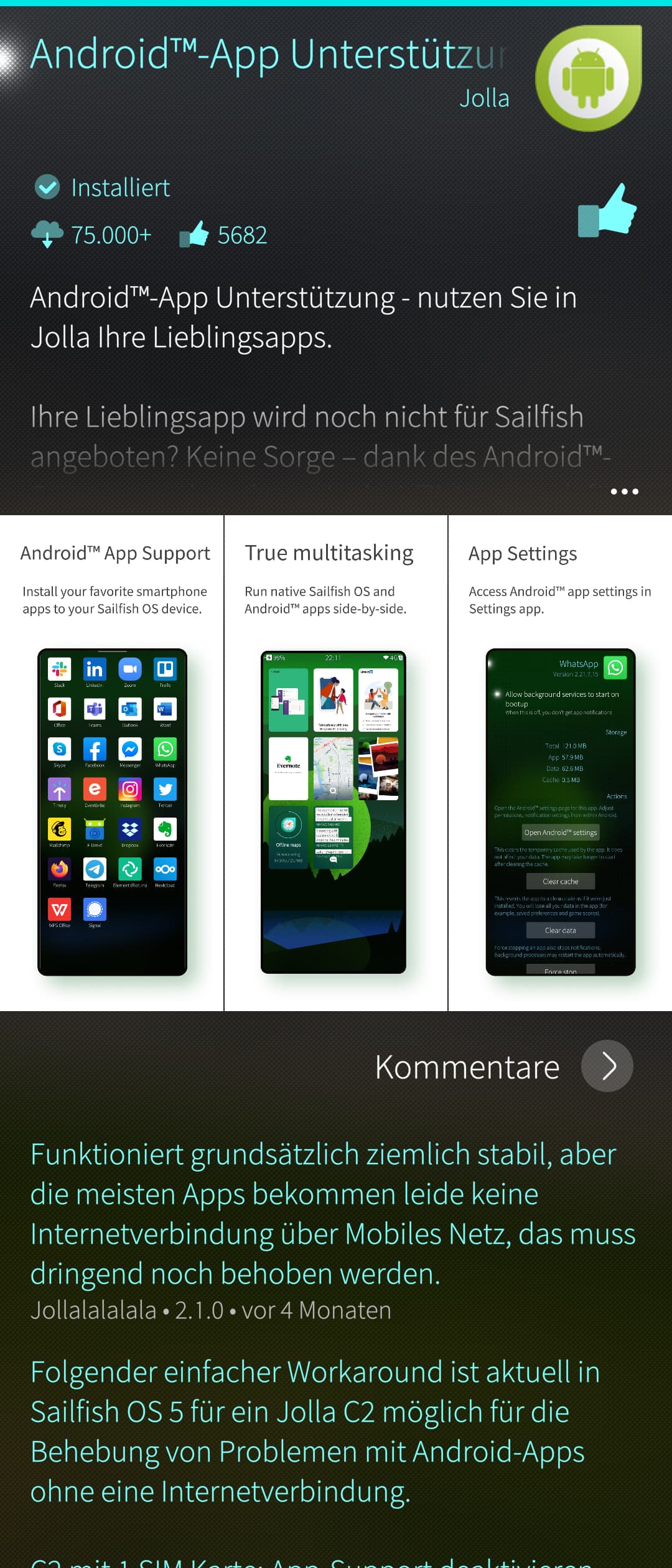
After testing a little bit I felt the need for Android applicationa (at least for the German Railway ticket application “ DB Navigator “).
I went to the Jolla store via the settings application (settings - accounts - Jolla - my extensions - Android AppSupport - activate extension).
I bought the license and got the confirmation mail, it is also shown in the online shop.
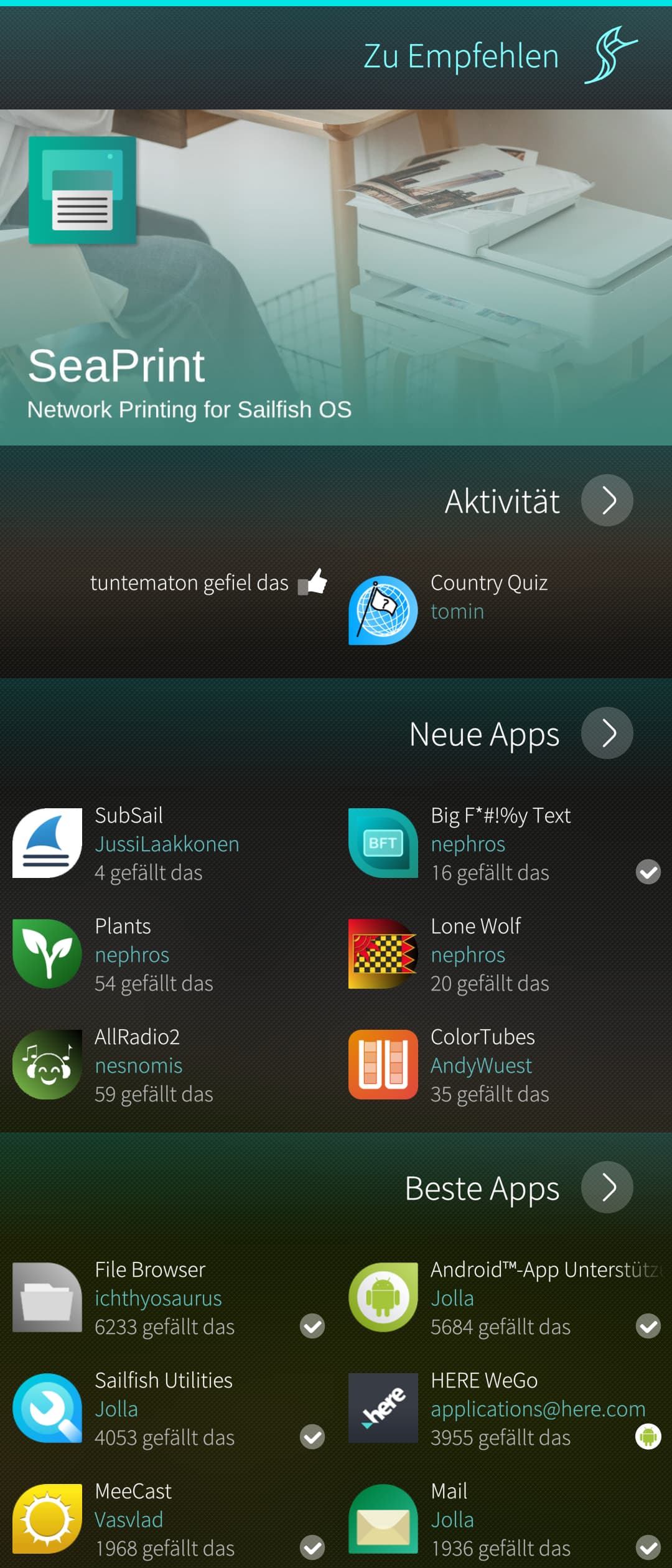
I have only this one Jolla account - used in shop and as login on the phone. I have rebooted, searched for updates, searched for “AppSupport” in the store (cannot be found).
I even tried to just install F-Droid, which fails.
Unfortunately I also get no answer from Jolla support for about three weeks now.
If sailfish OS was pre-installed by the previous owner, maybe they installed a version without AppSupport.
I would suggest to flash the latest Android you can find (using emma), and then install sailfish again using the image you downloaded from the jolla store.
That way you will have the latest Android blobs (baseband etc.) and a fresh install of the “paid” version you purchased with jolla.
Nonsense. There is no such thing. AppSupport is just a software package to be installed like you would an app. The installation images (paid/unpaid) do not differ at all.
I have purchased the phone with a fresh installation of Sailfish as it was from someone who takes the devices to replace Android by Sailfish and sell them afterwards.
As I understood the principles stated on the Sailfish/Jolla website Sailfish is only available in one single variant for a particular device and the extensions are only activated by buying the license - but present in the software from the beginning.
I guess the problem here is the activation process.
I think it is weird that the settings button “activate this extension” when clicking on the Android AppSupport entry in Accounts/My Extensions leads me to the shop website still (after having purchased the license).
In the Jolla store on the phone I again searched for “Android” but did not find it - still after deleting the Jolla account, rebooting and logging in again…
This piece of UI is probably quite new - i had no idea it existed, and assume basically nobody has seen it.
I don’t believe the process of installing AAS has changed in any way, so i think it is safe to ignore.
When trying devel-su pkcon install aliendalvik I get “Auth failed”.
I am not sure if this is due to wrong password I enter. I tried the password set as unlock code as well as the password I use for the user “normally” on my devices.
Also I tried the one for the Jolla account…
To answer the last question - I am not afraid of using the commandline…
Ah, I think I may actually know what the “auth failed” thing is!
The password you must enter is a separate one just for the terminal, that you can find in Developer tools in Settings, at the top, just below Remote connection.
Press Clear, then type in a password (or generate one), then press Save. You can use this password for the aliendalvik installation command.
If that still doesn’t work, then really the only things left are to try reentering and double checking the password.