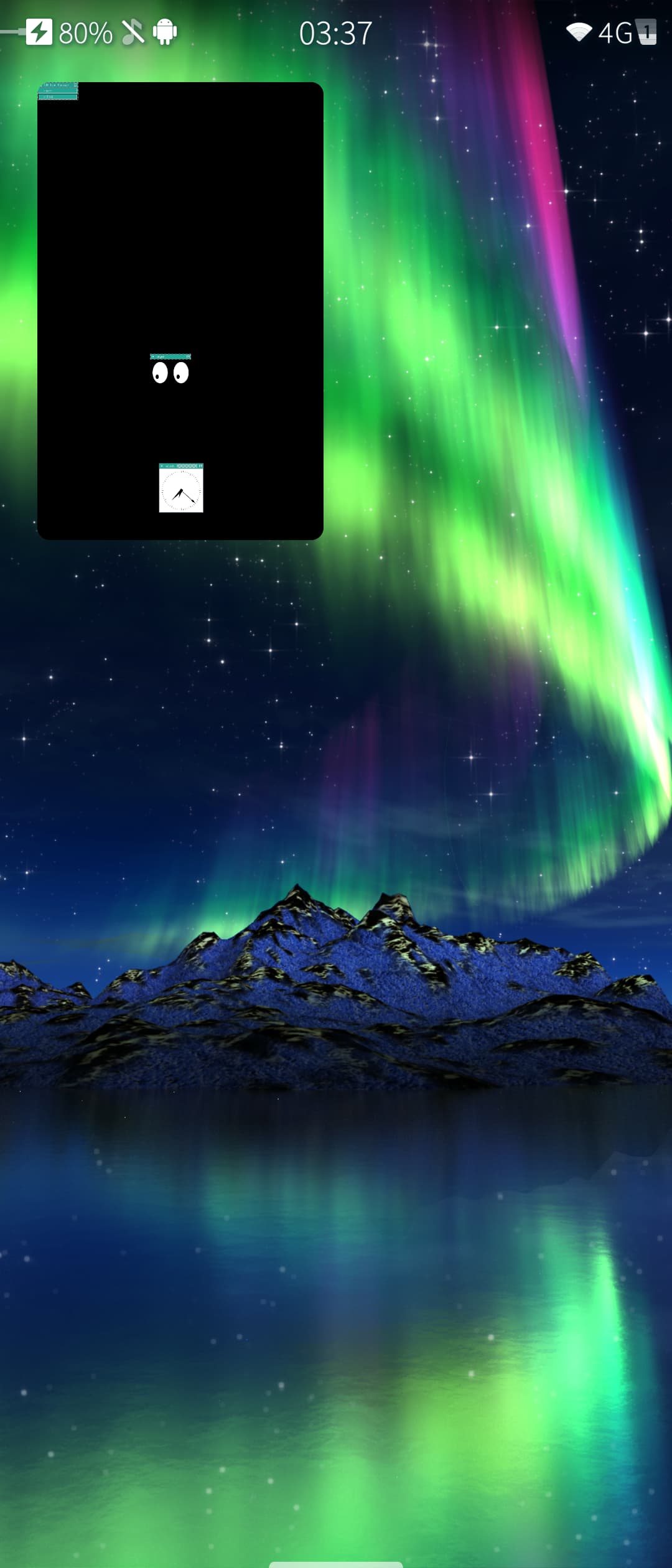
I have packaged Xwayland for Sailfish OS, in case anyone wants to run X11 apps.
Right now you would need a window manager which you probably have to run on a container. Later I’ll make a window manager that integrates well with Sailfish OS (like how in a desktop Xwayland windows appear like regular windows), but I’m publishing the Xwayland package in case someone might find it useful.
I have uploaded only the runtime dependencies to OpenRepos. You can find the RPM specs for all the necessary dependencies at the various repositories at ArturGaspar (Artur Gaspar) · GitHub.
Below you can see it running xeyes and xclock in twm in a Debian container through harbour-containers.
Idk what you’re exactly want to, but just FYI the limited shell of lipstick will stop you from integrating Xwayland like you’re used from Desktop Linux. There isn’t even xdg-shell available on SailfishOS.
I don’t think anything theoretically stops me from implementing the Xwayland integration (properly called “rootless mode”) in this compositor. It’s just a little bit of work because it has to act like an X11 window manager to the X clients. I had a previous attempt based on wlroots (which might have given me the Xwayland integration for free) but I couldn’t get the screen orientation to work right.
In fact I don’t think I need xdg_shell at all since I’m packaging an old enough Xwayland that it uses wl_shell (which is why it works in Lipstick though in rootful mode).
I didn’t say it doesn’t work, I meant heaving aggressive popups that lay on top and other edge cases, that e.g. in Wlroots’ Xwayland get handled by layer-shell, on GNOME by gnome-shell, iirc.
I guess most things will work with the compsitor in compositor approach. But some forum user will want to have it all, like always. @rinigus faced the shell problem with flatpak and porting qt 5.15, too, so if you run into problems, he maybe can help.
Because I’ve been trying the last couple of nights eventually ending up at your Xwayland and newcompositor work but did not manage to get a Firefox or LibreWolf window up on my phone.
Ok, it’s not xskat, but Skaat App - Play Skat in your browser works on the phone browser. Haven’t gotten it working in a webview yet. Hit the button, then scroll down.