5.1.0.8
REPRODUCIBILITY: permanent
OS VERSION: 5.1.0.8
HARDWARE: Xperia 10 Dual SIM
UI LANGUAGE: german
REGRESSION: yes
DESCRIPTION:
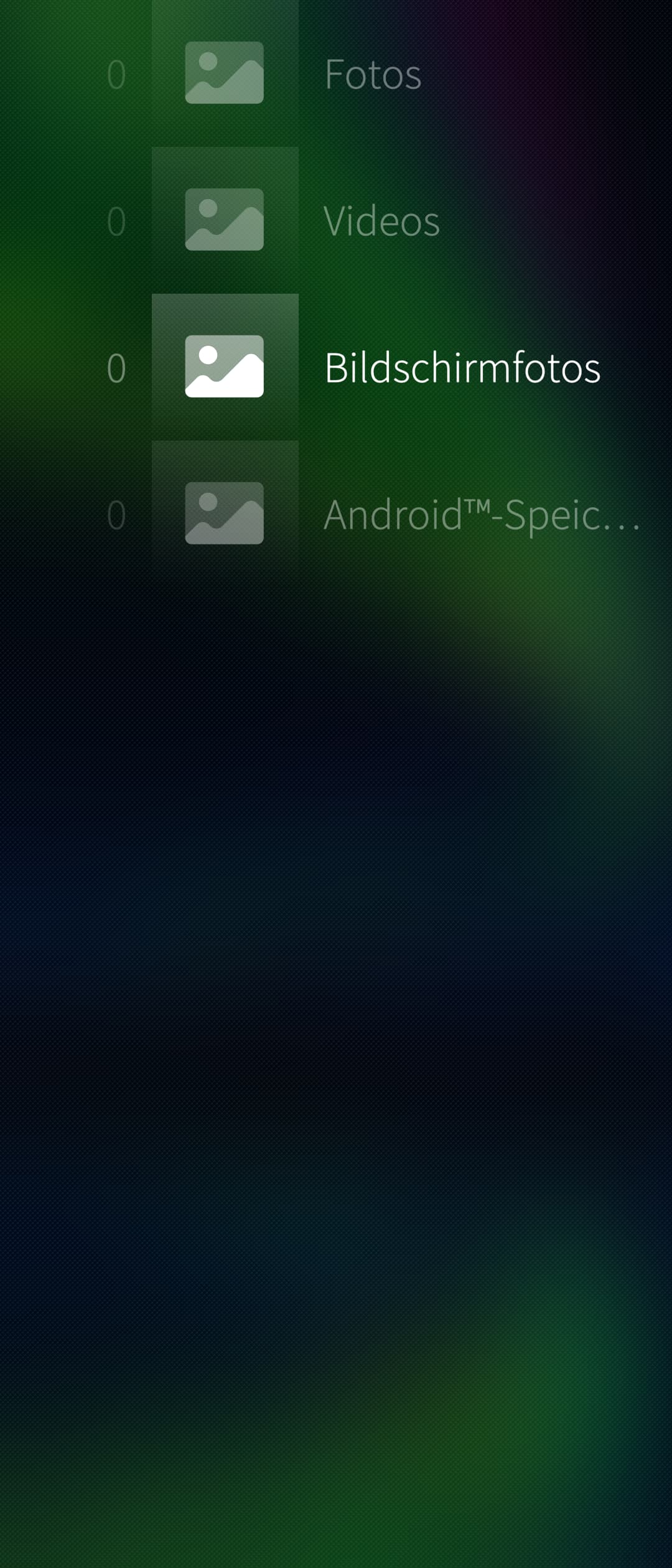
Media scanner doesn’t work
PRECONDITIONS:
Have photos, mp3 audio files, mp4 videos stored on the device
STEPS TO REPRODUCE:
- Launch a) Gallery app, b) Media app, c) LLs vPlayer
- Check for media data
- See 0 files for all media types in all apps.
EXPECTED RESULT:
See my a) photos, b) videos, c) videos and possible to a) view photo, b+c) play video
ACTUAL RESULT:
No photos or videos displayed, 0 displayed
MODIFICATIONS:
Storeman, Chum
ADDITIONAL INFORMATION:
How can I start the mediascanner manually by CLI?
How about to use the sailfishos utilities, especially the refresh the tracker database: Tips and Tricks | Sailfish OS Documentation
Or in the CLI for SailfishOS 4.3.0 or later: tracker3 reset -s
Both ways are describe in the linked docs.
3 Likes
I had the same issue on 10 III, Sailfish utilities solved this. I also mentioned that in the release thread…
It seems the tracker index was removed on boot on my 10II after the update. Music and images started to appear after 15 minutes or so.
Thanks for your replies. So now i’ll run a test now: boot the phone, connect to USB power, reset media database freshly (now called ‘Localsearch’) the same way as I did 5 times in the last days, and then let it run in peace on this beautiful sunday without any experiments or tinkering.
At afternoon, a few hours later, i’ll see if it helps and will report.
edit: Also resetted the Packet-Cache and rebooted right now. So now the xperiment starts.
I have noticed slightly higher power consumption in the wake of (some?) previous updates, and concluded that tracker indexing was probably the cause.