Unfortunately I decided to make use of the return policy. So I filled out the Withdrawal Form and received an automated “Acknowledgement of receipt of your withdrawal“ with Reference number.
The message text says: “This email serves as confirmation of receipt on a durable medium (Art. 11a of Directive 2011/83/EU). … When returning a Device please use the return shipping label provided with your parcel to ship it back to us. If you dont have one please send us a mail using the keyword: ReturningDevice“
I have the mentioned return shipping label, but it is confusing te me whether the automated message is enough to post the parcel, or if I should await further instructions. With respect to instructions, we have different parcel services in my country (DHL, PostNL, DPD, UPS), which one should I pick? I asked this question by mail with keyword “ReturningDevice“ in both the subject and body, but have not received an answer.
So should I wait or just try if e.g. DHL accepts the parcel with the default label (it was deliverd by a DHL employee so I would guess to try that first).
Any advice would be appreciated.
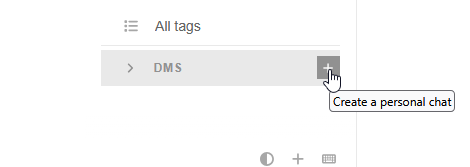
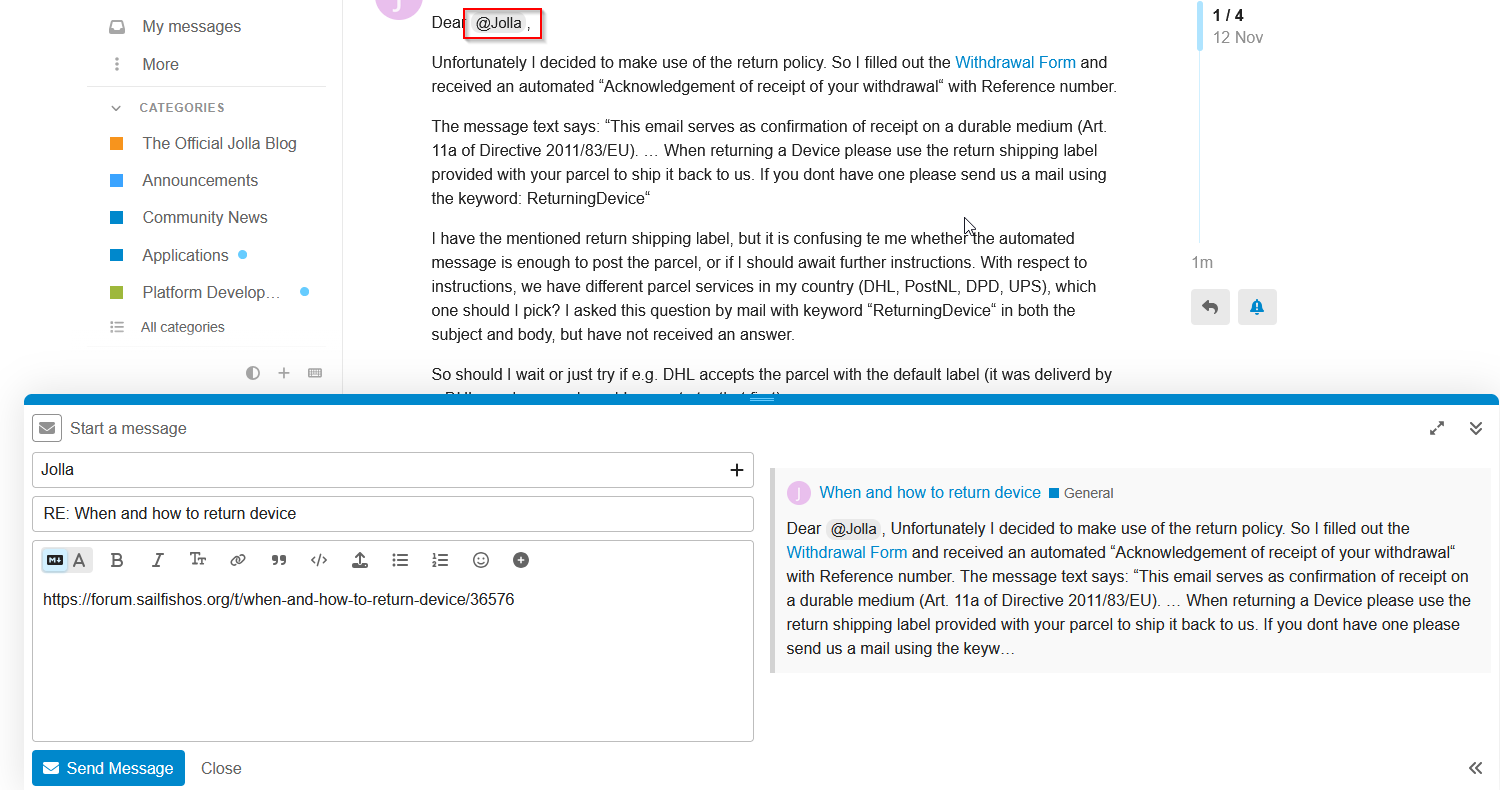
P.S. I did find this topic with similar issue which also mentions the option to send a DM to @Jolla, but I don’t know how to do this
Thank you for your kind reply. Yes it was and is a dissapointment for me as well but for now I don’t want to deviate too much to the reasons for it (though I would be willing to explain, but just to keep focus).
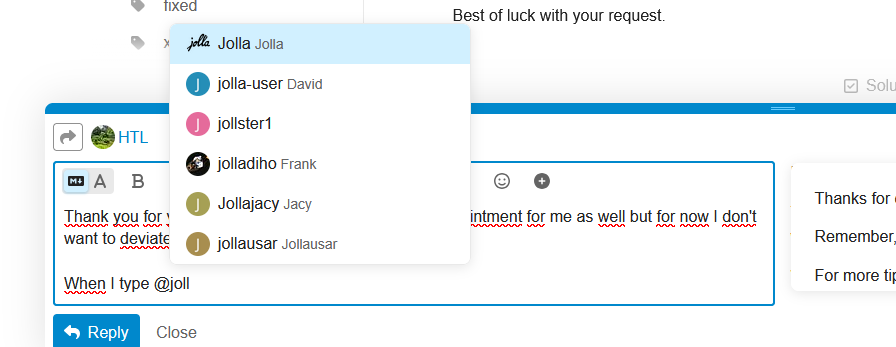
When I start typing “@Joll” within my message I see this:
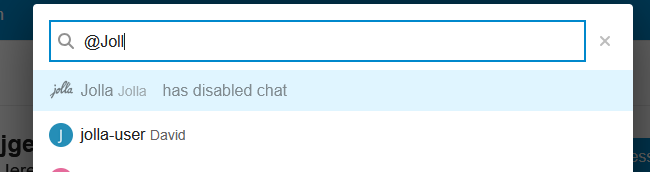
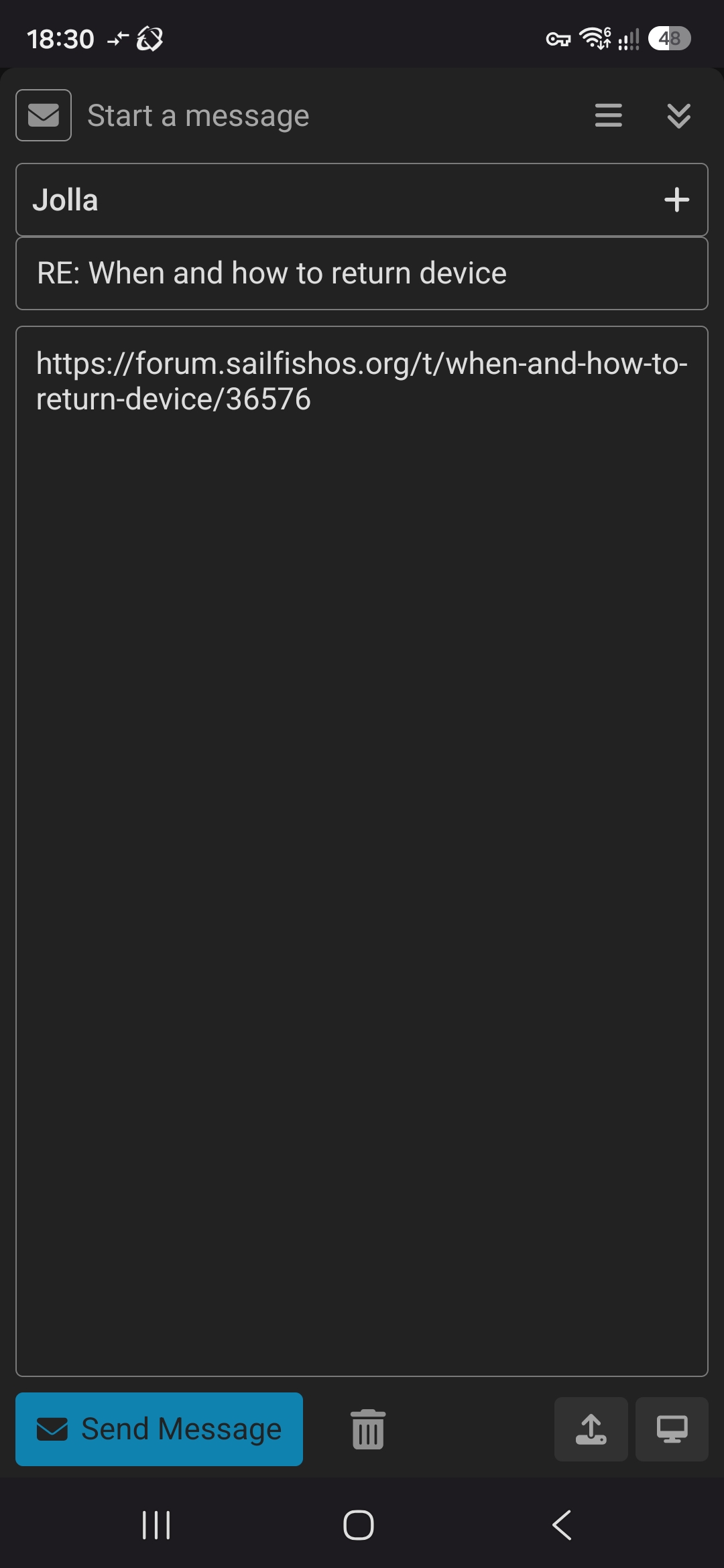
Chat and private message are different things. jgercama, in your initial post you have adressed jolla, and in the post (not the reply editor) the name is greyed. tap on the name, there select message.