yep, that’s what I did. I am a noob though, so take that advice with caution. If the location doesn’t match the command, it’ll tell you. If it doesn’t work the first time, try again with the other modem file.
Thanks for your detailed advice, I gonna give it a shot
1 Like
No worries. In case you hadn’t read the whole thread, it only works as a temporary fix for VoLTE until the next reboot (where VoLTE is lost and requires flashing the a modem file to get it going again)
1 Like
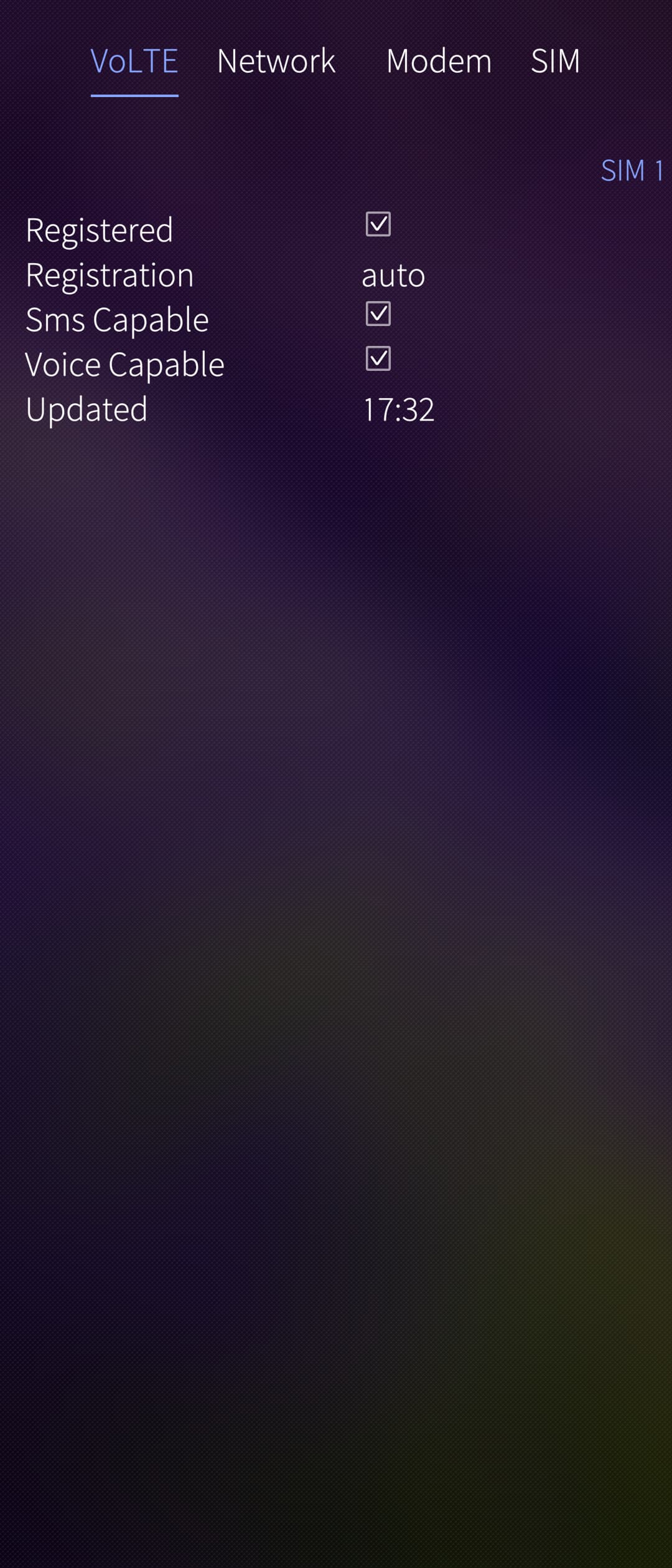
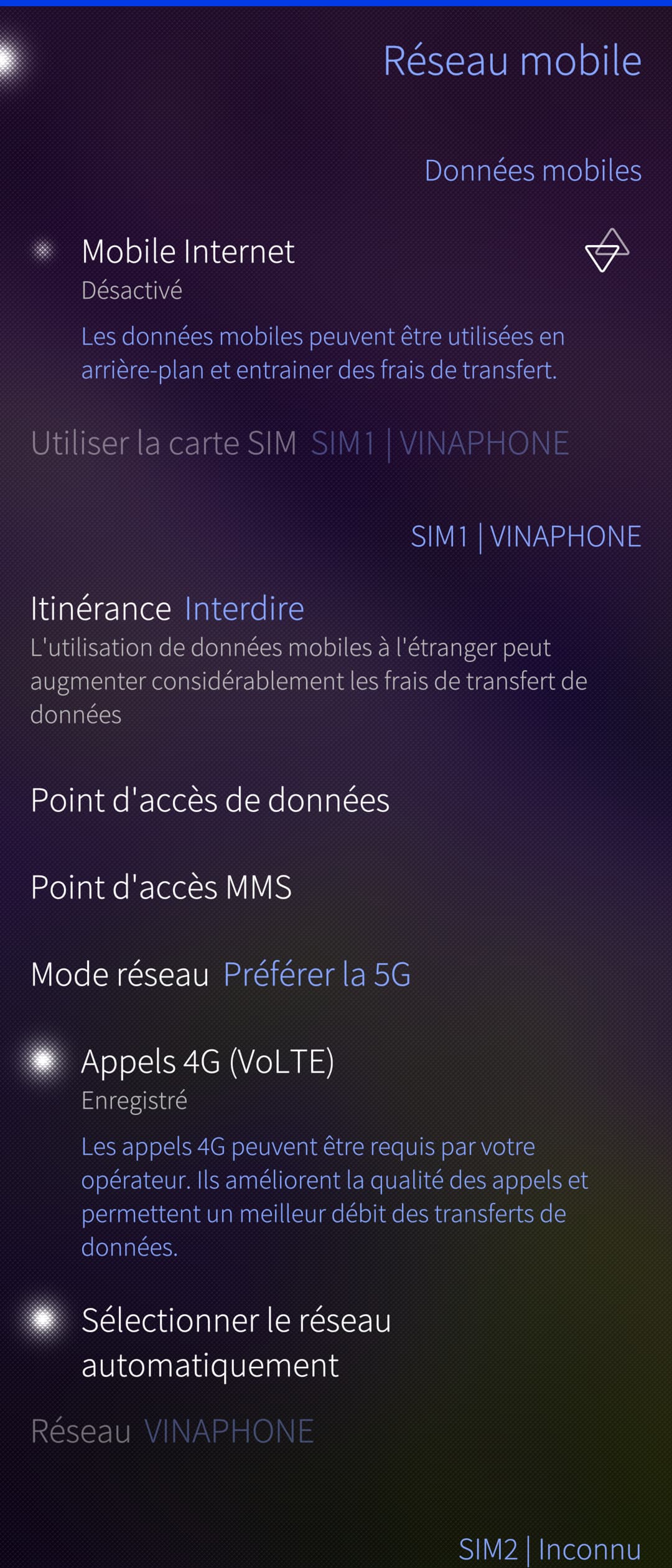
Fantastic news (aside from the temporary part, of course)
1 Like
Is/has SailfishOS a kind of ‘self repairing system’, that irons out such tweaks and mods after each reboot, so they has to be done newly after each reboot?
edit: If yes, since what version?
As far as I know, yes, however since when, I’m not sure, maybe @tn71 can tell.
Mine is in 5.0.0.76
1 Like
I’m not the one to ask. I mash buttons until something happens. This is what AI said:
The modem-switcher service on Sony devices performs a “sanity check” on every single boot.
When you flash a different modem image, you are changing the Software Version or the Modem Hash. When the phone boots for the first time after that flash, the hardware detects a “New Modem Version” and triggers a Full Modem Reset.
During this “Deep Reset,” the modem ignores its stored configuration (which usually blocks VoLTE on unsupported carriers) and stays in a “Generic” state for that session.
If you flash the exact same modem file, the hardware sees that the version/hash is identical to what is already on the partition. It skips the “Deep Reset” and proceeds with a standard boot.
It then goes on to suggest something that doesn’t work.
1 Like
It didn’t resolve your 5G issue by chance, did it? I can’t get 5G either.
Yes, the signal is still 4G
Is the second sim activated? If not, could you try to activate it? I recently switched off sim2 and noticed problems with 4Gvolte and 5G immediately (also mentioned earlier e.g. here) …
1 Like
Ironically, this solved my problem. Not what you suggested specifically, but simply placing my sim into slot 2 instead of slot 1. I’m not sure if something else helped, but I now have VoLTE after a reboot.
1 Like
Both of my sim slots are activated
Have you changed your sim to slot 2 and then rebooted (reboot without flashing the modem firmware)?
Unfortunately, your method did not work on my phone
Have you tried having the SIM in slot 2, deactivating SIM 1 (under the “SIM cards” settings page) and then enabling mobile data? You might have to select SIM 2 for the “Use SIM card” selector
I spent a considerable amount of time swapping sims and restarting, but it did not help
1 Like
I wonder if it’s anything to do with the base android version - I believe i flashed android 11.
1 Like
Not sure if you want to try spend more time on it (VoLTE was critical for me to use the phone in NZ as 2G and 3G networks are shut down, but it might not be for you), but you could try flash Android 11 Firmware and see if that get it working for you. The solution that worked for me was (don’t judge me for my noob method):
-
Flash a SEA firmware via newflasher (if you have
62.0.A.3.109SEA firmware you could try flash this and go straight to flashing Sailfish). -
Go to Xperia Flash Tool and flash the
62.0.A.3.109(Android 11) firmware. -
Flash Sailfish the normal way (Android 11 binary).
-
Boot up Sailfish and flash Android 12 SEA modem image (Modem File).
devel-su
dd if=modem_X-FLASH-ALL-8A63_BT52.img of=/dev/block/bootdevice/by-name/modem_a
dd if=modem_X-FLASH-ALL-8A63_BT52.img of=/dev/block/bootdevice/by-name/modem_b
sync
- Place your SIM in slot 2. Reboot.
2 Likes
As an end user like you, I have nothing to judge, so don’t worry, I’m just a tinkerer.
Of course, in my country, it is not a big deal, I will try it in my free time, thanks