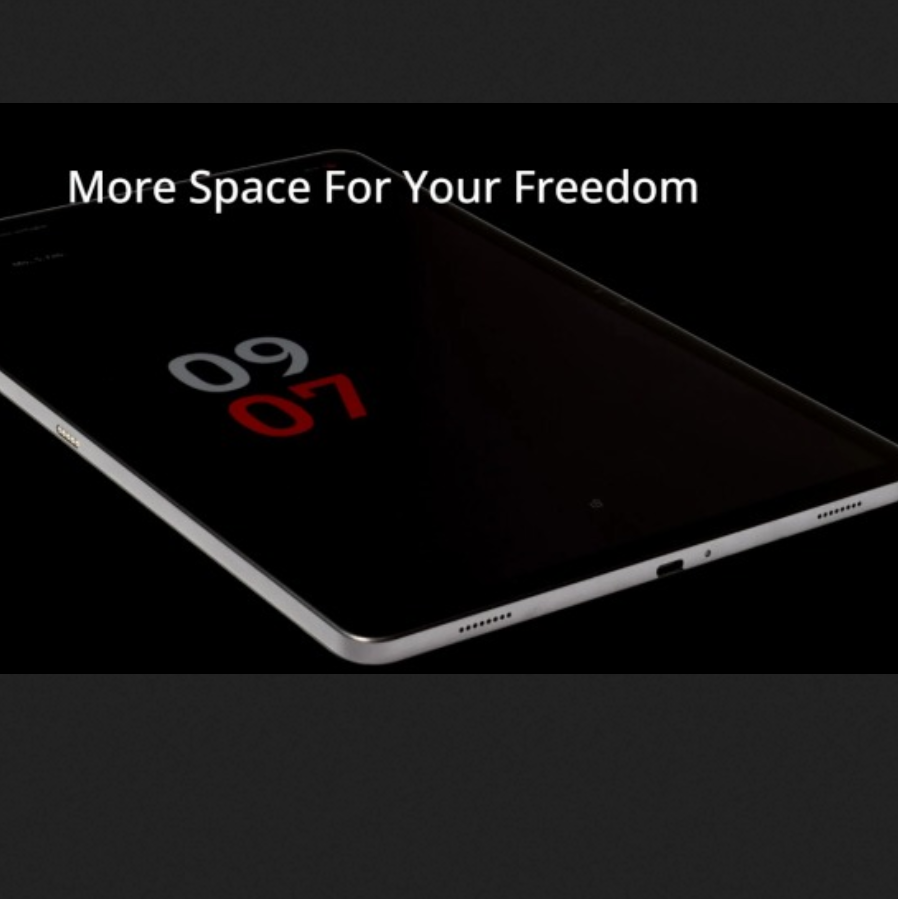
Does anyone know if the Volla tablet can be operated with Sailfish OS? See VOLLA TABLET - VOLLA PHONE
See also here Volla Tablet will ship with Android, but supports Ubuntu Touch multi-boot (crowdfunding) - Liliputing At this page you can see the hardware system requirements and that it can start ubuntu touch and their own secured OS.
1 Like
Seeing that the device does not exist yet, there was no possibility to create a community port. For the existing Volla devices (Volla Phone, Volla22, VollaX23) community ports of SFOS have been created, appearently paid for by Volla. It is well possible that this will happen for the Volla tablet, but there was no announcement.
Today a new Kickstarter action was started. See here https://www.kickstarter.com/projects/volla/volla-tablet-simplify-your-digital-life
2 Likes
The Tablet is already funded. Anyone here who backed it?
I thought about it, but waited if there would be an announcement for a sailfish port
In the FAQs they say…
Yes, we will again include the multi-boot function into Volla OS. We are also in discussion for Sailfish OS on the Volla Tablet. A pen is also in preparation. The tests have not yet been completed. We may be able to already offer an update and an add-on during the campaign.
4 Likes
Early adopters are invited to try a development build of sailfishos on the volla tablet 
17 Likes
Great news
Have you a quick tutorial how to flash it?
1 Like
User flashable build is now available for download (see the single volla thread)
Download and run
sh flash.sh
Have table in fastboot mode with bootloader unlocked
8 Likes
I flashed Sailfish to the Volla Tablet and it works pretty well. If anyone wants to try it, here are the instructions:
- enable OEM unlock and USB debugging
- Put the tablet into fastboot mode (vol up + power)
- Unlock the bootloader with the command “fastboot flashing unlock”
- Reboot the tablet
- Bring the tablet back into fastboot mode
- Navigate to the folder containing the flash.sh file
- Open a terminal and run the command “bash ./flash.sh”
- Reboot and (hopefully) enjoy..
9 Likes
Any feedback on what isnt working?
4 Likes
Here is a list of things that work and things that don’t:
Work:
- Manual/automatic brightness
- Vibration
- Data connection
- WiFi
- GPS
- Camera
- Rotation
- Loudspeakers
- Bluetooth
- MTP access
- Notification LED
- Waydroid
Not Work:
-
3 Likes
Can confirm the notification LED and Camera … i have had both working so shouldne be difficult to figure out what ive not packaged.
For the storage, I create a 200gb home partition on the android /userdata. So, home is 200gb, and the rest of the storage can be used as you want. I may consider making a larger home image.
3 Likes
200 GB is more than enough for me; I can hardly fill it up. It would be nice to get the LED and camera working, as well as Waydroid.
The tablet is fast and the screen quality is much better than the Pinetab 2’s. The battery life seems good too.
Ive fixed the camera and LEd issues. Will make an update soon.
10 Likes
To update and fix camera/LEDs do the following:
zypper ref
zypper up
zypper rm libnfcdev nfcd jolla-settings-system-nfc
dconf reset -f /apps/jolla-camera/
reboot
The tablet does not actually have NFC afaik, so the above will remove the nfc related packages.
Regarding SMS .. do you want that? i decided that telephone functions were a bit pointless, so removed those packages, but i guess i left jolla-messages being installed. I probably would have to add back in the telephony functions to get SMS to work.
Funny but true personal story why telephony functions can come handy: I was at recovery in spa. I had also group physical therapy in the pool. I was late for that so very much in the hurry. I started to move my leg in the pool and felt that phone with smashed screen is in my pocket. Hmm, quick reaction but … I did manage to create a fresh backup just after. But that was it. Phone didn’t even turn on. Luckily I also had tablet with myself for the easier reading. I moved the SIM there and I was on mobile network.
OTOH there are many cheap tablets that don’t have GSM call functionality built in modem.
The camera and LED are working now, thank you!
I may not need SMS on the tablet, but it would be more important to get Waydroid working because not all pages work with the native browser anymore. It would also be useful to be able to run a few other Android apps on the tablet, as there are no native replacements for them.