Has anyone experience using one of the Vivaldi RPM packages off the official website on SFOS?
Right now I can’t test it myself because I have to wait until mid 2026 for my Jolla Phone.
Has anyone experience using one of the Vivaldi RPM packages off the official website on SFOS?
Right now I can’t test it myself because I have to wait until mid 2026 for my Jolla Phone.
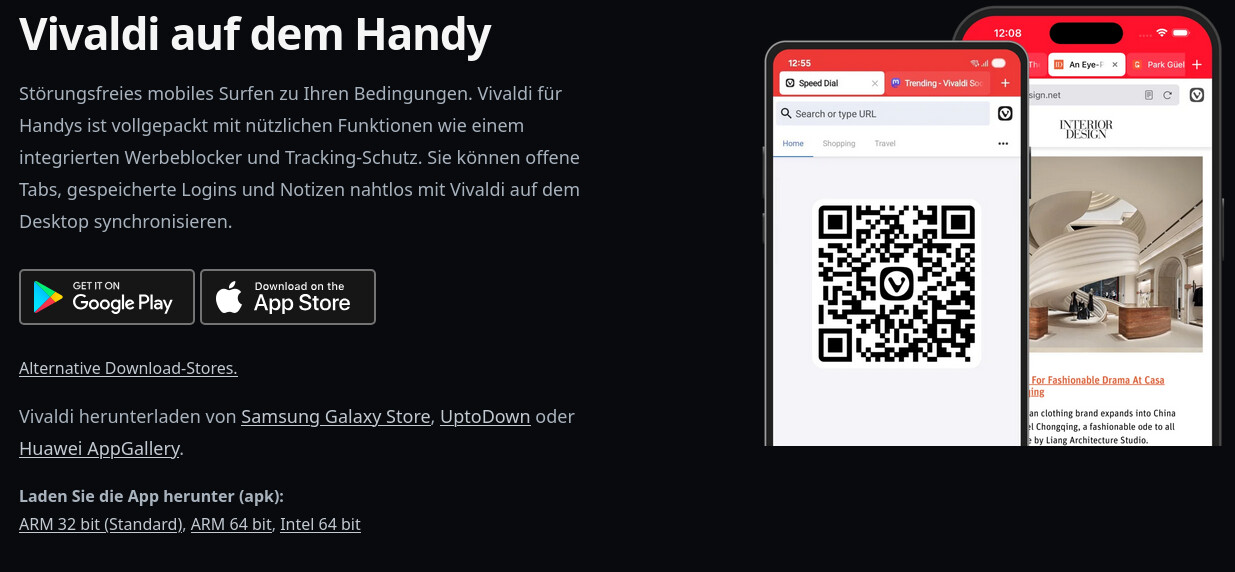
You should select the ARM64.apk by clicking on the alternative Downloads section at the bottom.
Then just clicking on the downloaded apk-file and it install it.
And a general suggestion:
I did always try to download the needed Android-Apps from the Webpages of origin. This apk often doesn’t need/have the google-play-(rootkit ;-)) and they have often autoupdate-feature in the app, like Telegram-App for example. So no need for Appstores in this case.
But that’s an Android package, not an RPM.
True, but at least it’s usable until it’s possible to install/use standard Desktop Linux RPM packages on SailfishOS.
Thanks, will give this a try if there is no RPM solution until I receive my pre-ordered Jolla Phone in mid 2026.
Can you please mark your last or my first post as solution?
Can’t spot a way to mark yours as solution. How do I do so?
Normally this “Solution”-Button should be displayed:

[Off-topic]
Application → Android doesn’t have this option, but I moved to General, set a solution and moved to Application → Android again.
[/off-topic]
Android Version rund without problems on Xperia 10 III. Didn’t know I can get it from the website, installed it via Aurora Store.
But I wonder why it’s no available on F-Droid.
And it would be cool to get it in Jolla, Appstore too (even the Android version) as it’s a European software. (perhaps Jolla, should invite selected European app developers to publish their android apps in Jolla Store - or much better doing native apps…)
I have been using Vivaldi for a long time on my desktop and also in App Support on the Xperia10-II. I installed it with FFUpdater. This automatically downloads the latest version from the website.
Unfortunately, when used with Sailfish OS 5.0.0.72, the current version keeps one processor core at 100% utilization as soon as it is opened. I did not notice this problem before the OS update, at least. That is why I have now installed V6.9.3451.114, which does not have this problem.
Apologies I did not notice the topic was regarding the rpm.
Regarding the Android version
I use Vivaldi daily on Jolla C2, Sailfish 1.0.0.59. For most uses it is fine, e.g. reading news, casual web browsing. The only things I believe are:
Other than that I think it must be OK as I do not have any other Android Browsers installed. Easy to install via the Aurora Store.
Regarding the aarm64 rpm
I am not sure this would work although Sailfish is a Wayland compositor and Vivaldi uses Wayland
… trying to install indicated a dependency is missing: libX11.so.6()(64bit).
Do not try to install without the dependency: the app will not work and may not be possible to remove the package after install.