REPRODUCIBILITY: 100%
OS VERSION: 5.0.0.73
HARDWARE: X10 III
UI LANGUAGE: German
REGRESSION: Yes
DESCRIPTION:
Bumble allows users to upload pictures and short video clips to their profile. On tap, these usually display in a lightbox/play in a loop. This stopped working after AppSupport was updated to Android 13.
PRECONDITIONS:
Registration for Bumble is needed. It can be downloaded from the Aurora Store.
STEPS TO REPRODUCE:
- Open Bumble
- Encounter a profile with a video, or upload one to own and preview it
- Try to play it by tapping the
 button
EXPECTED RESULT:
The video should play with sound after tapping it.
ACTUAL RESULT:
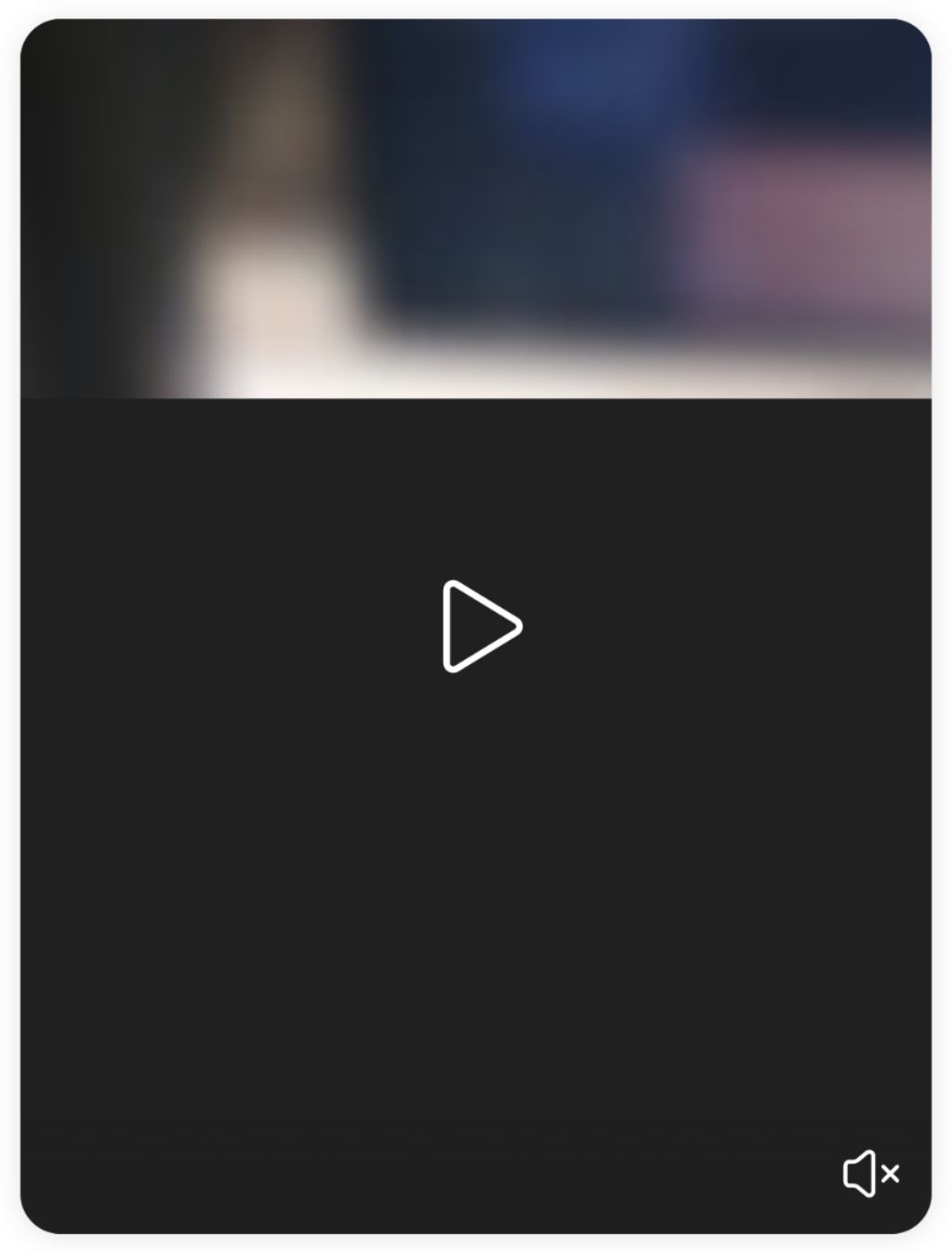
The video is shown only as a blurred thumbnail with nonfunctional and  buttons.
MODIFICATIONS:
microG, AppSupport Keyguard Stub
ADDITIONAL INFORMATION:
This used to work in AppSupport 11 (before 5.0.0.73 update), now the videos are nonfunctional in the same way as with Waydroid “11” x86_64 (tested on Fedora) and Waydroid “13” aarch64 (tested on postmarketOS) respectively.