I have a question about the ambiances. I don’t understand, conceptually from a design perceptive/decision/rationale, why the wallpaper process of ambiances works like it does today.
What I mean is like, I already have an image (not a camera photo, but a digital drawing) with the exact pixel size of the screen I want to use as a wallpaper as-is; like I do on my Laptop with KDE Plasma. Why does the input image need to be a rectangular just to crop it twice later on? I’m genuinely trying to understand the design rationale behind this flow.
I’m only aware of wallpaper setting processes that either 1) don’t crop at all because the pixel size already matches exactly, 2) fill the background with a user-defined or automatically calculated color, 3) or just crop the image once in a user-defined region. This double crop process with a rectangular input image is something I never encountered before in my life.
Explanations highly appreciated
I want to learn how this unique OS works.
Basically, it’s because for a pixel-perfect wallpaper, you need not only a vertical crop but a horizontal crop, too. It’s weird and unintuitive because (as far as I know and based on my experience) all other mobile OS’s create a pixel-perfect wallpaper in vertical orientation, and then zoom in on it in horizontal orientation. Or the wallpaper stays in vertical orientation no matter the actual orientation of the device.
With square background images, you can know exactly what the wallpaper is going to look like no matter the orientation. The downside is that you need to rethink the classic approach to wallpapers we all have.
If you never use the horizontal orientation, you could use @munkstolen’s recent app ‘Fiat Margo’, available on Storeman/OpenRepos, which pads out the sides of the image to make it square, thereby showing the full picture.
The background picture must cover both portrait and landscape orientations, so it must be square to fit the entire area. So, the higher resolution needs to be supported in both orientations.
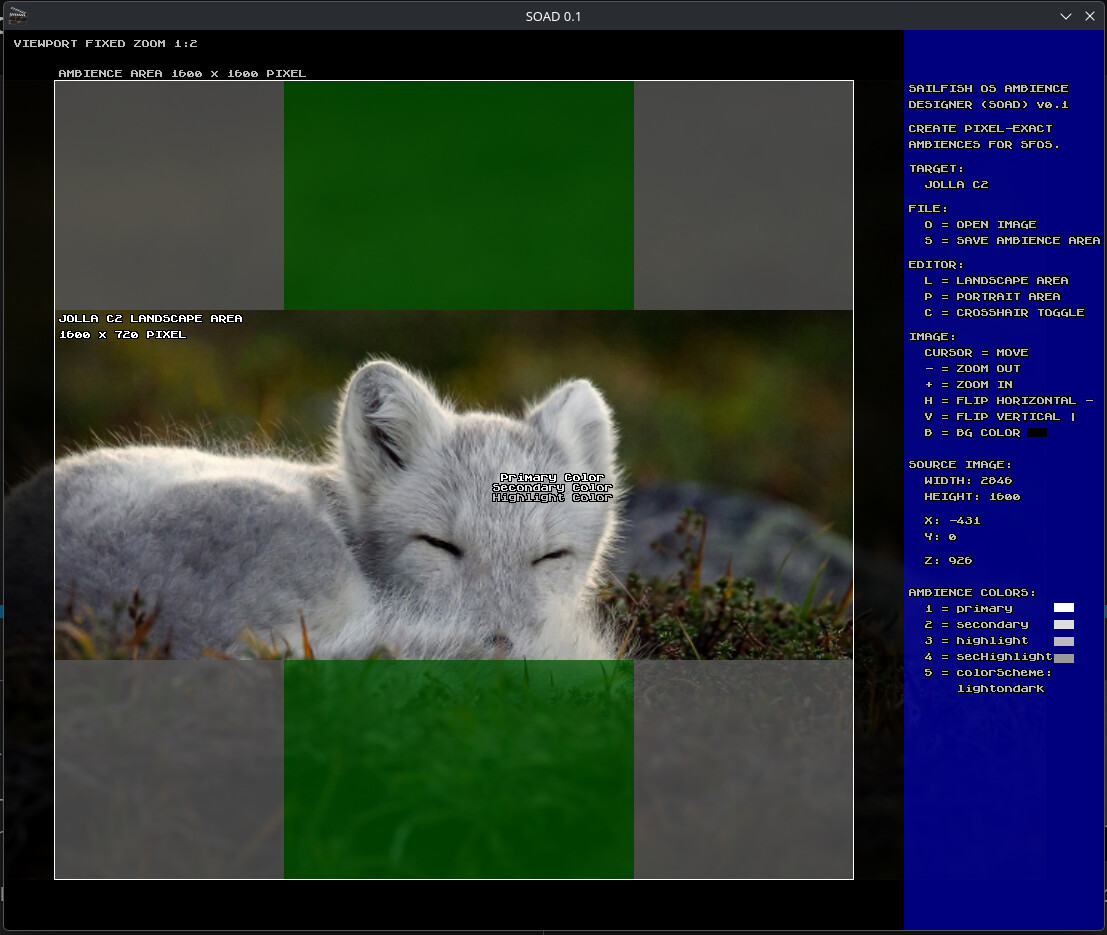
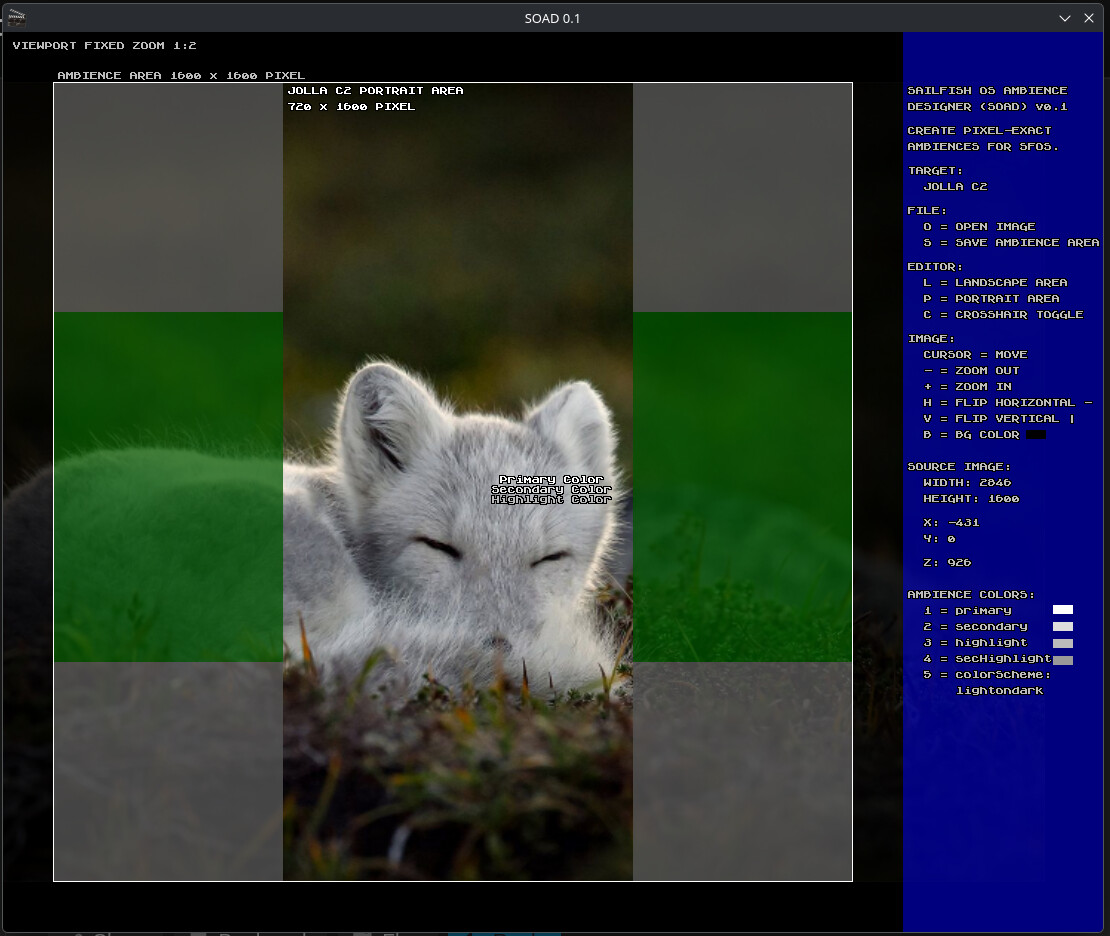
I’m building a desktop tool. It isn’t ready yet, but it can illustrate how it works. This example is for the Jolla C2, which has a physical screen resolution of 1600 × 720 pixels. Therefore, for pixel-perfect ambience, the image must have a resolution of 1600 × 1600 pixels.
Therefore, for the Jolla Phone 2026, the ambience background picture should have a resolution of 2272 × 2272 pixels to be pixel-perfect, with the picture’s highlights centered (if you like).
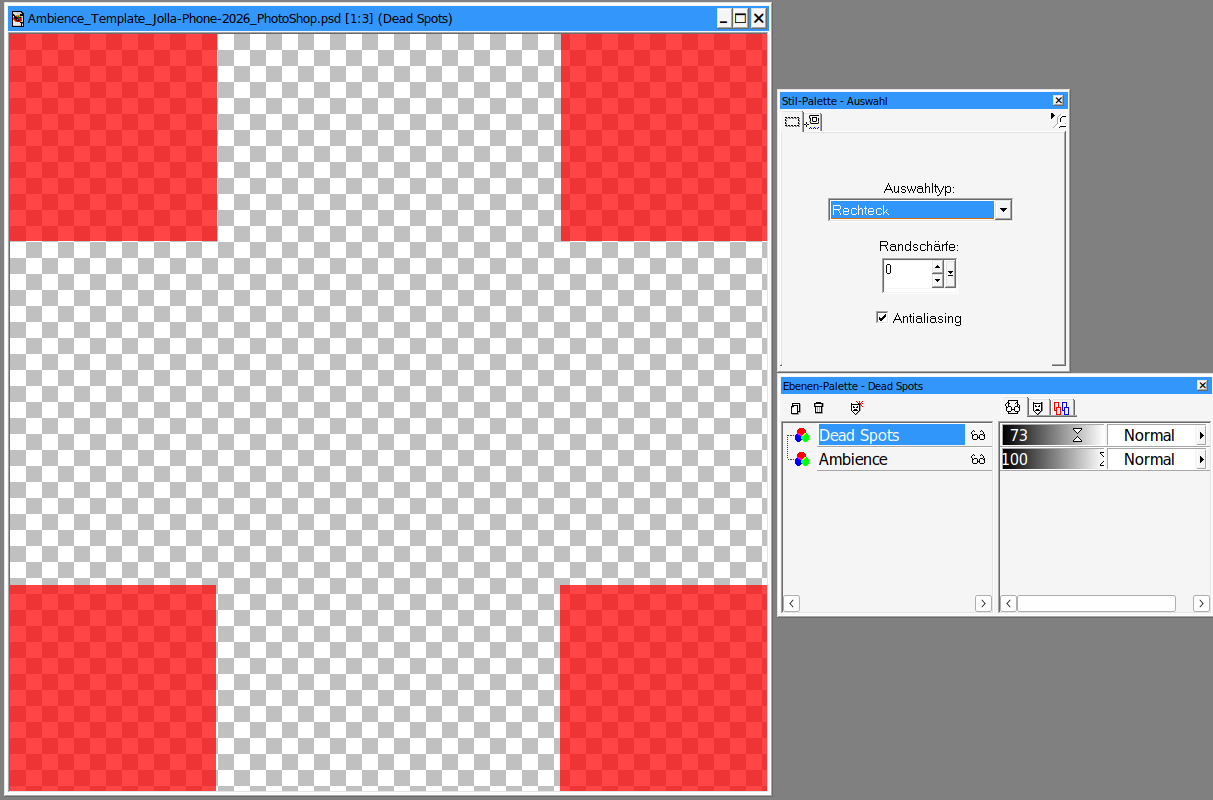
You can also create a Photoshop, GIMP, or similar file with two layers at that resolution. The first layer (front) should contain the four dead squares along the edges (620 x 620 pixel each), which will not be displayed on the Jolla Phone. On the second layer (back), you can move and zoom the image for a perfect fit. Later, simply save only the second layer.
Thanks for the explanation guys. I never thought about the horizontal orientation on phones as I basically never use it except when watching videos.
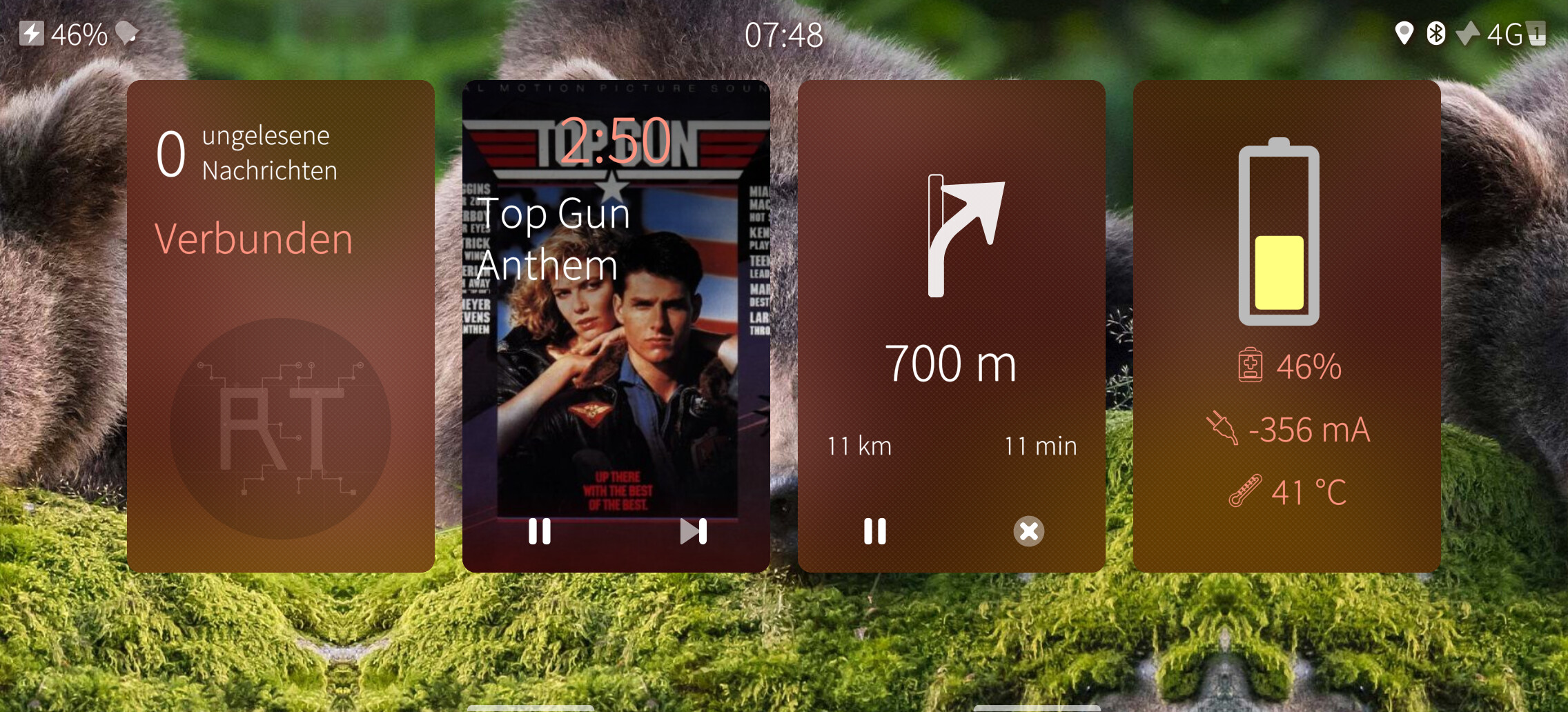
This process makes setting wallpapers with foreground objects or people on it definitely more challenging. I will figure something out that works for me. Good to know a tool exists as possible fallback.