Threesea: an unofficial Threema client for Sailfish OS

The app was written by AI, and it’s an experiment. Please read the disclaimer below.
Moien,
I was interested in testing whether, with enough time and polishing, one could get a decent Sailfish OS app out of current AI coding tools.
After some smaller tests, I had the idea of bringing Threema to SFOS, and worked on that over several weeks. The result is Threesea: a native, unofficial client that works with Threema Libre licenses. It’s now in a state where I use it personally, and I thought someone here in the community might be interested in what I’ve got so far.
Paradoxically, I’m not the biggest fan of AI and its usage in the modern world. This project was born of curiosity, and I’m only publishing it in the hope that someone else will find it useful, either as inspiration to build and learn something themselves, or to at least have a somewhat sailfish-y experience when using Threema on SFOS.
To be clear: while I’m a software engineer myself, I’m proficient in neither Rust nor C++, and I have no prior experience in writing SFOS apps. This project is 100% vibe-coded.
I will maintain Threesea for the time being, as I personally like having one more native experience on my phone, and when something goes sideways, I at least know whose fault it is. Mine.
I’m absolutely happy about any feedback, bug reports and critique (especially regarding UI, UX and security), and will try to implement as much as possible. I’ve tried to make everything as “sailfishy” as I can, but mostly relied on pattern the stock Jolla Apps use, and surrendered to the “easy and obvious solution” from time to time because I had no Idea on how to do it any better.
That being said: I can’t and won’t give any warranties or promises about Threesea being usable in the long term, or about it always working as expected.
And everybody that installs it, should know this.
Because of that, I’ve decided against publishing it in any of the stores for now, and rely purely on .rpm distribution through the GitHub page. I feel like that’s the best way to avoid any “involuntary testers”.
Download: Releases · penttimus/harbour-threesea · GitHub
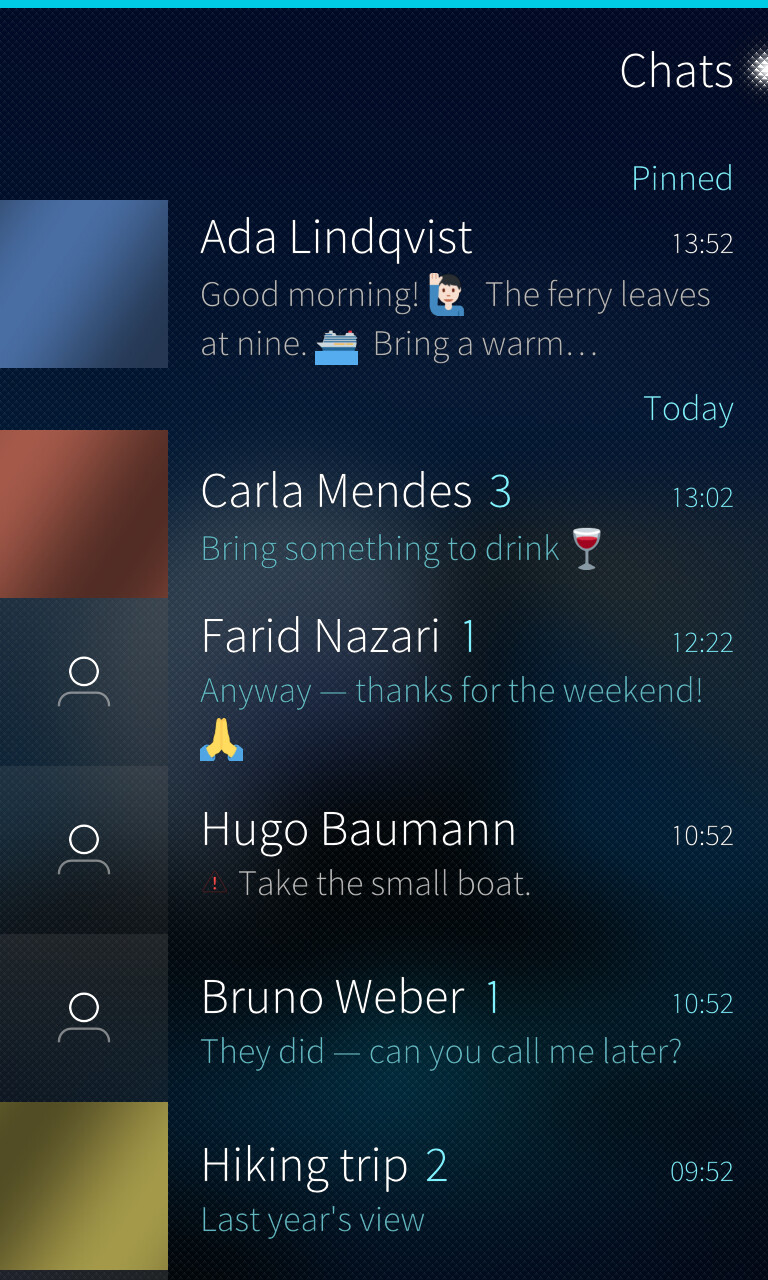
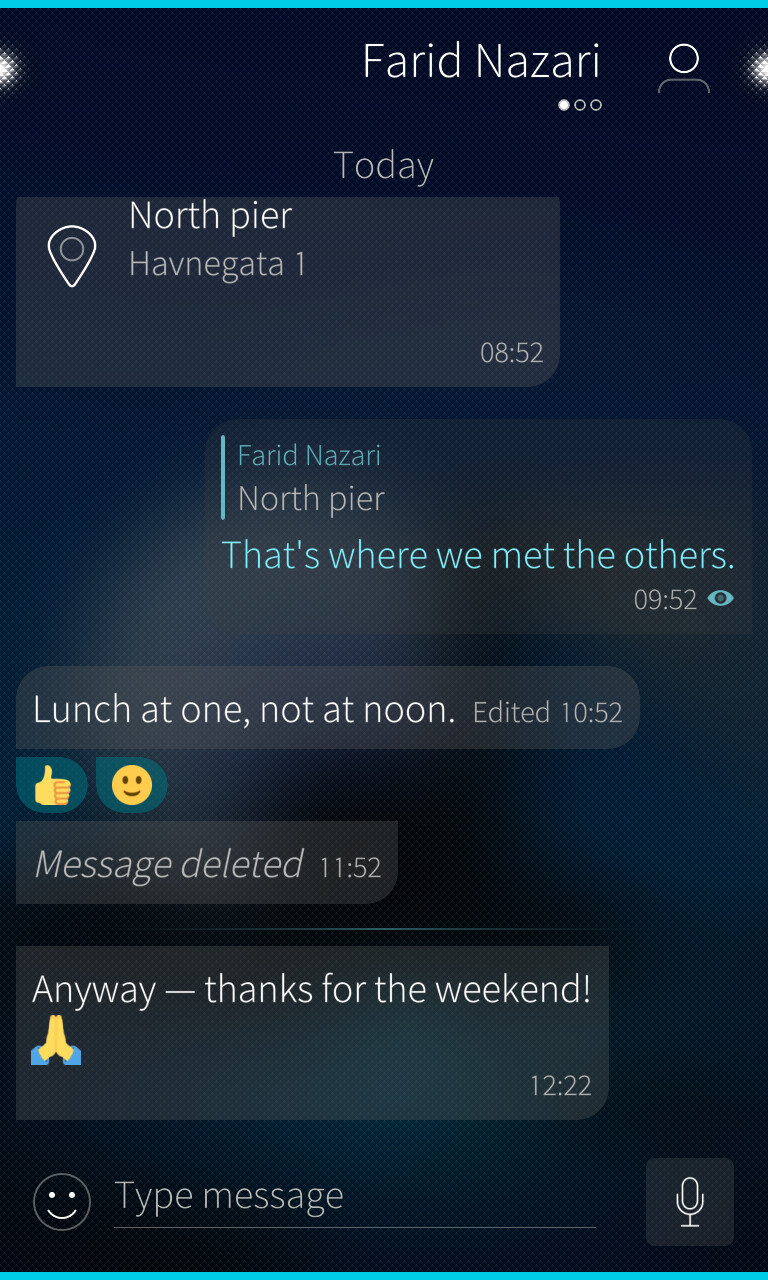
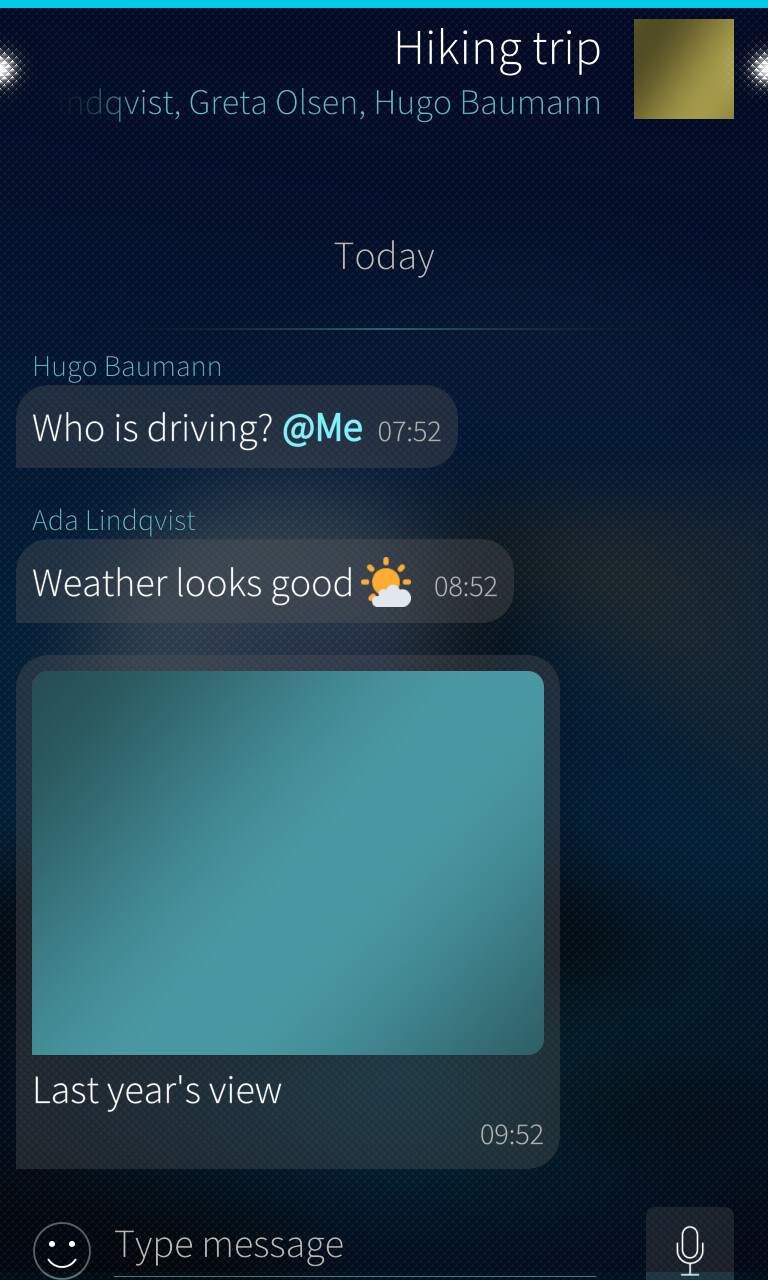
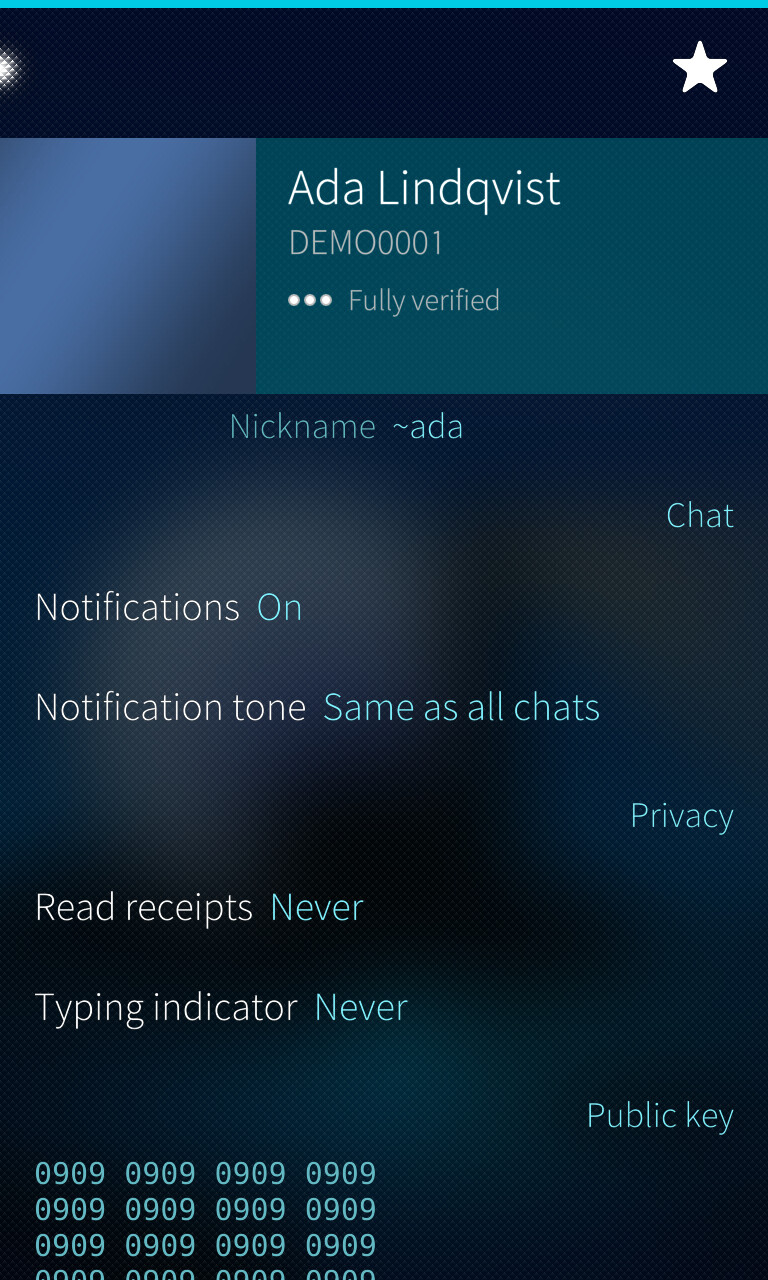
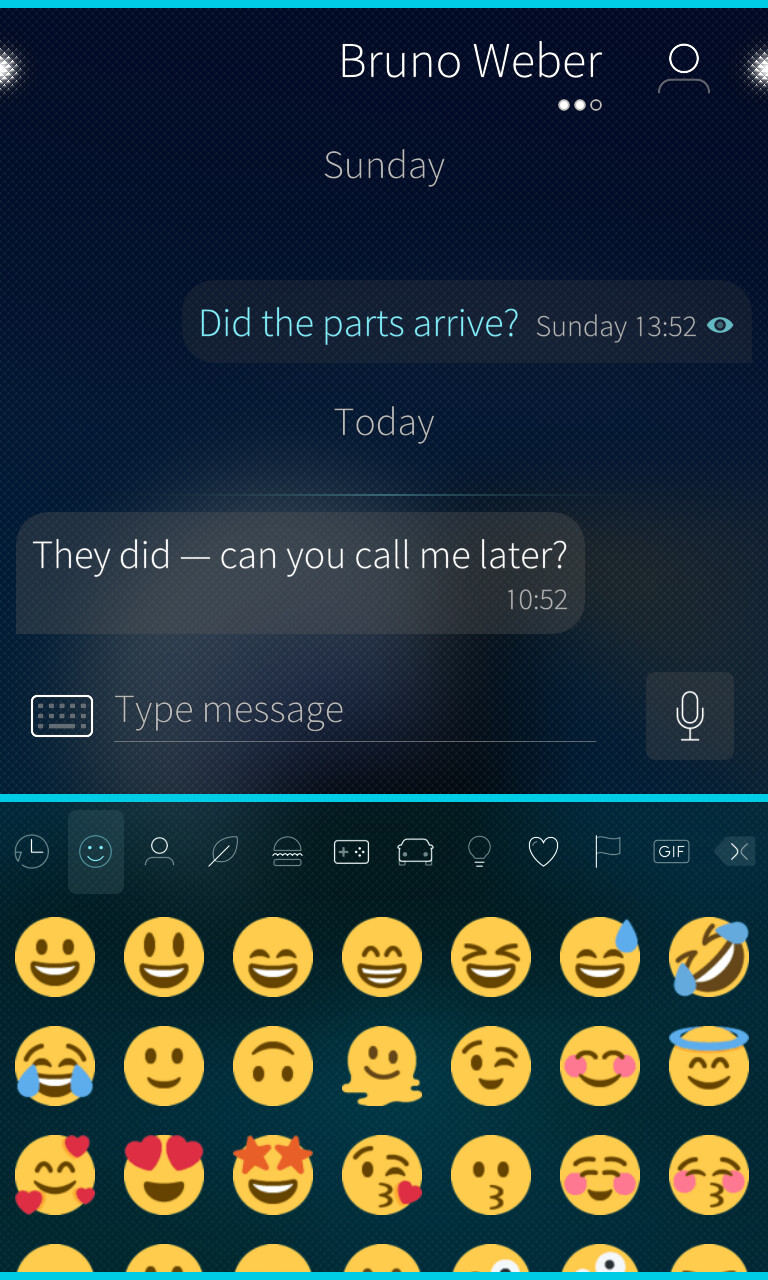
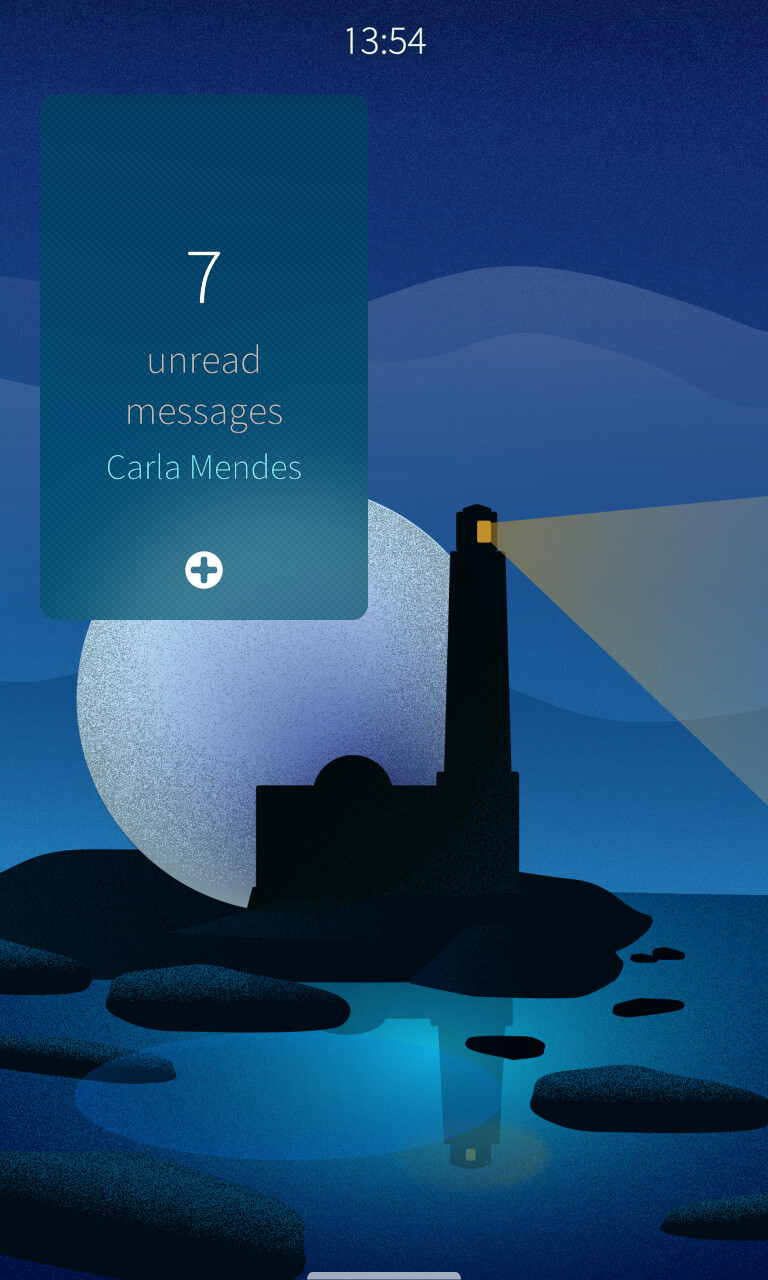
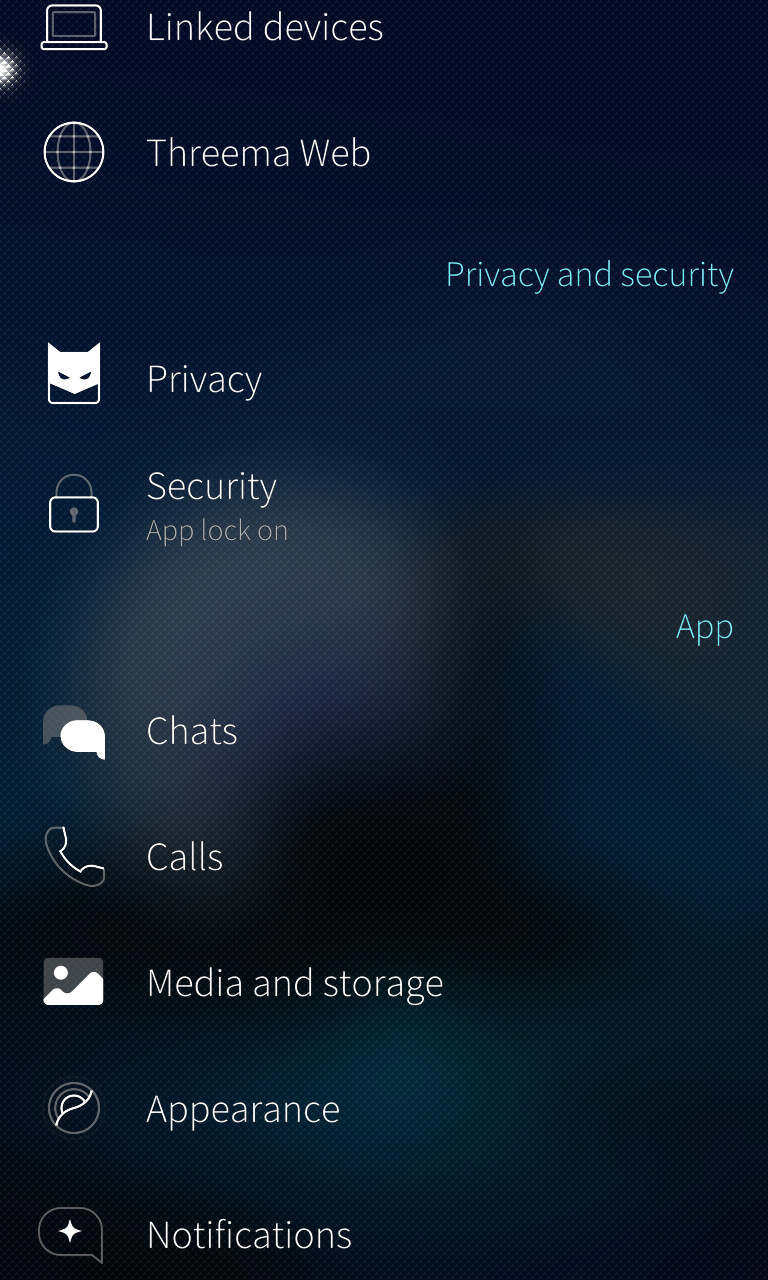
Screenshots
These show made-up demo data, taken in the emulator.

Disclaimer: please read!
- Fully made with AI. Threesea was developed with Claude Code (Anthropic) and audited with OpenAI Codex, directed and tested by me. These were AI-run reviews, not a professional security audit. It’s a research and experimentation project primarily done for my own use.
- AI makes mistakes. The code, including its security-relevant parts, can contain errors that neither the AI nor I noticed. There is no warranty of any kind, and you use it at your own risk. I wouldn’t rely on it yet for anything where your safety depends on your messages staying private.
- Not connected to Threema. Threesea is not affiliated with, endorsed or supported by Threema AG. I asked Threema about third-party clients. They told me they don’t actively block them as long as they cause no stability issues or high server load, are clearly marked as unofficial without using Threema’s branding, and don’t circumvent the licensing. Threesea aims to meet that. This isn’t a permission, and Threema can change its position.
- Please don’t contact Threema’s support about this app. Questions and bugs belong here or on GitHub.
- Keep a backup of your ID, as with any Threema app.
What works
| Feature | State |
|---|---|
| License check, ID creation, ID backup, Threema Safe |  |
| 1:1 chats, delivery and read receipts, typing indicators | |
| Forward secrecy | Off while a device is linked, as Threema’s multi-device requires, or if you switch it off. No warning yet on a message sent without it. |
| Groups, mentions, distribution lists | |
| Photos, videos, files, voice messages, GIFs, polls, locations | |
| Quotes, reactions, edit, delete | |
| Profile pictures, QR verification, address book matching (opt-in, hashed) | |
| App lock, private chats, encrypted storage (SQLCipher) | |
| Notifications with quick reply, cover, background connection | |
| Sharing from other apps, Threema links | |
| Threema for Desktop (multi-device), Threema Web | |
| Archive, pinned chats, search, starred messages, auto-delete | |
| 1:1 and group calls, audio and video (Full only) |  Device testing still in progress |
| Report spam, 1:1 and groups | A complete report has not been sent yet |
| German, French and Finnish translations | |
Not supported: Threema Work and OnPrem.
Which version?
| Full | Lite | |
|---|---|---|
| Starts at login, background service | |
Connected only once opened |
| Calls | |
– |
| Follows the Jolla Store’s rules | – | |
Install one or the other. Neither is in the Jolla Store or Chum yet, so releases are RPMs on GitHub, built by GitHub Actions with checksums and build attestations.
Install
You need Sailfish OS 5.1 or newer, Sailfish Secrets, developer mode, and a Threema for Android license key. Packages are for aarch64 and armv7hl.
Download the RPM for your phone, then in the terminal:
devel-su pkcon install-local harbour-threesea-full-0.2.0-1.aarch64.rpm
To switch between Full and Lite, run devel-su pkcon remove harbour-threesea first, then install the other. Your data stays in your home directory.
Thanks
To Threema AG for threema-android and libthreema (AGPL-3.0), to Jolla for Sailfish OS and Silica, and to Whisperfish as a reference for how such an app can be built. Also to Twemoji, opus-pure, webrtc-audio-processing, SQLCipher, GStreamer and Qt, with the full list in the README.
Threema is a trademark of its owner, and this project uses the name only to say what it works with.
 I’ve been thinking about how to make Piirit feel more native to Sailfish OS, and I think you’ve done a great job there!

