The symptoms kind of match, but it only really draws 50mA idle and 60mA while capturing - so i doubt it.
For completeness/comparison; Thermalcam works perfectly on the Xperia 10 V.
2 Likes
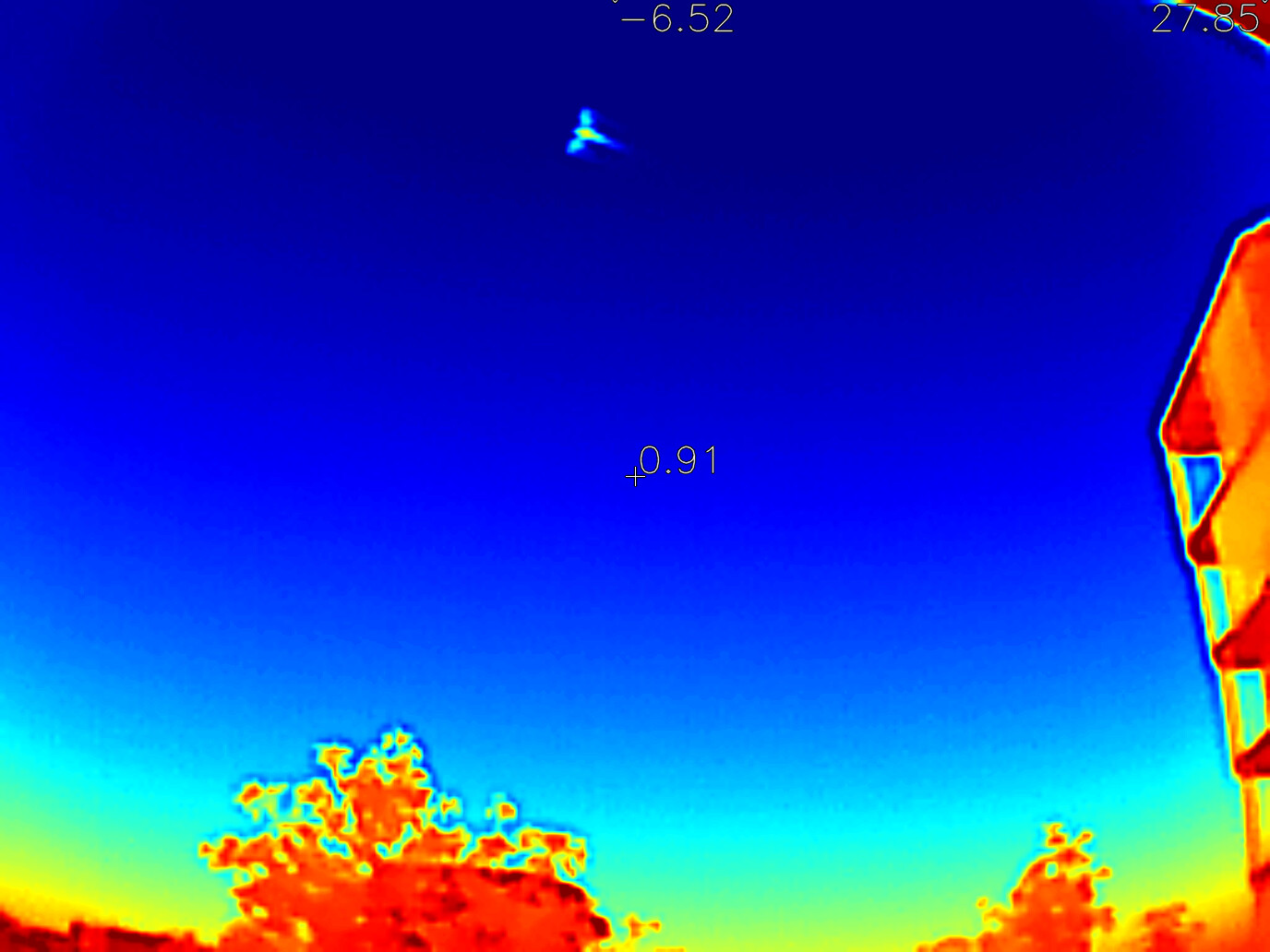
Well, JollaPhone2026’s kernel has the UVC kernel modules included, and the Thermal Cam app now works just fine on this new phone. I just saw the bats flying around outside, in the dark  !
!
17 Likes
Nice, I tried to use a usb endoscope (which is technically a uvc webcam i guess) on my Xa2 and I recall having the same issue. Will try on my J2 when I get it to see what happens.
1 Like
Hey @Okxa and @Fuzzillogic , which thermal and endoscope equipment do you have? Might be interesting to get both kind of gadgets at some point. If the endoscope works on the new phone.
1 Like

1 Like
Thank you. It seems I scrolled through the thread too fast.
1 Like
I tried to use my InfiniRay thermal cam with the ThermalCam app, but got nothing but a black screen
Is there anything I can do to gather useful information so it could be supported in a future version?
Yes.
Step 1. check the video output from it when connecting to a computer, e.g. with the application Cheese on (desktop) Linux.
It should be a tall (256x384) video with two copies of the actual image in different hues.
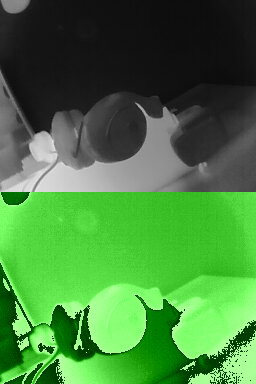
Step 2. check /sys/class/video4linux/video*/device/uevent
The current discovery method is based on that the uevent file below a certain video device has an entry starting with PRODUCT=bda/5830
So if you tell me which of those assumptions doesn’t match, i can probably fix it.
The core parts and desktop app is available here:
I’m available on #sailfishos on OFTC IRC.
5 Likes
Someone please help me make a less shit icon.
Currently it doesn’t even have an icon of its own, just the placeholder.
Here is a take on that, but colorized the same as the thermal images - not that great either, but about as good as i can do. Probably a bit too much reuse of the logo as well…

The color map is this one:

2 Likes
Looks like the Thermal Cat logo 
Also, there’s this P2Pro-viewer, which works on our camera, which supports more control of the hardware. Especially the changes in PR #18 add some nice features, like range/gain selection and control of the shutter.
Was going to name it ThermalFish, but i guess i felt serious that day.
Yes, i think that’s what i based my c++ implementation on - which is why i’m a bit confused it doesn’t work with @sunkan InfiRay. I should play with those at some point… but please explain how/why you find those setting helpful. I have not really missed setting when i have used it.
1 Like
Oh, I didn’t particularly missed them, but it brings more parity with the official (Android) app, which also has these features. But, I can imagine that in some situation, for accuracy these features might be beneficial.
I just thought you’d might wanted to know. There are many apps (for pc that is) for displaying the normal thermal video feed, but this was the only piece of code I encountered which supports configuring the camera, like the Android app.
The yellow tone part is too close from the background imho.
Far from being a specialist but perhaps adding some shadow would help detaching from the bg and increase readability?:

For some reason Cheese segfaults when selecting my InfiRay camera, but vlc can show the camera feed and it looks the same as your example with the same dimensions.
Apparently my device has a different PRODUCT, as you can see here:
$ cat /sys/class/video4linux/video4/device/uevent
DEVTYPE=usb_interface
DRIVER=uvcvideo
PRODUCT=bda/5840/5801
TYPE=239/2/1
INTERFACE=14/1/0
MODALIAS=usb:v0BDAp5840d5801dcEFdsc02dp01ic0Eisc01ip00in00
My camera is quite old now I guess, found the “manual” and there it is called “Night Vision Go”. On Android I have use the apps InfiRayGo and P2 Pro successfully.
Thanks for checking. Interesting that the P2Pro-Viewer code also only checks for 5830.
I made a release here:
Built with the 5.0 SDK, since 5.1 causes segfaults in std::filesystem - apparently a known gcc problem, and 5.2 isn’t available yet.
Now i just need to try to remember how updating in chum works.
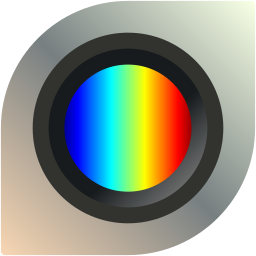
I went with this icon in the end.
2 Likes
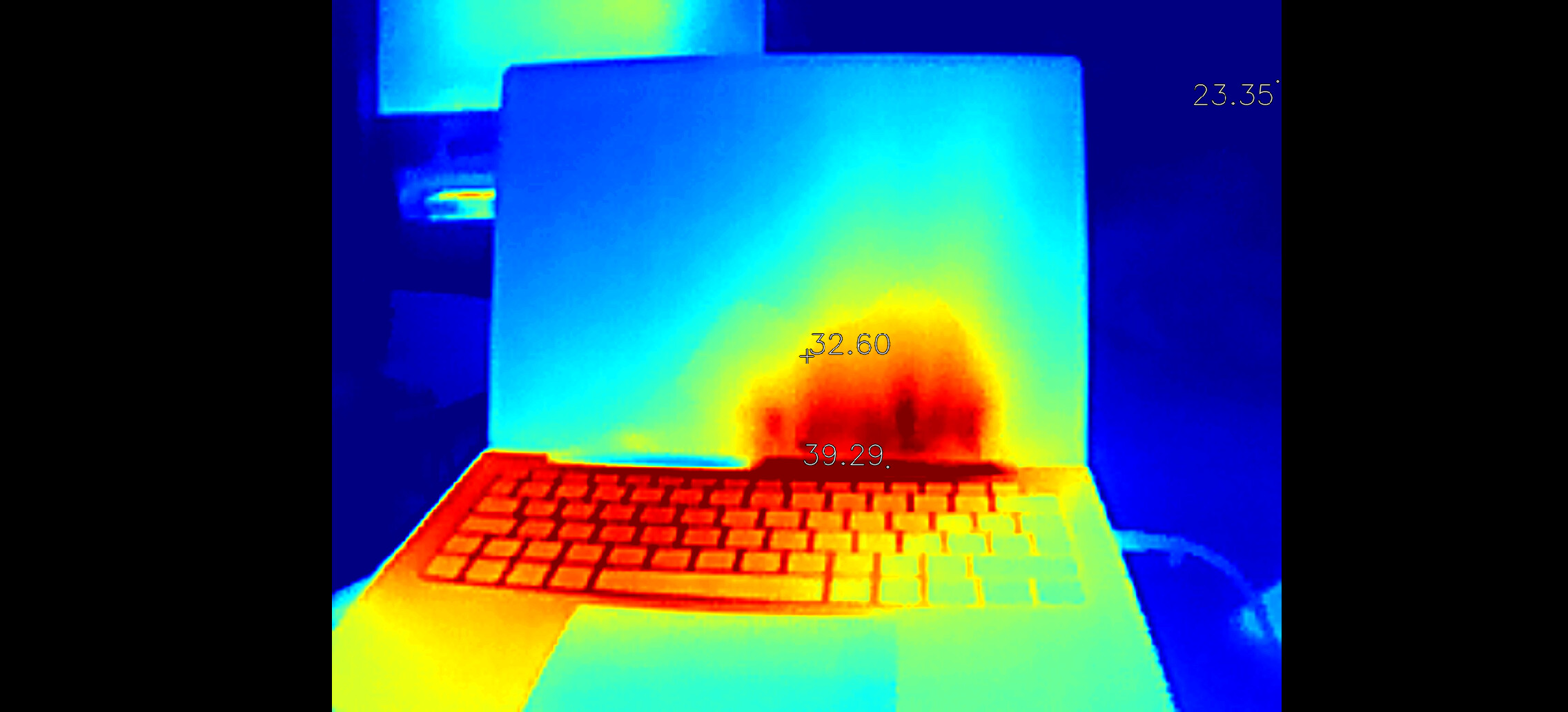

No worries! Happy it worked.
Also - new for this release is that captured images are not scaled to screen width, but always 1080.
The capture button is suspiciously missing from your screenshot though…
Yeah, no button to capture. Did take a screenshot to get the picture (vol-up + vol-down).
That’s weird - because it should very much be there.
And @Fuzzillogic having made a in-app capture says it isn’t something i made that only works on my phone.
Any clues if you start the app from terminal?