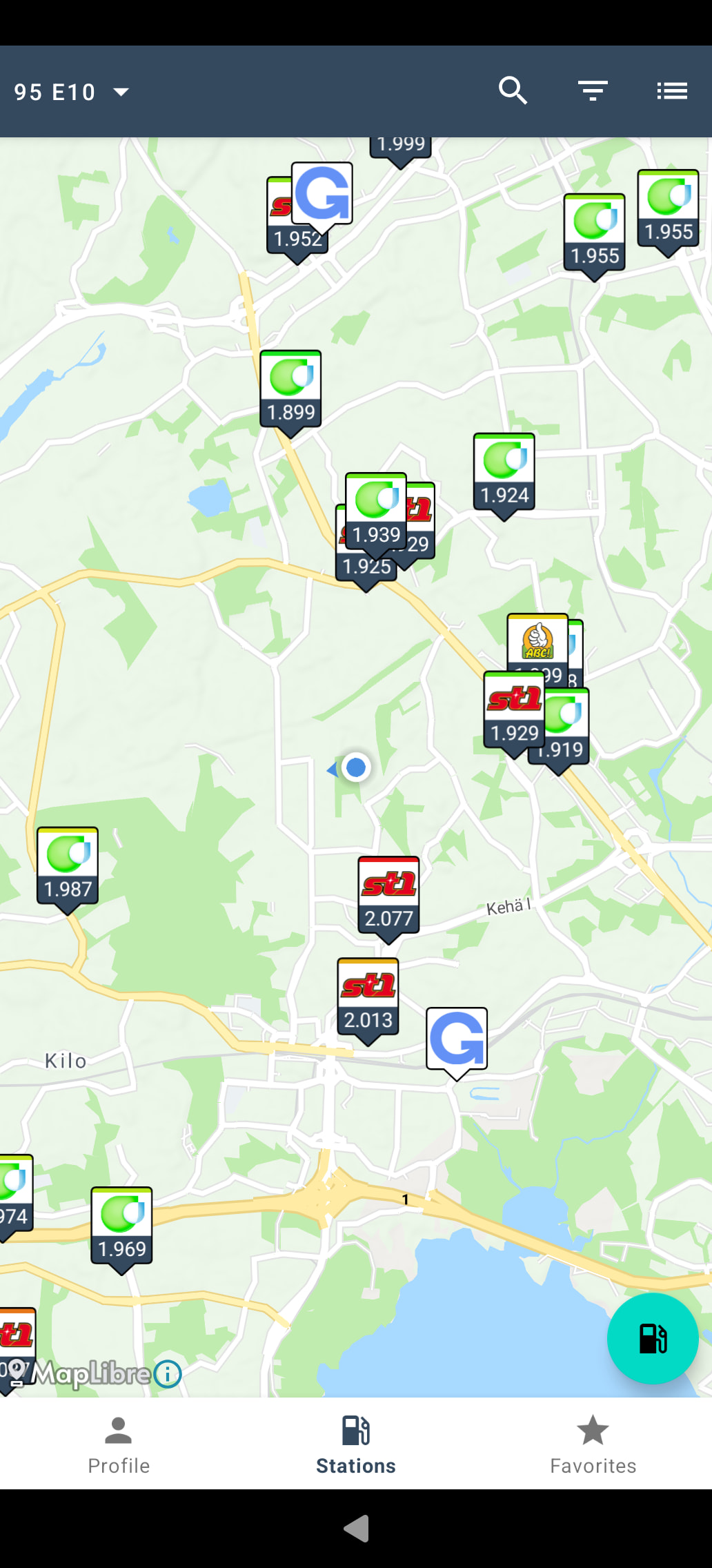
EDIT: Older version 3.9.19 (197) from Aurora Store works. MicroG is needed and turn High-accuracy positioning ON.
Hello.
The app list fuel stations and shows crowd sourced prices for the fuel on a map. Needs location and Google play services to work.
The app launches and I can log in with my email and password. Location works ie. I can list the closest stations to me. I can also search by town or gas station name. I did not try submitting new prices but I could see the most recent ones.
Only borked thing seems to be the map itself. The map seems not to load because I can see only blue background color where it should be. Gas station icons are also missing. When I launch the app on my Sony Android phone, the lower right corner of the map says “Google”.
I contacted the app vendor and received polite response back. They stated that they had looked into allowing the user to choose which map service the would like to use, but it is not in development at the moment. I expressed my interest in native Sailfish OS version and encouraged them to keep looking into the other map service options. Please do the same if you are in the same boat as me!
The app is downloaded from Aurora and is the latest version: 4.10.0 (368). Aurora states on the store page that Google play services are needed for the app.
Any ideas how to go about trying to get the app working on JP2026? I tried tinkering in the MicroG and Appsupport settings but did not see anything especially map releated.
Edit: I downloaded Google Maps from Aurora and it displays the map!? This tells me that this is not MicroG etc. releated but the app itself is just not compatible?