@ohnonot you will love this I think 
3 Likes
Oh yeah! Thanks.
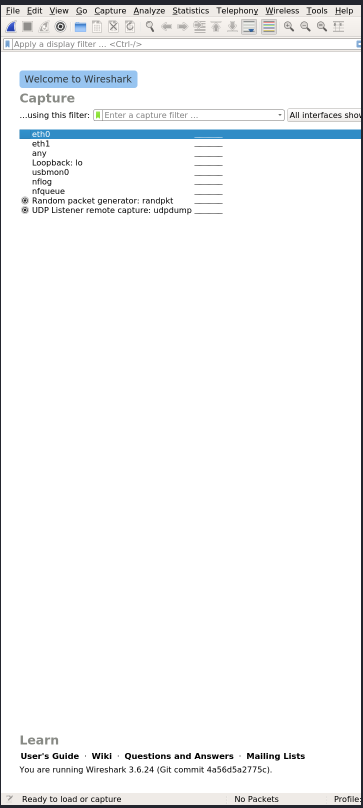
I’m going to need a microscope for the GUI, but I’m guessing all its functions are also available via command line:
$ pkcon get-files wireshark | tr ';' '\n' | grep /usr/bin/
  /usr/bin/capinfos
  /usr/bin/captype
  /usr/bin/dumpcap
  /usr/bin/editcap
  /usr/bin/idl2wrs
  /usr/bin/mergecap
  /usr/bin/randpkt
  /usr/bin/rawshark
  /usr/bin/reordercap
  /usr/bin/sharkd
  /usr/bin/text2pcap
  /usr/bin/tshark
  /usr/bin/wireshark
PS: export QT_DEVICE_PIXEL_RATIO=2 helps with the gui.
1 Like
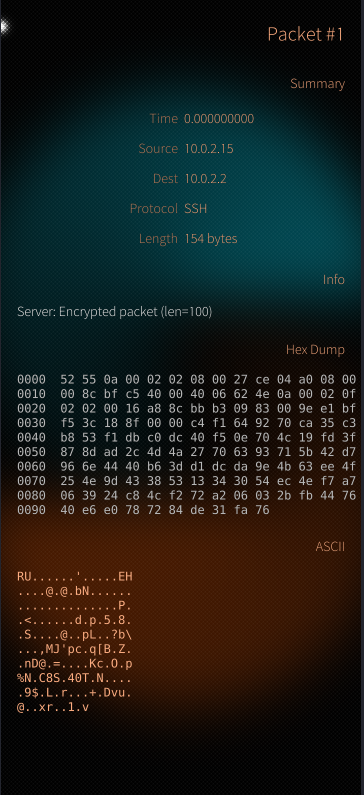
search for sailshark Show home:nielnielsen / Sailshark - SailfishOS Open Build Service
3 Likes
How cool is that! Thank you so much. (It works)
Additionally, this will give me some insight on how to use CLI utilities with QML.
1 Like
version 1.1 just became ‘cooler’ Live packet capture · Protocol tree · Hex dump · Follow TCP Stream · Save .pcapng · Interface picker · BPF filters
5 Likes