m - mystery
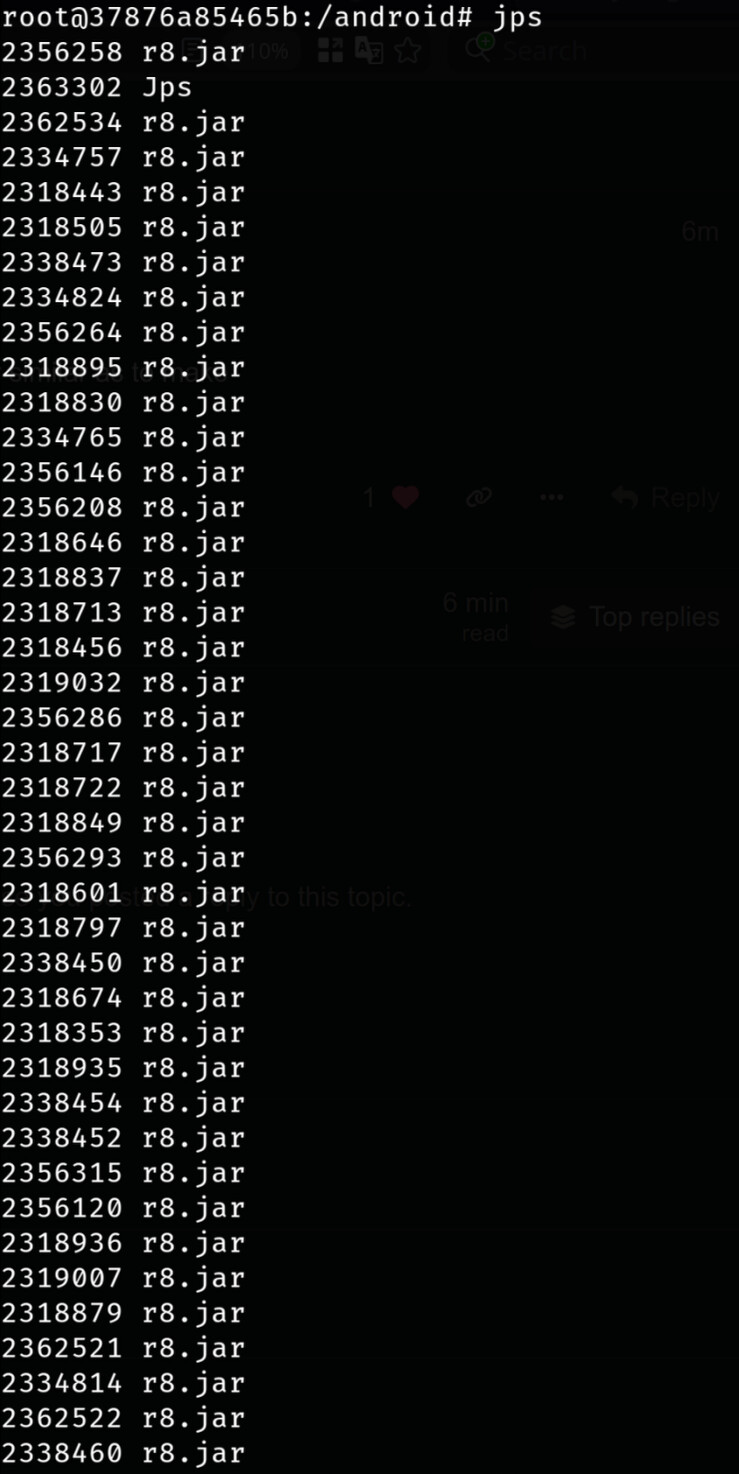
it runs make - so you should be able to add -j1 or similar as to make
m - mystery
it runs make - so you should be able to add -j1 or similar as to make
-j8 works for now, but will be slow, I guess.
hard to say. this file my build has:
find . -name Eleven.apk
./obj/PACKAGING/target_files_intermediates/lineage_pdx223-target_files/PRODUCT/priv-app/Eleven/Eleven.apk
./product/priv-app/Eleven/Eleven.apk
in /lineage/out/target/product/pdx223. try again, but maybe with -j1. let it be slow, but not crash. don’t think you need to wipe out out folder, let’s keep it as it is and continue slowly.
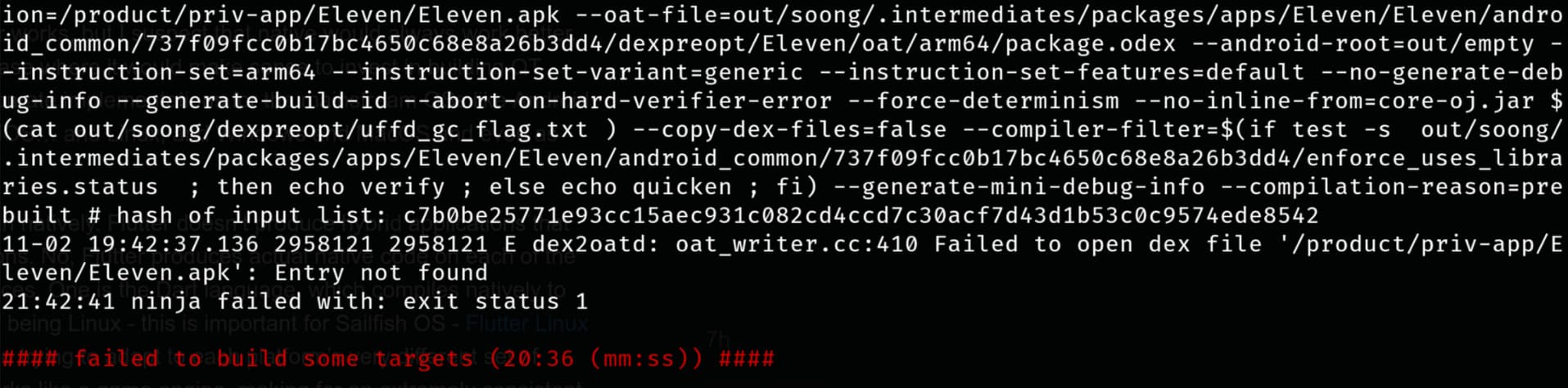
I don’t have the first one. The build still failed with the same error, even if I copy the file there or run with -j1.
OK. Then something either changed in LOS sources or I missed something in my docs or you did’t follow docs precisely.
Now question is how to proceed. I can try to reproduce your errors with a clean build. That I can start tonight.
Maybe you could send ls of .repo and show ls in manifest related files. There was a command to get tagged manifests, maybe find it out how to get it and send tagged manifest instead (pretty sure llm is able to help us here). Then make sure that you applied repopick patches after each repo sync. If you used repo sync with some limitations, use plain repo sync.
Also log your commands and I can check them.
So, some work ahead…
That I’ll do also tonight. 
Okay, the build finished successfully.  Decided to delete everything and start from scratch. I suspect that the –depth=1 repo init option is the problem that dragged me down, so this time I excluded it.
  Still needed -j8, as the compiler couldn’t detect that it had 32 possible cores and threads available (or maybe the vm defaults to 8).
EDIT: Seems to boot into Lineage successfully too.
EDIT 2: Should I use different environment for building SFOS?
CONGRATULATIONS!!!
Now, do not rush! Take a day or two and test it properly.
In your case, it is much easier with Sailfish. There are no builds needed at all, mainly making image. This is due to the fact that we have already all built needed packages at OBS. So, SFOS checkout is not really needed.
But please test Lineage, check that most or all functionality works. Include phone calls, camera, GPS, BT, and so on. Take time a bit, maybe several days. We have to be sure that your base is working.
first of all great that it worked,
second
depth=1 just pulls the head of the repos (you could also unshallow afterwards), as long as you dont need to revert commits or reset or something like that, this probably wasnt the culprit (maybe after the memory error, clean and afterwards -j4 or -j8 would have built successfully?).
last but not least 
Well, that and ccache were the only things I removed (and still had the thread errors afterwards), but I’m not going to repeat the build just to prove that.
could be the cherry picks that are causing this issue (didnt know there were some needed)
# Apply repopicks
repopick 423299 423083 410938
repopick -f 423304 419385
https://github.com/sailfishos-sony-nagara/main/blob/main/scripts/sync-sources.sh
see here https://groups.google.com/g/android-building/c/sHGhhkqCsbk
(didnt know about --partial-clone or forgot)
Applied them after every sync.
I think I’ve tested everything on the device. Only the fingerprint reader is not working, but this is due to the oh so common Xperia 1 hardware failure with it (I’ve already have a spare part in the mail). How should I proceed with flashing SFOS?
Sounds great! As for fingerprint - was it working on stock ROM?
As there seem to be interest, we would have to figure out how to distribute builds. Let me ponder about it as it seems to become excessive now to let you also push for install of HADK and then build images with mic.
In principle, SFOS images are all built from source and we can probably push them as a part of the release to Github. That was a scheme I used for Tama. But I am not sure where to put LOS images.
Also, before I document it. Install requires LOS adb. However, that boots via Android boot/vendor_boot combination. As soon as you swap boot/vendor_boot for SFOS versions, you loose LOS adb access until you flash back android boot/vendor_boot. Just for you to know.
But let’s think which channels to use to distribute LOS and SFOS images. If you or anyone else have ideas, please let us know. @vlagged - what is your take on it?
It wasn’t, also did all the things people suggested in Reddit to no avail, so it is probably dead (many people report it for this model).
Maybe then you should try to go back to stock and check again. I suspect it is LOS21 bug. On my device it works fine and it would be good to check it before proceeding further. Later you would really don’t want to start reflashing when you have all your files in and SFOS running (that’s my current state and I am reluctant to start all from scratch).
https://xdaforums.com/t/tool-xperifirm-xperia-firmware-downloader-v5-8-1.2834142/ is back and works again. So, its relatively simple to get stock again.
I meant it wasn’t working on stock. Did most of the checking there. Not LOS fault. I’m also not planning to use it immediately as my main device, so this is not a problem.
Sourceforge? I used them for LOS & /e/OS builds after AndroidFileHost became unreliable, and before I got involved with LineageOS for microG.