@wetab73 How did you get install AAS on your Xperia IV? Just bought license for Xperia 10V?
To be fair I didn’t use any important sim as esim, I just tested with two 7-days esims from esim4travel, and one from mobilesim dot com.
From these three tests, one was actually the first SimPro(lpac) test on a physical eSIM, and the two others one was registered from Android and the other from Sailfish (both survived reinstallation).
(I found it way more complicated to test under Lineage, I needed to use recovery to sideload MindTheGapps and then install some apk from googol. Maybe there are easier ways. But if you really really need that esim because, say, you migrated your main line on that, maybe backing up & booting into Lineage is worth it.. )
But until then, let’s have your issue logged somewhere, If you are running journalctl -f or /usr/libexec/droid-hybris/system/bin/logcat and maybe even logcat -b radio and have a window of logs, maybe we can determine where the bug is..
Last thought: if it was also an eSIM for testing maybe mention the provider (without linking) maybe I will make a test esim too.
This is new territory for me too 
You need to have a licenced SFOS on an AAS supported device like the 10 III or V, and from there you’d need to manually grab the needed packages. It would be good to also have another (unused) licence, which would kind of cover using AAS on another device.
For now, it’s just for tests to see what works and what doesn’t and if the current issues can be resolved. If tests show that it can be made fully work, I guess it takes talking with Jolla about what would be the way to use AAS on the 1 / 5 IV that they would endorse / approve. Would having / buying another licence be enough, or maybe they’d start to officially support it on this community port and offer a dedicated licence…
5 Likes
I’ve found a small workaround to at least make most of YouTube videos play in Firefox. Just like on SFOS side, it seems that it is the AVC codec mostly to blame. There is an extension for Firefox called enhanced-264ify, which lets you block certain video and audio codecs. If you select it to block h264 (AVC) codec, then it forces YouTube to stream the video encoded with some other codec (usually AV1), which plays just fine. This is just a small workaround that only works in Firefox and only for the YouTube website, but at least for now it allows watching most YouTube videos in Firefox (where e.g. uBlock Origin nicely get rids of ads) 
1 Like
Not sure how to put it, but I don’t like sharing easy copying instructions here, until Jolla has some confirmation that ports can have AppSupport - and even then, it might be licensed, not free if you have another device.
2 Likes
Fully agreed (+20 characters).
Thank you for willing help me. I’ve already fix this issue by ordering physical sim card from provider.
Some information about my download profile experience:
After failed to download profile in SimPro app I tried to do it directly in command line using lpac for get more information about error.
I think problem is in lpac communication with esim service provider. I saw connection with provider was established successful, but when it downloads profile lpac doesn’t parse the message from provider. In the output I saw {"type":"lpa","payload":{"code":-1,"message":"es10b_load_bound_profile_package","data":"unknown,unknown"}}
In provider’s app I saw the sim card was activated, but I didn’t downloaded profile for into esim.
I found similar issue in lpac github repository, but as far as I understood for different modem type. error downloading profile bppCommandId: 255 bppCommand: unknown errorReasonId:255 errorReason: unknown · Issue #186 · estkme-group/lpac · GitHub
I’m gonna try to download profile one more time and provide the addition information.
Thanks
1 Like
Did anyone test if AAS has mobile network now?
How can I check it?
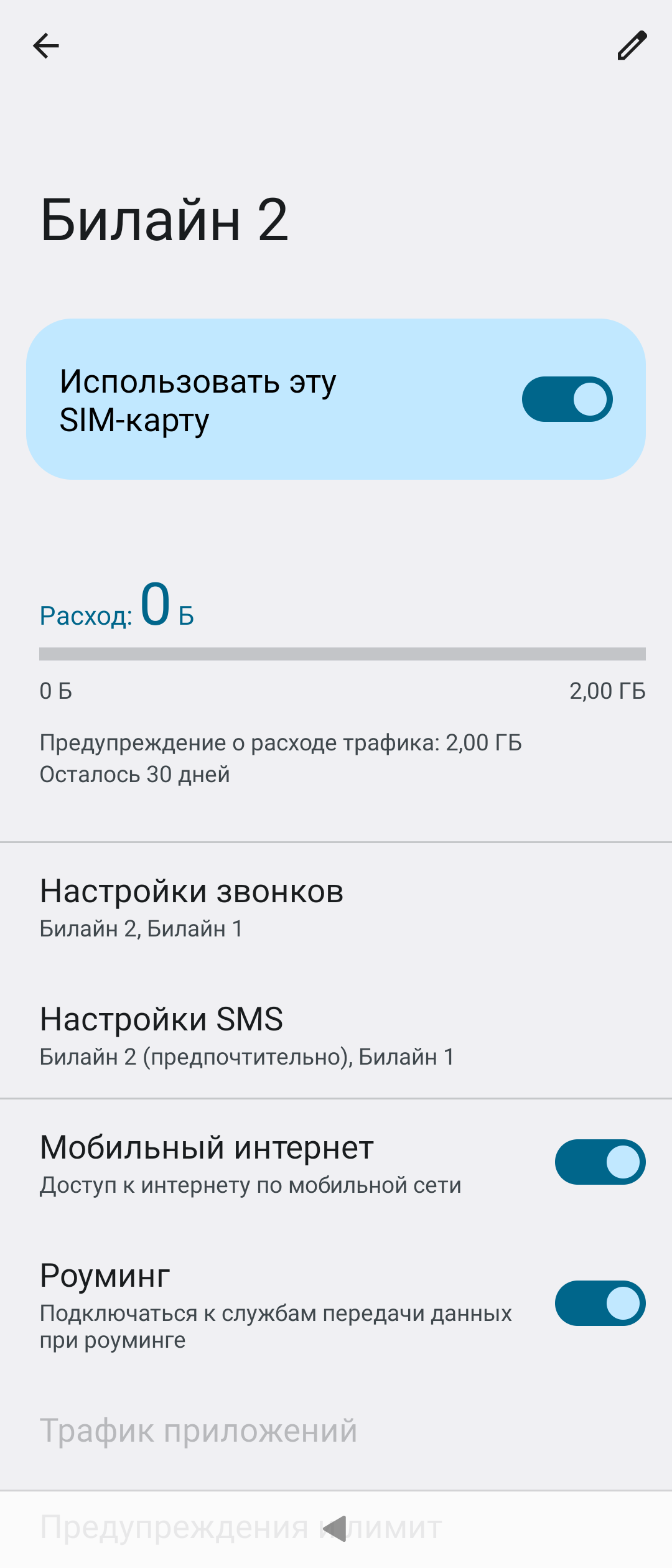
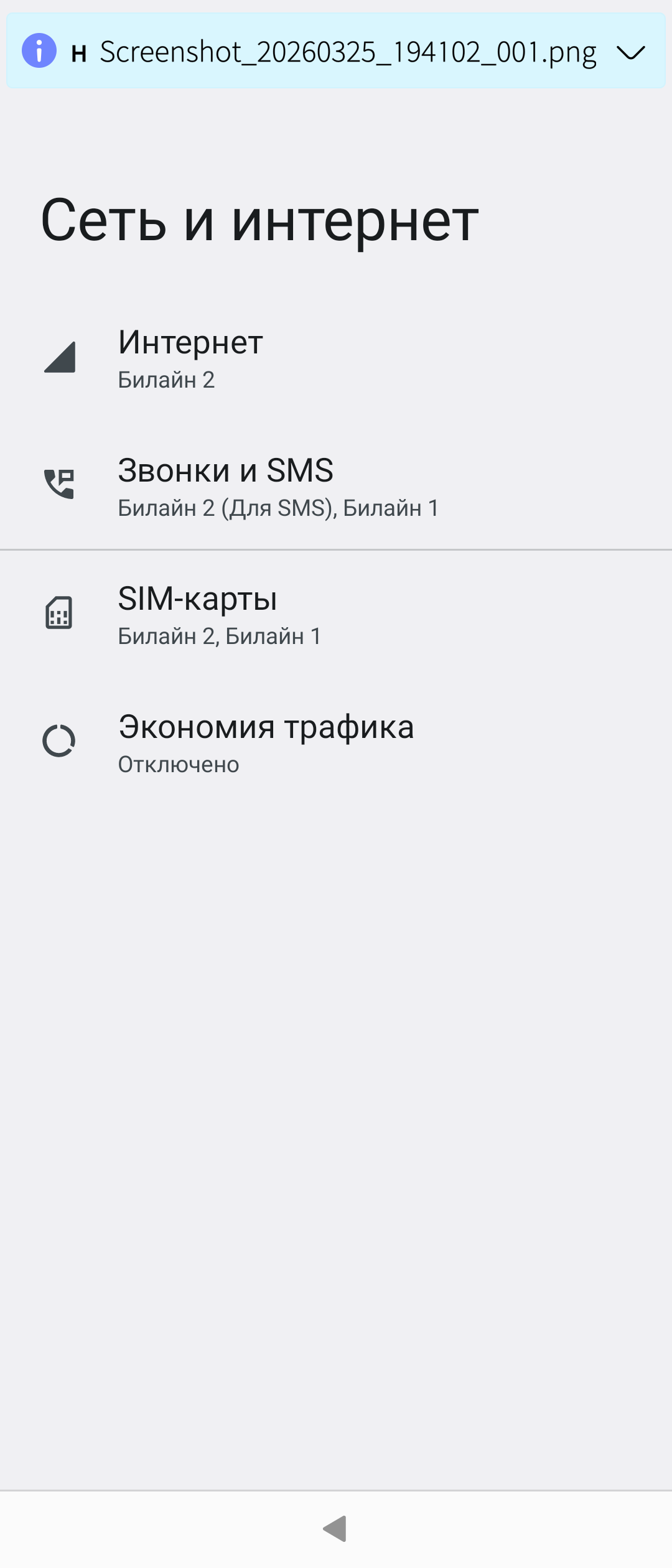
All the apps I tried work with cell internet, Android settings show the Sim name in the Internet setting.
1 Like
Do Android-Apps that rely on an internet connection work, when you turn wifi off?
no video playback is a pity, but why does MpvQml produce no sound?
Oh, it’s not mpv, the SFOS Camera when previewing a video it just shot, also doesn’t produce sound (although it’s there in the file). But it shows the video!
Hi! Is there a way to enable a second SIM in Xperia 1 IV (XQ-CT72)? What worked on xperia 5, 10IV, XZ2 with dual SIM on 1IV does not work.
The second SIM does not work on Lineage 21 either.
EDIT: I wrote BS here.
Xperia 1 IV LOS23 works with two SIM cards.
Is there a patched vendor.img for Xperia 1 IV for LOS21 for dual SIM operation?
See the end of this post: as a soft alternative to patching vendor, you can create a file inside the /overlay/vendor folder, that will get mounted over (overlayed) the vendor one on next boot. Careful, or you might need to flash lineage boot/vendor_boot to enter recovery to fix the file if you get it wrong.
N.B. This is not a change I could test on 1IV obviously, waiting for rinigus make a new build.
1 Like
I will be able to get back to it in May – life is full of deadlines before that
3 Likes
This is on a 1 IV or a 5 IV?
Did you do anything specific to get mobile data working on AAS?
Which AAS did you use?
If there’s interest, I’ve almost got the 5 IV working on GSM-T ( T Mobile and T Mobile MVNO) here in the United States.
1 Like
Holy cow, you’ve got no idea how much I envy you! Did it start working for you only after you installed the latest update for the 5 IV from @vlagged or did it work for you like that already before that update? Did you do something to make it work? Normally, it doesn’t even recognize the SIM card.
If the former, does anyone know if rebuilding for the 1 IV just the kernel with those missing connectivity related config options would be enough to make it work on the 1 IV or is does it take more than that?
I do have sound in MpvQml, both in videos recorded by the device itself and in downloaded ones. And I have sound in the SFOS camera preview, too. But its loudness is very low, especially sound recorded by the lower microphone is very silent (strangely, if I record sound using SFOS Audio Recorder app, it is vice versa, i.e. sound recorded by the lower microphone is much louder than from the upper one).