REPRODUCIBILITY: Always
OS VERSION: 5.0.0.77 Tampella
HARDWARE: Sony Xperia 10 III
UI LANGUAGE: English (UK)
REGRESSION: not applicable (5.0.0.77 fresh install)
DESCRIPTION:
Whenever I'm trying to send an SMS to an imported (from .vcf file) contact in the Messages app, I'm heralded with a message "Sender does not support replies" in the field where the message is supposed to be typed into. Receiving SMS messages from contacts works, as does sending SMS to a phone number that's not in contacts. I circumvented the issue by deleting the contact from People app and then adding it manually again, after which the SMS could be sent normally.
I came up with this post linked below, which made me aware the issue is .vcf related and not due to the settings by operator (Elisa) or Messages app settings:
Here’s an official bug report for the same issue, as it seemed it hasn’t been reported as a bug on this section.
PRECONDITIONS:
Contacts imported to People app from a .vcf file
STEPS TO REPRODUCE:
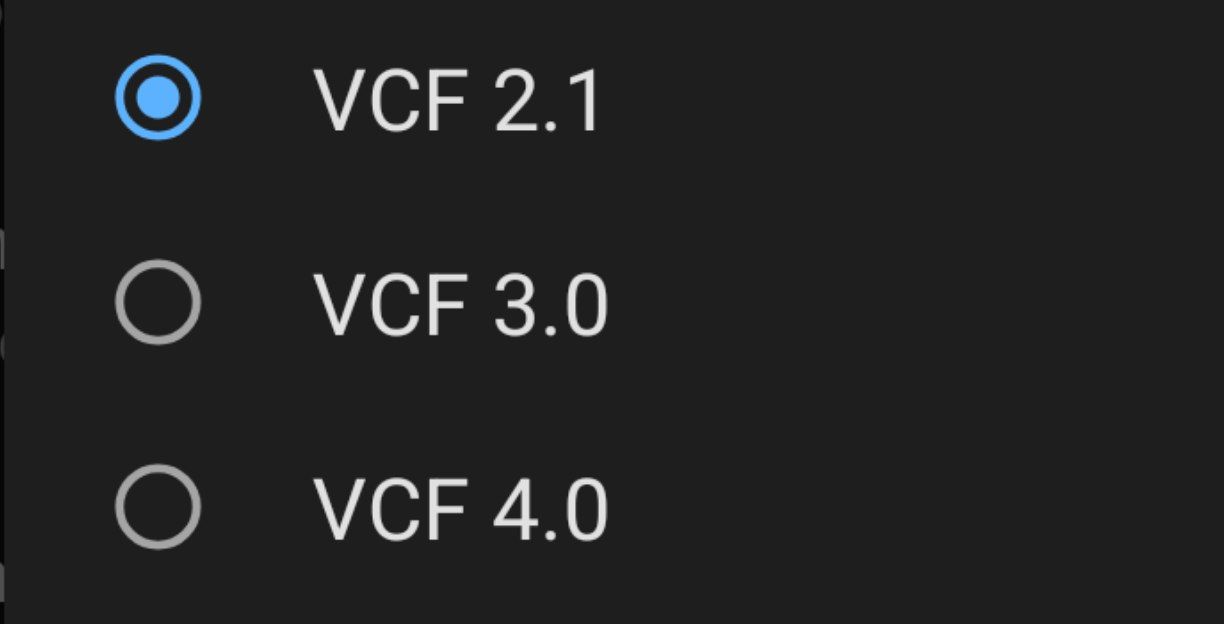
Exported vCard version VCF 4.0 .vcf file onto a Micro SD card on Fairphone 6 (with /e/OS).
Inserted the Micro SD card into the Xperia III. Imported the contacts to People app with the help of official documentation.
Tried to send an SMS to a contact, but the “Type message” becomes grayed out and shows a message “Sender does not support replies” as soon as a contact is selected.
EXPECTED RESULT:
The "Type message" field in Messages app should be able to be typed into and SMS could be then sent.
ACTUAL RESULT:
Instantly upon selecting a contact or typing in a number of a contact as a recipient, the field where the message is to be typed into becomes locked, grayed out and shows a message "Sender does not support replies".
MODIFICATIONS:
F-Droid (installed from Jolla store) has MicroG repositories enabled
The difference in fields between different types of contact imports can be observed from this post in different topic:
So as you’ve guessed it’s an added field in the .vcf file. Probably has to do something with different vCard type versions?
Anyway, I’ve managed to circumvent the issue as I’ve stated. Thought it would be beneficial for Jolla that I make an official bug report, for Jolla be able to make a fix before the new SFOS users with J2 begin wondering why they can’t send SMS on their new phones, if the People app doesn’t read the contents of .vcf file correctly due to added fields. I’m not sure if this is the root of the issue described, but at least SMS can be sent to a contact created natively.
while VCF 4.0 may cause issues in SFOS, like mentioned above, contacts imported with VCF 3.0 seemed to work just fine. At least for me it solved the SMS reply issue.
I initially guessed that VCF 4.0 might be the cause of this issue and according to your experience it is. VCF 4.0 apparently made the field in following format: tel:+35810123123. What I did to fix it, was to manually remove the “tel:” part from the phone number field of the associated contact in People app. It was that easy.
Confirmed workaround on Jolla Phone 2026 – Sailfish OS 5.2.0.20
I encountered exactly the same issue after importing contacts from a VCF file.
The Messages app displayed “Sender does not support replies” for one specific contact. Other contacts worked normally.
The phone number itself was valid and did not contain a tel: prefix.
I confirmed that removing the phone number from the affected contact immediately restored SMS functionality. The existing conversation history remained accessible.
However, simply adding the same number back to the contact reproduced the problem.
I found a simple workaround that preserves the existing contact:
Open the affected contact in the People app.
Add a second phone number containing exactly the same number as the existing one.
Delete the original phone number entry.
Save the contact.
Result: SMS messaging works again immediately, including replying directly from the existing conversation.
There is no need to delete and recreate the entire contact or modify the SMS database.
This suggests that the problem may be related to internal metadata associated with the imported phone number field rather than the phone number itself.
Tested successfully on Jolla Phone 2026 running Sailfish OS 5.2.0.20 (Finlayson).