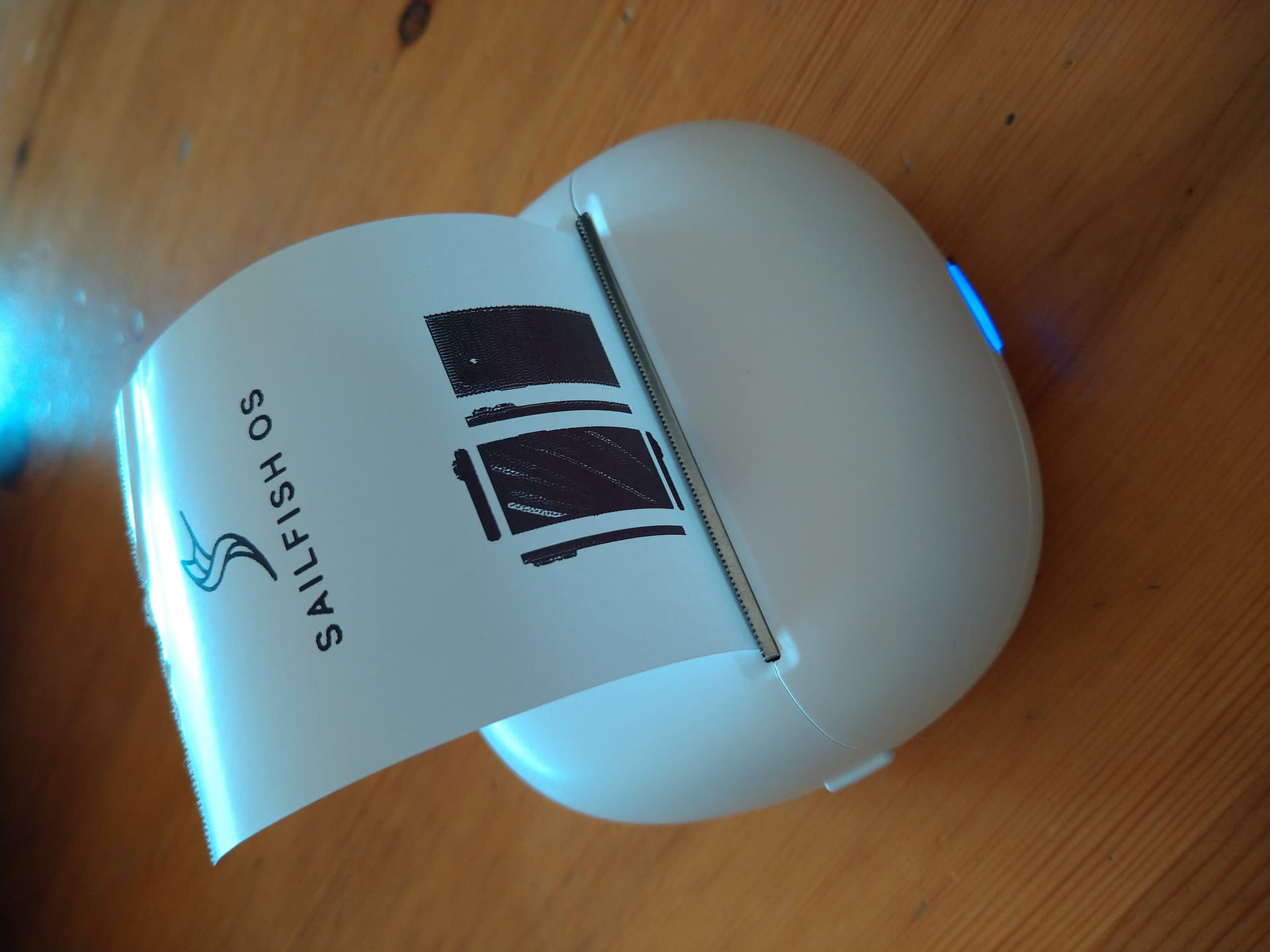
Bumping this topic to mention that I noticed Lidl was selling rebranded versions of these miniature Bluetooth (BLE) thermal printers, aka ‘pocket printers’, and because we now have Bluetooth support in Android apps, I wanted to see if it worked.
The good news: it works!
The bad news: only once!
Basically, how I got it working was to:
- make the printer print its QR code by double-pressing its power button, then
- opening the Pocket Printer application (in AppSupport),
- check for Bluetooth devices in the (Sailfish) Settings,
- wait for the device ‘Pocket Printer’ with a camera icon to show up and
- tell it to pair with AppSupport, then
- immediately go back to the Pocket Printer application,
- scan the QR code and the printer will immediately appear.
- You can then print as much as you want, but as soon as you close the application, turn off Bluetooth or turn off the printer, the connection is ‘permanently’ lost. No matter how much you try, the device refuses to be found.
The only way to get it working again was to: - unpair the device (which sometimes takes several tries), and then go through steps 2-7 again.
If it worked consistently, I could imagine using this quite often. Hopefully someone can reverse engineer these printers and make a native application for them, or maybe whatever’s causing it to work only once per pairing will be solved in a software update.