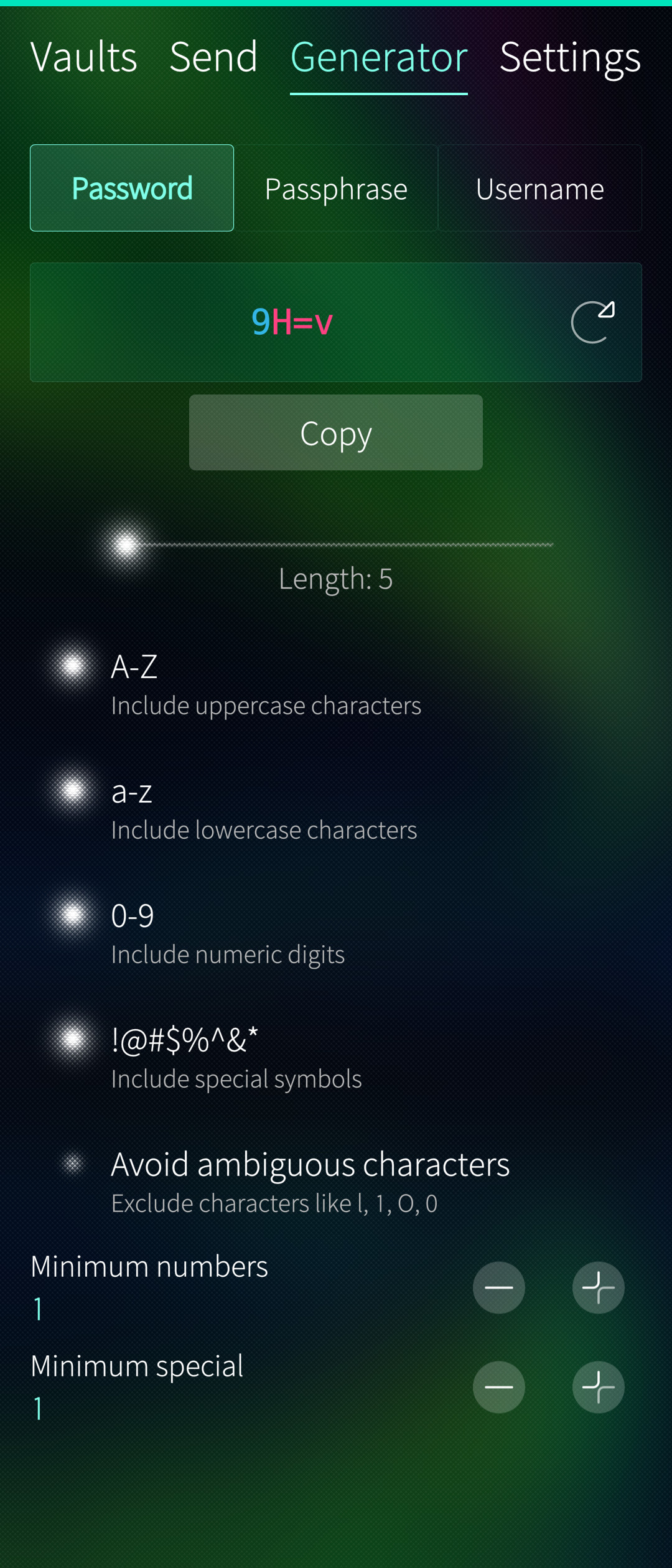
I have been testing the Send feature and I encountered some issues:
Password protection does not work at all. I cannot access the Send because the password I set is never accepted. The password seems to actually be blank (that is what I see in the Android app when I look at the details of the Send I created with SailWarden) instead of the password I set when I created the Send. This might be directly related to the next issue (#2).
When creating a new Send, several fields are not saved/shown:
when accessing the Send, hide the text by default - NOT saved at all (can’t see it in the Android bitwarden app either)
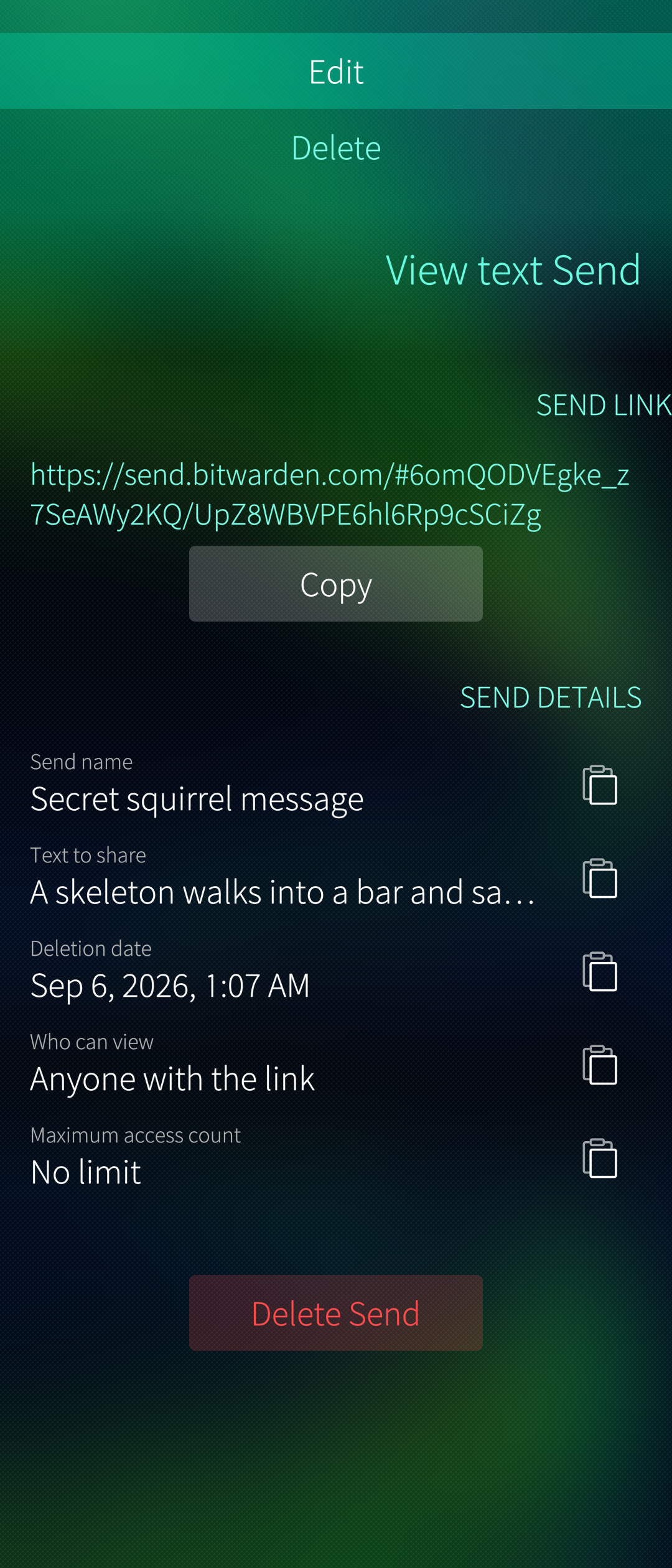
deletion date - saved, visible when viewing an existing Send, NOT shown correctly when editing an existing Send
maximum access count - same as above: saved, visible when viewing, NOT shiwn when editing
hide my email address from recipients - saved, NOT shown when editing
private notes - saved, NOT shown
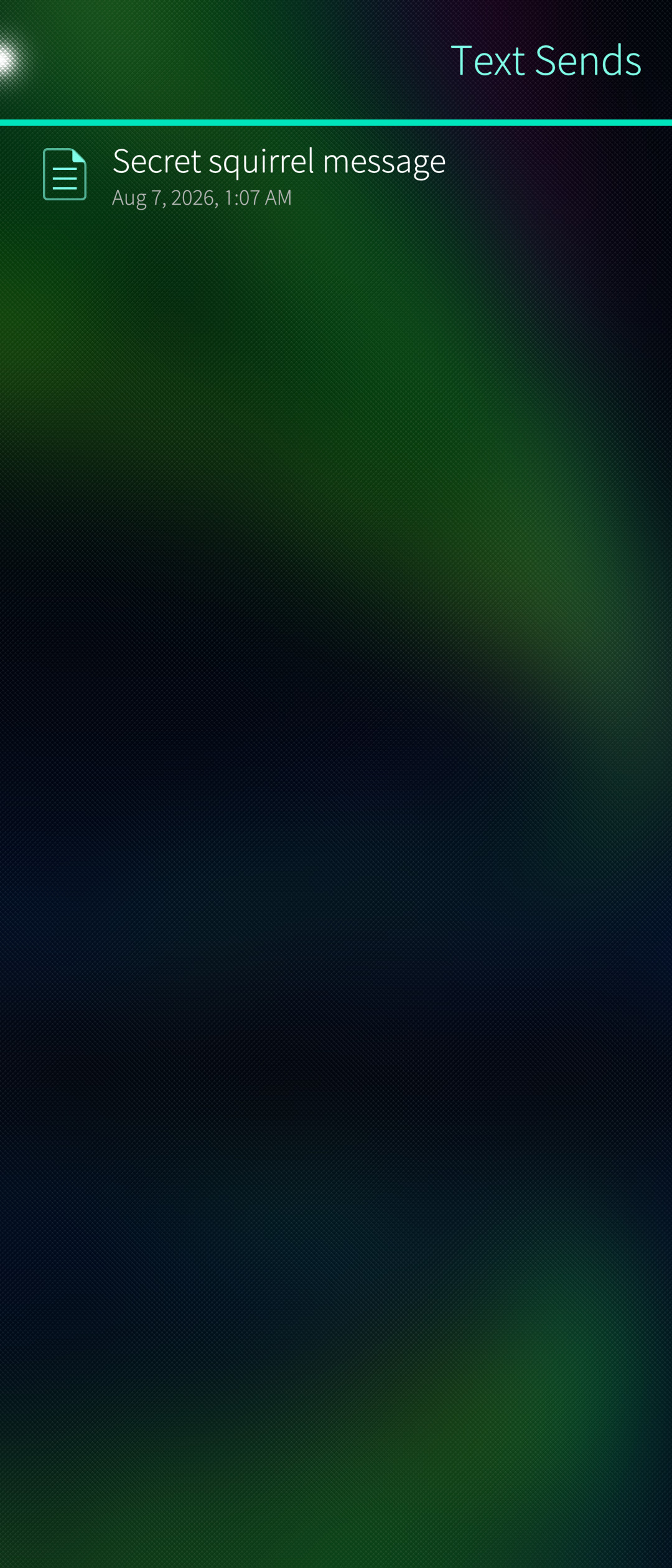
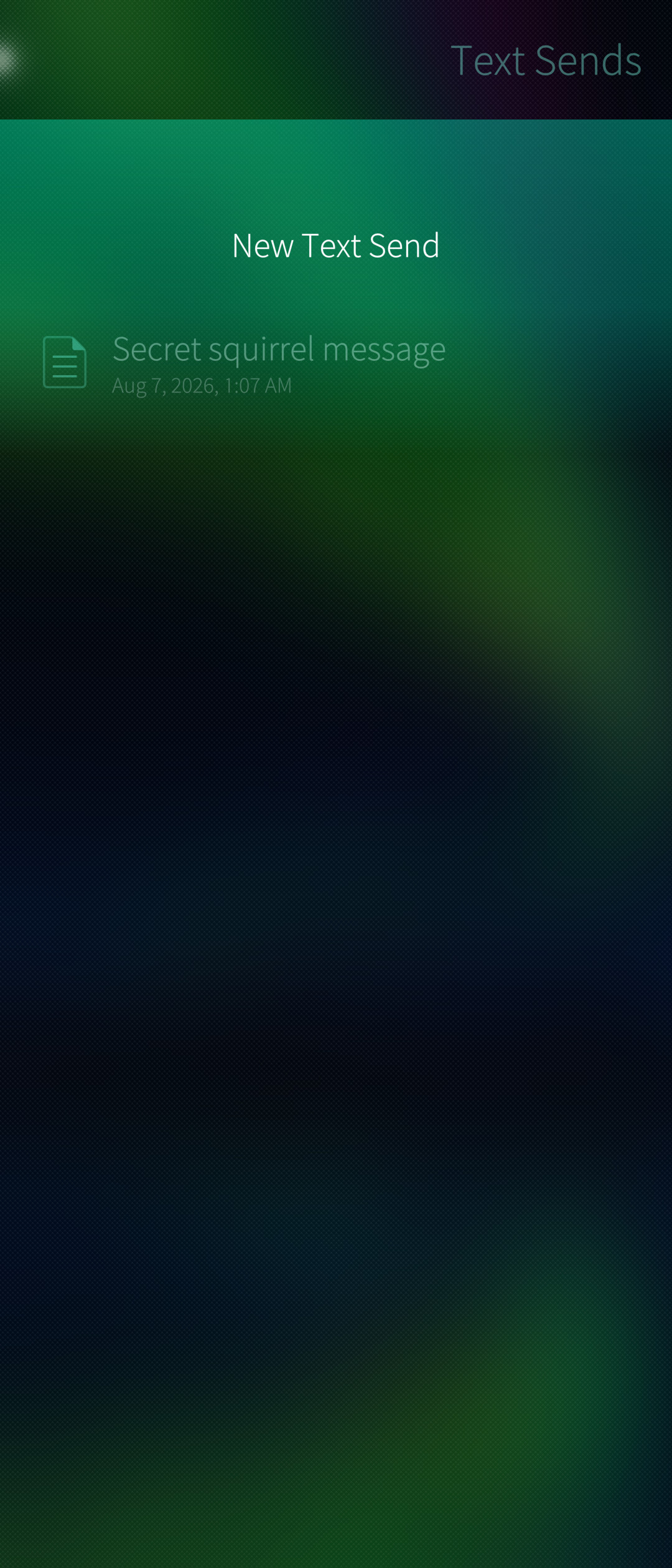
On the Text Sends page the pulley menu is not at the top of the page AND does not contain a search option (it should)
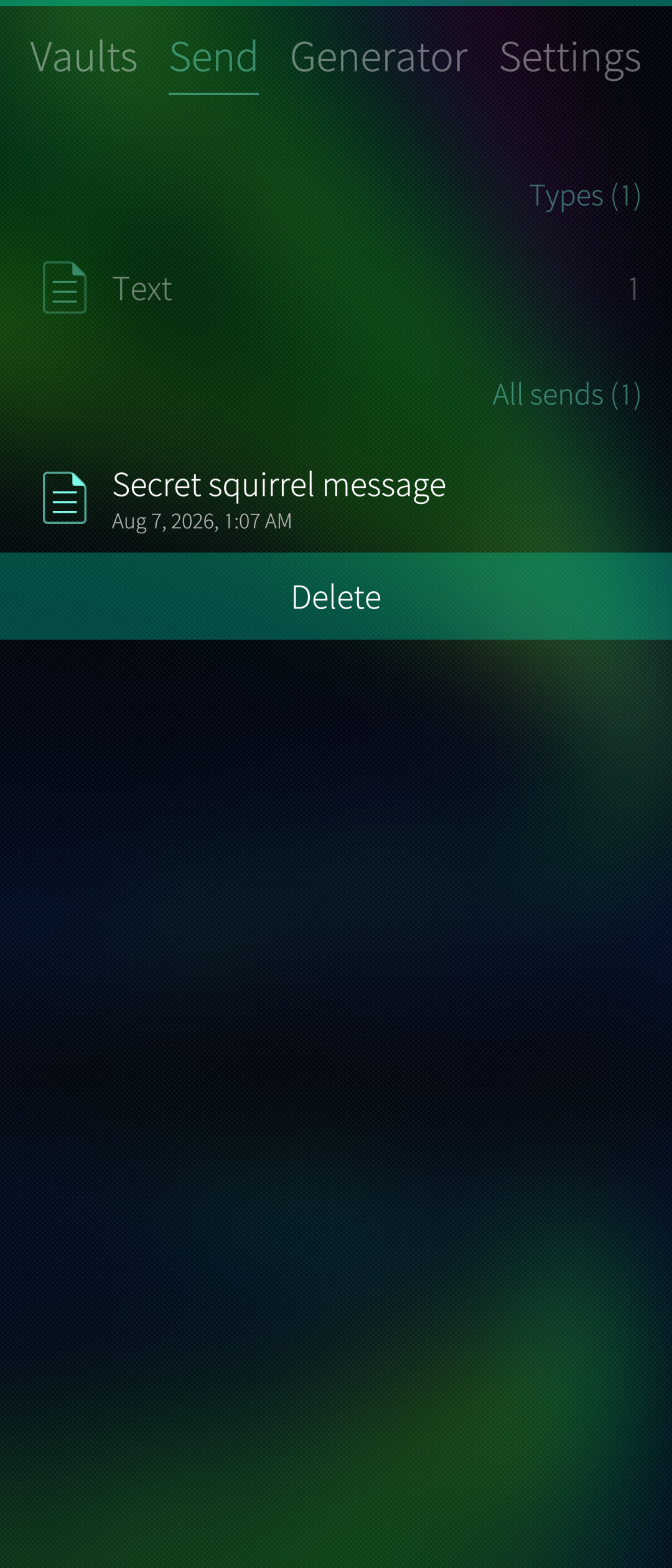
When deleting a Send from the main view of the Send tab, by long pressing the Send to show the context menu, no Undo timer is shown. The send is deleted instantly. In the other places from where a Send can be deleted, an undo timer is shown (as expected).
When viewing the Text Send, the sections are written in all caps AND thw order of the menu items is not great (Edit should be the first item when pulling the menu)
Every once in a while, but not that rarely, a 4-character password is generated while tapping the refresh button that generates a new password.
I don’t know if something similar also happens for longer passwords. I haven’t tried it, because it is not easy to spot.
The first thing I can think of is to add an assert for each password generation to check if the length of the generated password matches the length specified by the user, so it is easier to catch the bug in action.
A random first thought. Many Unicode characters are two or more bytes long. Depending on what character set is used for password generation, care must be taken to count characters instead of bytes. Even within the “fairly simple” ISO-8859-1 space that should match 1:1 to unicode codepoints, some characters can be made up from either combining characters or being a single codepoint. E.g. ä can be a single code point or made up from a and ◌̈. This does not apply within a strict ASCII space.
Glad you like it. Now that I have the real Sailfish phone the sailfish theme and gestures are growing on me. A lot better than clicking and dragging on the simulator with the mouse.
I actually made the Sailfish theme the default for any new users installing it now.
For icons, on my simulator they were here: /usr/share/themes/sailfish-default/silica at various scales z1.0, z1.25, z1.5-large, z1.75 etc.
Jolla store - yeah, I have plans to submit it there. Trying to get a relatively bug free experience first.
For your second post- I just pushed 1.1
That one took quite a while to debug but it is working for me now. Give it a try.
Should all be fixed.
Woops - Fixed
Should be fixed, i wasn’t sure about showing the undo over the item or at the top of the page. I made it show over the item not knowing any better.
Fixed
On the password generator you are right on the money. When Qt parses the text it gets confused by unescaped html characters like “<“, “>” , or single quotes/double quotes causing the drop of characters in rare circumstances. I’ve escaped those now so it shouldn’t happen anymore.
Good job on the bug reports btw - I wish the QA at my work was this thorough.
Nice!
I will be back with another set of issues soon. I don’t have the time right now to properly redact them.
I personally like your choice to put the undo timer on top of the item to be deleted itself.
I realize now that mentioning how the password for Sends seems to be blank because that is what Bitwarden for Android shows was misleading.
After a more thorough investigation it looks like it is shown blank because that seems to be the expected behavior on both Android and iOS. It’s very confusing if you ask me. Or it could be some bug on both Android and iOS I guess…
Anyway, sorry for adding confusion on top of the issue.
When setting the PIN in Account Security, after entering the PIN in the “Confirm PIN code” field, if I hit enter, it does not set the PIN. I have to explicitly swipe to Accept.
It should Accept when I hit enter.
This is similar to the behavior you fixed when logging in.
There are some behavior details that I would expect to have in the keyboard when filling “forms” such as this PIN change page or the login page.
The enter key looks like a regular enter key.
Pressing it does nothing.
I would expect it to move to the next field.
And I would expect it to look like it does in this screenshot:
I would also expect it to Accept the PIN if I hit the enter key.
Instead I have to manually swipe (or tap Accept) to Accept the new PIN.
When I restart the phone, SailWarden asks for the password instead of the PIN and I have to set the PIN again. The Android app lets me use the PIN even after I restart the phone, so we know it is technically possible to do this.
This one only applies to the Sailfishy theme: the icons of the items in the list of sends are colored instead of white.
In Text Sends, the “Search Sends” item in the pulley menu should be called just “Search”. Adding “Sends” is redundant noise.
I would also prefer just “New” instead of “New Text Send”, since the user is in the Text Sends page and it doesn’t make sense to create anything other than text sends, but it somehow doesn’t feel as bad as “Search Sends”.
In Text Sends → Search Sends, the keyboard disappears every time I type a letter that causes the list of search results to change (i.e. every time at least one send is filtered out of the list of search results).
I have not seen this behavior in any other search fields. I have to tap the search field to show the keyboard again every time it does that.
The keyboard is visible right after entering the search page:
If I continue to type more letters in the search field, the keyboard will disappear every time the new text in the search field causes the results list to change.
When I try to create a Text Send with “Who can view” set to “Specific people”, and I put in some email address, the Send is not created.
Also, when I try to edit an existing Text Send and change “Who can view” to “Specific people”, and I put in some email address, none of the changes I made to the send are saved.
For the icons, most of the scale folders do only have a few icons
Primarily you want to look at the 2.0 one/usr/share/themes/sailfish-default/silica/z2.0
inside of that you have icons and icons-monochrome
I checked my real phone, and it is the same location so they should definitely be there for you.
For all your other issues, instead of going through them one by one I’ll just say they should all be fixed now heh. Thanks for calling em’ out.
“Specific people” I found out doesn’t work with vaultwarden and you need premium, so you won’t see that option now unless you’re both A. using official bitwarden servers and B. paying for premium.
I also made a massive performance improvement, should be WAY faster on initial login, near instant for me with 500 logins.
I’ve tested the new version, and I didn’t find any new issues on the UX side.
I still have two small nitpicks, but overall I think the app is ready to be published to the Jolla store.
Is the process difficult?
Can you please share the vcard icon (the one currently used for bank cards in SailWarden) for all resolutions?
I only have one of the resolutions on my phone.
For Jolla store - not difficult, no. It just takes a long time because I don’t think they have anyone full-time approving apps. Probably takes around a month or more from submission before they take a look at it.
For icons, you really need the SVG those icons are generated from. Easiest way is just right click > save as on this page Sailfish Icon Reference - Sailfish OS
Might be moot now though because I just pushed 1.3 that has updated icons for identity and card items.
The new icons are way more intuitive.
The card icon looks very nice and distinctive.
I have a nitpick though; maybe two:
the magnetic stripe should be edge to edge (actually, in this case, I would probably make the stripe touch the outline of the card, but not overlap it; anyway, I would not leave any visible empty space at the ends of the stripe; there is some space at the moment)
the chip and the contactless logo are also (newer) iconic markers on a card (while magnetic stripes will be phased out), so I would also add them together with the magnetic stripe even if it is technically incorrect to show them on the same side
That being said, neither of those nitpicks are anything more than just that: nitpicks.
The current icons do their job very well in their current form.
I have noticed two types of issues related(?) to the search functionality.
In some places the pulley menu indicator is shown below the search field instead of at the top of the page.
In Sends, when the search field is empty, all items are filtered out. It should not filter anything when the search field is empty.
This behavior occurs both when searching in the general Sends tab and in the specific Text Sends page.
All search fields should also have a corresponding Search item in the pulley menu if possible. That basically focuses the search field without the user tapping the field.
This is basically a nice-to-have, and not even Jolla does this everywhere.
This is what it looks like in the phone app:
Hi, using this myself so far so good! I do miss autofill from android but like you can copy stuff from the home screen, good idea!
So just hit a problem where pin wouldn’t unlock the vault, just stayed stuck on the input page (but the wrong pin would complain it was wrong), had to log out and in again to get around it.
Also, any chance we can add the fingerprint/biometrics unlock? Cheers again. We got a github page or something to raise requests/bug reports?
i dont understand how you could see this forum page, be capable of thought, and still use this app with your most important digital secrets.
likewise, i have NO IDEA why jolla would put this app in the official jolla store. i notice the official app description removed the totally non-suspicious ‘why you should trust me’ FAQ section.