5.2
20 charsssssssssss
That worked but I guess, the result is the same as with my approach before.
EDIT: I installed your bsnes and dosbox-pure cores. They load successfully. I am not sure if I do something wrong with Dosbox (loading an iso file of the Tyrian folder I downloaded from Gog) but the SNES rom should work, it does on Desktop with retroarch. Instead it retroarch just minimizes itself and restarts, when loading the content.
PS: 5.2 on the J2 of course
Updated the build to latest 1.22.2, unfortunately the described issues remain…
Btw, do NOT switch the Video options away feom gl (to sdl or vulkan), after that the whole app will not start 
1 Like
With some experimental snes cores I managed at some point to launch the content and get functioning key overlay and controller input. But no video or audio happening. Not sure if that is helpful. Couldn’t reproduce that either.
Please update to retroarch-1.22.2-1.15.1 and retroarch-assets-minimal-1.22.2-1.15.1.
This one works (but the menu is basic…). I can load SNES demo files and XRick.
It would be best to keep the RPM files of retroarch around, in case I break the thing again.
My .cfg uses:
audio_driver = "pulse"
camera_driver = "ffmpeg"
input_driver = "sdl2"
input_joypad_driver = "udev"
microphone_driver = "sdl2"
video_driver = "sdl2"
Also works with video_driver “vulkan”, menu_driver “glui”, if you install the vulkan-loader package.
3 Likes
Ok, Retroarch is a puzzle game all by itself 
After installing your newest packages and sdlarch2, the app does not launch from the app menu. However, when launching it from the terminal, after listing a wall of error messages, it does actually launch retroarch.
Unlike before, the only cores that successfully install are those installed externally from your repository (I assume that’s why that core repository exists in the first place?).
My 8bitdo SN30 Pro controller works after manually setting it up in the input settings.
When launching content with BSNES I am greeted by a black screen. It doesn’t react to anything on the controller. I have to touch the screen once, for the content to actually launch. Not the smoothest experience, but it does work as well as one can possibly expect.
Now some luxury problem. Do you, by any chance, know, how one can enforce a 90° screen tilt without causing a tiny play window or some wildly off screen stuff? I tried all sort of options but nothing yielded a goo horizontal screen usage.
All I have is to try setting this experimental dconf key:
2 Likes
Fantastic, I am as of yet blissfully unaware of its side effects but this is exactly doing what I wanted it to do. Simply flipping retroarch sideways, enabling a much larger screen.
One last thing, is there a way to prevent the phone going into stand-by while retro-arch is running a game via controller other than setting the regular screen off to very high values? It seems to think now that executing content is idle count down to standby.
Retroarch has that in theory - prevent ‘screensaver’ to engage while a game is played.
But of course it has no knowledge of how to do that on SFOS.
I guess this would need some programming to extend that function with what SFOS expects.
I guess setting the sleep timer from 30 sec to 1h when running Retroarch is my solution then. Anyhow. I am pleasantly surprised with Jolla Phone + Retroarch, BSNES, 8bitdo SN30 Pro controller (via bluetooth). Performance is sufficient I would say.
That is with sdl2. I tried Vulkan and I had pretty nasty sound stuttering.
Thanks for all that help.
Nice, vulkan+glui is very touch friendly and even overlays work (some like nes even automatically), sadly seems to be the slowest (30fps in the menu vs 60 on sdl2 and 90 on the old 1.20 gl build)
Edit: the mupen64 core seems borked as doesn’t allow selecting .z64 files (and crashes if you rename the file to one of accepted extensions to force load it)
1 Like
If you ‘chown -R defaultuser:defaultuser /usr/lib64/libretro’ (and probably /usr/share/libretro) downloads work (just make sure you have index - powered by h5ai v0.29.0 (https://larsjung.de/h5ai/) in the cfg, smokku.github.io url is dead, if you installed 1.22 over 1.20 you might still have the dead url, check in ~/Documents/RetroArch/retroarch.cfg)
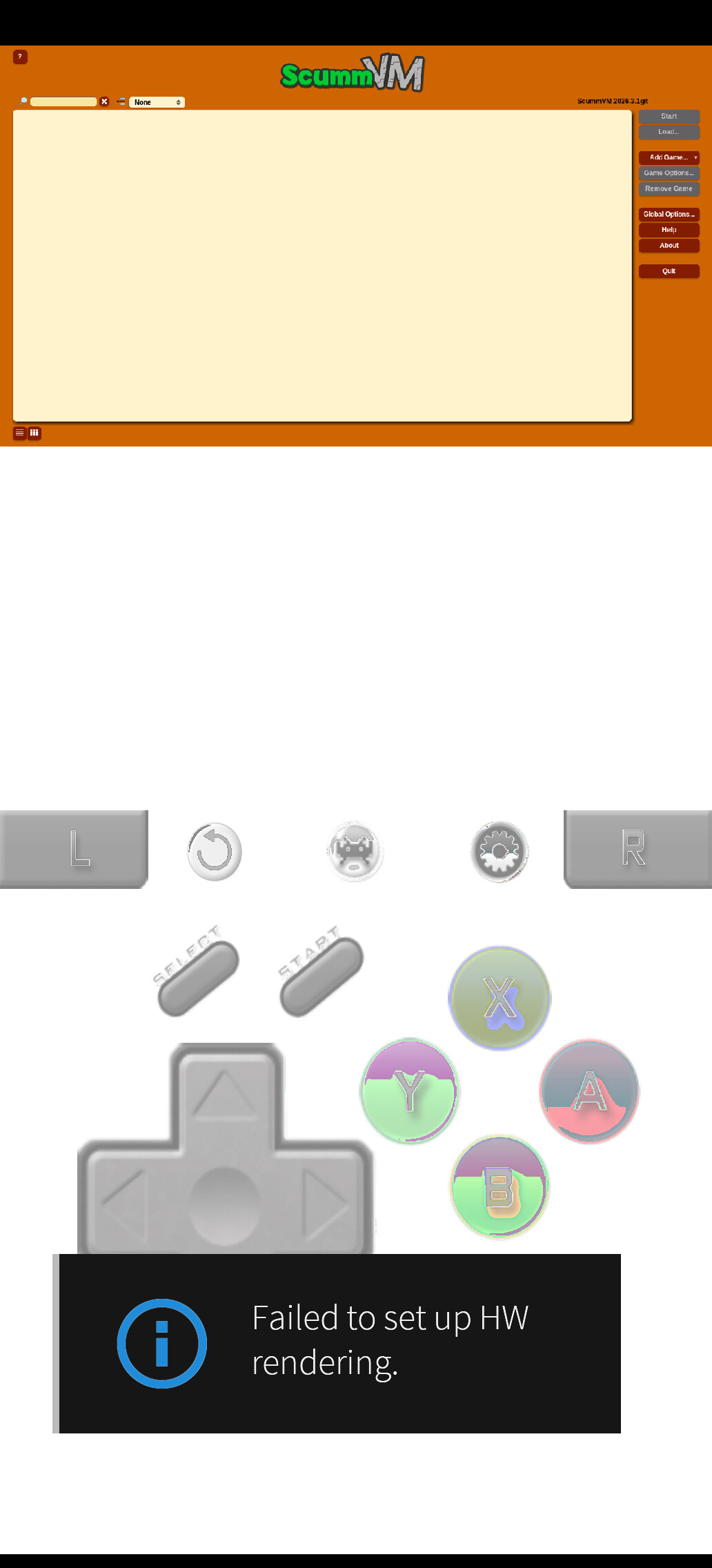
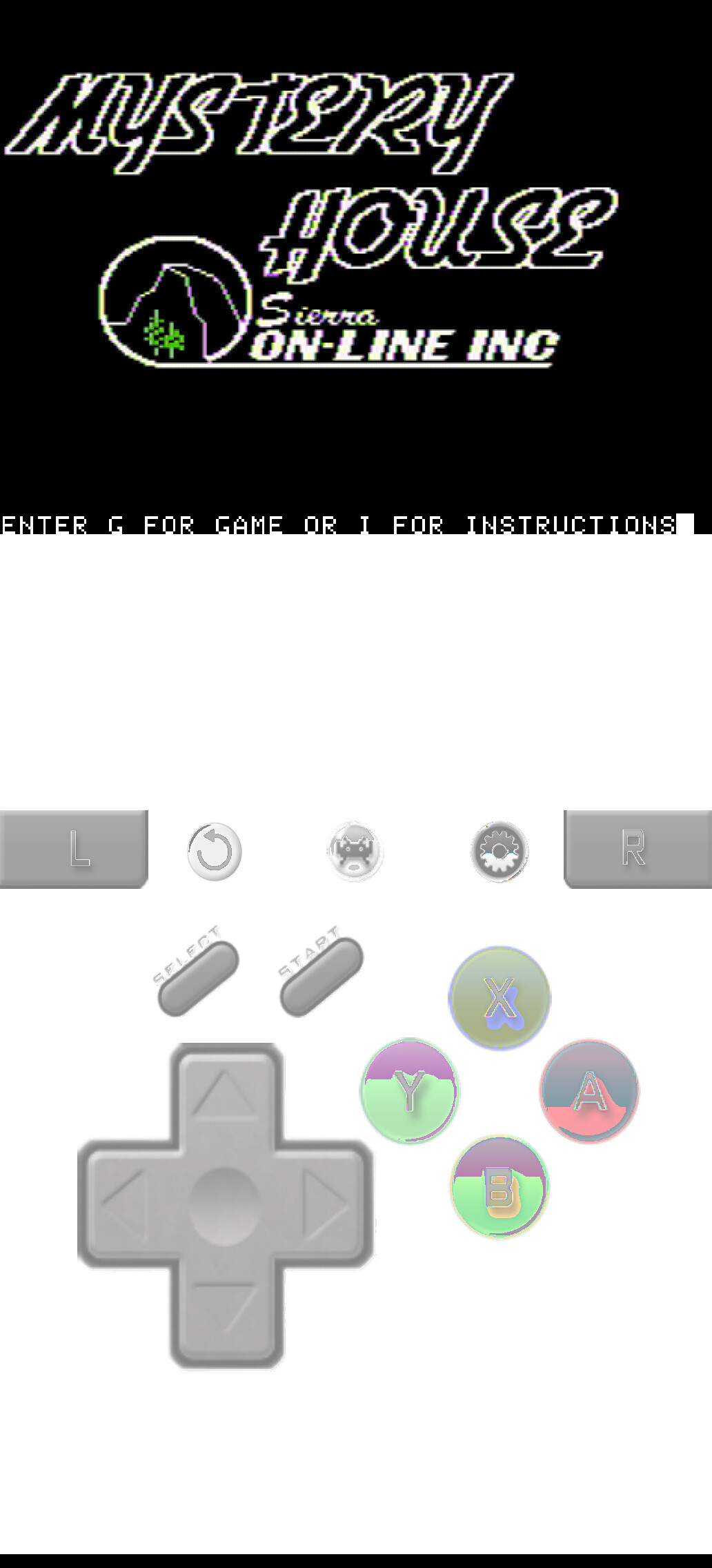
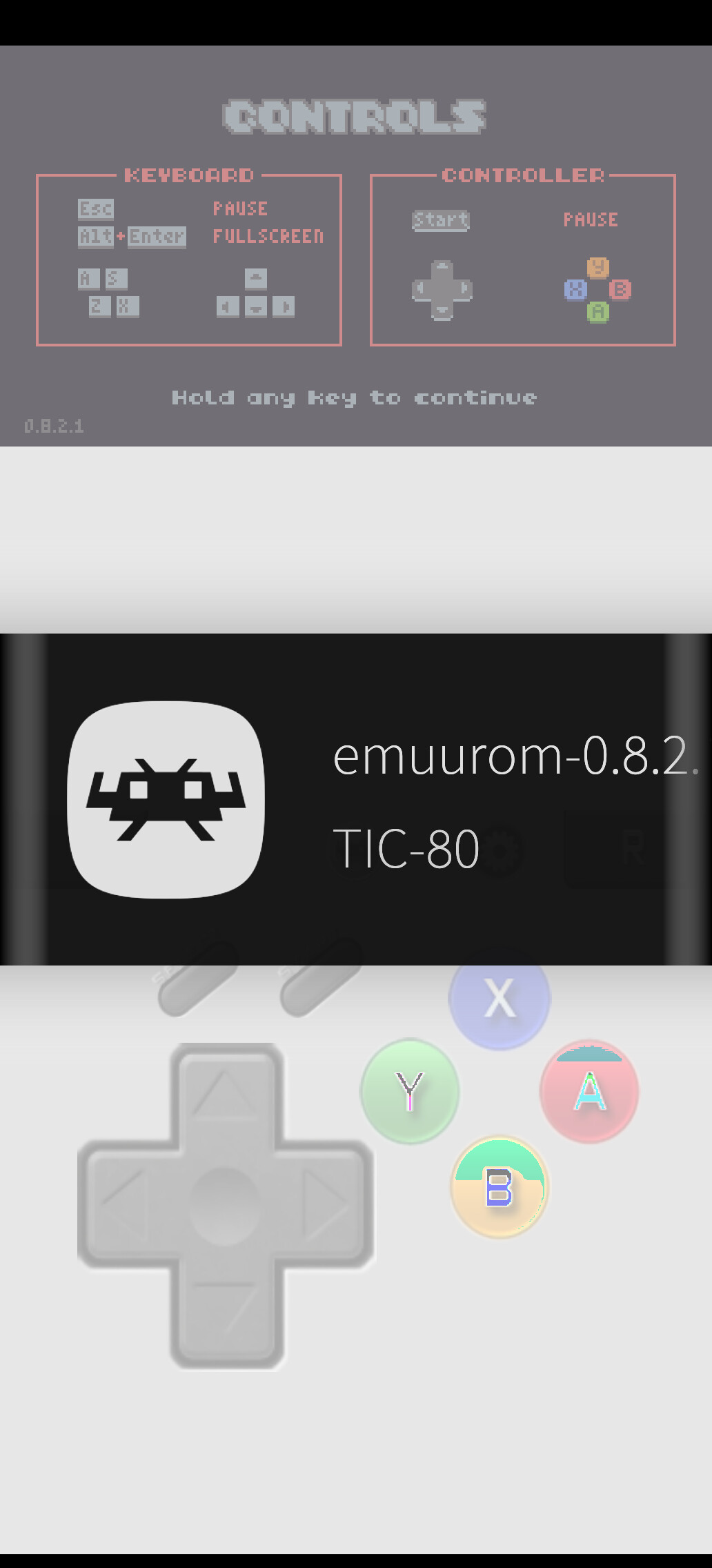
Wooow even emuurom demo works (fantastic finnish game btw, sadly full version is too big for tic80)
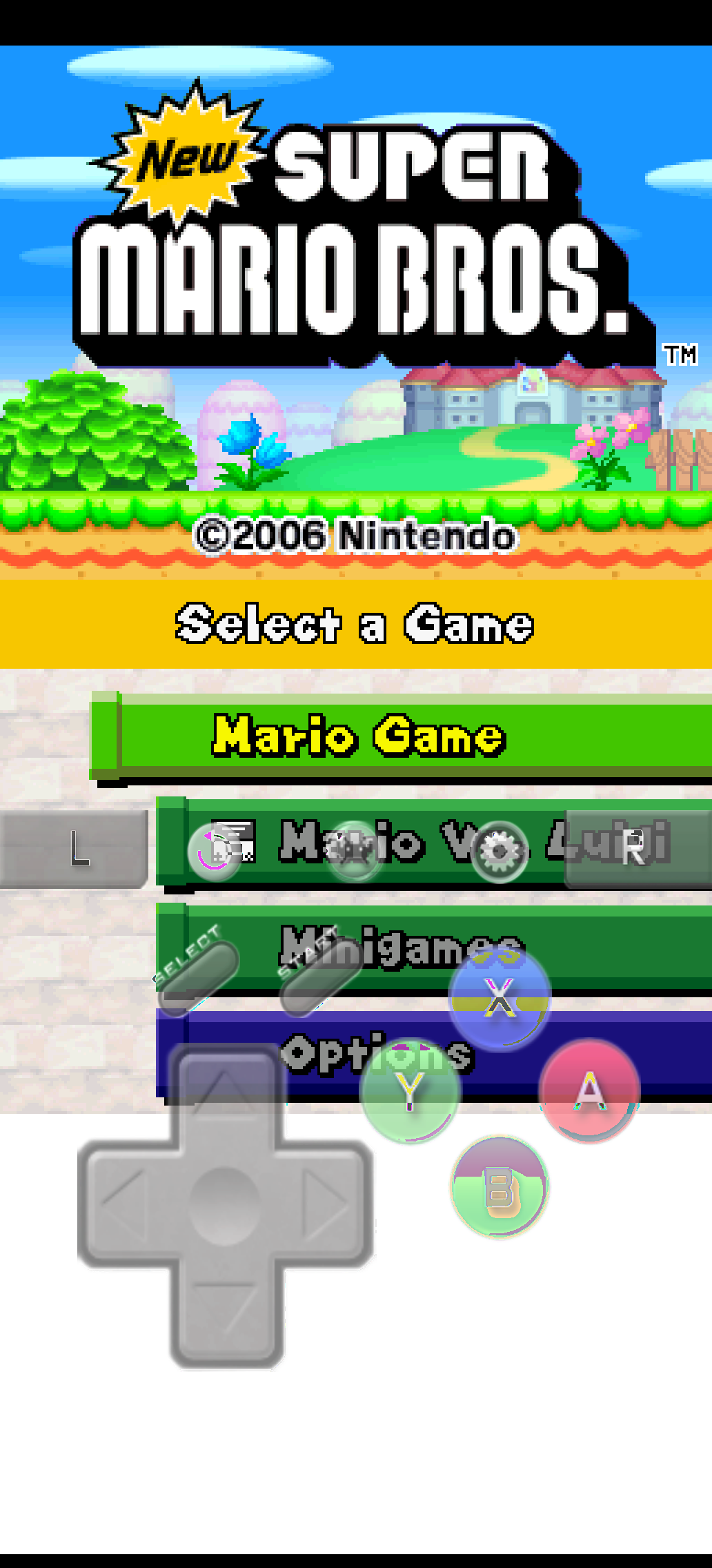
N64 cores sadly still seem broken, but ds works
1 Like
Oh, yes, more screenshots 

Yeah, I think that now that some 100+ (estimated) cores are working and turns out the choice of /usr/… was the culprit a few screenshots are in order (also no longer need to repackage each core manually, which makes the sw much more useful EDIT: some will probably still need a recompile, sadly compiling parallel_n64 on device doesn’t help and the resulting core also segfaults), getting hw accelerated render working (with overlays) seems like the last hill to climb
And since you enjoy screenshots here’s atari 2600
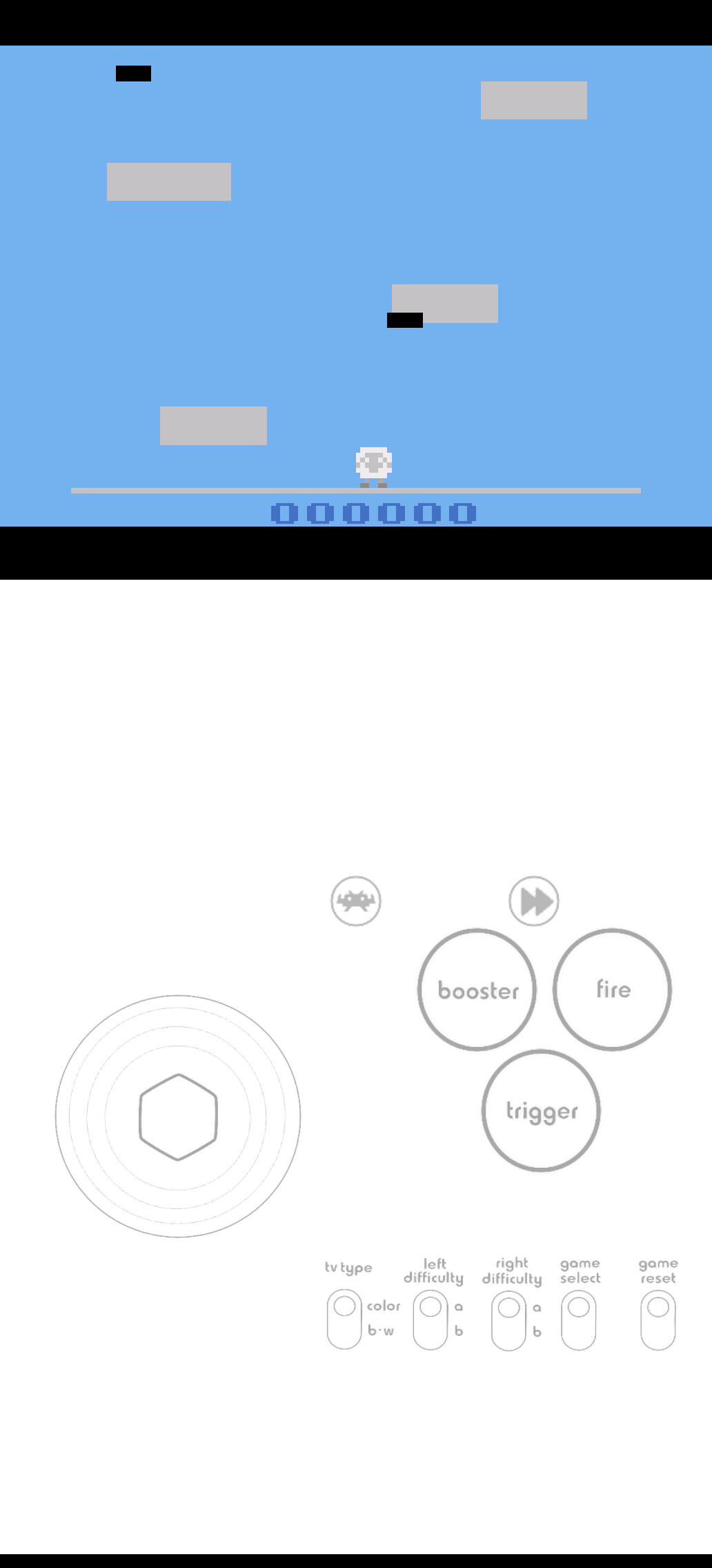
1 Like
Indeed. After giving those permissions with “chown” installing of the “experimental cores” via built-in core downloader work and it appears that they are also functioning now.
1 Like
Noted!
I’ll look into having the core DL dir somewhere in HOME so chmod shenanigans are not necessary.
2 Likes
Ok, I’d like to summarise for other how to currently install retroarch (if you have suggestions what to add correct let me know and I will edit it). I have seen above that virtual controls appear to work but I personally did not figure it out.
Requirements
Game controller (I tested 8BitDo SN30 Pro and it works via Bluetooth)
Installation of retroarch-1.22.2-1.24.1 on Jolla Phone (2026)
- Enable developer mode to unlock terminal
- Install zypper (if not already installed)
devel-su pkcon install zypper
- Download following files to ~/Downloads/f
https://repo.sailfishos.org/obs/home:/nephros:/release:/retroarch/5.1_aarch64/aarch64/retroarch-1.22.2-1.24.1.bso.aarch64.rpm
https://repo.sailfishos.org/obs/home:/nephros:/release:/retroarch/5.1_aarch64/aarch64/retroarch-assets-minimal-1.22.2-1.24.1.bso.aarch64.rpm
https://repo.sailfishos.org/obs/home:/nephros:/release:/retroarch/5.1_aarch64/aarch64/sdlarch-0.1.211213-1.1.1.bso.aarch64.rpm
devel-su zypper in ~/Downloads/retroarch-assets-minimal-1.22.2-1.24.1.bso.aarch64.rpm ~/Downloads/retroarch-1.22.2-1.24.1.bso.aarch64.rpm ~/Downloads/sdlarch-0.1.211213-1.1.1.bso.aarch64.rpm
devel-su chown -R defaultuser:defaultuser /usr/lib64/libretro
devel-su chown -R defaultuser:defaultuser /usr/share/libretro
Two icons should install in the app menu. “Retroarch” appears to not start from the menu (it should launch with the terminal command “retroarch”), "Retropad on the other side should launch retroarch also from the menu.
Recommended configurations in retroarch:
Set controller bindings
Main Menu>>Settings>Input>RetroPad Binds>Port 1 Controls
(Ensure your controller is connected to the Phone)
Click on the respective key bindings and then on the respective controller button
Driver settings (that worked for me)
Menu … rgui
Video … sdl2
Audio … pulse
Input … sdl2
Controller … udev
Bluetooth … bluez
Install cores
Main Menu>Online Updater>Core Downloader
For Nintendo for example: snes9x_1libretro.so
4 Likes
Overlays work only with vulkan (weirdly enough after each system update ‘vulkan-loader’ gets obsoleted by ‘libhybris-libvulkan’ which breaks retroarch and results in grey screen and timeout, gotta remove that and reinstall it again), after getting downloads to work updating all options seems to fix overlays auto-loading only for some cores. The best touch option seems glui (works with vulkan driver), the sdl2 is usable but can’t navigate longer menus (and of course needs external controller). If you have external controller sdl2 might be the better choice as it has 2x performance of vulkan
1 Like
I had harsh performance issues with vulkan, most annoyingly constant audio stuttering. With sdl2 it is largely fine. Pretty smooth with good audio. It appears, I’ll rather stay without virtual controls then.
An alternative, for gameboy color and advance is the dedicated native application. It has working virtual controls. Even if some games appear to have issues with showing video unless you go to horizontal full screen (which does either crop or stretch or both but is actually usable)
1 Like