For reference, on Android (11?) :
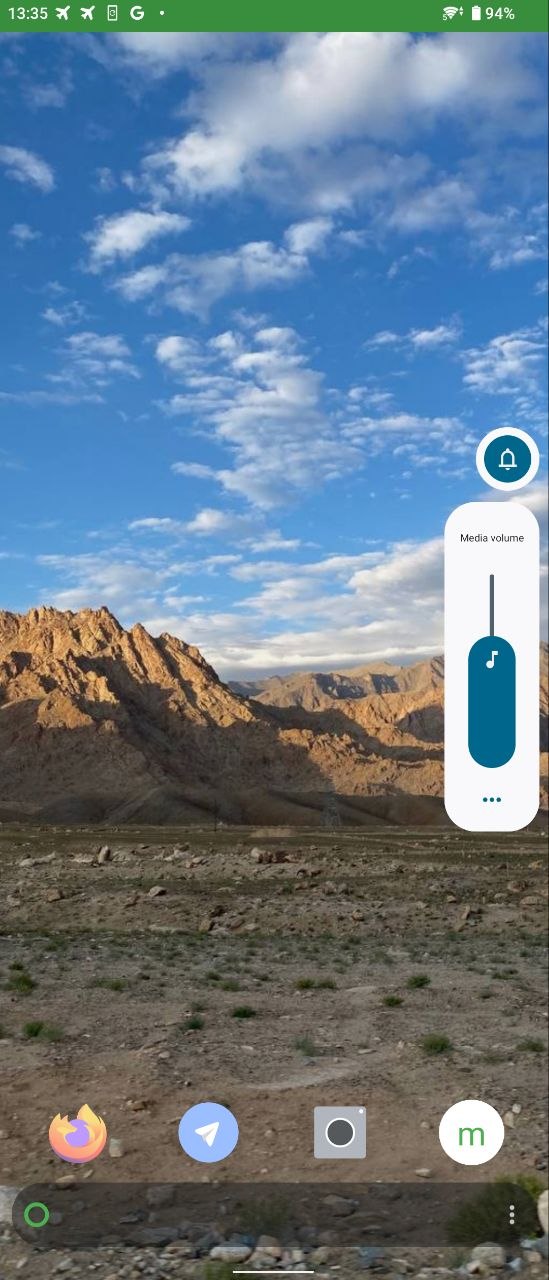
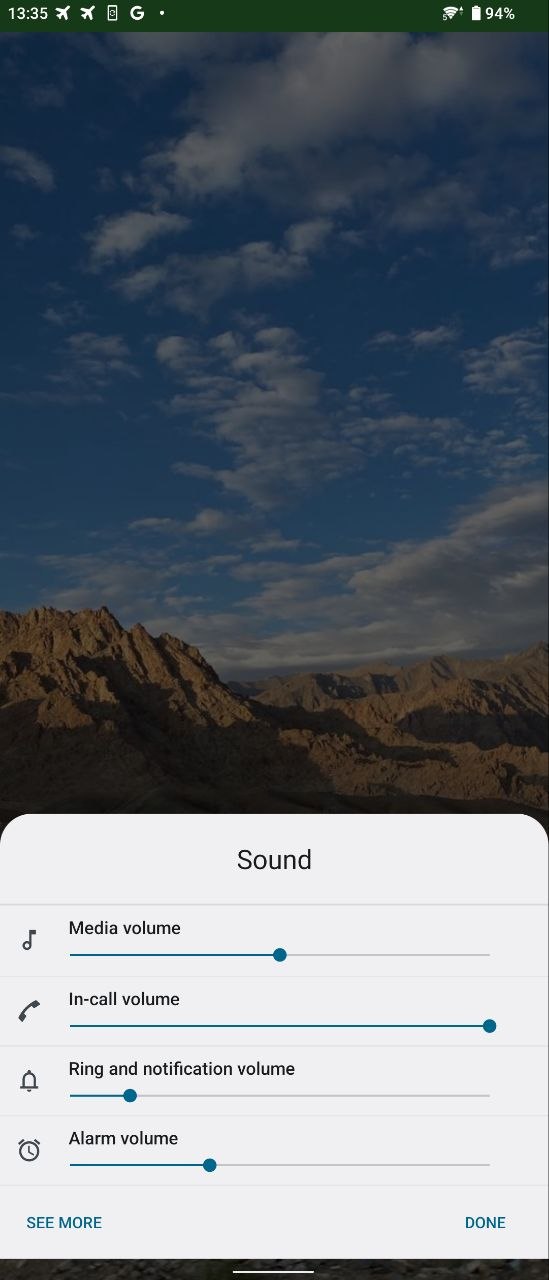
We have 3 levels :
- Buttons, clicking brings the touch interactive volume bar
- Three dotted “more” button, brings to the multi-output volumes
- “See more” button, brings to the sound settings
For reference, on Android (11?) :
We have 3 levels :
Note the use of ‘similar’, suggesting an idea rather than the exact same implementation.
Does it need to be vertical tho? But I 100% agree with you, that the flat volume bar doesn’t look very Sailfish-like. What one could do for example is make the volume bar like every other Silica slider. This would look good (Sailfish-like) and then you could place the volume bar just below the notch because it wouldn’t cover so much display stuff (because it is small and somewhat transparent)
This design for example, I’m totally against. It looks really ugly on Android already in my opinion. The iOS design has less functionality but at least it looks better (it also is smaller, takes up less of the screen)
I’d really like to see something that is being visible on the second screenshot but it would be on the top part of the screen. I can make some quick mockups using existing screenshots. Vertical volume bar on it’s own wouldn’t really bring any real added value UX wise and also wouldn’t really be very Sailfish-like.
So the current volume bar should remain but when the user taps on it there should be a module where the user could see bars for each type of volumes and could adjust each one of them.
Edit:
Futo keyboard has this type of modal which could be used when the user taps on the volume bar when it appears:
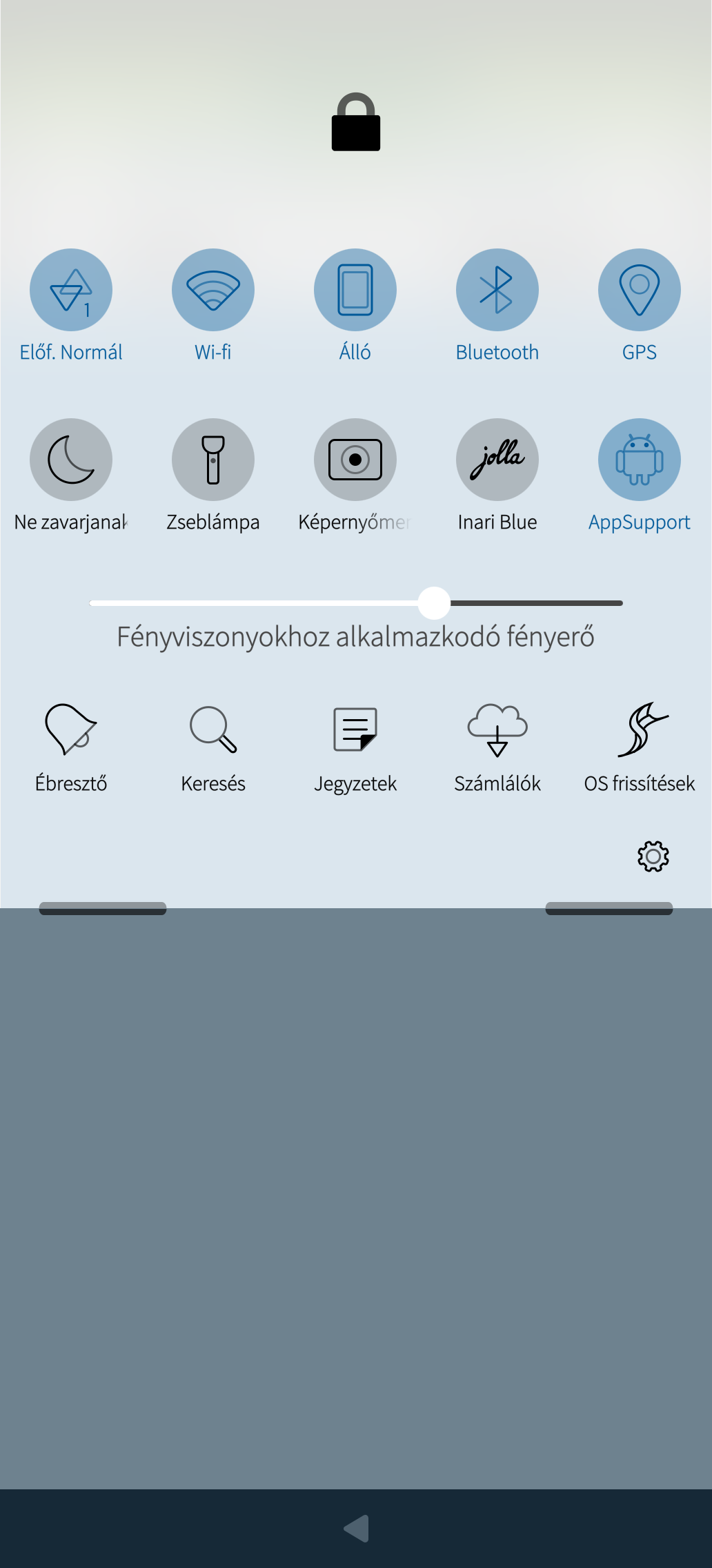
That panel should contain volume bars for each ringtones, media volume, calling volume similar to this bar that shows screen brightness:
Regarding the volume bar design and functionality I really only have three wishes:
Triggering the display of the volume bars (by pressing the volume knobs) should display both bars and control Ringtone volume, the top bar
Once visible on-screen, they should be touch-adjustable
Both bars should be allowed to be set from 0-100% with 1% increments
That would solve some rather long standing every day SFOS frustrations for me 
I work around 1 & 2 using the pull-down menu, but it’s sub optimal, 3 is not solved with or without the mentioned patch, 9% volume is very often way too loud.
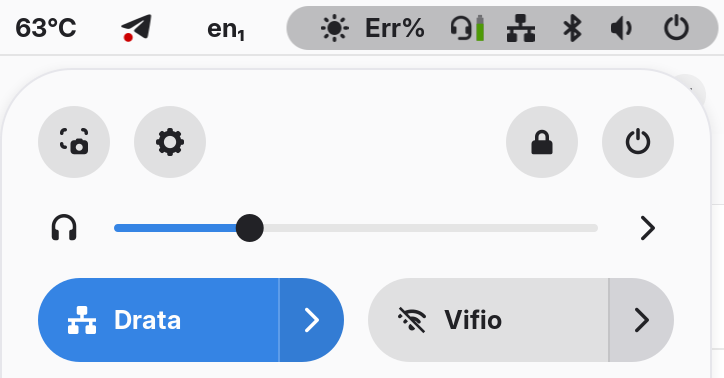
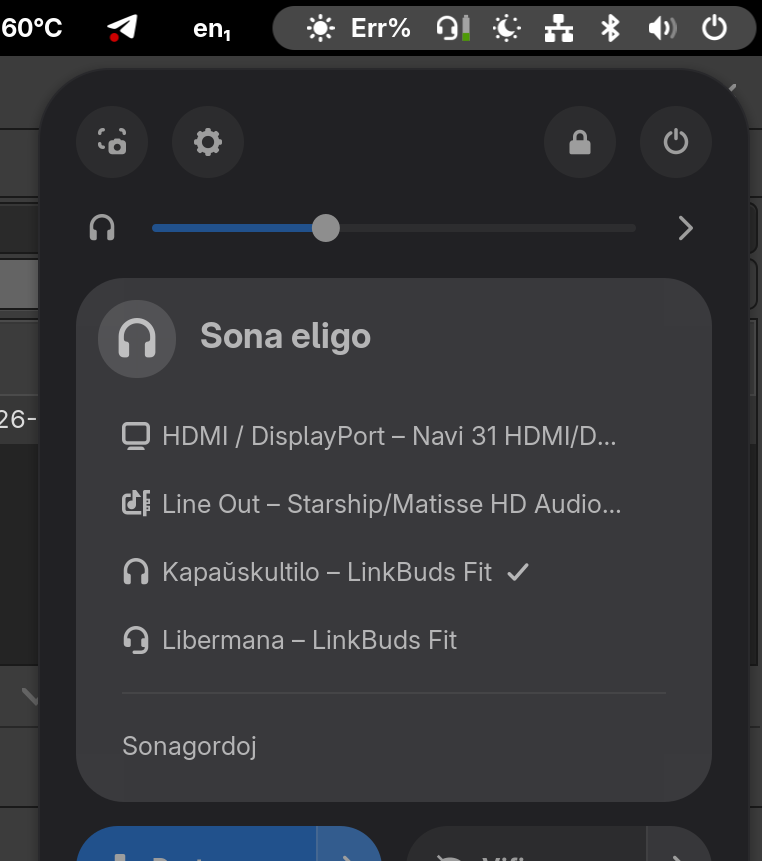
On Gnome 51 we have 4 levels :
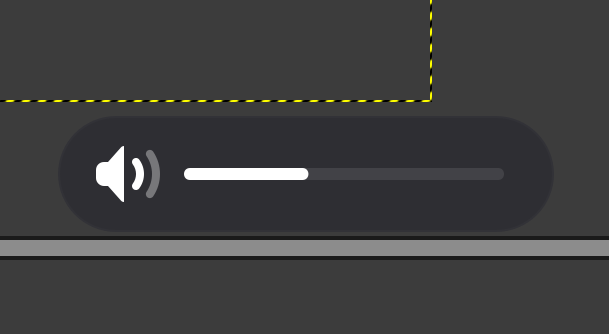
Interacting with the volume gives a non-interactable notification
Slider in the top menu
Switchable output by pressing the ‘>’ button
Then “sound settings” brings to the appropriate setting
On my Xperia 10II the volume bar is fine, it feels like a part of the OS (it matches the pulldown & item submenu). It is not interactive, but the silder in the top menu is. Horizontal has always felt more natural for me.
I obviously don’t know about notched devices, and possibly larger screens, which both can cause issues. Is the notch so big that the bar cannot be properly shown ‘underneath’ it?
They could make it bit translucent like rest of UI, bar itself is good where it is meaning it’s not intrusive, could have finer control though.