Update went fine on Xperia 10 III. I had to delete a lot of apps beforehand, so I’m trying to reinstall them. But for some reason, I cannot find a specific app anymore. Did some apps get removed from the store lately?
Update was perfect on Xperia 10 and 10iii. All runs perfect also all my 67 installed patches. Perfect work and also Android 13 runs top and quicker. Big Thanks. I will monitor the battery drain in the next days.
3 Likes
67 patches! you have a list or a top ten?! I’m very curious , running stock apart from some registry mods.
2 Likes
I have a XA2 and the Android update improved most apps. The feeling is an overall speedbosst which I like very much.
The app Too Good To Go degraded, it can not load it’s main store list and crashes when the worldmap is loaded. I have no insight to see why. Other parts like profile, shopping list and push notifications are working.
As was already mentioned here: Video Playback speed got a bad hit. Firefox and the Jolla Browser were able to show 720p Video without framedrop, now 720p is a slideshow.
Had a minor issue à la “…could not be updated. Please try again later” (Xperia 10 III). In my case freeing some disc space on the root and on the home partition solved it (not sure which of those was really necessary).
Just wondered why there was no warning in the update description. If I remember correctly, former updates showed at least an estimate of how much free space would be needed.
P.S. the signs were: the download progress bar started crawling up until reaching about 20% and then immediately jumped to 100%, after rebooting the same happened to the upgrade progress bar.
1 Like
AFAIK this is a problem with the app, the same problem appears on SFOS 4.
Had the same thing a few days ago on one of my X10’s. Because I don’t need the MS Cloud, I didn’t try to solve the problem but skipped the update. Root partition is 4GB and not many apps installed. Very strange. For the first I suspected some server overload at Jolla side. But I don’t really know.
2 Likes
Hello, at weekend I can make a list add to my old chat and can make also a prio. I created also som small patches like more day in the weather view and I fork some old patches lile notification count in switcher, mazelock2.0 etc.
6 Likes
Isn’t that a problem with the service itself? I remember there were some news that they had been hacked and reser the user passwords for security reasons.
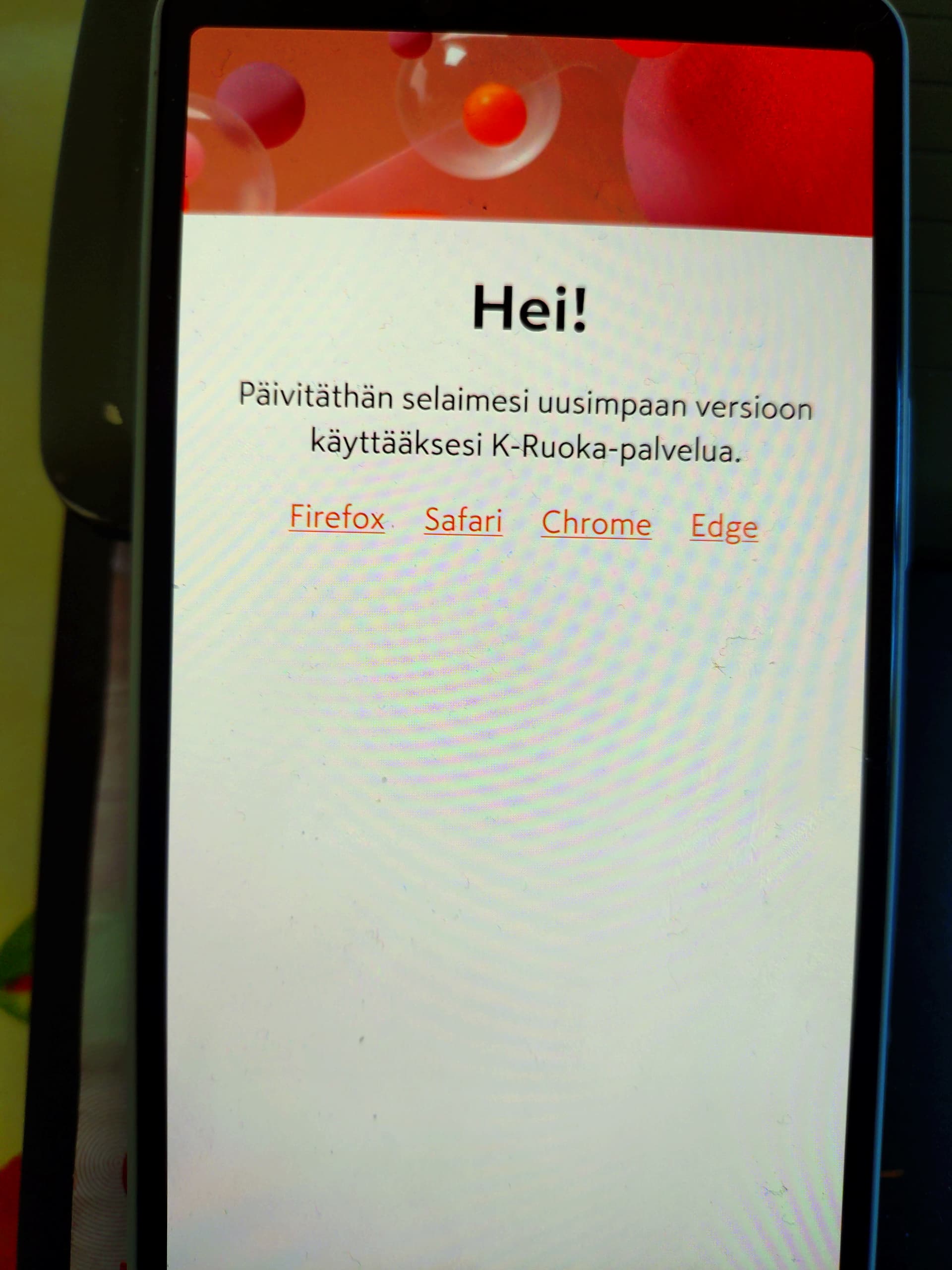
Install Vivaldi browser from Aurora Store and maybe set it as your default browser. It’s chromium based and known to work well when setting up these apps with accounts that use a browser in the process. I got my K-Ruoka up and running on 5.0.0.76 so it’s doable.
TNX works. Use it on my computer too so yeah.
1 Like
How do I set a default browser?
I think it might even ask do you want to set it up as the default browser when you start it the first time.
Go to Settings → Apps → Vivaldi → Open Android settings → Browser-App → Set Vivaldi as Standard Browser app.
I have done so, but when trying to open a .html file with File Browser, it asks me to open with SF Browser or Android HTML display, but not Fennec. Imho it’s a similar problem using Vivaldi or Fennec.
Isn’t there some MIME type settings deep in the system config files, where is defined, with what app some filetypes open?
2 Likes
There is a program called Mimer. That may help.
2 Likes
@Ras72 , unfortunately it doesn’t work. I set’ Browser to Fennec but still choice only between SF Browser and Android HTML Display.
Upgraded yesterday on my Xperia 10 III. Update went fine sailfish wise but I lost all android data!
All android programs now think they are starting for the first time.
Can someone help me restore this?
I make an update in the patch chat. So yo can see all 69 used patches…