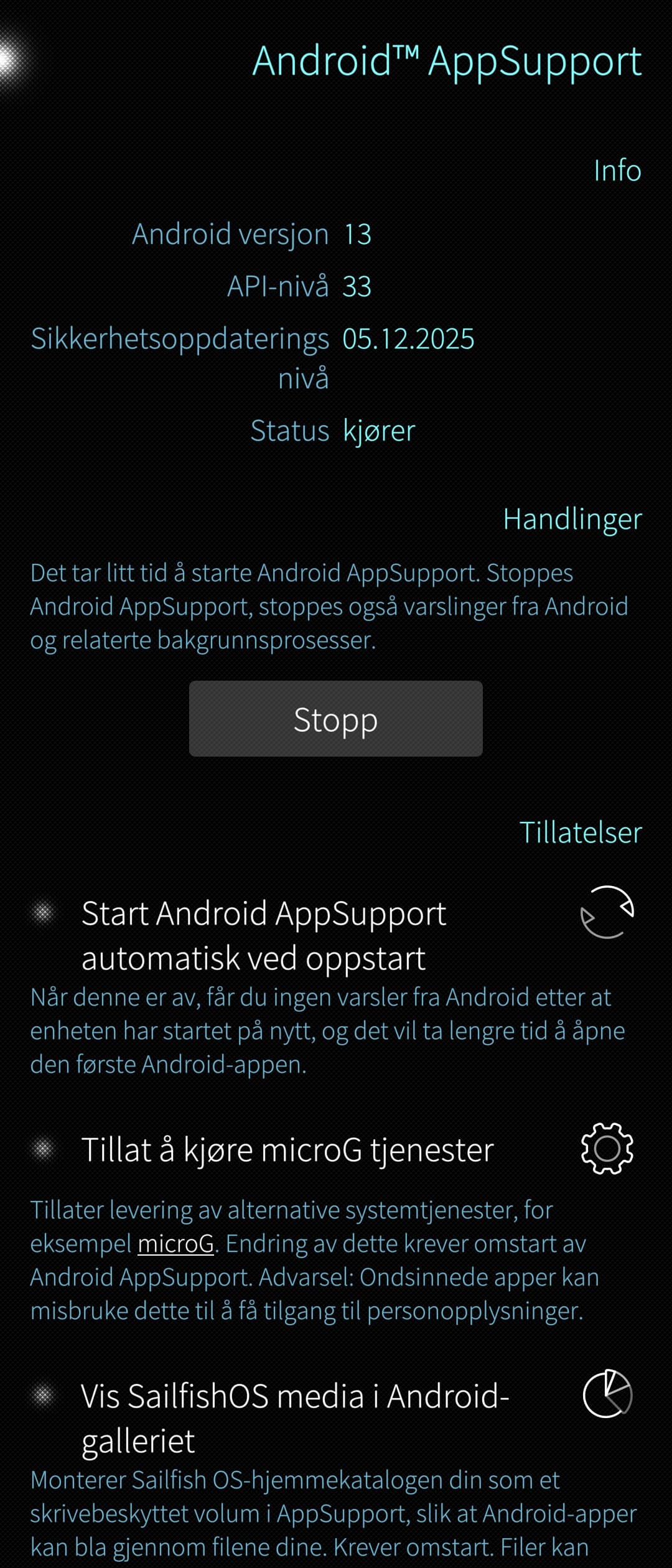
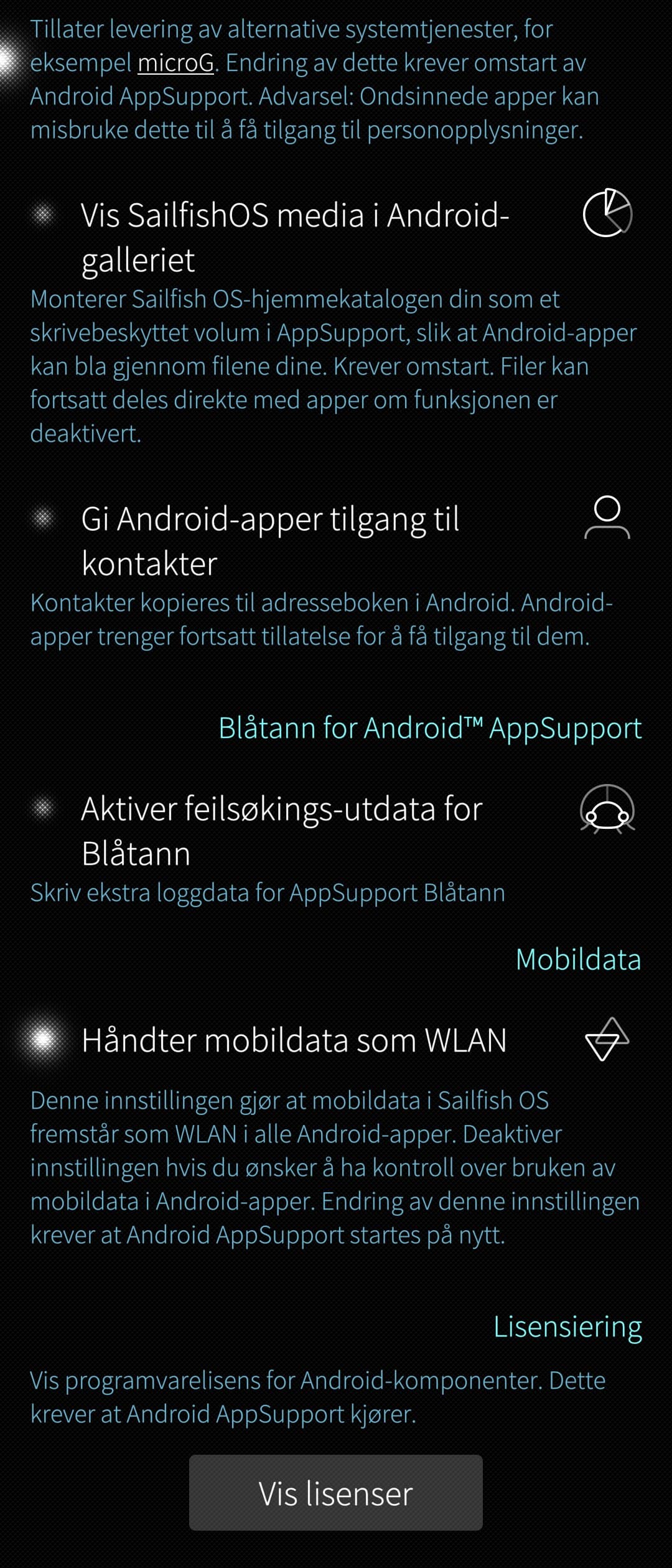
it’s an oversight and the latest release has not been added to that list
1 Like
I cant attach files via android apps, who used default file browser. example opera firefox crashed when I try attach files. telegram doesnt crash because used built-in file browser.
No probably they haven’t updated the zendesk software accordingly yet.
I literally have Android AppSupport working on 5.1.0.11 on my Xperia 10iii.
So probably some weird bug is happening to you.
(e.g.: the actual SailfishX commercial license not properly attached to your phone registration. Something that the employees at Jolla could help you solve)
Also, could you quickly check that there’s at least ~1GB space left on your root partition? (AAS comes with a ~600MB .img file used for the android container, so once you solve the “why isn’t it showing up in the store” part, you’ll also need enough space to install that .rpm package).
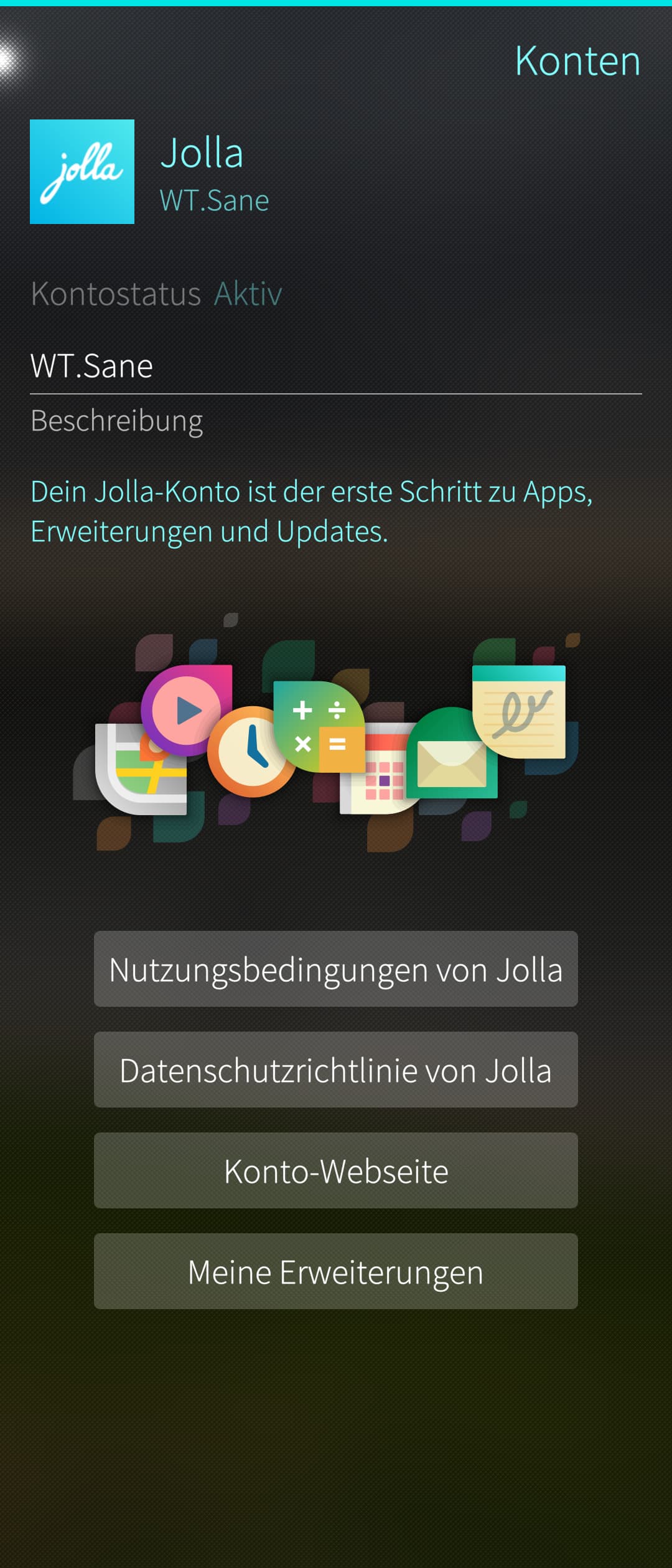
Just check
settings:accounts
If there is a Jolla account and the status is active everything is ok on that side.
1 Like
Thanks for suggestions. No the space is fine 2.8G. it got to do something with license not being attached for android support only. (also adaptive typing is missing). account is also fine, because I am able to browse the jolla store with the Store app. My other Xiii can “see” android support in that Store OK. This is the 3d Xiii which I am setting up with SFOS so I know the “drill” pretty much by now. will wait for support to answer something.
Is your account active like in the picture I sent before?
Yes, it is active. And picture is the same. I should be able to see the Android Support available for download, from the new Xiii but I don’t. However if I use my old Xiii SFOS 5.0.78 I see it fine.
Another idea you might have tried already is clearing the package cache in
settings:utilities
and/or
pkcon refresh
from the cli each followed by a reboot.
1 Like
yeap tried, both. did not help, store still doesn’t show “android support”.
In that specific case, I am strongly suspecting that some went wrong and out of the 3 licenses you’ve bought for the smartphones, one of them didn’t end up associated with the right phone (I’ve seen people mentionning it in the forums in the past). The Jolla employee should definitely be able to fix that.
1 Like
Android App Support is completely missing.
Jolla account Devices page shows this device activated OK. but On the phone:
ssu s
Device registration status: not registered
Device model: Xperia 10 III (xqbt52 / xqbt52)
Device variant: sony-lena
Device UID: <hidden_for_the_forum thread>
Release: 5.1.0.11
Domain: sales
Brand: Jolla
ssu lr shows aliendalvik repo enabled:
https://store-repository.jolla.com/features/5.1.0.11/appsupport/aarch64/
zypper refresh -f aliendalvik succeeds.
But:
zypper search -r aliendalvik
No matching items found.
looks like Jolla should manually e-provision/register this device for Android App Support.
Hello, thank you for the 5.1.0.11 update, which among others brought the start private mode browsing possible again!
Since I updated my phone (xperia 10iii) about a week ago, AAS doesn’t have mobile internet. I tried everything I found in forum to fix it, today I found out that it is DNS problem, using Firefox I could visit http://xx.xx.xx.xx but not http://example.com .
If I remember correctly during update or at first boot after, sailfish asked me “Treat mobile data as WLAN” where I don’t remember what did I choose, and also I can’t find such option on System and System → Android AppSupport ( after “ Enable Bluetooth debug output” there is no other option as I saw in a screenshot here: AppSupport Bluetooth feedback thread - #67 by toolatenofriends ).
In Android Settings (click 5 times Android Version) → Network and Internet it shows active the Internet (wifi), Calls and SMS and SIMs are grey and writes “No SIM” and VPN is active and says None, and when I click it it says No VPNs added ( I added a vpn to sailfish for testing, works fine for sailfish - no DNS in AAS )
Any ideas what ( if anything ) changed in AAS netwrok in the last update ? Any ideas that will help me investigate what went wrong and how can I fix it?
Thank you!
(post deleted by author)