My Angelfish runs fine with the following settings:
Overwrite scale factor -> 3
Overwrite DPI -> 120
These settings are made in the Flatpak Runner app (start this app from grid).
There are Standard settings and extra settings for each installed program.
I suggest to check this settings for Chromium, it should be possible to correct or change the magnifying factor so that it fits for you.
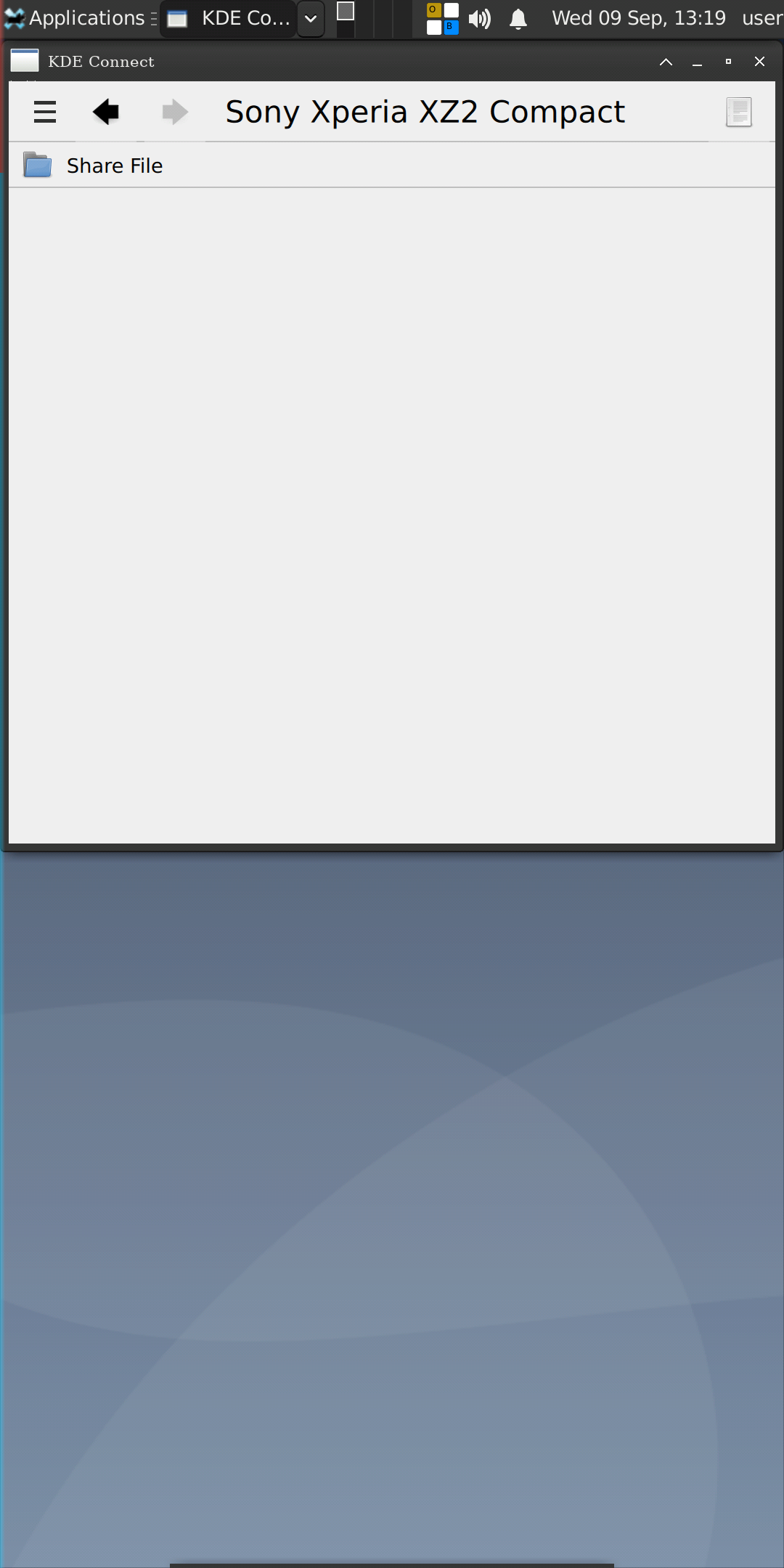
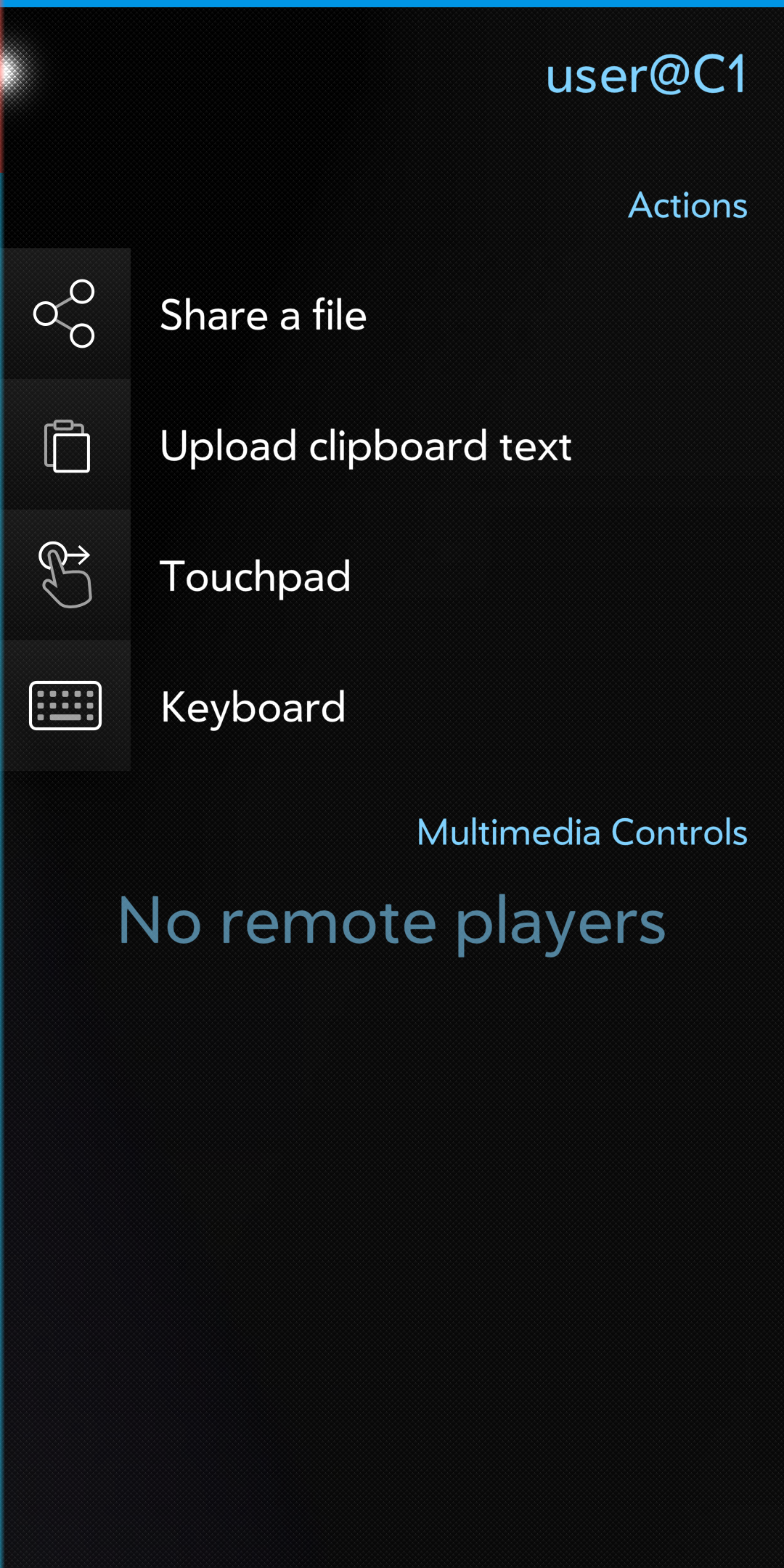
I got KDE Connect to work between Debian installatiom and Sailfish Connect app on the phone, at least as far as them recognizing and connecting to each other… File transfer operation seems to succeed, but I don’t see the files show up… Anybody know where they vo by default?
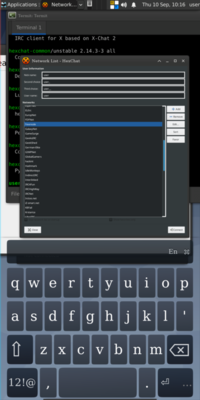
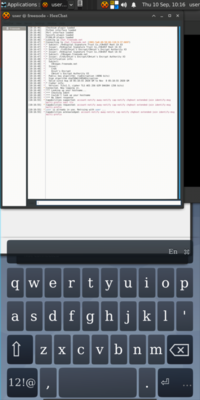
Has anyone per chance found an irc client WITH (blow)fish support? I cannot get Hexchat running via Flatpak. Communi for SFOS has no fish encryption. What works is irssi-fish, which is not very user friendly.
I’d be extremely happy for any suggestion or tip. TIA.
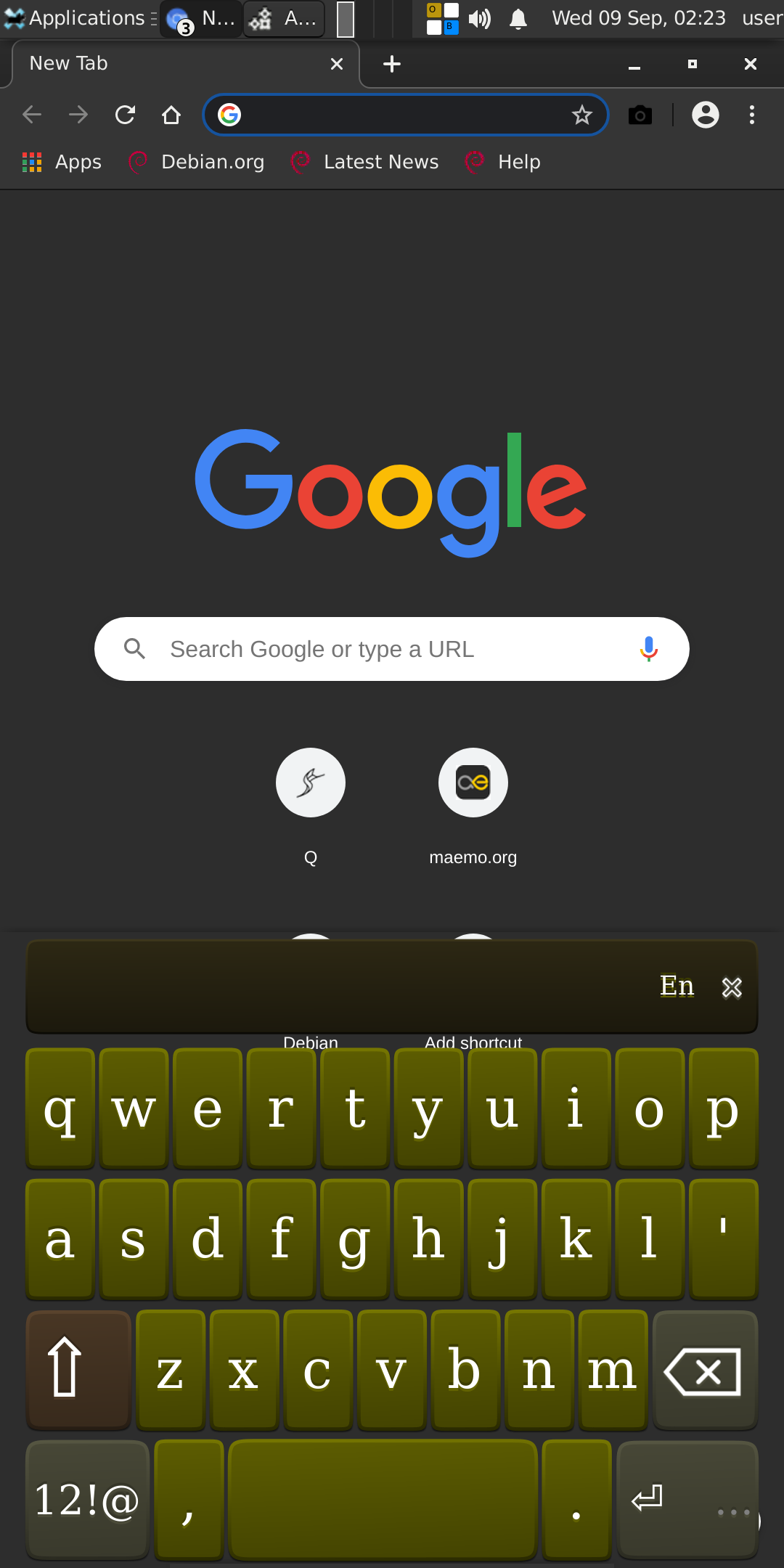
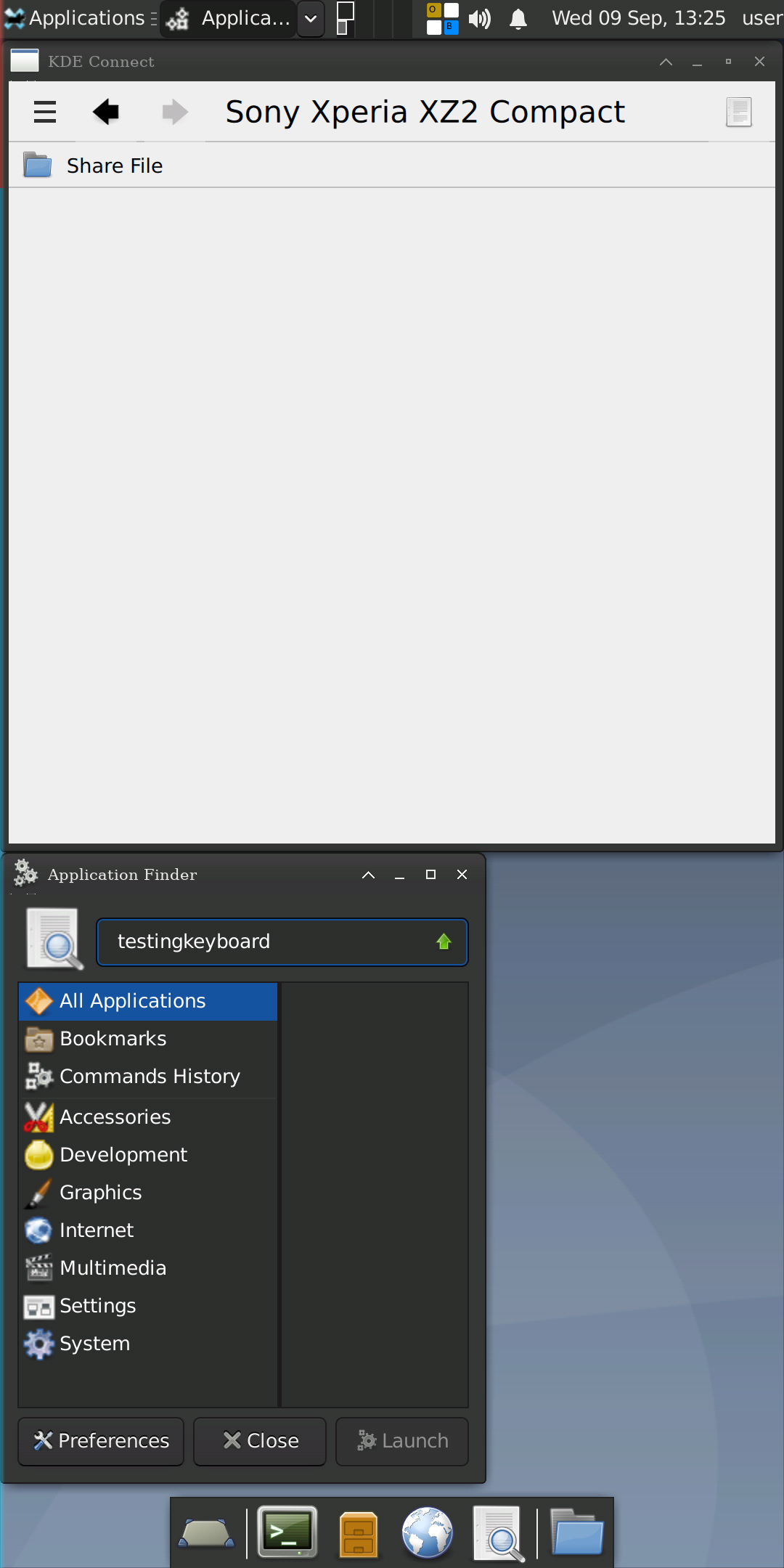
Can I run one of these Linux distros, that boot from an USB stick, from a folder or partition of the SD-card? Or is there any flatpak that contains a complete Linux system, so that it is possible to run Linux software on it?
edit: what I’m dreaming of is installing a Flatpak on the phone, and when starting this app, to have then a pocket Linux computer with graphical user interface, that can execute ‘normal’ Linux programs - with connecting an external mouse and keyboard to the phone and using a magnifying glass. Display is 1080 x 2520 pixels, so I hope this has a chance to work…
Personally, I have only briefly tried it on 4.0, worked fine and I believe there is no reason for it not to work on 4.1 (Probably won’t work on the new 64bit though). Better check its Github page and make sure yourself