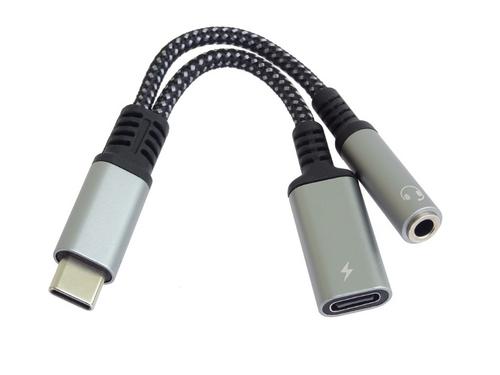
because JP2 will have no jack, today i got some usb dac just to test how SFOS works with it
pactl list cards
Card #2
	Name: alsa_card.usb-Generic_AB13X_USB_Audio_20210926172016-00
	Driver: module-alsa-card.c
	Owner Module: 41
	Properties:
		alsa.card = "1"
		alsa.card_name = "AB13X USB Audio"
		alsa.long_card_name = "Generic AB13X USB Audio at usb-xhci-hcd.0.auto-1, full speed"
		alsa.driver_name = "snd_usb_audio"
		device.bus_path = "platform-xhci-hcd.0.auto-usb-0:1:1.0"
		sysfs.path = "/devices/platform/soc/4e00000.ssusb/4e00000.dwc3/xhci-hcd.0.auto/usb1/1-1/1-1:1.0/sound/card1"
		udev.id = "usb-Generic_AB13X_USB_Audio_20210926172016-00"
		device.bus = "usb"
		device.vendor.id = "001f"
		device.vendor.name = "Generic"
		device.product.id = "0b21"
		device.product.name = "AB13X USB Audio"
		device.serial = "Generic_AB13X_USB_Audio_20210926172016"
		device.string = "1"
		device.description = "AB13X USB Audio"
		module-udev-detect.discovered = "1"
		device.icon_name = "audio-card-usb"
	Profiles:
		input:mono-fallback: Mono Input (sinks: 0, sources: 1, priority: 1, available: yes)
		input:multichannel-input: Multichannel Input (sinks: 0, sources: 1, priority: 1, available: yes)
		output:analog-stereo: Analog Stereo Output (sinks: 1, sources: 0, priority: 6500, available: yes)
		output:analog-stereo+input:mono-fallback: Analog Stereo Output + Mono Input (sinks: 1, sources: 1, priority: 6501, available: yes)
		output:analog-stereo+input:multichannel-input: Analog Stereo Output + Multichannel Input (sinks: 1, sources: 1, priority: 6501, available: yes)
		output:iec958-stereo: Digital Stereo (IEC958) Output (sinks: 1, sources: 0, priority: 5500, available: yes)
		output:iec958-stereo+input:mono-fallback: Digital Stereo (IEC958) Output + Mono Input (sinks: 1, sources: 1, priority: 5501, available: yes)
		output:iec958-stereo+input:multichannel-input: Digital Stereo (IEC958) Output + Multichannel Input (sinks: 1, sources: 1, priority: 5501, available: yes)
		off: Off (sinks: 0, sources: 0, priority: 0, available: yes)
	Active Profile: output:analog-stereo+input:mono-fallback
	Ports:
		analog-input-mic: Microphone (type: Mic, priority: 8700, latency offset: 0 usec, availability unknown)
			Properties:
				device.icon_name = "audio-input-microphone"
			Part of profile(s): input:mono-fallback, output:analog-stereo+input:mono-fallback, output:iec958-stereo+input:mono-fallback
		analog-output: Analog Output (type: Analog, priority: 9900, latency offset: 0 usec, availability unknown)
			Part of profile(s): output:analog-stereo, output:analog-stereo+input:mono-fallback, output:analog-stereo+input:multichannel-input
		iec958-stereo-output: Digital Output (S/PDIF) (type: SPDIF, priority: 0, latency offset: 0 usec, availability unknown)
			Part of profile(s): output:iec958-stereo, output:iec958-stereo+input:mono-fallback, output:iec958-stereo+input:multichannel-input
pactl list sinks
Sink #6
	State: RUNNING
	Name: alsa_output.usb-Generic_AB13X_USB_Audio_20210926172016-00.analog-stereo
	Description: AB13X USB Audio Analog Stereo
	Driver: module-alsa-card.c
	Sample Specification: s16le 2ch 48000Hz
	Channel Map: front-left,front-right
	Owner Module: 26
	Mute: no
	Volume: front-left: 65536 / 100% / 0.00 dB,   front-right: 65536 / 100% / 0.00 dB
	        balance 0.00
	Base Volume: 65536 / 100% / 0.00 dB
	Monitor Source: alsa_output.usb-Generic_AB13X_USB_Audio_20210926172016-00.analog-stereo.monitor
	Latency: 70961 usec, configured 90000 usec
	Flags: HARDWARE HW_MUTE_CTRL HW_VOLUME_CTRL DECIBEL_VOLUME LATENCY
	Properties:
		alsa.resolution_bits = "16"
		device.api = "alsa"
		device.class = "sound"
		alsa.class = "generic"
		alsa.subclass = "generic-mix"
		alsa.name = "USB Audio"
		alsa.id = "USB Audio"
		alsa.subdevice = "0"
		alsa.subdevice_name = "subdevice #0"
		alsa.device = "0"
		alsa.card = "1"
		alsa.card_name = "AB13X USB Audio"
		alsa.long_card_name = "Generic AB13X USB Audio at usb-xhci-hcd.1.auto-1, full speed"
		alsa.driver_name = "snd_usb_audio"
		device.bus_path = "platform-xhci-hcd.1.auto-usb-0:1:1.0"
		sysfs.path = "/devices/platform/soc/4e00000.ssusb/4e00000.dwc3/xhci-hcd.1.auto/usb1/1-1/1-1:1.0/sound/card1"
		udev.id = "usb-Generic_AB13X_USB_Audio_20210926172016-00"
		device.bus = "usb"
		device.vendor.id = "001f"
		device.vendor.name = "Generic"
		device.product.id = "0b21"
		device.product.name = "AB13X USB Audio"
		device.serial = "Generic_AB13X_USB_Audio_20210926172016"
		device.string = "front:1"
		device.buffering.buffer_size = "384000"
		device.buffering.fragment_size = "192000"
		device.access_mode = "mmap+timer"
		device.profile.name = "analog-stereo"
		device.profile.description = "Analog Stereo"
		device.description = "AB13X USB Audio Analog Stereo"
		module-udev-detect.discovered = "1"
		device.icon_name = "audio-card-usb"
	Ports:
		analog-output: Analog Output (type: Analog, priority: 9900, availability unknown)
	Active Port: analog-output
	Formats:
		pcm
Xperia 10ii, works right after plug but volume control does not work except mute, plays on max regardless what i set via UI/buttons
i have to change audio profile to get volume controls working:
pactl set-card-profile alsa_card.usb-Generic_AB13X_USB_Audio_20210926172016-00 output:iec958-stereo
Xperia10V does not work until i change default sink or move input to sink
pactl set-default-sink alsa_output.usb-Generic_AB13X_USB_Audio_20210926172016-00.analog-stereo
then quickly re-plug DAC
or
pactl list sink-inputs
then use given Sink Input #number:
pactl move-sink-input [number] alsa_card.usb-Generic_AB13X_USB_Audio_20210926172016-00
ofcourse still not fixed: Audio during call not routed to USB DAC headset - #17 by koza
if i plug charger the soundcard disappear and phone ask for usb mode
edit:
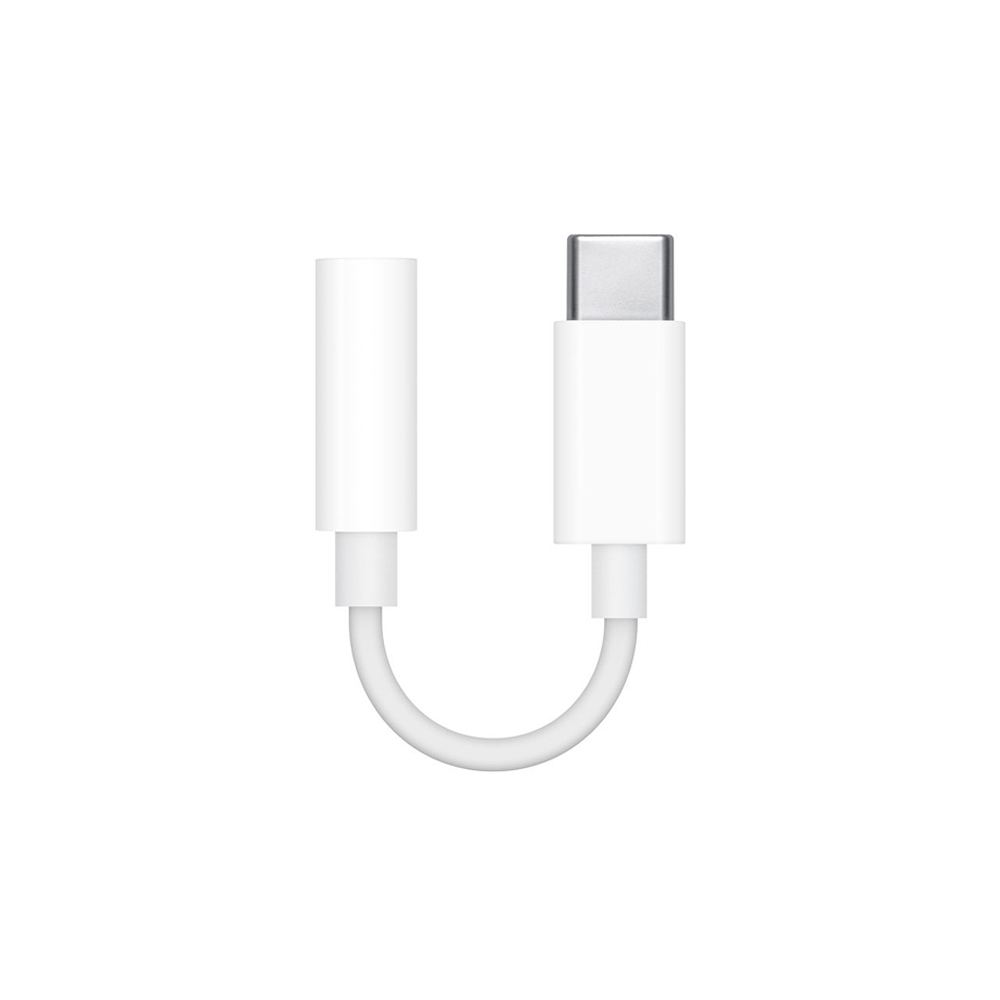
purchased Apple usb-c to jack (Part number: MW2Q3ZM/A) :
Xperia10ii volume control works
Xperia10V still need to set default sink via pactl
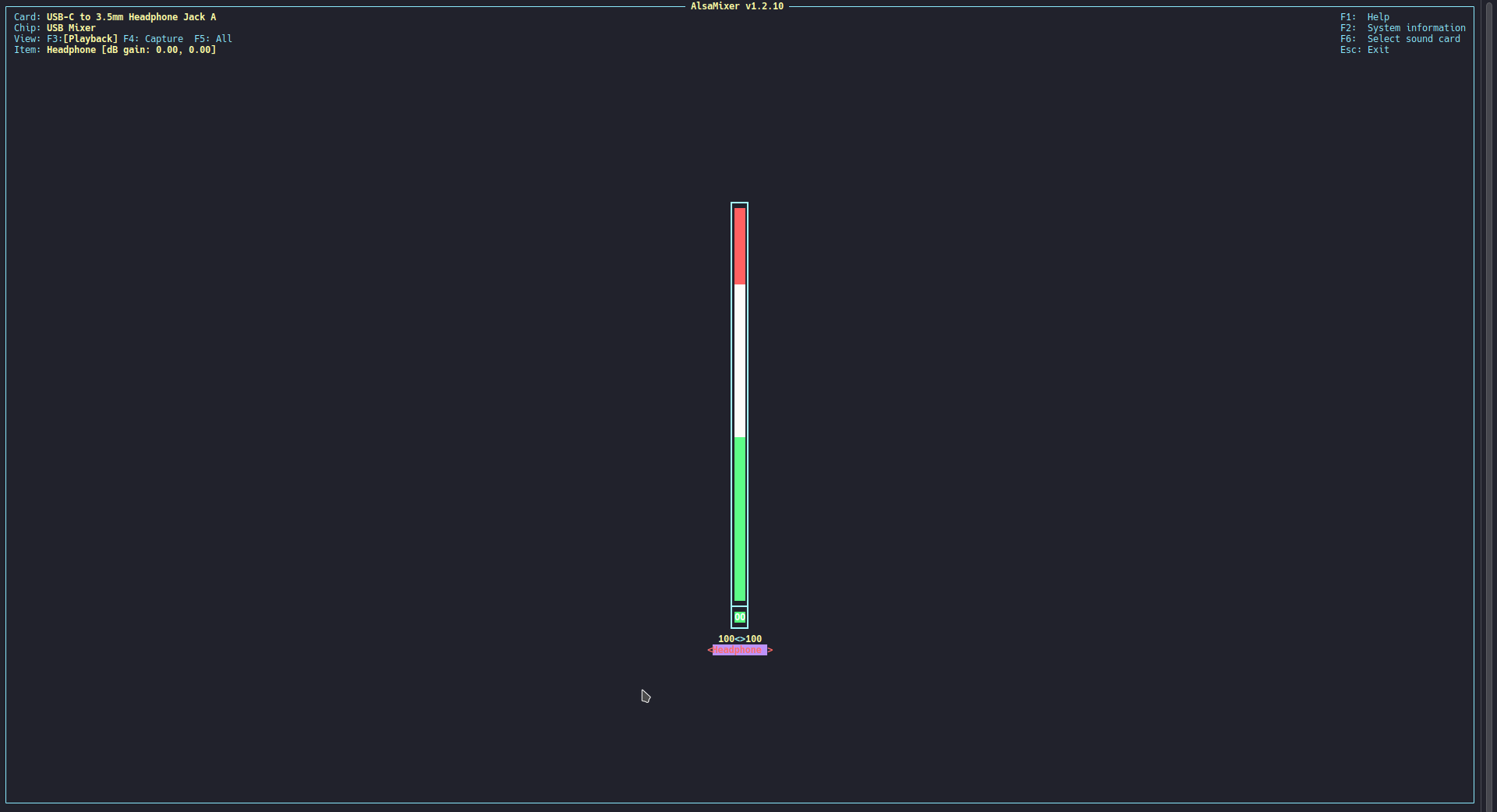
on both phones i have to set volume to max because it is always silent, then i still can adjust volume via UI/buttons
default volume after plug:
Xperia10ii
Volume: front-left: 14119 / 22% / -40.00 dB, front-right: 14119 / 22% / -40.00 dB
Xperia10V
Volume: front-left: 30419 / 46% / -20.00 dB, front-right: 30419 / 46% / -20.00 dB
pactl set-sink-volume alsa_output.usb-Apple__Inc._USB-C_to_3.5mm_Headphone_Jack_Adapter_DWH504202DRL1MQAF-00.analog-stereo 100%
Volume: front-left: 65536 / 100% / 0.00 dB, front-right: 65536 / 100% / 0.00 dB
edit2:
Xperia10V on next song plays again from speakerphone, so set-default-sink is not enough  any idea?