REPRODUCIBILITY: Always
OS VERSION: 5.1.0.11 (Pispala)
HARDWARE: Sony Xperia 10 III
UI LANGUAGE: Swedish
REGRESSION: No it didn’t work with earlier releases
DESCRIPTION:
A ICA store that has no connection from my ISP offers free wifi and i can’t connect to it.
I can’t even get the page with the checkbox to accept the TOS.
PRECONDITIONS:
Chose wifi network and wait for the login page with the TOS to open automagically.
STEPS TO REPRODUCE:
- Try to connect to the open wifi by choosing the open network
EXPECTED RESULT:
I expect to be able to see the landing page and accept TOS and the connect to the free wifi.
ACTUAL RESULT:
I don’t see the landing page that is needed to accept TOS so i can connect to the wifi.
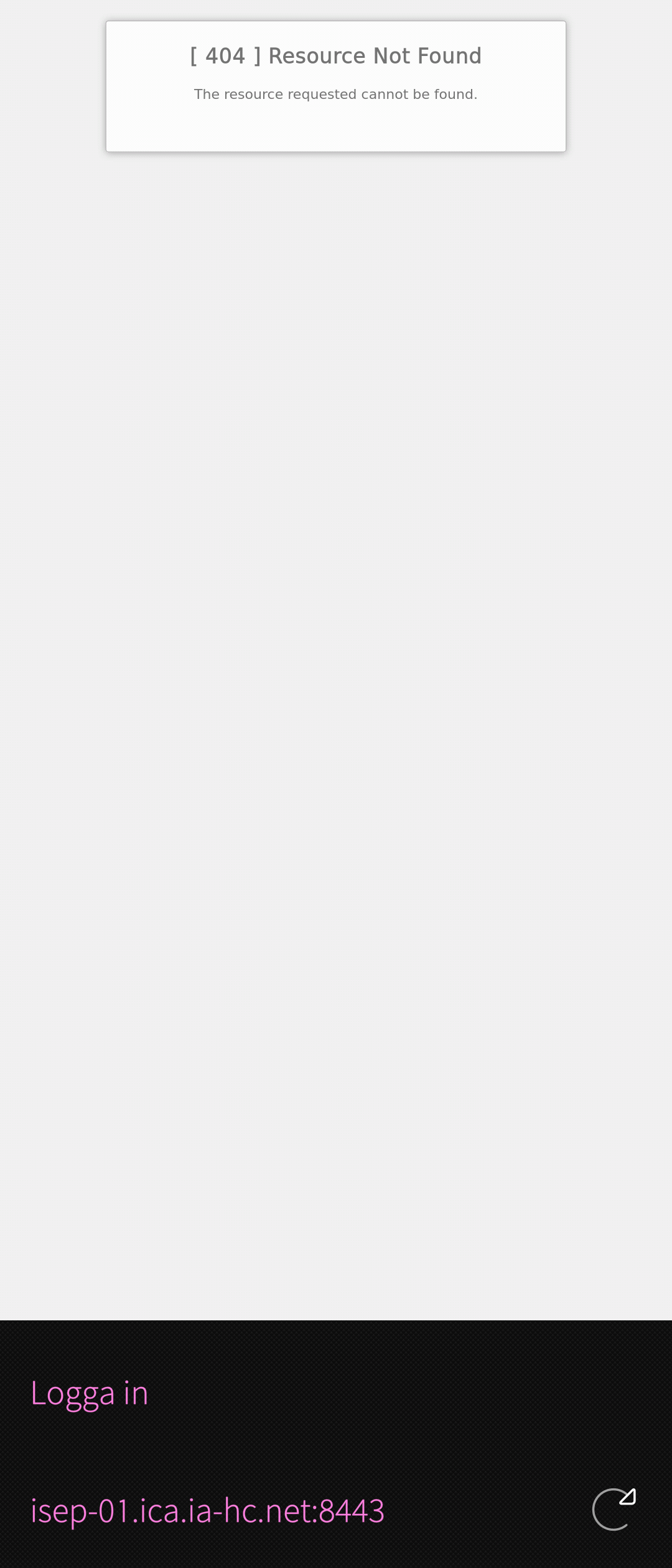
What i get is [ 404 ] Resource Not Found The resource requested cannot be found.
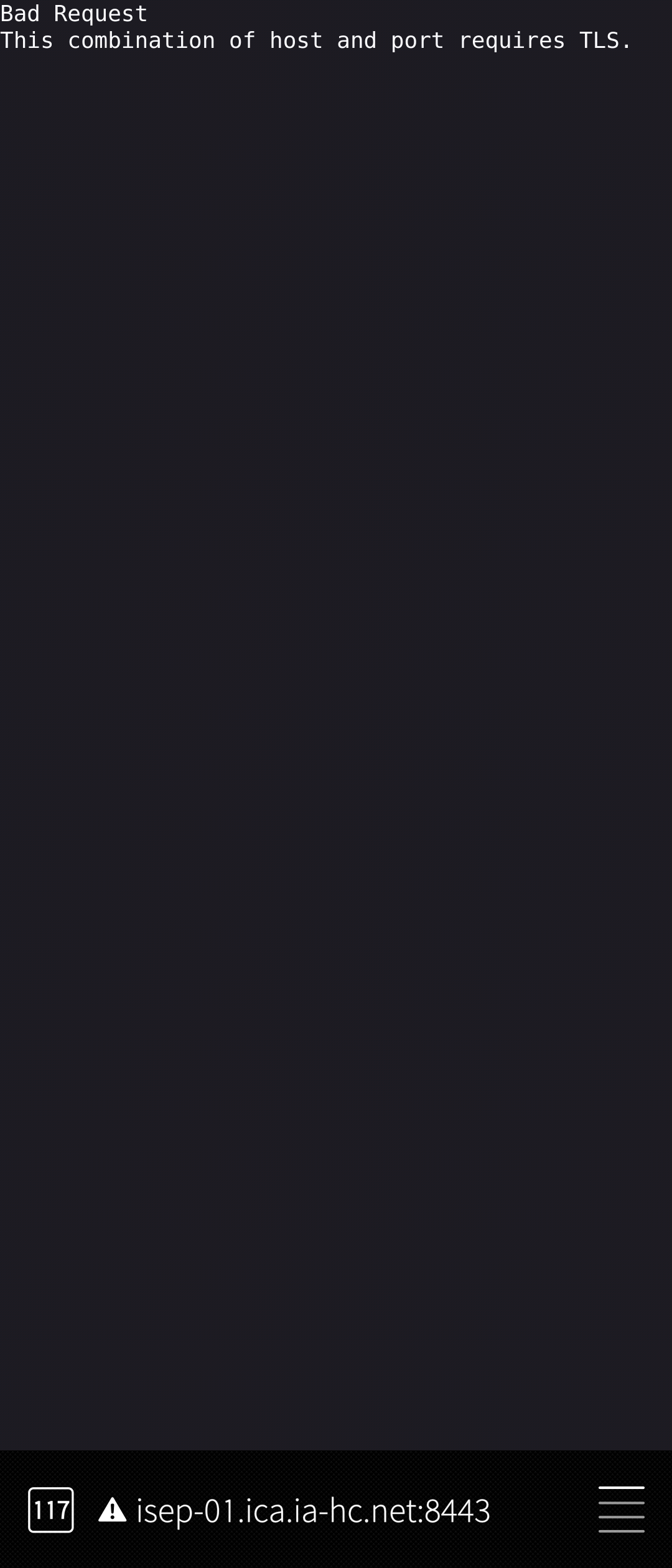
When i use the address in a web browser i get Bad Request This combination of host and port requires TLS.
MODIFICATIONS:
ADDITIONAL INFORMATION:
1 Like
You might try “cph” (short for "captive portal helper”) from openrepos, it seems to have been written exactly for that kind of networks.
1 Like
I will try that next time i visit that store.
Another solution is to visit http://neverssl.com (making sure to type http://, so that the browser doesn’t try to use an encrypted connection) - perhaps in an Android browser, depending on how the captive portal is built. Make a bookmark to have it readily available.
1 Like
Maybe install the app before you need their wifi?
Tried CPH but it did nothing i got "The address isn’t valid.
Maybe i didn’t use it correctly but i did open it after connecting to the network.
Please show the result of:
cat /run/connman/resolv.conf
after connecting to free wifi
Will that file get created because i don’t have that file or folder.
Very unlikely if you ever used a network connection.
It is
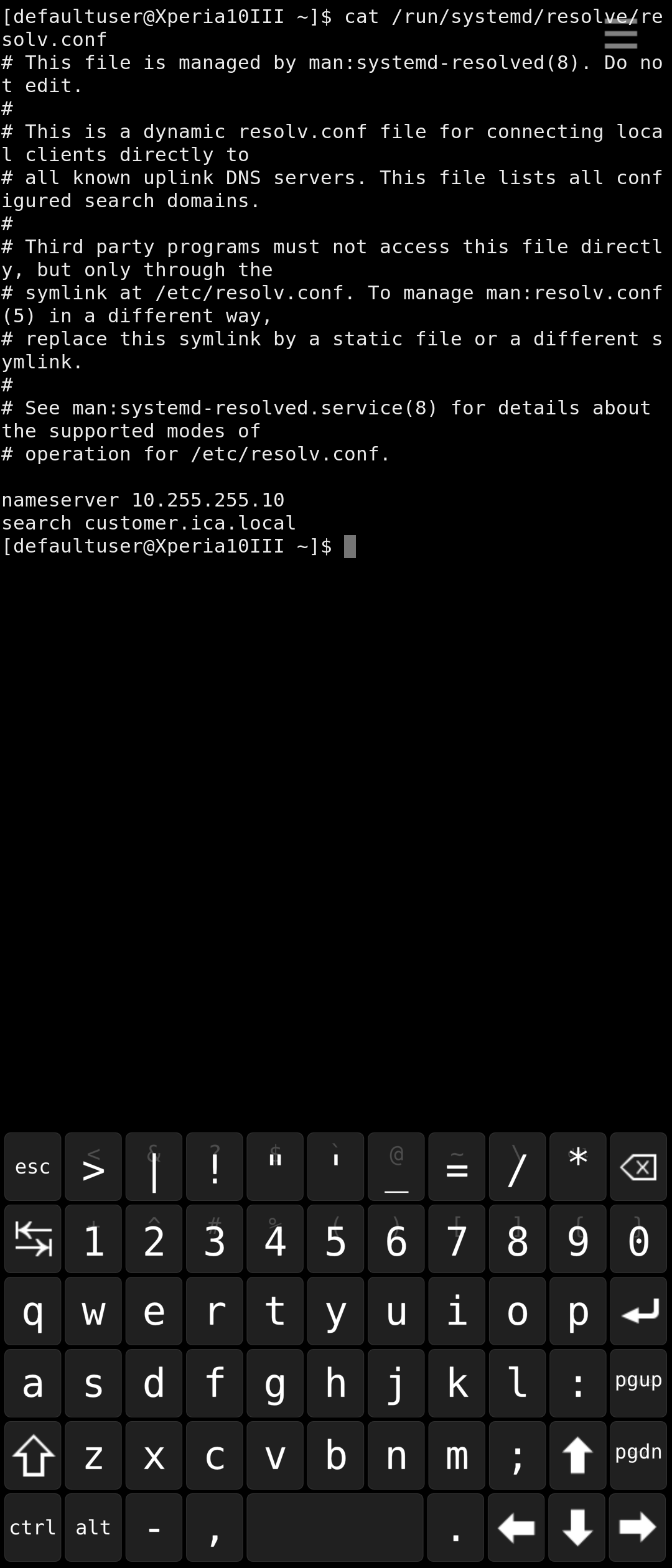
/run/systemd/resolve/resolv.conf
and you want the last line?
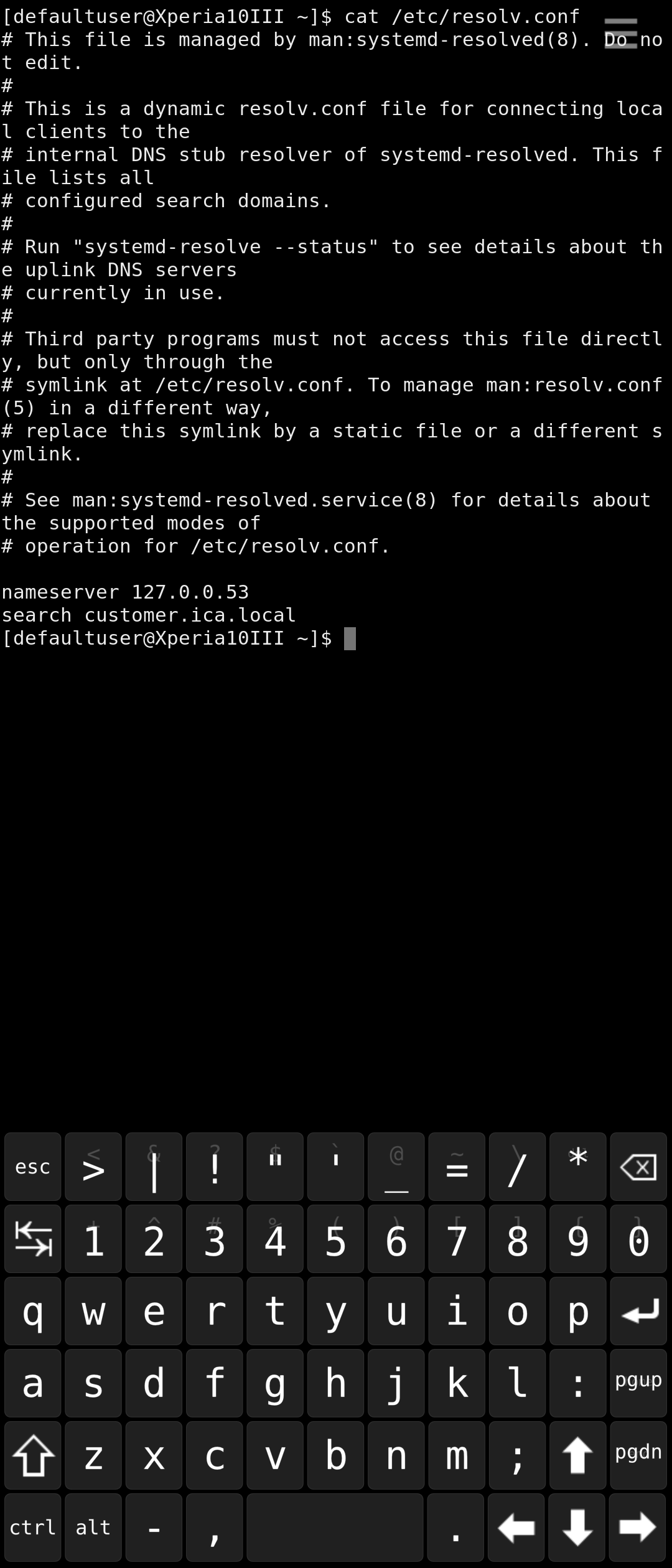
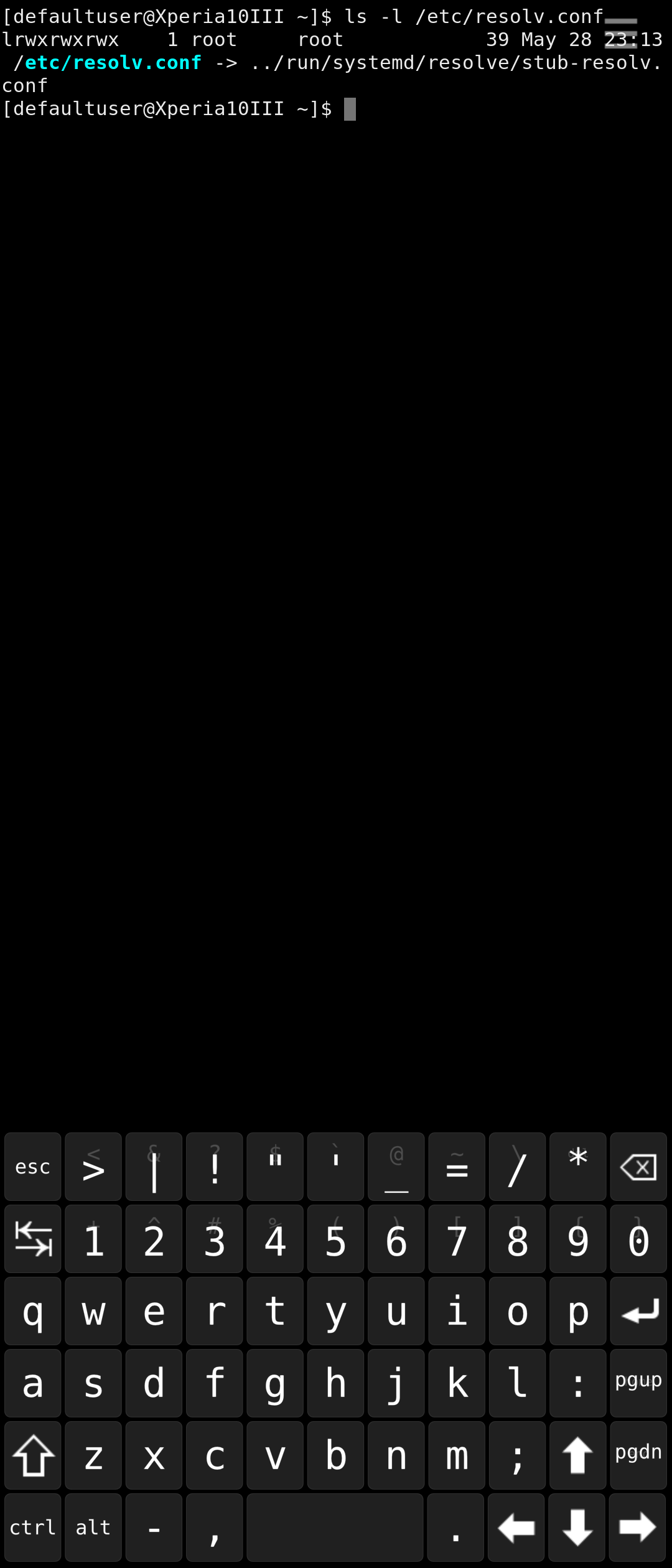
cat /etc/resolv.conf should work no matter what it’s symlinked to.
Oh, they’re different. I have no idea what that means and no idea which one the system uses then. I’d guess /etc/resolv.conf though.
Can you also post
ls -l /etc/resolv.conf please?
Try updated CPH but I am afraid that it does not solve the issue. I have just realized that you are getting “404” error. It means that the source of the issue may be on the other side. Are you able to connect using another device?
I can try with my JP-2601 but i don’t think it will make any difference.
I do have an XA2 with LineageOS if you need me to gather some info.
The WiFi i try to connect to is free in ICA stores in Sweden and i think every ICA store has this kind of network with free WiFi.
I did upgrade CPH and if i open the CPH app now at home it shows a “Authorization Required” with username and password where it previously showed “The address isn’t valid” so at leased something changed in the app.
I will try it at the store when i’m there but the authentication to that network is passwordless.
I only need to know if this captive portal is not out of order due to “404” error.
At home you are connected to device configured as DNS server, probably your router or router of your internet provider.