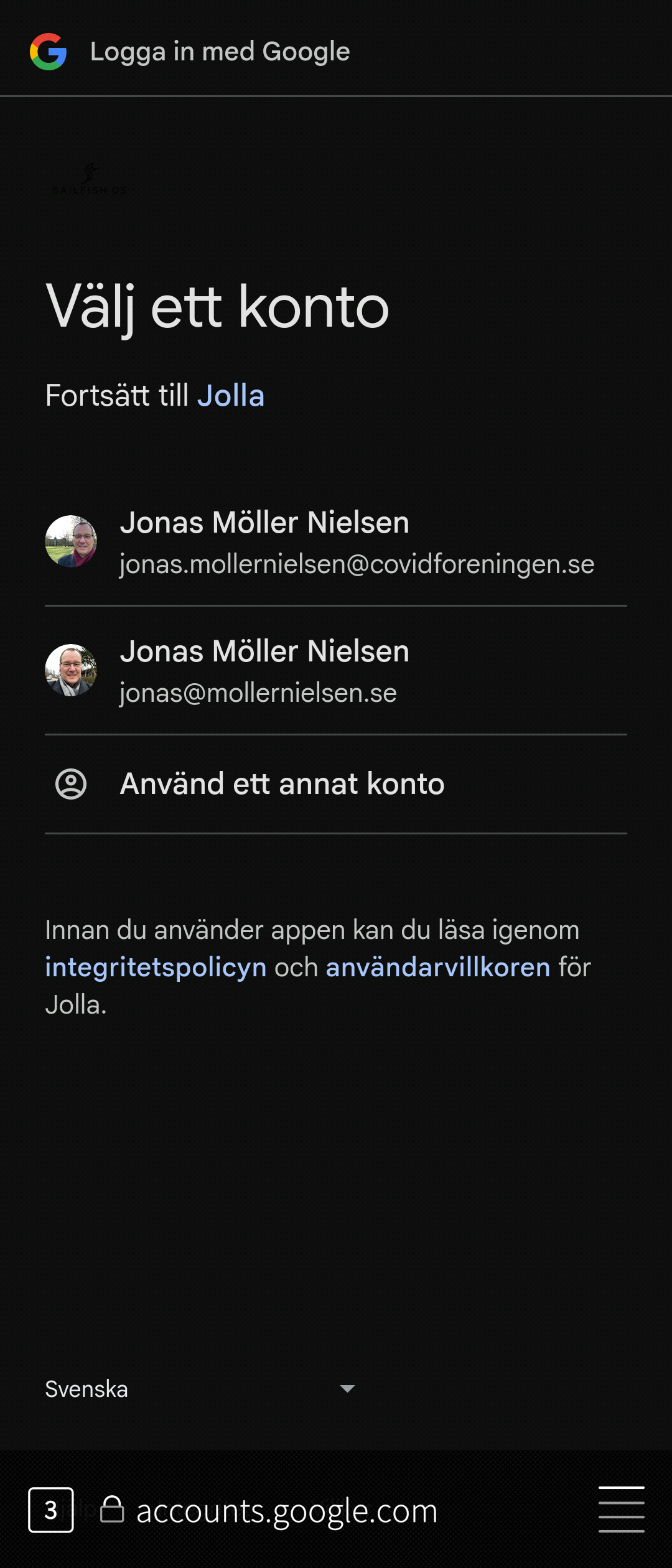
I tried adding a Google account in the accounts section of the Settings app. I know that logging into Google can be tricky on my iPhone, but this was impossible. Now I wonder if I have forgotten another setting somewhere, or if adding a Google account is not yet supported?
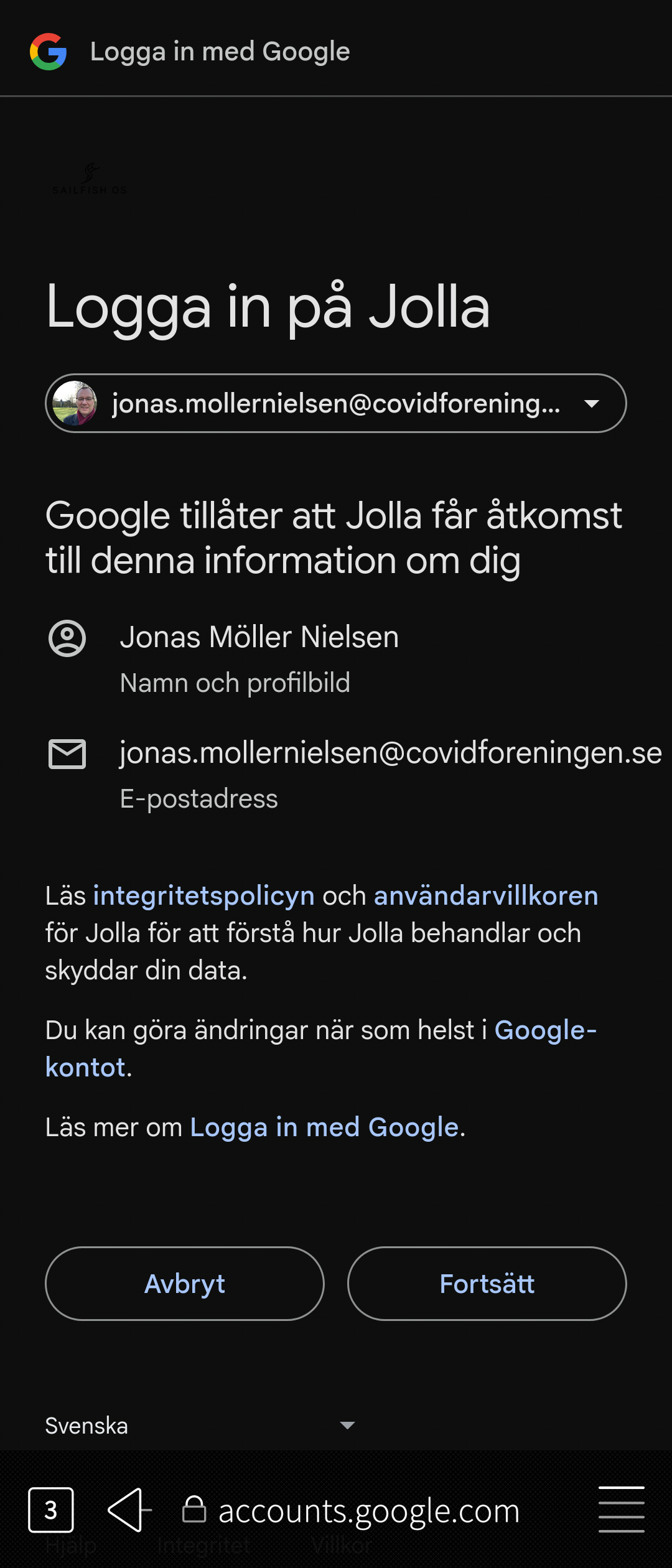
I get to first entering my e-mail adress, then my password, then confirming with a two factor authentication, and after that I am sent to a webbrowser (the built in one that comes with Sailfish), where I am supposed to login to Jolla with my Jolla account (different from the one I am adding). I manged to do that after several tries. But now under accounts a completely other Google acount is shown with the same e-mail adress as my Jolla account and also a private Google account (not the same as the one I wanted to add).
What is going on and why is Jolla involved in all this?
It is not a missunderstanding, everytime the login process takes me to that site to login to Jolla. I will remove the Google account and try again. At leat I now know that it is working, so it’s worth doing some more tries.
I thought I could add a screenshot, but I can not find where that is.
It could be that I am mistaking “granting Jolla permissions to my google account” with a Jolla account. So that would mean that I should enter my Google account username and password AGAIN?
I really wish I didn’t need to you Google accounts. Or Meta for that sake. But Meta seems easier to move away from.
It is i the Screenshots folder in your Pictures folder, very normal place.
Not that you actually need to know, since if you are using the image picker to choose, it just shows everything.
That should be really rather obvious from what webpage you land on. Don’t guess on what credentials a webpage takes - that’s how you get them stolen.
I tried refreshing my credentials to my google account, but since i am also logged in in the browser, that was just a single press away.
Sure, but you need to call the “what are you giving access to” something.
Neither of those are Jolla accounts - both are google accounts.
You may have used the email from one of them to create a Jolla account, but that doesn’t make it a Jolla account.
Once having continued there, you should be all done.
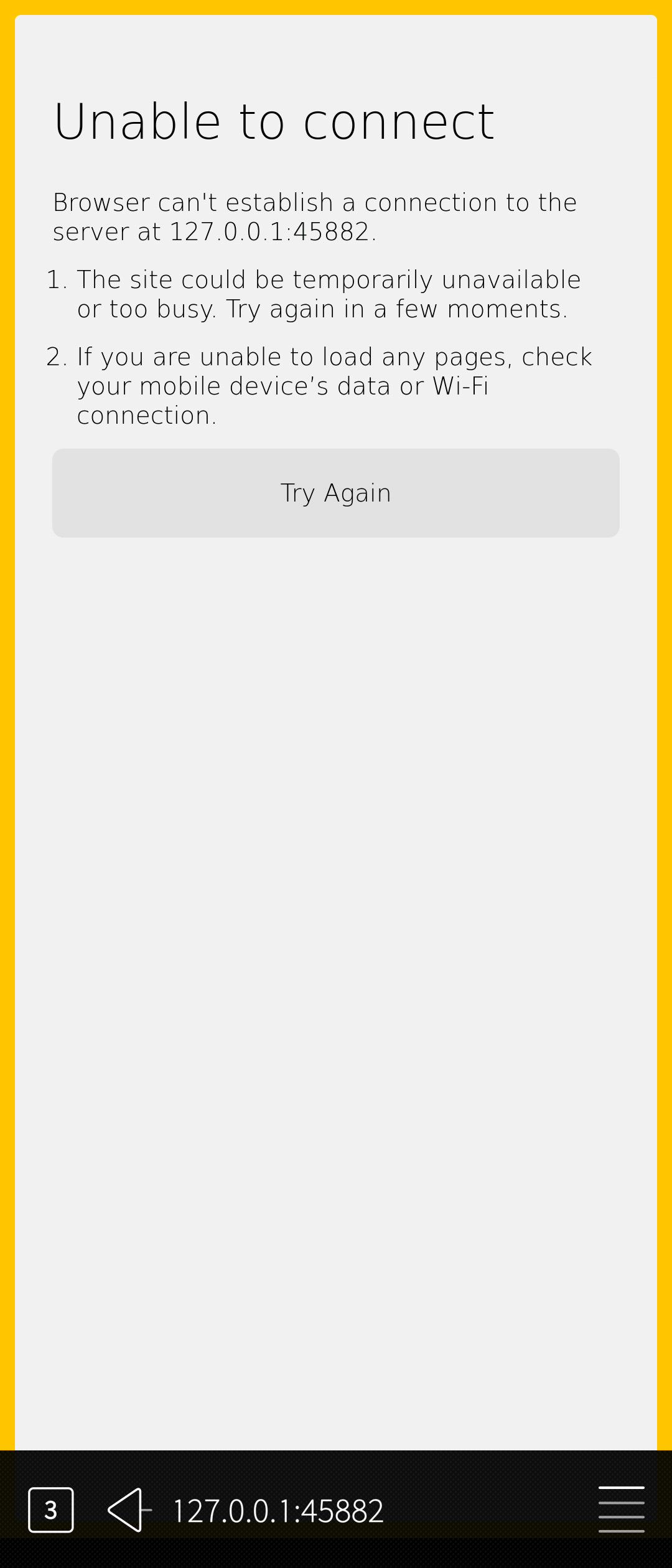
That unable to connect looks like the final step of storing the authentication failed.
Maybe you closed the settings app or took too long - or it is indeed broken somehow for you.
I also don’t know how close those custom domains are to normal (gmail) google accounts.
Now I tried again, and now it worked. It seems like it was as you said about the last error message, that it was a timeout error or something. It worked not and all meetings show up in the calendar. Thanks.