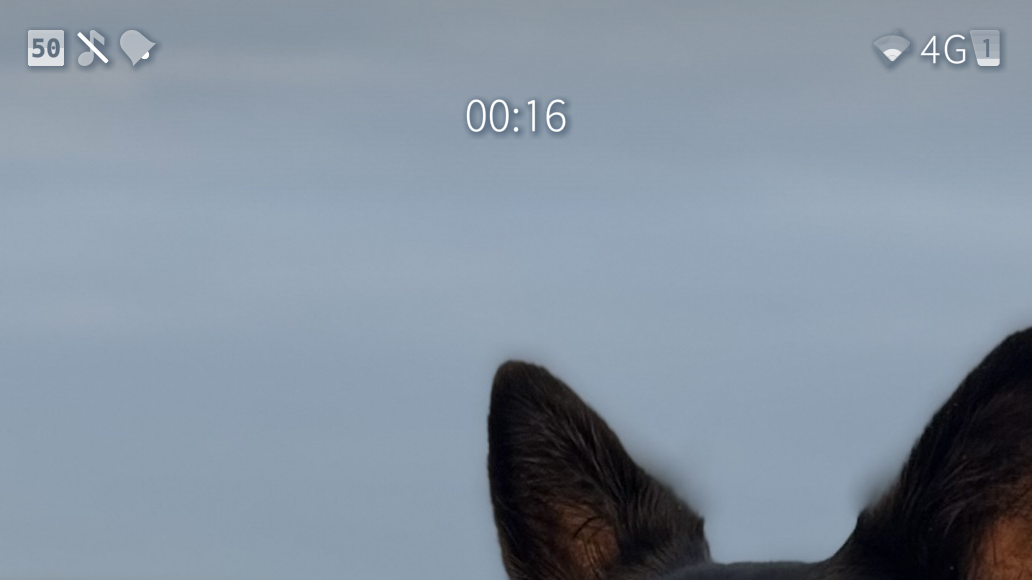
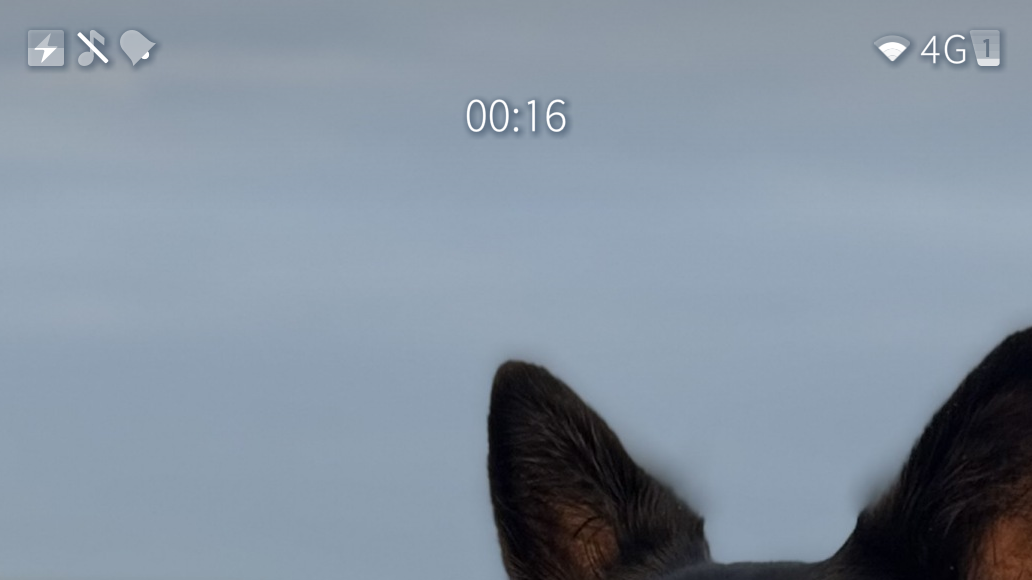
I am working on enabling proper statusbar with clock everywhere. In order to reach the goal, we need to make some space in statusbar… Therefore this patch Battery text can be disabled in Patchmanager settings.
Latest version: 0.1.1-65
Tested only in 5.2.0.17, but should work with others.
To clarify, this patch is just for battery percentage to appear inside the icon, but I get to leave the status bar where it belongs on the homescreen and don’t have to see it in every app?
I would like the battery indicator to show the charge current, or the actual nett charge current.
It seems quite easy for the phone to say it is charging while it is actually taking a very small charge current (eg 100mA) - sometime it is even less than the phone is using so the nett result is discharging whilst you think it is charging.
And how would you fit more than 2 digits inside battery? Unless you want to replace the % text, but this patch is about making the battery occupy less space, not more
Thanks for the suggestion, @nephros Doesn’t seem to do anything on X10III SF5.1.0.11, patchmanager 3.2.12
Neither status bar or the preview has changed.
Changing data source has no effect
setting PatchManager “Mode for Patch Developers” ON, does not result in any extra information on the Powerdrain page after reboot.
It’s maybe a bit unobvious (is that a word?), but after activating you have to go into its settings (from the Patchmanager list) and enable it there.
Per default that just applies coloring to the battery icon, so if you want to see mA, you have to enable that too (Show drain)