As soon as Swype is enabled, looking forward to trialing this. FUTO is driving crazy, it’s not for me
I released Parrotfish keyboard 1.1.0 with a lot of improvements also coming from your feedback:
- added support for language keys (a small set of accented keys that change with the current language without affecting the rest of the layout)
- as a consequence QWERTZ is now available without accented keys and QWERTY ÅÖÄ got removed since it’s now redundant (if you had it configured, you will need to select a new layout after the installation of 1.1.0)
- added the following languages: Czech, Polish and Slovenian and Croatian (experimental because there’s not much data out there), please test them if you are a native speaker because I have no idea of what I’m doing XD
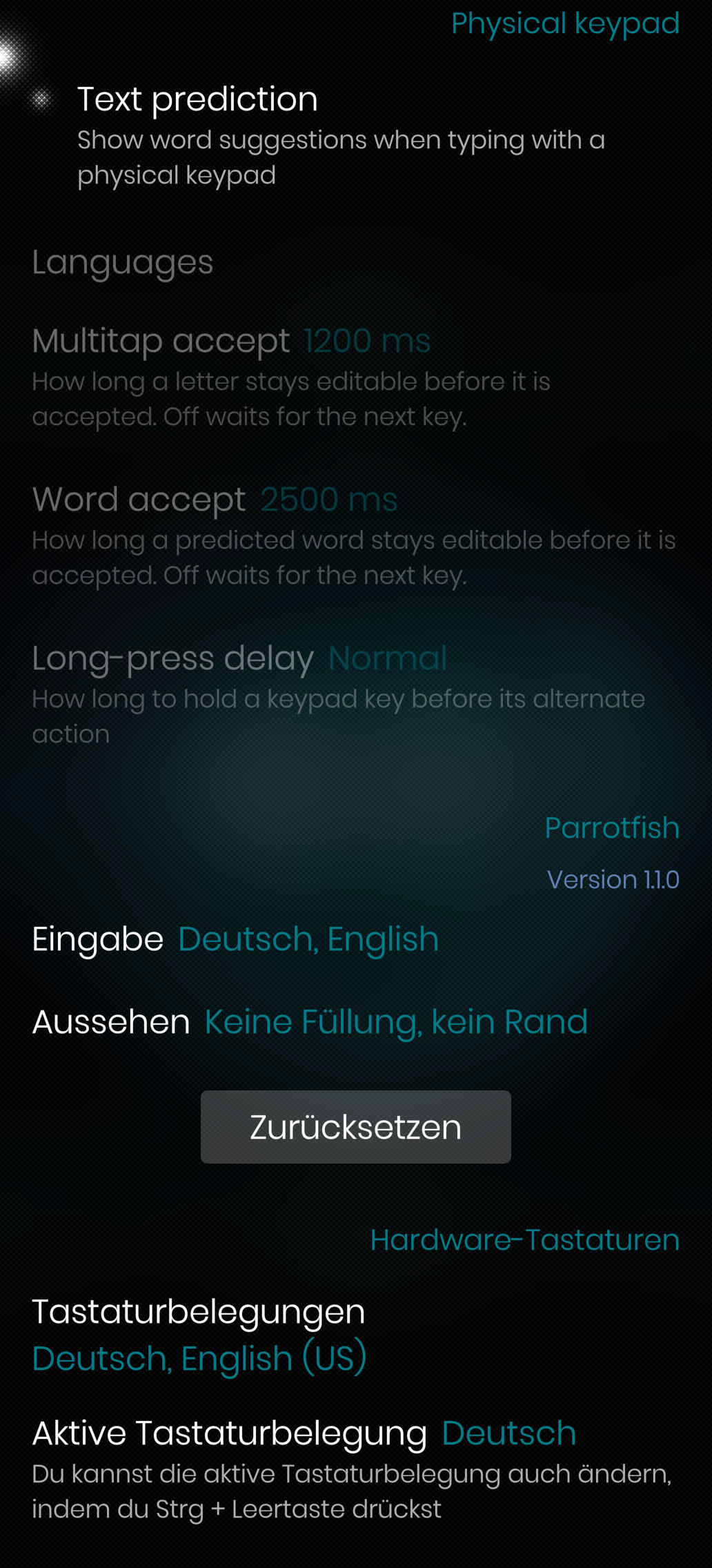
- Typing settings also have the live preview
- added a guide to add new languages (linked in DEVELOPMENT.md)
- general data improvements
See Release Parrotfish Keyboard 1.1.0 · ccontino84/parrotfish-keyboard · GitHub
Lovely, thanks for adding Czech, that makes it even more tempting, actually I will probably give it a try today or tomorrow 
Can you make it possible to remove the new é key next to m? It’s not part of the ISO Nordic layout. 
Not sure if I understand well your configuration, but you could enable the sticky key to get rid of it. Let me know if it works
Awesome, really awesome. Thank you!!!
This works really well. Great job!
Any chance you can add period on double space, space after punctuation and drag-backspace-to-left to cut multiple words? 
It can work! Before the update there was no key between m and enter (as per the Swedish layout).
Period on double space is easy, I should be able to include it in the next major release. Space after punctuation could be more tricky, but I think it’s doable. Drag-backspace I understand it’s pretty useful, but it will take more time.
Yeah I’ll fix it in the next release 
I have noticed - not that it bothers me - in fact I would keep it but as a potential heads up, that the keyboard does not respect the bottom back button bar for apps running in app support.
Have to come back and say it again, that this is wtf insane. I didn’t knew that I need an improved keyboard and know I’m always wondering about how this improves my experience.
Really, really great.
Better than futo, congratulations. It notices language change without manual intervention and it is significantly better at correcting typo’s. I wouldn’t mind if it could check the last two or three words to fix typo’s based on context (eg in this sentence, if I mistyped and wrote “in context”, it could see that it had to be “on context”.
Very nice.
Just, 123, Space and Enter keys are a bit big for me (FR, few space left for “,” and “.” and too high).
How could I modify these sizes?
Thanks
Thanks, I was not precise enough. Actually these “123”, “Space” and “Enter” keys are too large.
The height is ok.
I have to say that the word prediction is crazy fast and very convenient compared to presage which seemed to lag with bigger database and prediction has not been that precise.
Another really petty thing I would point out is if you type triple dots behind the word it initially adds a space between the first and second dot.
Strong autocorrect already considers the last word, but it can only fix the word you are typing, not the previous one.
It’s true that “,” and “.” are a bit smaller than what they should be. Right now the bottom row is not configurable, but I’ll take a look when I find the time.
Nice, thank you cknote.