On my Jolla Phone 2026, FSOS 5.2.0.22, since v1.4, the float button returns to the middle of the screen after about 5 minutes.
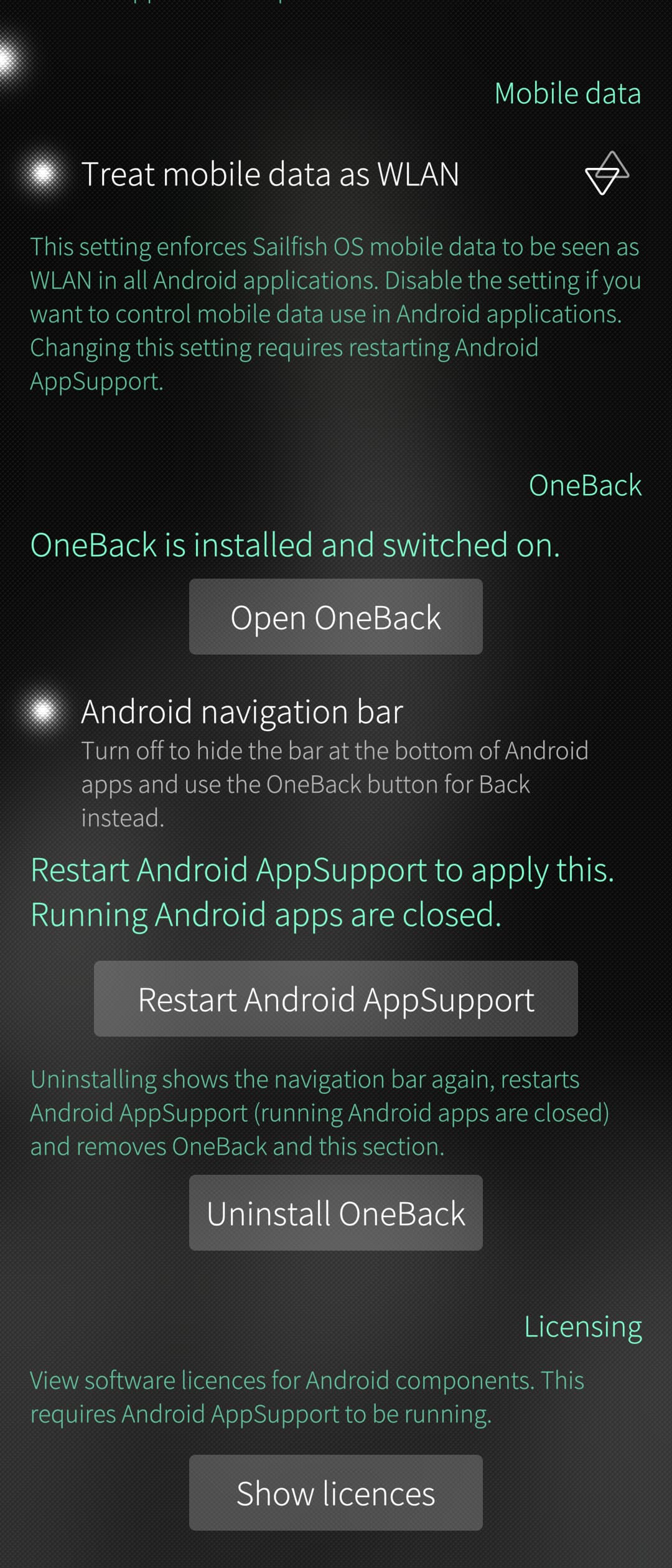
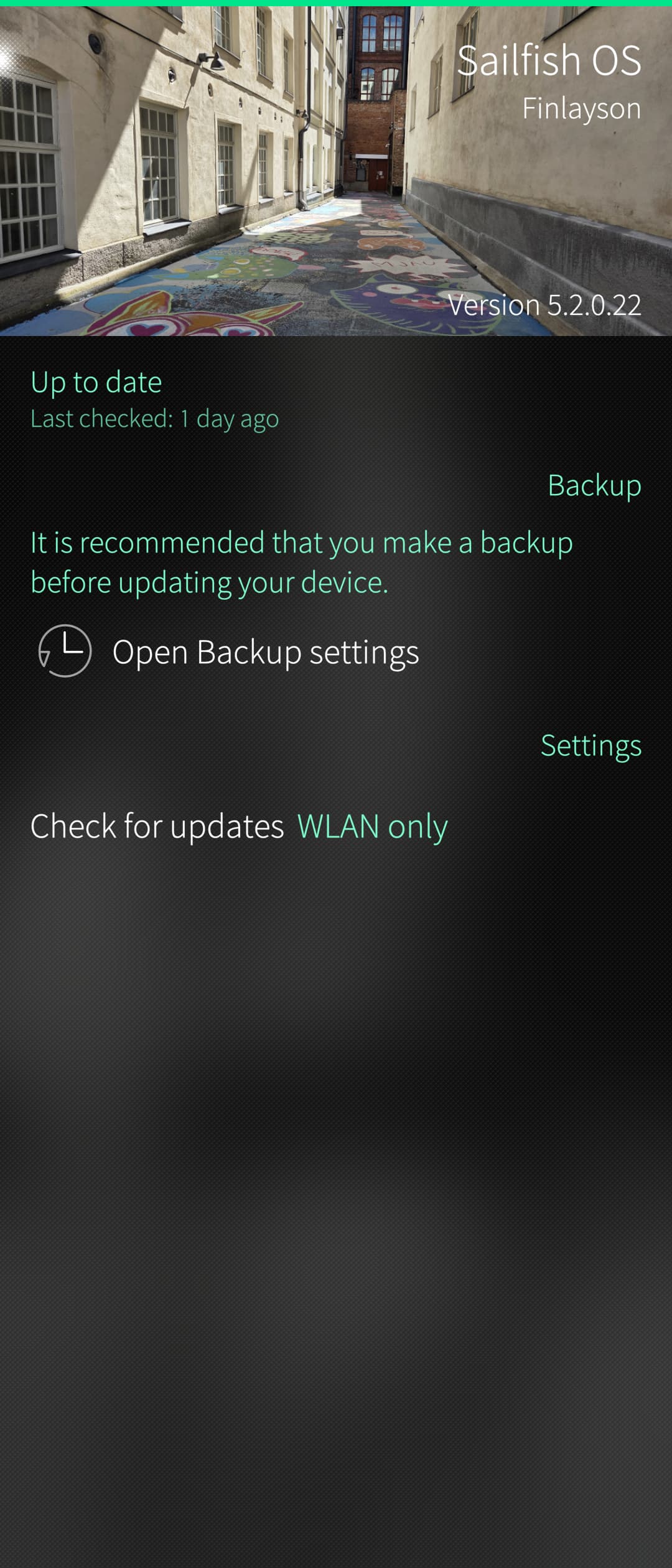
Here, the text size of the instruction is bigger than the title size. I’ve included the update menu for reference.
1 Like
i think i found the issue. when you rotate it sideways the button gets pushed upwards it seems.
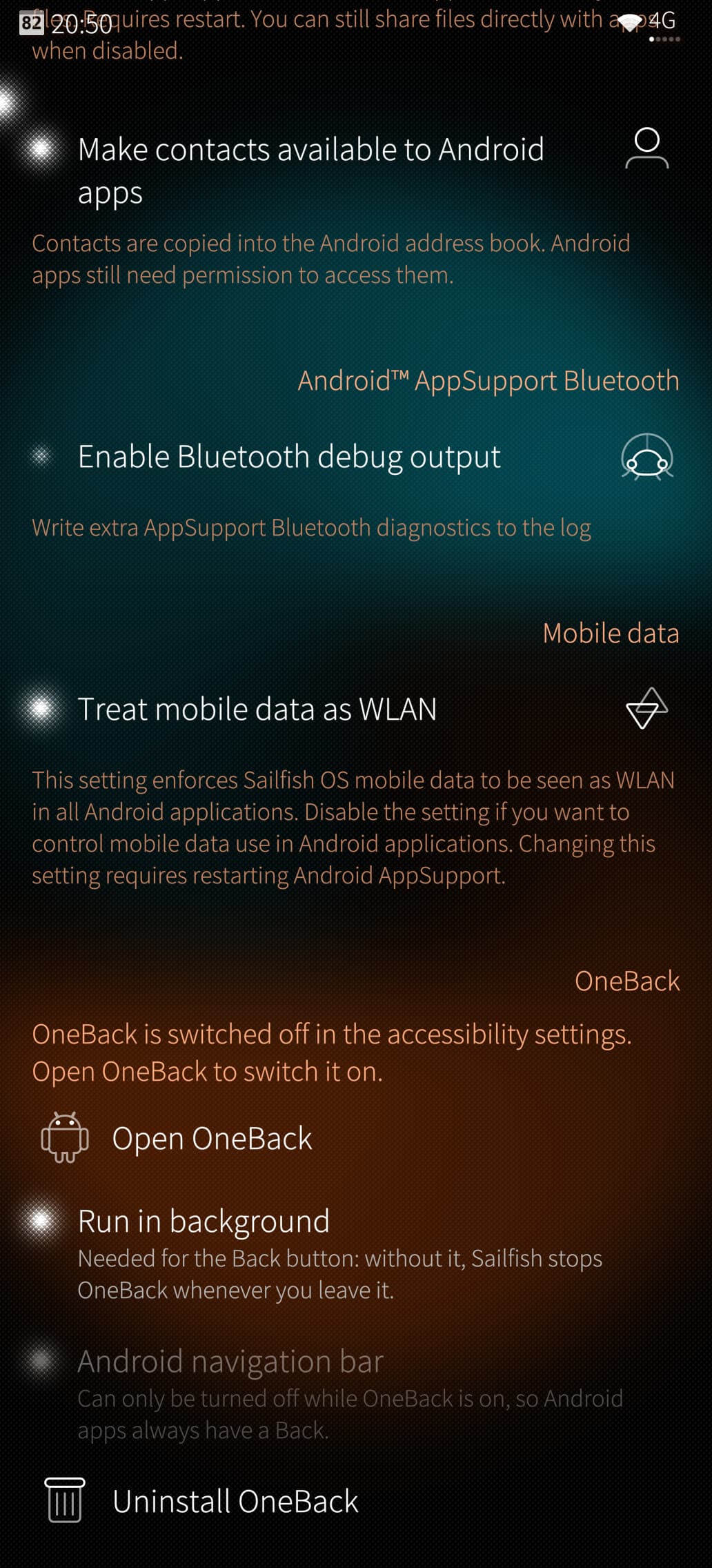
I changed it to this. hopefully thats better. I still don’t fully grasp the intended UX so I guess I will improve it more with time when I understand how interactive elements are supposed to look on Jolla  And the Uninstall opens a new Page now with a confirm dialog.
2 Likes
1.6 is now live on Github. The rpm auto updates everything including the apk so you only need to run that single file to update / install. It contains the fix for this accidental fab moving:
and my attempt of a fix for the settings layout feedback:
Thanks for testing!
I did once have an issue where the button disappered and then in the android accessibility settings it said “malfunctioned” but that could just be my crazy scientist work on the phone doing stuff. If anyone encounters that error please let me know since it is not reproducable on my end.
1 Like
My button stays in its place. I am happy. Thank you.
1 Like
Nice and simple. Thanks for sharing
My ambience-sync add-on syncs the Android primary color with the ambience highlight color (doesn’t work on all appsupport versions though). If you were to add an option to color the chevron using Android’s system accent, it would blend in nicely.
For instance: system_accent1_300 (and perhaps system_accent1_700 for the ARMED state as well?).
1 Like
It seems that Nordea Mobile and Danske Bank Apps refuse to start when OneBack is installed. They concider OneBack as an malicious one. Thats on Jolla 2026 with latest OS and OneBack 1.5.
Sorry to hear that. I don’t think I can do much about that since it is probably because its an accessibility setting that draws over the other apps.
Do the bank apps start if OneBack is still installed but switched off in accessibility settings? If yes, it’s confirmed as the accessibility check.
1 Like
Yes banking Apps starts just fine when OneBack is off, I don’t need to remove it. Of course AndroidApp support needs to be rebooted.
1 Like
If we share the background with it, we may mimic the glass background effect in android !
Might be overkill for a back button, but as a library, it could be used by more than one app.
1.7 is now live on Github. The rpm auto updates everything including the apk so you only need to run that single file to update / install.
There are now multiple options, both for floating-action and side-snapping back buttons (see screenshot section in original post). I couldnt do your exact suggestion since it was eaten visually on dark backgrounds but i got quite close to replicating it. Hope youre happy with it:
Man what an insanely awesome package. Of course I integrate that on the spot. It is crazy to me how that isnt part of core sailfish - it is purely genius. I heard many people ask for unified styling compatibility across all apps (among other things i heard it in this youtube video at 5:20), exactly like this provides. It is in.
Also this bug has been found and fixed. The app now actively “hides” from the open apps screen because closing it would sometimes break the accessibility settings:
Thanks for testing!
interesting. thanks for the input. so it is not enough to just turn off the button in the app under: accessibility settings > oneback > turn off ?
I would think that no AppSuport restart would be necessary if you go that route but i can’t test it on my end since my banking apps work normal with the button enabled.
one tiny feedback to this awesome package: i was initially searching for the settings in the Android AppSupport section of the system settings since it mostly (or entirely?) affects Android Apps.
You are right, it’s enough to turn it off from accessibility settings, no need to reboot AppSupport. Must have done something differently last time… Need to reboot only when I want to turn it on again (V1.6).
1 Like
I am interested in testing this. Important question: if the app/rpm is uninstalled, does it remove every single customization that it does to set this up?
I have set it up to do exactly that. But as he original post states: i had this phone for like three days only. Never had a jolla before so i am no expert.
i haven’t gotten any complaints about breaking things or having trouble otherwise. I mostly get feature requests…
So test at your own risk but in case things do go south you can refer to the “apk + config by hand” section. The app doesnt do much: it creates one config file and makes sure the apk works well.
If you want you can just install the apk from github download. APKs can’t really interact with the system so pretty safe and easy to uninstall. You will keep the big back bar tho this way.
Otherwise if you dont feel comfortable maybe just wait for more testers and feedback for me to make it even greater
thanks for testing this! Good info 
Well, since it deals exclusively with visuals of AppSupport (just like ambiences in Sailfish) and doesn’t provide any actual functionality, I felt its natural place would be its own page under ‘Look & feel’. That way, AppSupport Settings won’t feel cluttered, and I won’t have to scroll all the way down. Plus, I wanted to stay away from any changes that could be made by Jolla there.
I absolutely do understand why you put it there. I just wanted to tell you where I looked first but then again I have very little feel for Jolla UX and am not comfortable at all with the OS in general  So probably better to not read to much into my feedback.
1 Like