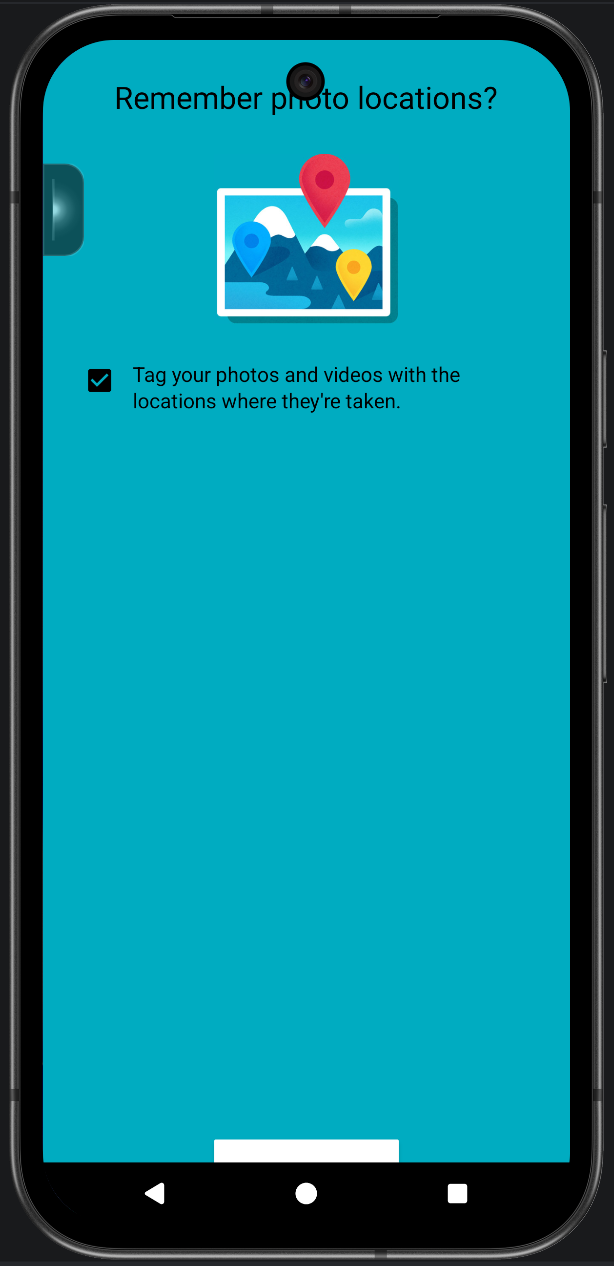
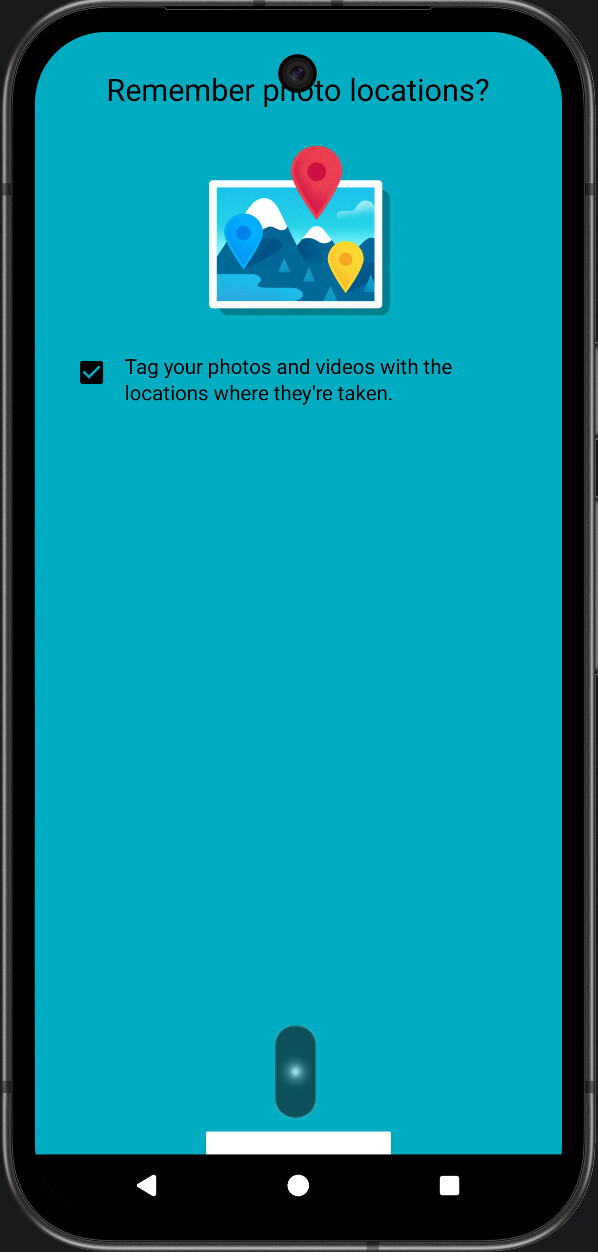
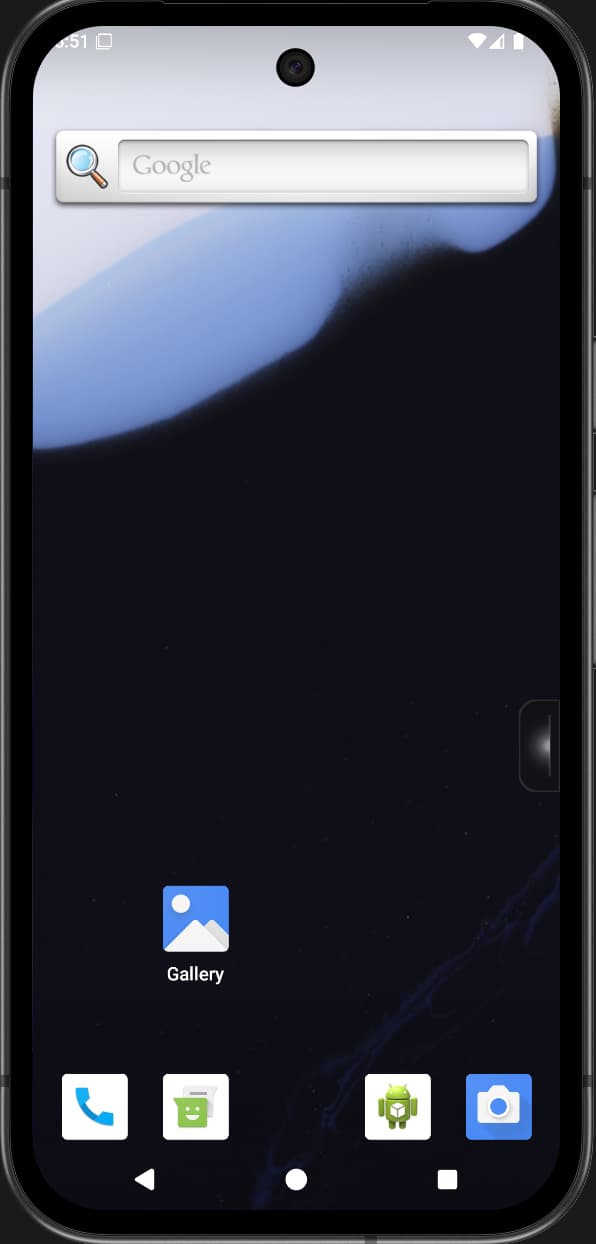
Every Android app on Sailfish shows a navigation bar at the bottom that contains only a back button. It takes a lot of space, and there’s no setting to hide it.
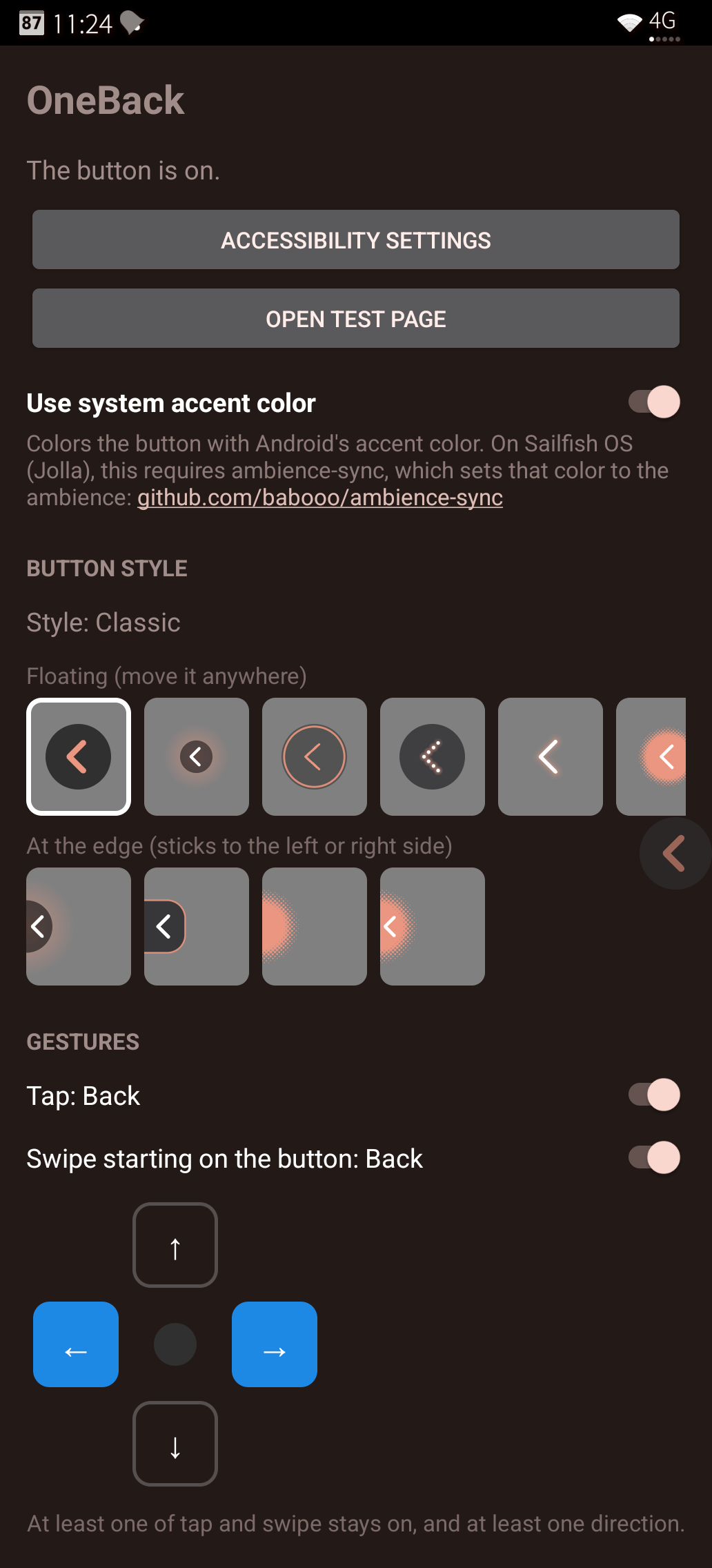
I only just got my JP26 today and have no clue about the phone, the OS or this Forum - so please dont trash me if this post is dumb. Here is how I fixed this issue for me and a before and after screenshot of the UI in Fennec, plus some of the customization options of the app. I still don’t know how to contribute to Jolla or its ecosystem, so pointers are welcome as to how to make this more accessible for all.
OneBack is an Android-App plus corresponding Jolla System Settings Claude wrote. It’s an accessibility service that shows a small floating Back button. It can’t read screen content and has no internet access.
Tap or swipe starting on the button = Back. Either one can be switched off, but not both. You pick which swipe directions count (default: left and right).
Long press makes the button grow and show a move cross, so you can see it around your thumb. Then drag to move it, or let go to hide it for a few seconds.
10 button styles in Sailfish’s look: floating ones you can put anywhere, and ones that stick to the left or right screen edge.
Use system accent color colors the button with Android’s accent color. Together with ambience-sync, that’s your ambience color, so the button changes along with the ambience.
The app lets you set size, opacity and hide time, and has a test page to try the button.
Hidden in landscape.
Install
Download the .rpm file from the latest release and open it in the file manager, which installs it. If it refuses, allow untrusted software in Settings first. (Terminal alternative: devel-su pkcon install-local ~/Downloads/oneback-*.noarch.rpm.)
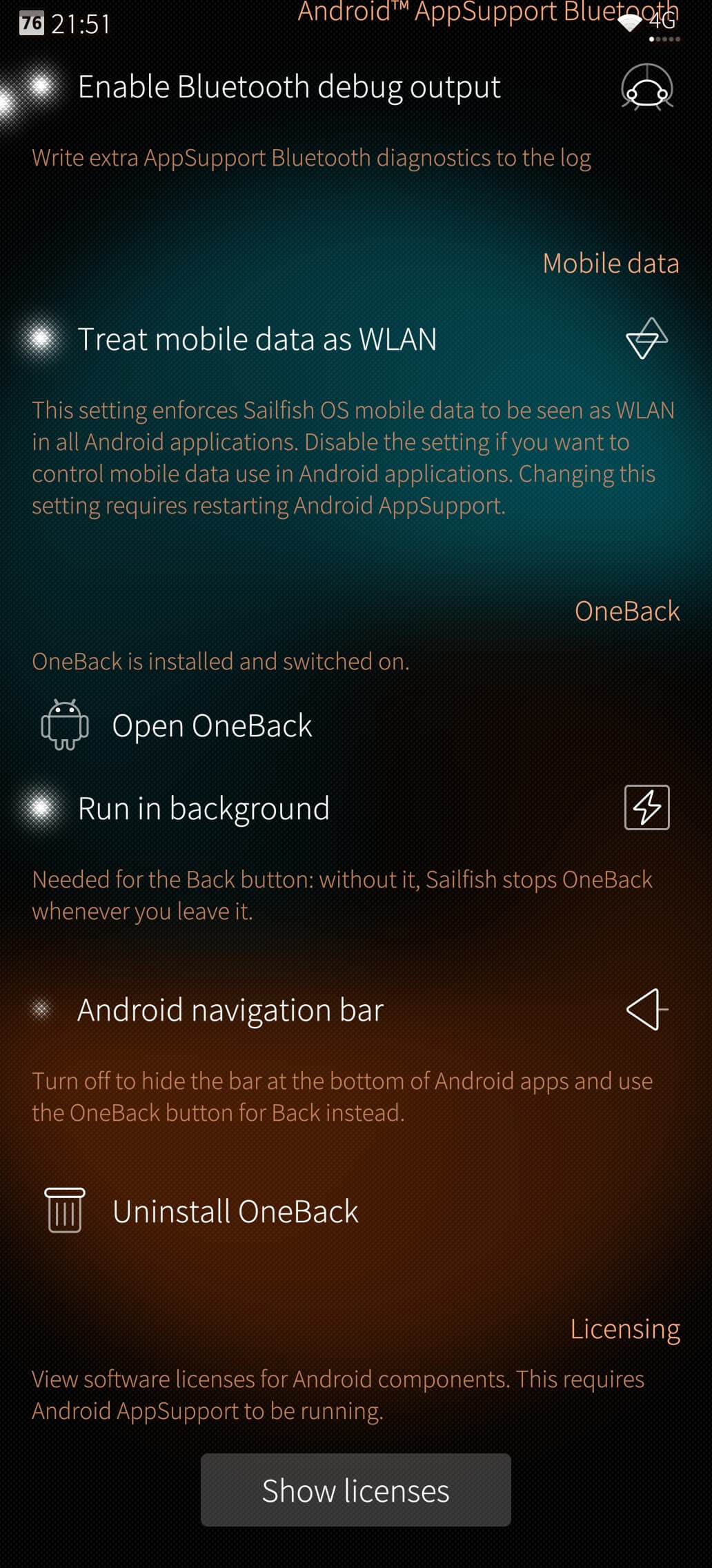
The package installs OneBack into AppSupport and adds a OneBack section to Settings → Android AppSupport. There:
Tap Open OneBack → Turn on in accessibility settings and switch OneBack on.
Back in Settings, check that Run in background is on, turn Android navigation bar off and tap Restart Android AppSupport.
The bar can only be hidden while OneBack is on, so Android apps always keep a Back.
Uninstall
Open Settings → Android AppSupport, tap Uninstall OneBack at the bottom of the OneBack section and accept. OneBack then:
switches Android’s navigation bar back on (removes its AppSupport config file),
restarts Android AppSupport to apply that (open Android apps are closed),
uninstalls the OneBack Android app,
uninstalls the package, including the OneBack section in Settings.
Takes about a minute. Afterwards, close Settings completely and reopen it.
More
Without the package (APK + config file by hand)
Download oneback.apk from the releases, install it, open OneBack and tap Turn on in accessibility settings.
In Settings → Apps → OneBack, allow “background services to start on bootup”. Otherwise Sailfish stops OneBack as soon as you leave it.
As root, create /etc/appsupport.conf.d/90-hide-navbar.conf with:
[Config]
CustomProperties=qemu.hw.mainkeys=1
Then restart AppSupport (Settings → Android AppSupport → Stop/Start).
Undo: delete the file and restart AppSupport. Only switch off OneBack once the bar is back, otherwise Android apps have no system Back.
I have been thinking of this and wanted to make a wireframe but could not find the time.
My suggestion would be to mimic the usual sailfish back by having the button take space on the side of the screen.
Being both clickable and swippable for the back gesture, and long press to move so that we can still click on stuf behind it.
That would be very useful for Sailfish app that need to forego the usual back gesture like the web browser.
I like it. i would place it on the right since that would be where I hold my phone and how I liked to use the back button gesture on Android. Probably some A/B testing in order to find what we like.
Not sure how and if the corner swipes can be overwritten properly - especially only for certain segments tho.
Answering also your PM here :
For the gesture, it needs to start from the button, so no need to override anything from Sailfish’s gesture system. Click on button and drag right triggers the “back” action, long-press and drag moves the button.
I don’t think the usual “back” button is open sourced unfortunately, as Page.backNavigation is part of Silica, so we can’t check if there is a special treatment to avoid edge detection for a button so close to it.
Sliding from outside the screen does not move you back in SailfishOS, it minimizes the app.
And thanks to you for investing your time in this needed feature !
Thanks for this feature, it works perfect on xperia 10III with 5.1.0.11. Only one importand info. It’s not possible to use the topmenu for restart the appsupport after placing the file in /etc/appsupport.conf.d/90-hide-navbar.conf. I do this and the appsupport crashed and I could not open settings any more. I have to reboot. The best way is your way appsupport should ruuning, place the new file, open settings/appsuppoprt and stop start with the start button.
Thanks. Good info. As I wrote in my original post i only confirmed that restarting appsupport via settings worked. Didnt even know top menu could restart it aswell
Thank you for this gem! Finally, I’m able to remove the back bar and button completely for app usage, as my usual apps have their own navigation and don’t need a back button anymore. And having complete screen space also for android apps looks good and like the native way.
While I haven’t implemented the swiping yet I did test out your positioning suggestions and I have to say you were 100% right. For me I placed it at the perfect length for my thumb so its reachable with ease. And since its movable anyone can place it at their preferred place.
Having the button on one of the sides almost feels like native Android swipe gesturing (even when tapping) and it does not at all interfere with native Jolla swipe controls. I think we are onto something here…
Edit: Oh and also I found that lots of Apps have the bottom Navbar or an FAB somewhere around the bottom. So the side position is better at consistently not covering anything aswell (even tho moving it would take like a second - still).
This looks like the best implementation so far, good job!
Would be nice to have the source available ofc, mostly because of the accessibility permissions.
Thanks! Source and APK are in the Github link in the original post. I don’t know yet how to make it more accessible than telling you guys what i did and giving the you apk. I am sure there is a better way, but as I said i am quite new to all this jolla forum stuff.
All the info to set it up and use it are in the original post.
OneBack now comes as a Sailfish package. Install it, and you get the app plus an Android navigation bar switch in Settings → Android AppSupport. No terminal or config file needed anymore.
I have not tested this on any device other than my own so use at your own risk.
Update: OneBack is now a Sailfish package. Open the .rpm in the file manager and you get the app plus an “Android navigation bar” switch and an Uninstall button in Settings → Android AppSupport, with no terminal or config file needed.
Still only tested on my device - use at your own risk.
The menus in “App Support” setting look a bit different than the rest visually.
Ergonomically, it’s not common in Sailfish to validate something inline with button. It usually is a single page per action, then swipe right to validate/next step.
awesome feedback. do you have a screenshot please since it looks pretty coherent on my device? also thanks for that detail - ofc i don’t know such conventions yet so this info is priceless to me.
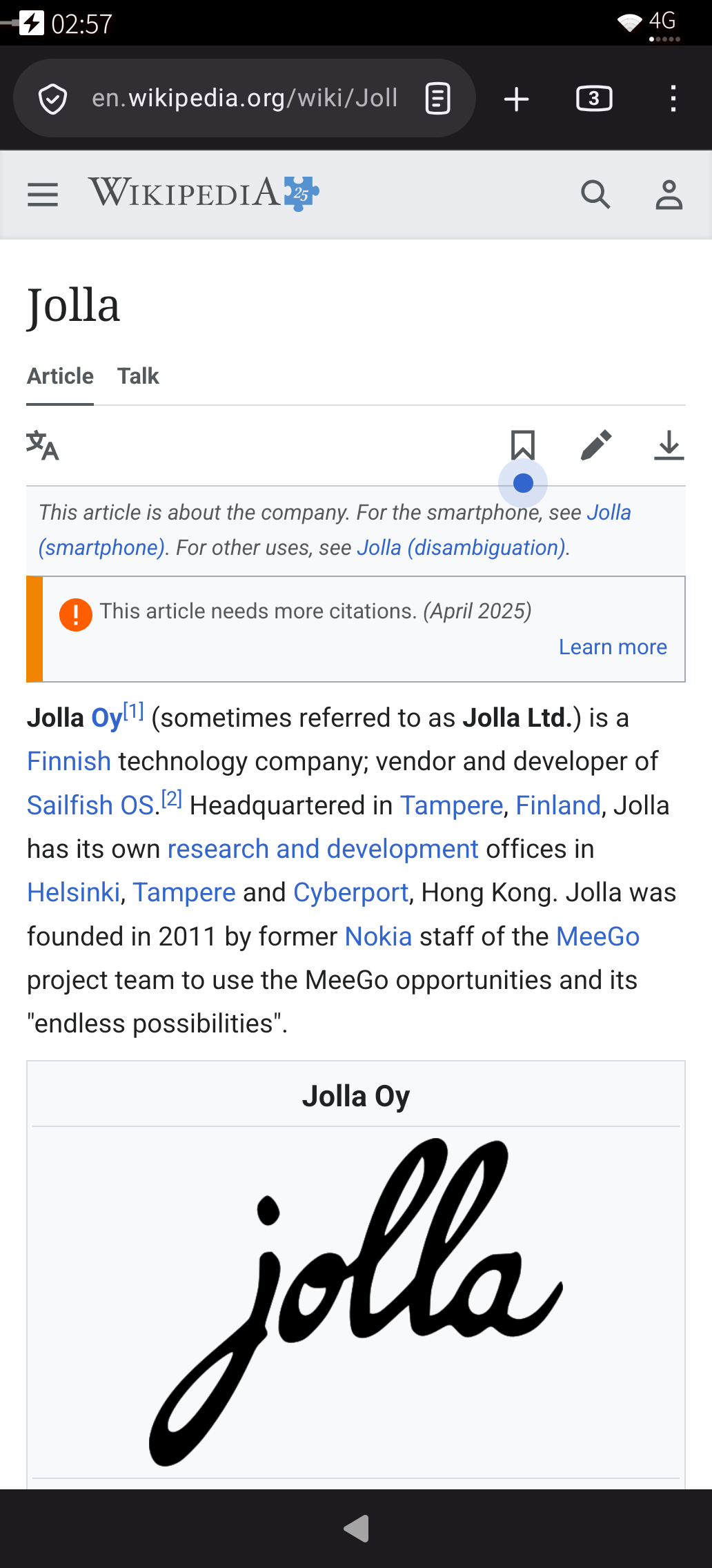
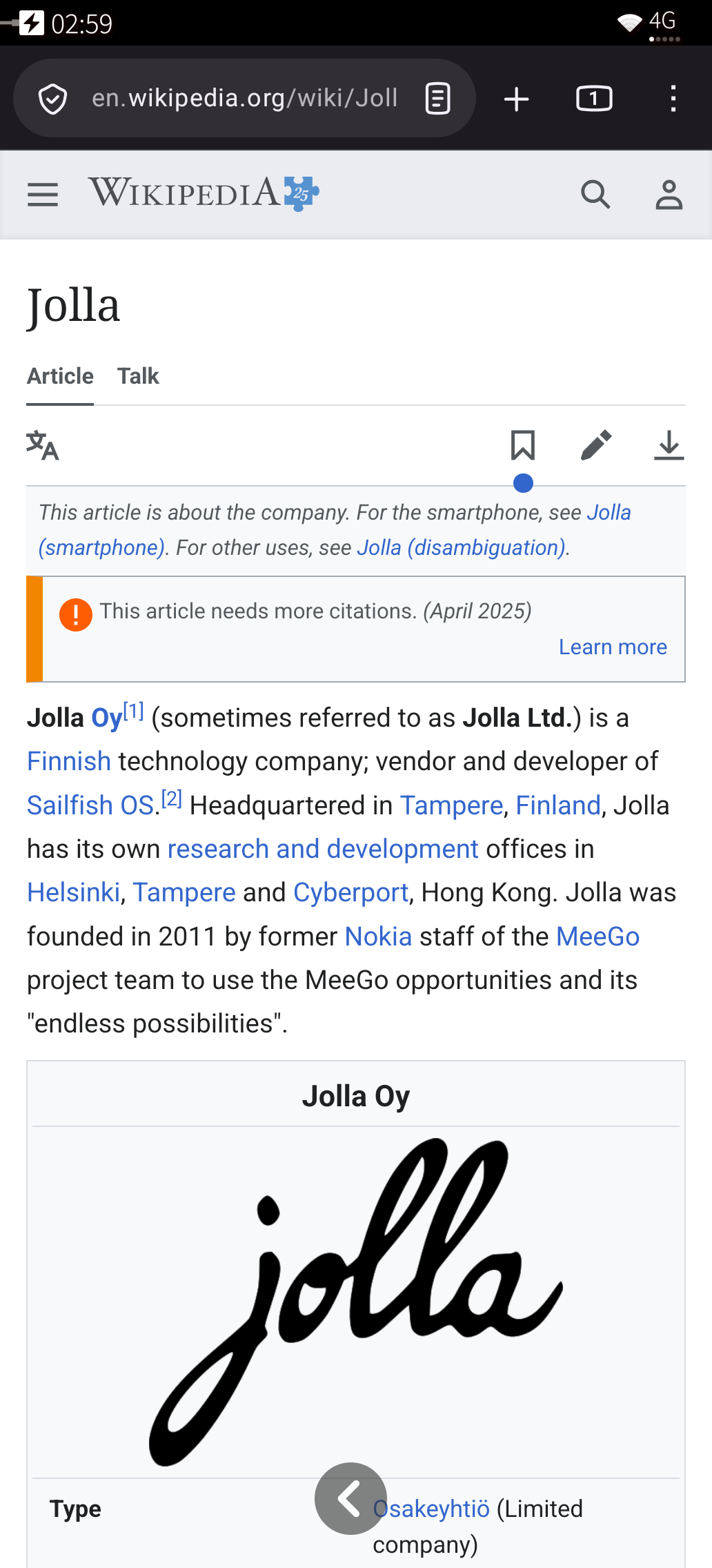
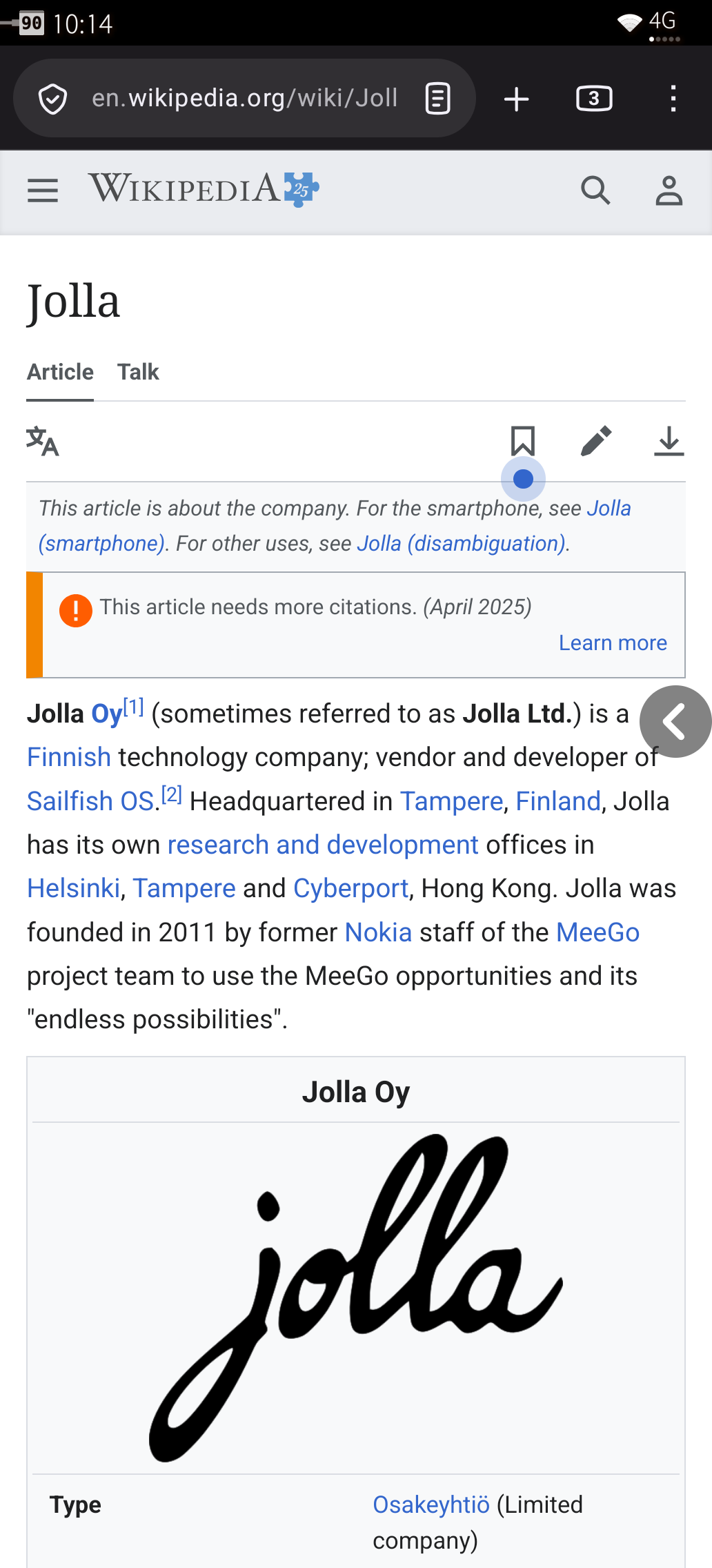


 I also really enjoy the new look and feel of the bigger screen real estate!