There are very much different threads about NextCloud but does someone has information, whether Jolla has some schedule or are they gonna fix these syncing issues? My calendar and contacts seems to work but that’s it. I would be appreciated of information.
Native nextcloud sync doesn’t do much more than sync contacts, calendar and do backup for nextcloud. +of course the best, shows pictures in gallery app!
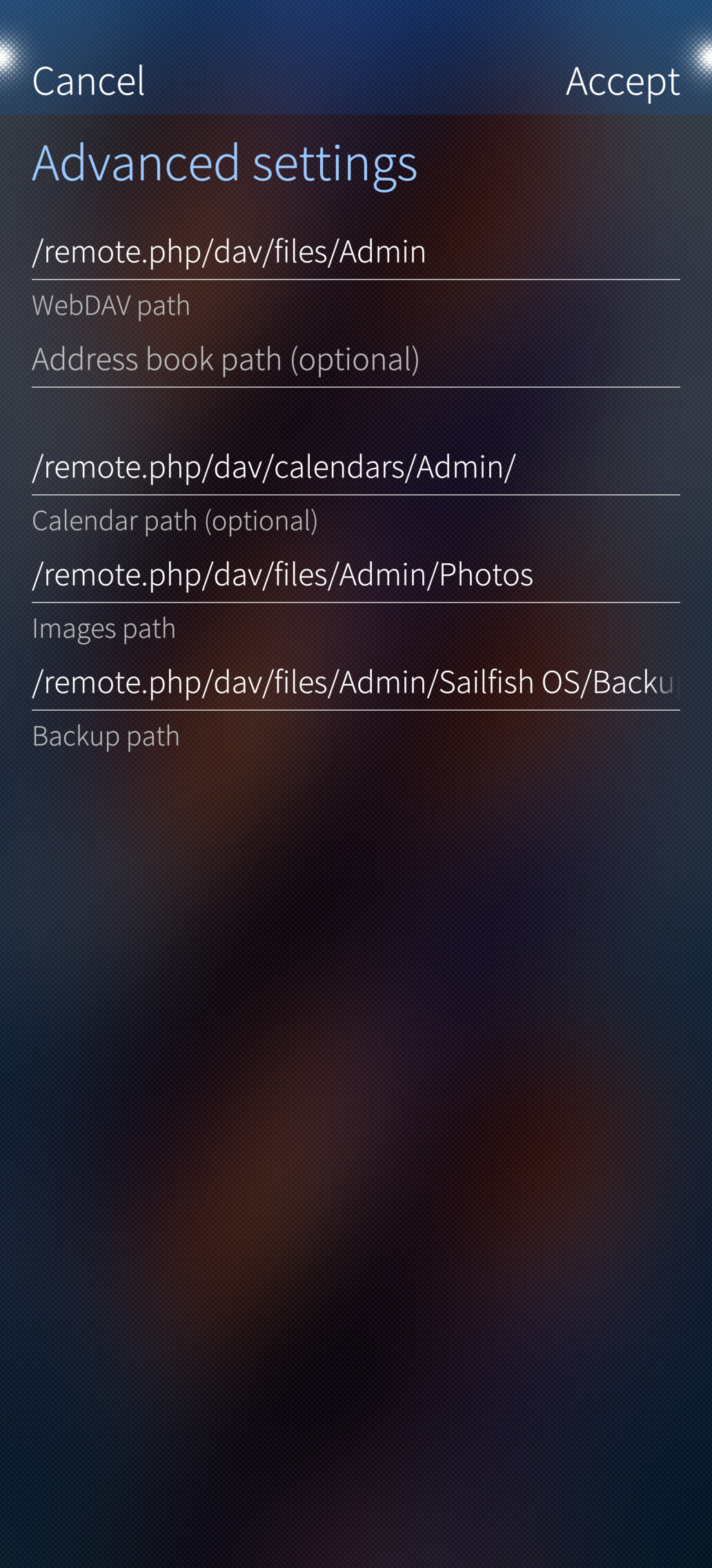
I would need those mentioned contacts (OK), calendar (OK), backup (SFOS says, it works but no backup files stored to NC and SFOS also doesn’t see them then). Would be nice to get picture and documents sync working also like in settings there are several setting for WebDav paths.
One way picture sync works already. And like I said, the Ferry sync works for everything else. i agree that it could be more neatly integrated to the nextcloud account thing in accounts, but luckily that ia open source. Someone might do it ine day. Until then I’m super happy with Ferry
How? Up to now you can just upload single pictures from gallery to Nextcloud with the share menu as far as I know. Beeing able to view pictures from Nextcloud in Gallery os no sync.
Edit. But this only brings photos/videos from nextcloud to galleria app. It doesn’t upload photos/videos taken with your device back to Nextcloud. This is where Ferry sync comes in play
If that means that backup to a Nextcloud doesn’t work I can confirm that - so I guess it’s not your settings but a problem in the system as I don’t get it working on Jolla Phone 2026 nor Xperia 10 III. A first manual sync from Jolla pgone worked, but after that no successful scheduled or manual backup. Phone tells me “not logged in”…
Contacts are synced. Backups not manually nor automatically. Gallery app doesn’t see my NC pictures. If SFOS has really bug, that’s ok. But NC problems seem to variate quite a lot.
Ferry app can sync with NC after fixing NC certificate.