New Screen Recorder App: SAİL RECORDER

Sail Recorder

Hi sailors, I’ve developed an app that I’ve been working on for the past two weeks. As you can probably tell from the title, it’s basically a screen recorder.

Installation is quite simple; there’s no need to mess around downloading anything else. Just download it, install it, and you’re done, so I won’t go into a long explanation.

So far, the tested models are the Sony Xperia 10 III, Jolla C2, and Jolla 2026 (J2). We’ve tested it on these three phones.

I hope the app I made will be useful for you too and works without any issues.
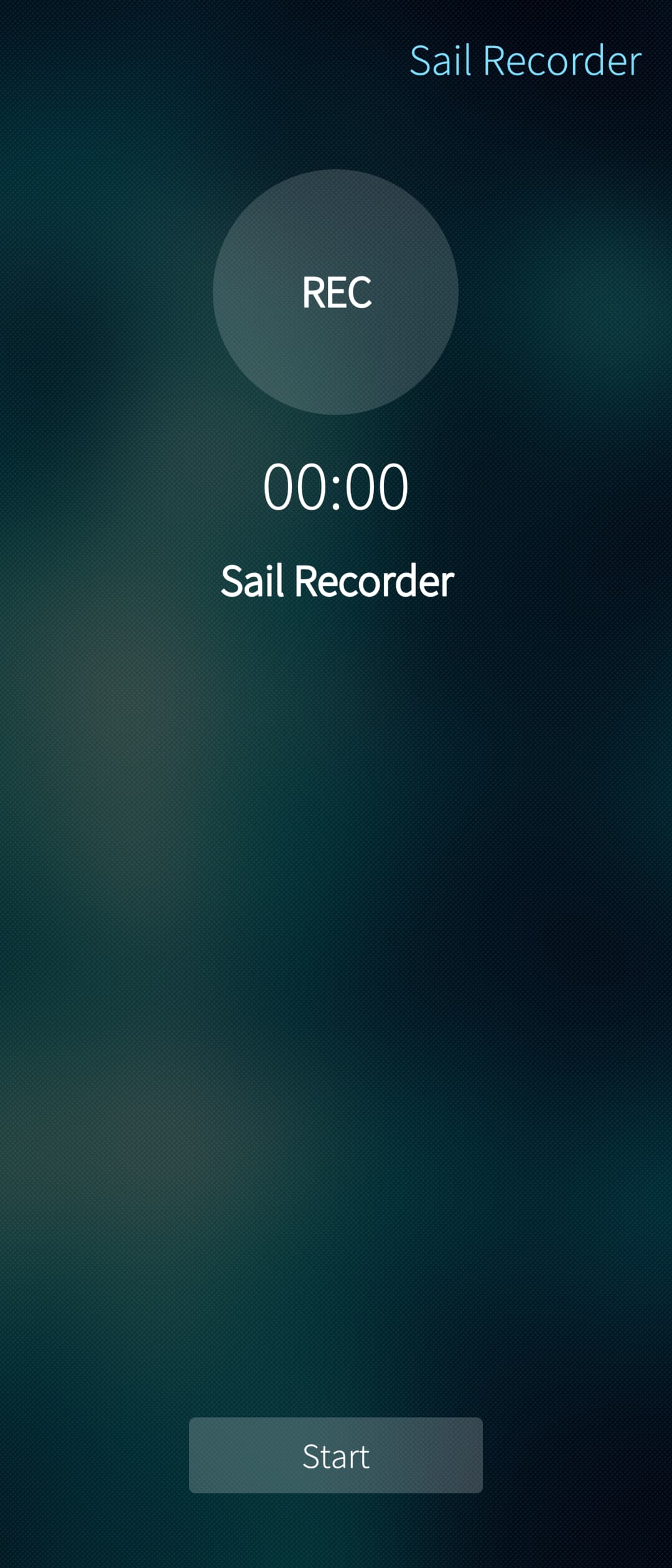
If you want, you can start or stop it from within the app.

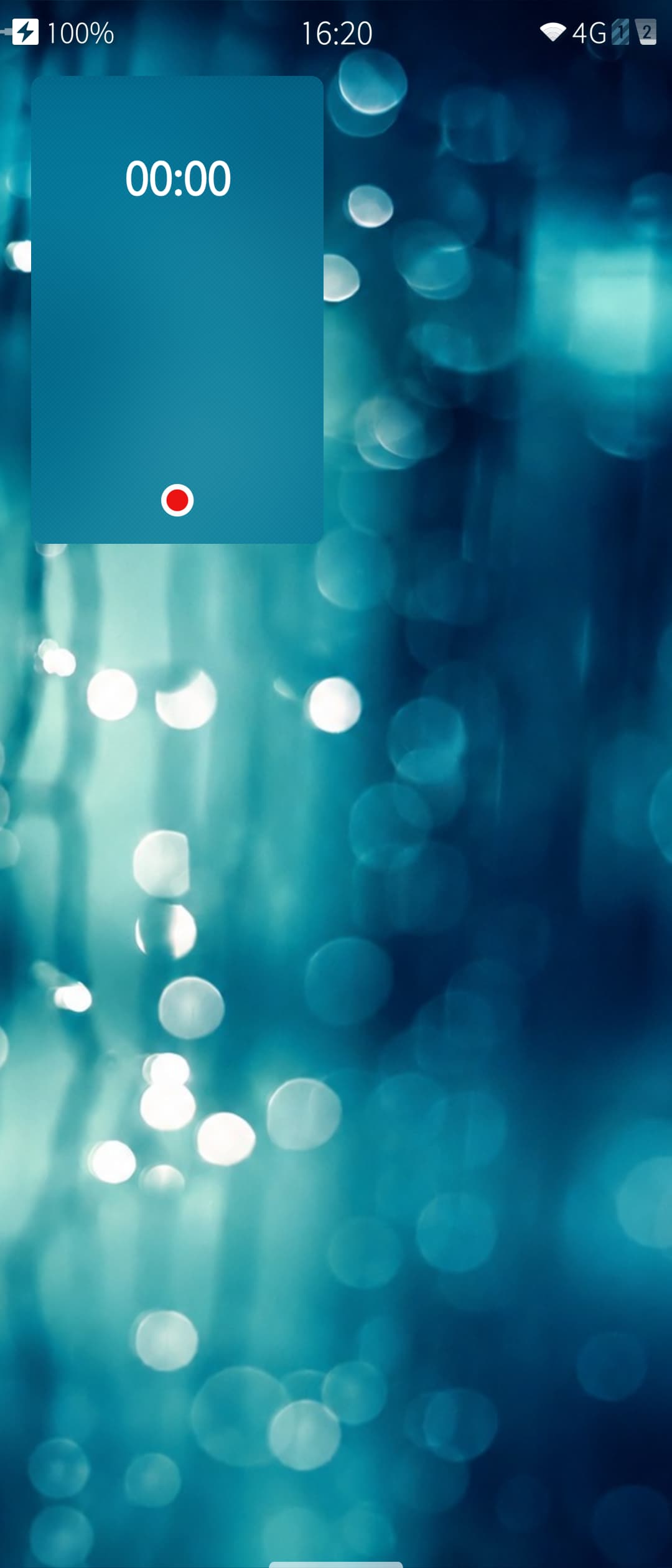
If you want, you can start and stop it using the Cover layout.

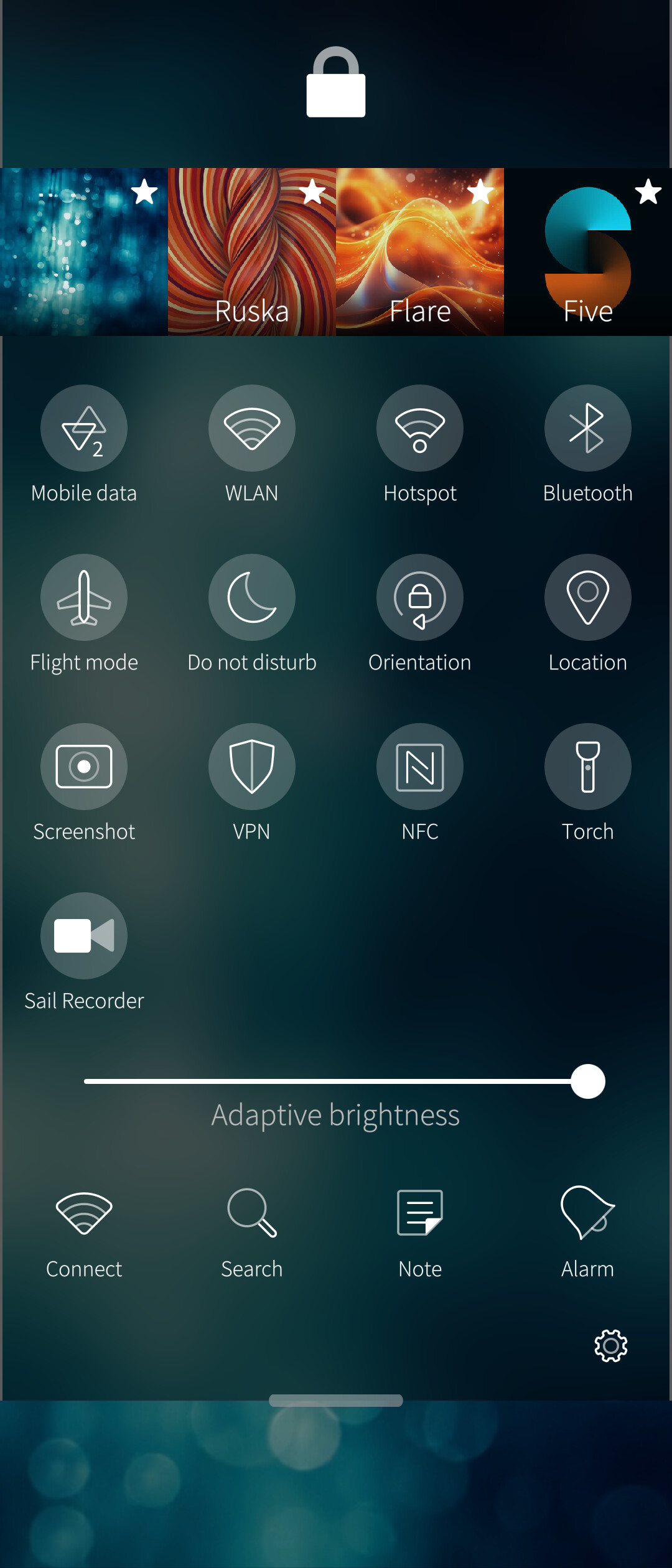
If you want, I think this part is called the top menu. Without even opening the app, you can simply add the icon that comes with SailRecorder when you install it here, and then start or stop the recording directly from there.


Your screen recordings will appear in the Videos section of the Gallery app. After recording your video, you can check it there.


For now, the download options are GitHub and OpenRepos. I’m not sure yet how to add it to stores like ChumGUI, but I’ll add it there soon as well.

I would be extremely grateful if you leave your feedback and complaints. Have a nice day, and take care.

Note: AI was used during my programming process.

26 Likes

Also, thank you all for some of your help and suggestions. :heart:

@Mister_Magister @JoshStrobl @Fuchur84

6 Likes

Nice project, thanks for sharing this big work.

4 Likes

Nice. Does it have any indication/interactive screen on lock screen while the recording is happening?

1 Like

When you pull down the top menu, there will be an indicator showing that the screen recording is currently active.

1 Like

I see. I’m quite struggling to allow interaction with an app without unlocking like timer app. I’ll take a look at your code. Anyways, thanks a lot.

It doesn’t look like there is source code available.

2 Likes

The source called tarballs seem to only contain an md file.
However, I saw source files into the rpm.
Are there other needed sources that would be missing to compile the app?

Yes, there are still a few things missing at the moment, and I’m working on completing them. As attah mentioned, I’ll also publish the source code on GitHub so that, if others want to customize it for their own needs, they can do so more easily instead of having to struggle with inspecting it through the RPM.

3 Likes

I tried sail-recorder-v1 on my Xperia 10 III (5.1.0.11 installed on top of Android 12 / SW binaries 12_4.19_v2a), it is stuck on “Please wait…” for over a minute and doesn’t start to record. Running what’s written behind Exec= in a terminal gives no output besides the usual noise:

[defaultuser@xperia-10iii ~]$ /usr/bin/qmlscene /usr/share/sail-recorder/qml/ScreenKayitClean.qml
[D] unknown:0 - Using Wayland-EGL
library “libui_compat_layer.so” not found
library “libutils.so” not found
library “libcutils.so” not found
library “libhardware.so” not found
library “android.hardware.graphics.mapper@2.0.so” not found
library “android.hardware.graphics.mapper@2.1.so” not found
library “android.hardware.graphics.mapper@3.0.so” not found
library “android.hardware.graphics.mapper@4.0.so” not found
library “libc++.so” not found
library “libhidlbase.so” not found
library “libgralloctypes.so” not found
library “android.hardware.graphics.common@1.2.so” not found
library “libion.so” not found
library “libz.so” not found
library “libhidlmemory.so” not found
library “android.hidl.memory@1.0.so” not found
library “vendor.qti.qspmhal@1.0.so” not found

1 Like

Thanks for reporting this. I tested it again on my own Xperia 10 III. I completely removed Sail Recorder from the phone and installed it again from scratch.

I was able to reproduce the same “Please wait…” problem. The issue was that the background user services were installed and enabled, but they were not starting immediately after installation. They only started after a reboot or when started manually.

I fixed this in the latest version. I tested it again with a completely clean installation on my Xperia 10 III and now Start/Stop works directly after installation, without rebooting the phone.

Your Android 12 / 12_4.19_v2a vendor setup may still make some difference on the DroidMedia/Android HAL side, but I don’t think those library warnings were the main reason for the “Please wait…” issue.

The OpenRepos release works! I think the last time we had a working screen recorder, was with Sailfish OS 4.5 in 2024.

And the recording is very smooth, with no blocky artifacts.

1 Like

Well, you could record the stream of Kamkast with VLC on a PC. But this is infinitely more comfortable.

1 Like

Very much appreciated addition to the ecosystem! I have multiple times wanted to have this so thank you for making it a reality! :slight_smile: Definitely recommend to publish the source in Github so others can contribute, plus it is required for Chum. Would love to have the app also in Harbour for easier access

1 Like

Yay! Thanks a ton @PolatBirdal :100: Great having a screen recorder app that is actively maintained and produces a video that is immediately usable (no messing around with cranking FPS and having to do retiming externally, not to mention it’s an MP4 and not an AVI file). Certainly going to be using this.

1 Like

Does not start for me on the Jolla Phone 2026: /usr/bin/qmlscene: not found: No such file or directory

Maybe a missing RPM dependency?

1 Like

Yea you need to install qt5-qtdeclarative-qmlscene

Fire up a terminal and run:

pkcon install qt5-qtdeclarative-qmlscene

I filed a bug at Missing qt5 dependency · Issue #1 · 909dokuz/Sail-Recorder · GitHub

3 Likes

Hello, I hadn’t noticed this missing dependency before because the required Qt5 package was already installed on my system by default. It’s possible the issue didn’t show up for many other users either, since they may already have the package installed as well.

I completely removed both Sail Recorder and the related Qt5 package on a Jolla C2 and tested everything again from scratch. In the new version, qt5-qtdeclarative-qmlscene is now defined as a runtime dependency. So if the package isn’t present on the system, it will be installed automatically alongside Sail Recorder; if it’s already installed, there’s no need to download and install it again.

3 Likes

Excellent!, using a Sony Xperia 10II, installed without a problem and works flawlessly.

1 Like

Maybe you should give
sailfish-qml
a chance instead of qmlscene?

This should be installed by default.

(but add as runtime dep: libsailfishapp-launcher, as without it will not start :wink: