i got my Jolla Phone today. And everything works really great.
But i can’t get Netbird to working. I tried the Android App but i can’t activate the tunnel.
(Error: This device cannot show the VPN permission dialog)
I selfhost Netbird and all my Server / Apps running over Netbird so it is mandatory for me.
The short answer is:
SFOS handles the internet connection. Android does not manage the internet connection itself. You need to set up VPN on SFOS itself for it to work.
It can be Wireguard, OpenVPN or some other formats but you need a VPN configuration file or information to get it working.
These two videos should give you an idea about it:
Being able to use Netbird (Cloud) is REALLY a door opener for me in many ways. I will test this soon! Thank you!
Just one question: Netbird is developing with pretty quick pace (a bit like Sailfish ecosystem) and it is anticipated that new versions will drop daily. How do you expect that updating Netbird will function?
That is a good Question. I did not think about that. lol
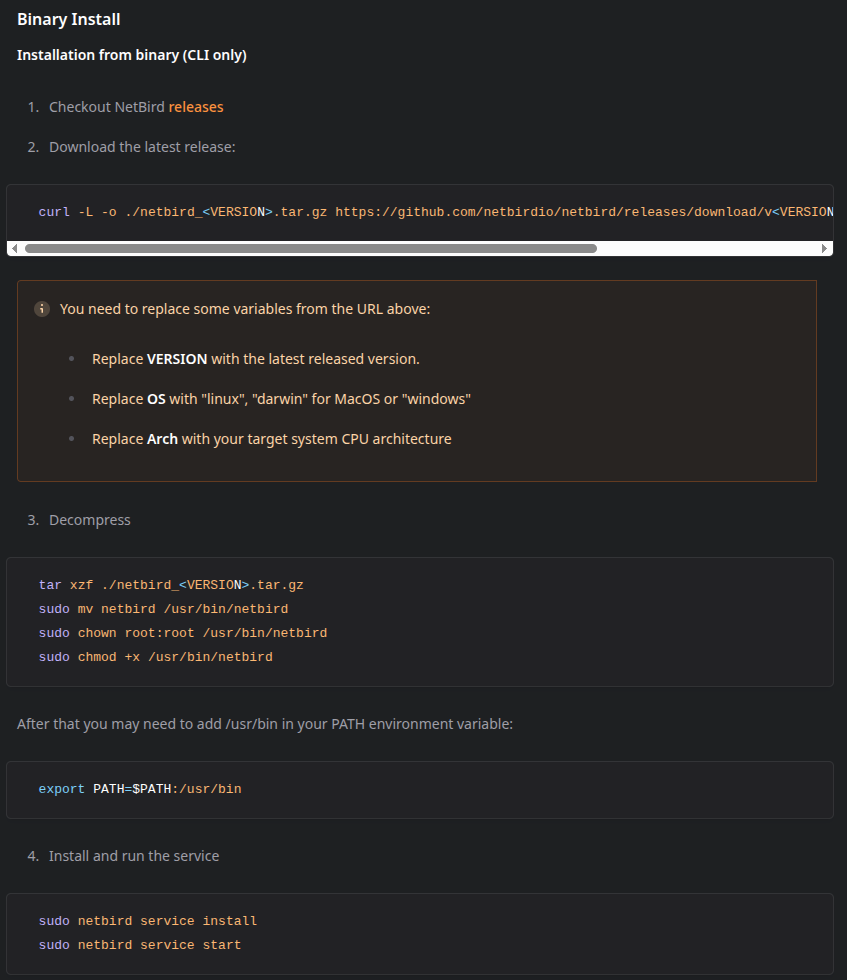
But this could be easily solved with running a script which stops netbird downloads the new binary and start netbird again. This script could be auto triggered with systemd timers
There is no gui. So it will be turned on all the time.
You could deactivate with the Terminal or write a script to only activate it for specific times or so.
I have a Update script for Netbird and Syncthing and a timer script which starts Netbird every 15 Minutes to let Syncthing sync then it shutdowns.
I will test it for a bit and if it works ok i post it. But thats only for my use case i only need Netbird for Syncthing
I am a little sick right now, but i created a Repo for the Scripts i use
It is mainly for me but if anyone want to use it or copy something from it, feel free.
Netbird and Syncthing Binary Installation + Update Timer Script. I shutdown Netbird and start it every 15 minutes to let Syncthing run. Way more battery that way. (netbird-burst Scripts). But of course you can run it without downtime if you want.
I created the README with AI