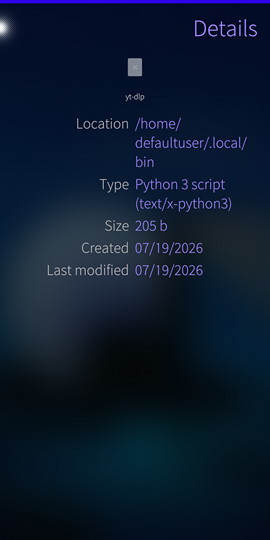
Ok theres two apps, one is the jolla (I believe) called File Browser.
There other one ins called file case.
File case has a search function which i use to locate a file, and its location. but I cannot ‘copy path’ like File Browser does, this saves time when pasting strings into terminal. Filebrowser also has a search function but annoyingly its in a underneath pully menu, which user has to scroll miles downwards in order to use. It returns no hits.
So I locate a file in filecase, memorise the path, then try to find it in Filebrowser. And the file is not in Filebrowser. See screenshots attached.
In the second screenshot “bin” folder is missing. I’ve made sure that hidden folder is enabled in settings.
What is going on?
separately. why alternative to the default file browser needs to exist equally both have features that make experience better,
Why not channel efforts and consolidate good features into ONE default filebrower app?
You could write that about: clears throat
youtube apps
telegram apps
weather apps
keyboard apps
finnish public transport apps
audio player apps
navigation apps
browser apps
camera apps
Man, what a headache. Having to jump between two different apps just to search for a file and copy its path is brutal. Honestly, you might save your sanity by just dropping into the terminal and running find or fd directly instead of dealing with that UI mess!
Not really ready for prime time yet, but I’m cooking something up myself.
Had a similar problem with browsing files and started building this just to scratch my own itch. No release yet, here be dragons. Loooots of testing and polish remain - and I need to replace the terrible slop icon.