is there anyone out there having the Kia Connect App working?
In my case installation and registration works, but i am not able to add my car to my account by reading a qr code in the car. The integrated photo app opens, but do not recognize the qr code.
Had the vehicle registered before from iOS app, it shows when logging in with the same credentials on the Android app on Sailfish, but gives error message (error 104001).
(Never tried the app on an Android phone, so dont know if that would give the same error)
Did the same with the i phone of my wife and have the same error. I can imagine, that some cyber security magic is done for this communication channel and therefore google services are needed.
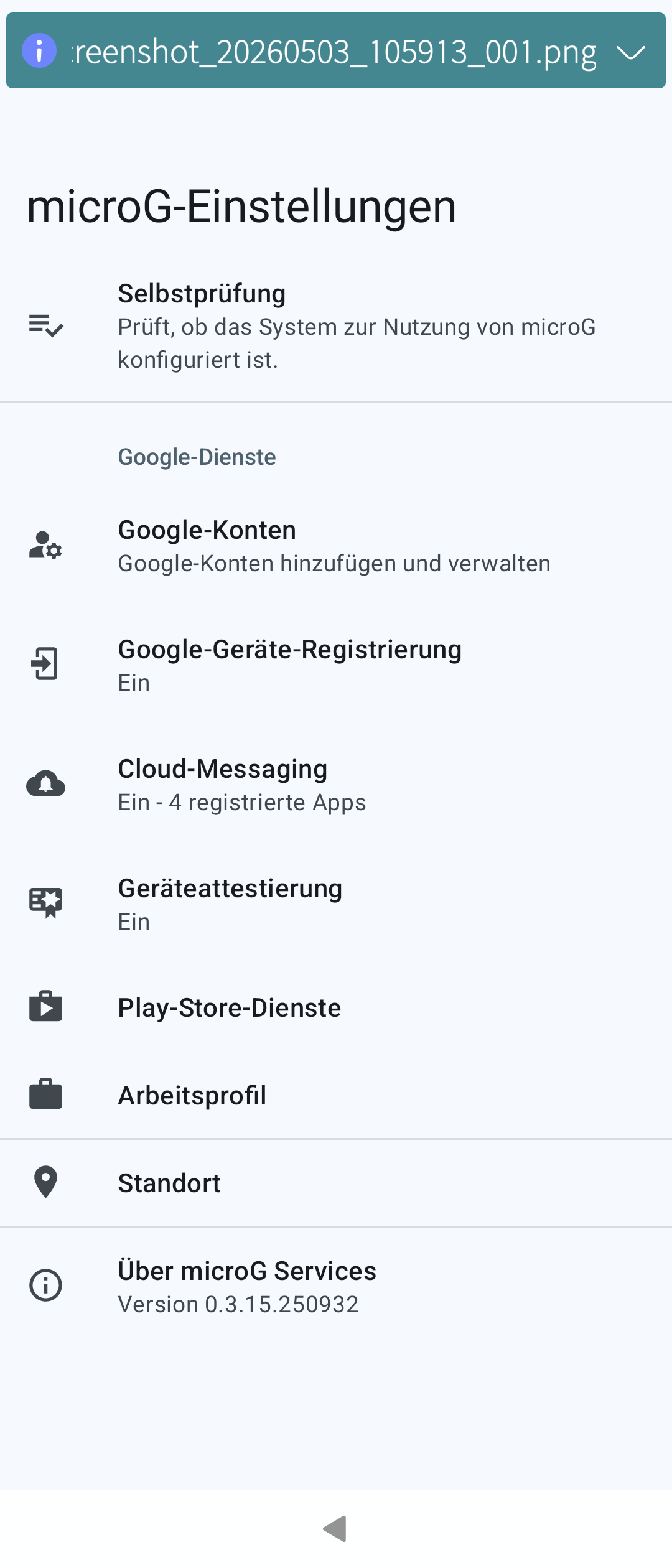
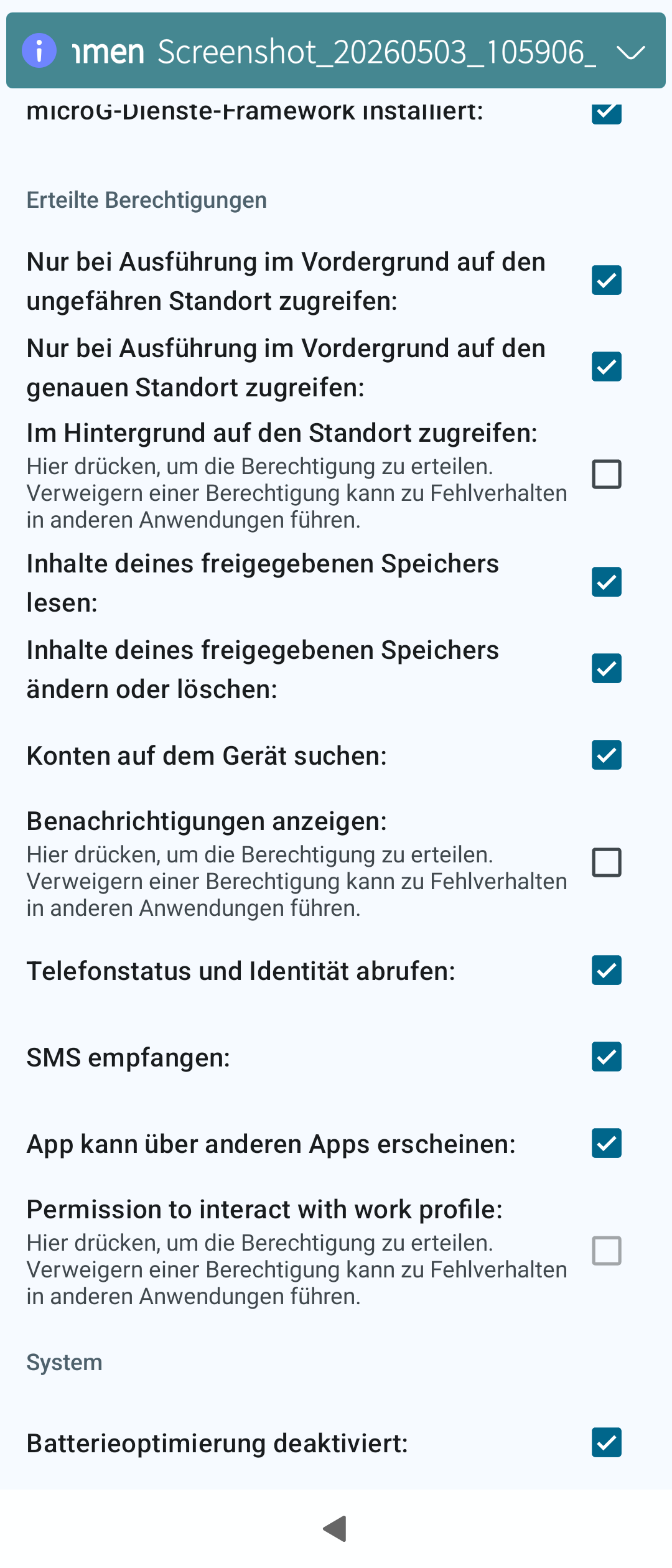
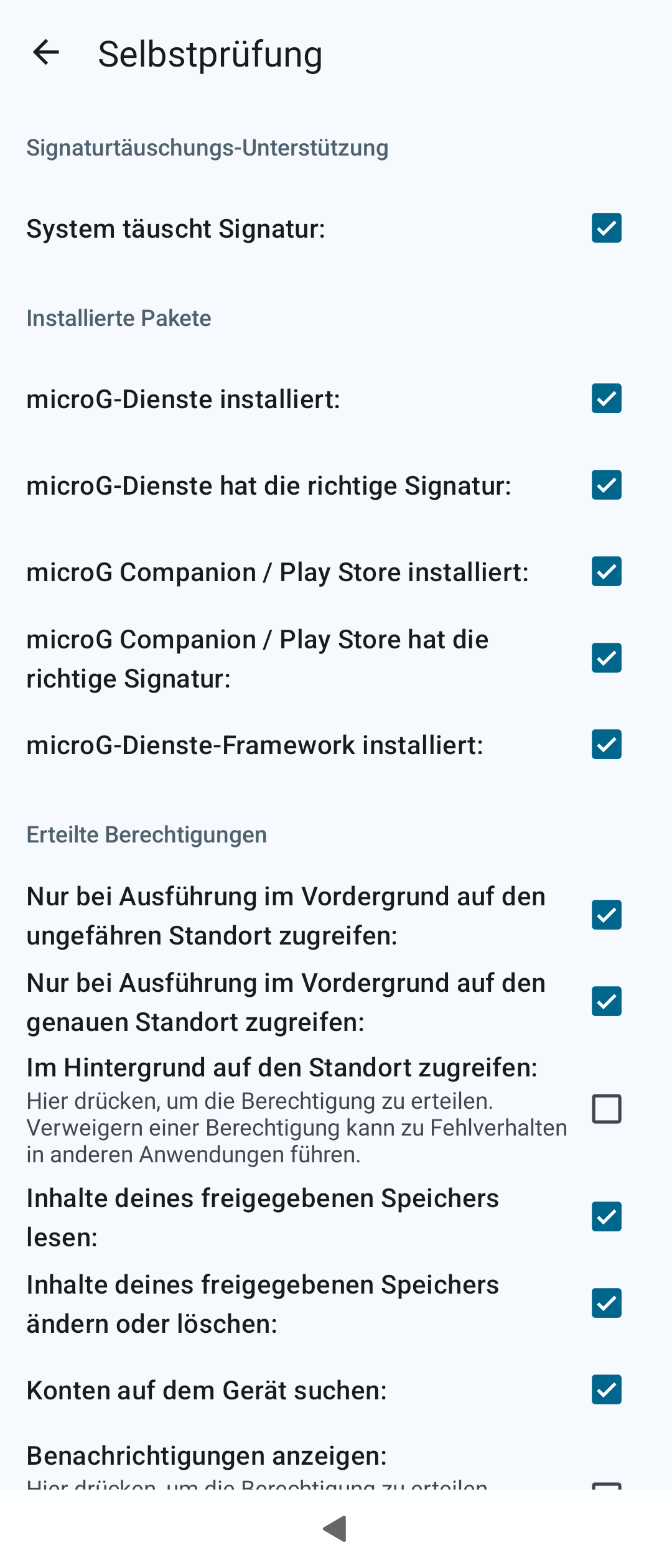
I have installed micro g in the meantime, but the error still occurres, maybe an configuration issue with it?
There’s one or several threads here about how to properly get G services (? not too sure about the terminology) working, afaiu it’s bit more than just installing it.
Downloaded xapk installer “SAI” version 2.3.2 from Aurora store and installed it. (disable the trackers in settings)
Installed the Kia app with the help of SAI.
(First login in the Kia app errored out, but that was due to my PaloAlto FW barfed at something, have to check into that later, after switching to mobile internet it worked straight away.)