I’m using KeePassDX (from F-Droid) and don’t understand why I cannot save any changes to the phone.
Could you help me understand it and help me solving that, it would be really good to save the content of the app.
I don’t use any syncing with my computer to keep a backup of the app’s content there, I just use it to save passwords and logins (by copying & pasting the original file from my computer to my phone, then opening it with the app KeePassDX).
I’ve never used KeePassDX on SailfishOS, but my guess is that this might be a permissions issue.
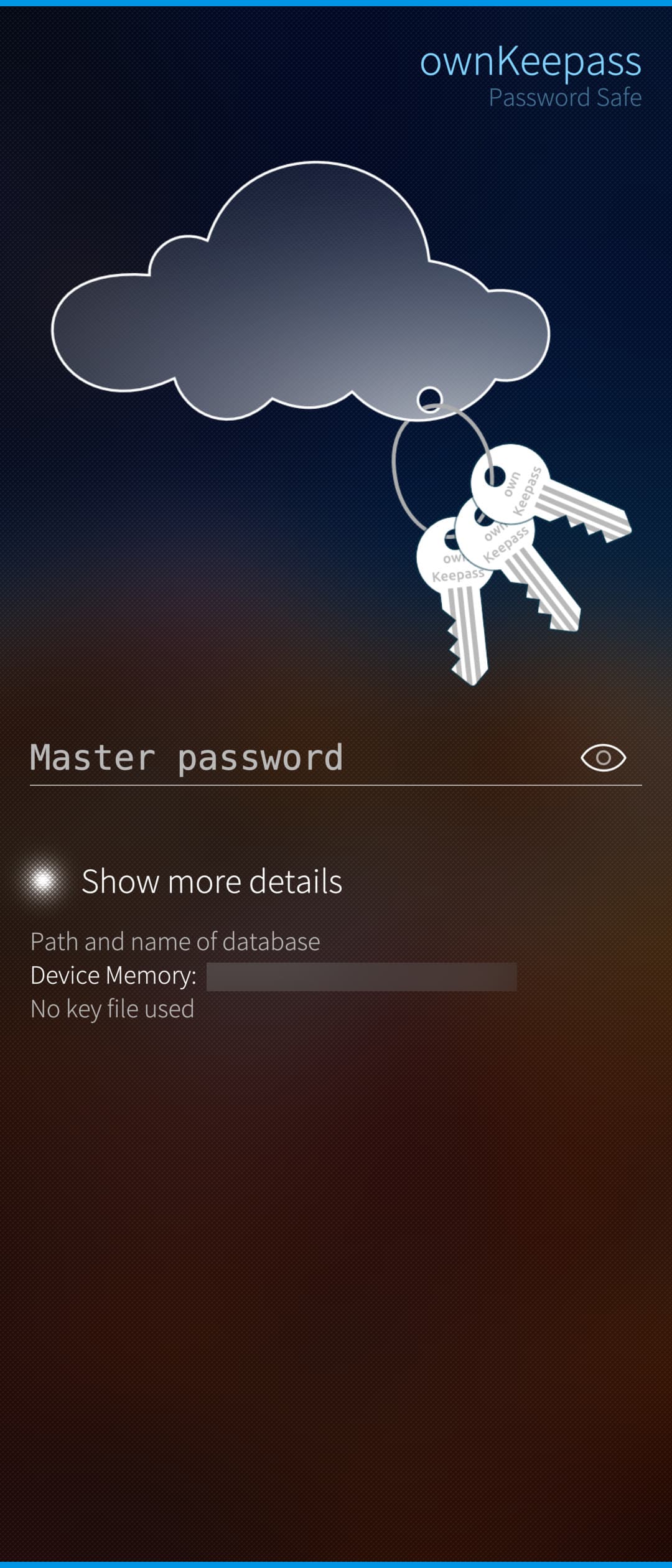
That said, before looking into that, if all you need is to store passwords and logins in a KDBX file, why not use a native SailfishOS app like ownKeepass?
Good idea:
Installed ownKeePass (from Chum), created a master password, opened the existing data file (xyz.KdUfGP), worked, made the needed changes, saved the file.
Worked.
Thank you, @damus!
Is there a way to open the file directly by entering the master password, ie. without selecting the file on the phone first and only then being able to get to its content?
Did I miss anything in the settings maybe?
WARNING: I found that KeePassDX sometimes corrupts it’s database (file) when you save changes. It could be you just silently loose an entry (data loss), or it complains you have duplicate UUIDs & after fixing them you find all data has been duplicated. Basically it’s a hot mess.
I stopped using it, and switch to ownKeepass (which sadly has some limitations, but at least it does not randomly corrupt data).
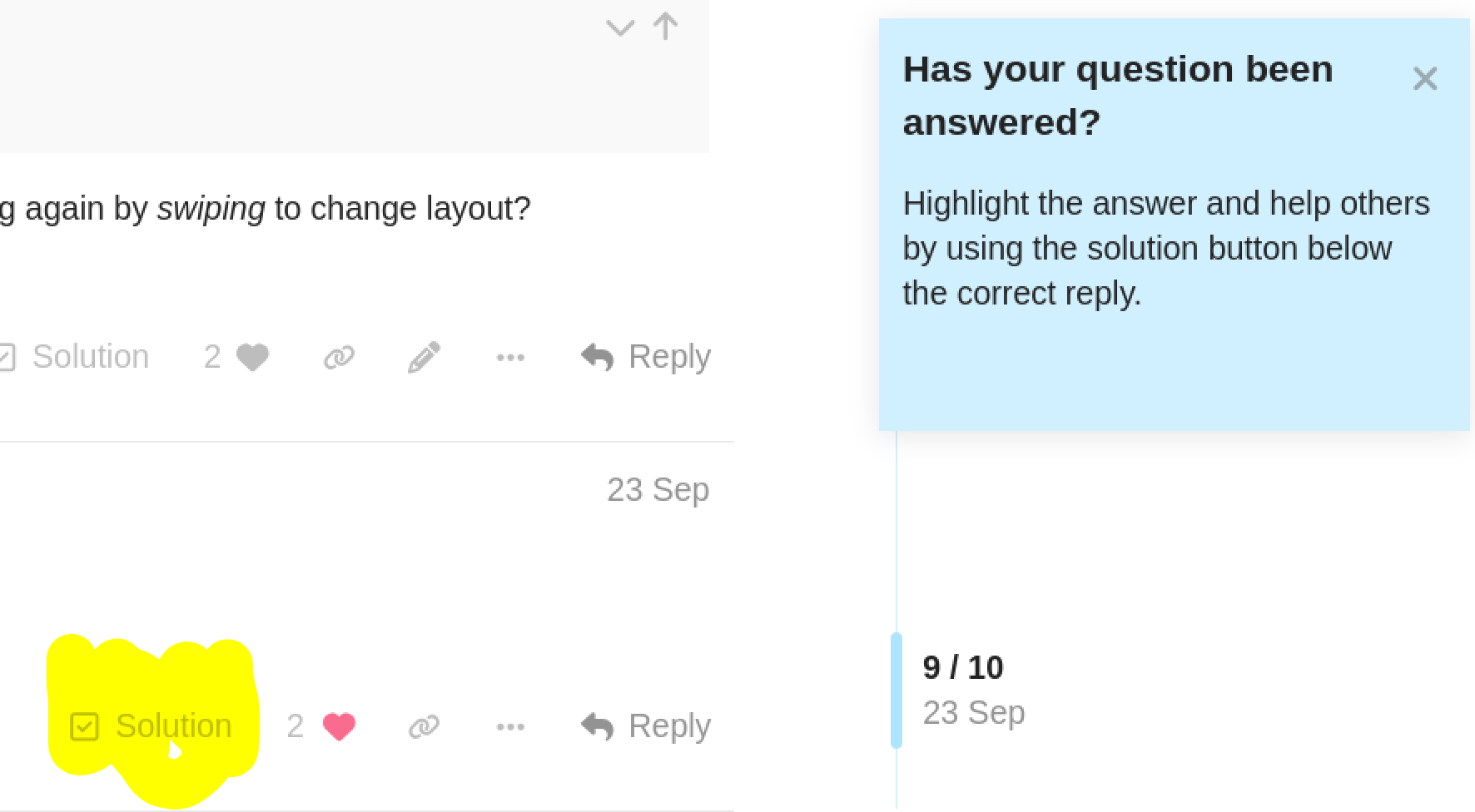
No, there isn’t. (Using DuckDuckGo (AAS) on my phone as the browser.) Certainly not the shown “Solution” button.
[Edit] I can see the Solution button on my laptop using Firefox soI could switch to my computer and answer from there.
From my own experience, KeepassDX (and presumably any app running in AppSupport) requires the data file to be located in ~/android_storage/ in order for it to be able to have write permission
I’m guessing that when you transferred your db file, it ended up in ~/Downloads or ~/Documents
ownKeepass has no such (defaultuser) write restriction
FWIW, there are legitimate reasons for people to want to use KeepassDX as well as ownKeepass.
The former has the benefit of the autofill feature, which I appreciate some are wary of the security aspect, but there are many apps, eg BBC Sounds, where I need a password, but have no financial or even personal details stored so I don’t care if there’s a tiny risk that my clipboard could be sniffed or whatever.


 … and Reply arrow?
