Hey all!
tl;dr: i found my Jolla Tablet in a drawer when i needed a POS. Found a safe upgrade path from 4.0ish to 4.6.0.15 and fixed up all the apparent issues on 4.6 with LLM help. Its all in one repo, one folder per fix, each with an install and an uninstall script:
To be honest, most of the work was done by the LLM poking at the tablet over ssh tirelessly, while i was the periodic button monkey and pair of eyes in front of the screen for the ground truth. The advantage being that this was all done on a saturday while i was in the garden. The repo is written for people who are at home on the command line. Nothing in it touches the kernel or the boot image.
So here is what works now:
Display brightness. The one that bugged me since delivery: the lowest setting was still way too bright, because the kernel driver never lets the backlight go below 20%. Now the slider goes from barely visible (0.4%) up to 64%, automatic brightness still works, and at the low end the battery lasts 8.6h with the screen on instead of 7.3h. fixes/brightness
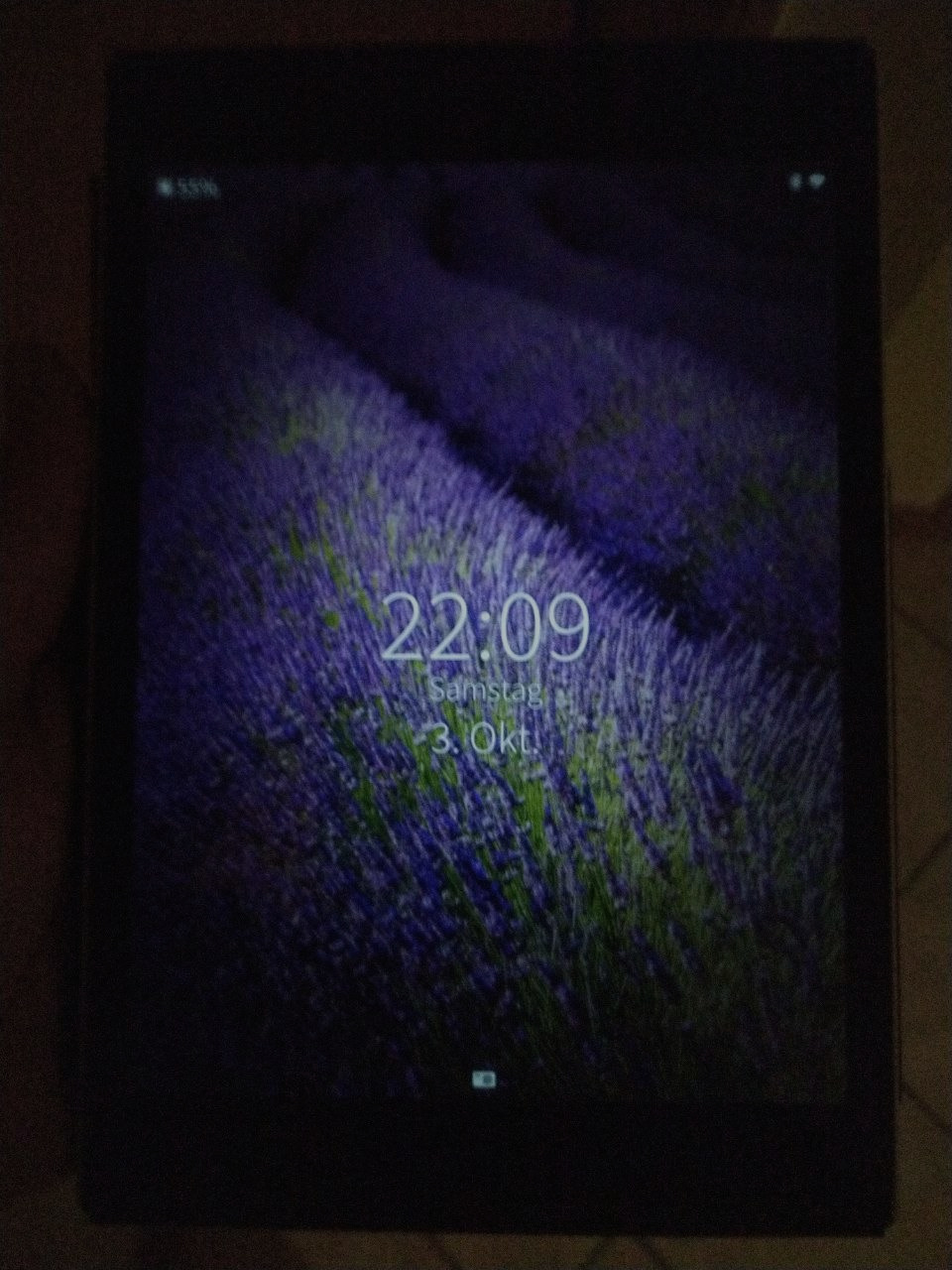
Update to 4.6.0.15. The updater in Settings is a dead end on the tablet. With ssu re and zypper dup on the command line mine went from 4.0.1.48 to 4.6.0.15 in one evening, one stop release at a time, without resizing the root partition. docs/update-to-4.6.0.15.md
Stuck on the logo. The tablet’s own zram units are ordered into a loop and systemd breaks that loop differently on every boot, sometimes by dropping the Android side and with it WiFi and GPS. One override file removes the loop and brings the zram swap back too. fixes/boot
WiFi is on after boot but finds no networks. connman powers up WiFi while Android’s wlan_prov still holds the chip in reset, and it never tries again. A small service waits for wlan_prov and gives WiFi a kick. fixes/wifi
WiFi forgets the passwords. The adapter comes up with one of two MAC addresses and connman files the saved networks under the one it sees. A script mirrors the saved networks to both before connman starts.
GPS is dead after the first sleep. The location provider uses a clock that stops during sleep, so after standby the GPS engine gets a wrong time and restarts every 54 seconds, forever. A tiny preload library hands it the right clock. fixes/gps
Bluetooth pairing. Pairing always ended with “the device did not answer”. The old 3.10 kernel only answers a pairing once a key list was loaded and BlueZ 5 loads none while nothing is paired, so a service now loads an empty list and pairing from Settings just works. fixes/bluetooth
Bluetooth audio and earbud buttons. A2DP plays and a tap on my earbuds pauses the Media app. bluetoothd was simply not allowed to open /dev/uinput.
Bluetooth tethering. The tablet gets internet through my phone over Bluetooth with WiFi switched off, through connman, DNS for apps included. There is a little bt-tether command for it.
What is not fixed: screenshots still come out empty, and GPS has no assistance data, so every start is a cold start. The list is in docs/open-issues.md.
Two warnings before you try any of it:
Never use “factory reset” in the recovery menu. It reflashes Sailfish OS 1.1.9 and the whole update path starts again.
A machine wrote these fixes on my detailed orders and i did only loosely (read, not really) read the code. What i did was use the tablet and judge every result by eye and ear and push back on obvious issues. Every fix was installed, removed and installed again from scratch. But that was on one tablet, mine, and a few first versions were wrong on the way, so expect faults nobody has hit yet. That is what the uninstall scripts are for. The repo is honest about all of that and grades itself as LLMGD-3, origin O0: docs/LLMGD.md
If you still have one of these tablets and try this, i would love to hear what happens on yours. One tablet is a small sample 
Cheers,
mosen / moWerk
The old threads
And now the wall of links, so that people who land in the old threads find their way here. “Likely the same fault” means the symptoms match what was measured on my tablet. It does not mean the fix was tried on the reporter’s tablet.
Likely the same fault, addressed in the repo
- Jolla Tablet: no wlan after update (2023): no WLAN after a reboot, passwords forgotten, “appears to change MAC address a lot”. Both WiFi fixes.
- 4.4.0.58 (almost) breaks tablet, doesn’t get past boot logo (2022 to 2024): stuck on the logo, WiFi dead when it does boot. The boot fix.
- [release notes] Koli 4.0.1 (2021): no WLAN after the update, update with a black screen, root too small. WiFi fixes and the update page.
- Jolla tablet issue (2020): update shows a black screen and no progress. Update from the command line, where you see the progress.
- Aigo tablet bootloop after update (2022): same.
- [Release notes] Sauna 4.6.0.11 (2024): same.
- [Tablet] Can not fully update to 4.5.0.18 (2023): held back packages, bluez4 against bluez5. Solved in the thread, same family as the traps on the update page.
- Updating tablet 4.4.0.68->4.4.0.72 fails (2022): root too small. Mine made it to 4.6.0.15 on the stock 2.3 GB root. If yours is full, the resize is the way.
- How to shrink /home-partition on Jolla tablet? (2024): same.
- Bluetooth tethering on SFOS on the receiving end (2024): works through connman, see
bt-tether.
Related, but a different fault
- [Jolla Tablet] Gps stopped working since sfos 4.3.0.15 (2022): that one was fixed by Jolla in 4.5.0. The GPS fix here is for 4.6.0.15, where GPS works after boot and stops once the tablet has slept.
- Jolla Tablet, deep sleep issue. Any workarounds? (2020): not reproduced. Mine loses about 0.2 % per hour in standby on 4.6.0.15. The GPS daemon restarting every 54 seconds was one known source of load, and the GPS fix stops that.
Could not reproduce on 4.6.0.15
- Cannot play mp4 videos on Tablet (2021): a camera recording plays in Gallery here. On first start Gallery asks for its permissions, and until you accept nothing opens.
- Jolla Tablet 4.6.0.13 Https Uri Handler error (2024): the thread’s own test works here,
gst-launch-1.0 playbinplays an https stream as the normal user. i did not try a streaming app.
Not looked at
Nothing in the repo addresses these. Listed so nobody has to search twice.
- WLAN not found by Jolla Tablet when more than one AP broadcasts the same SSID (mesh) (2022)
- [4.0.1.45] Extremely strange lock code bug on Jolla Tablet (2021)
- “Too many attempts” Permanently locked device (2025)
- [Tablet; 4.6.0.13] Deleting the Jolla account almost breaks the tablet (2024)
- QR code recognition does not work on Jolla Tablet (2021)
- Jolla Tablet touch screen unresponsive (2021)
- Jolla Tablet: Charging Issue (2024)
- Certificate issues with Android apps on old AlienDalvik (2024)
- Android SDK too old for F-Droid (2025)
- Android won’t install anymore after resetting of my Jolla tablet (2020)
- My jolla tablet can’t work, I need help (2021)
- Search working Jolla Tablet coremodul (2022)
- [Jolla Tablet] short tap on links in email content did not open SailfishOS Browser (2021)
Useful
- Changing the battery on the Jolla Tablet (2023): how to open the tablet and replace the cell.
 But good to know the brightness now works as it should (it annoyed me so much that I’d memory holed it entirely) and that it now boots properly. I might give it a try tomorrow, although I think part of the reason why I stopped using the tablet is because the battery had started swelling.