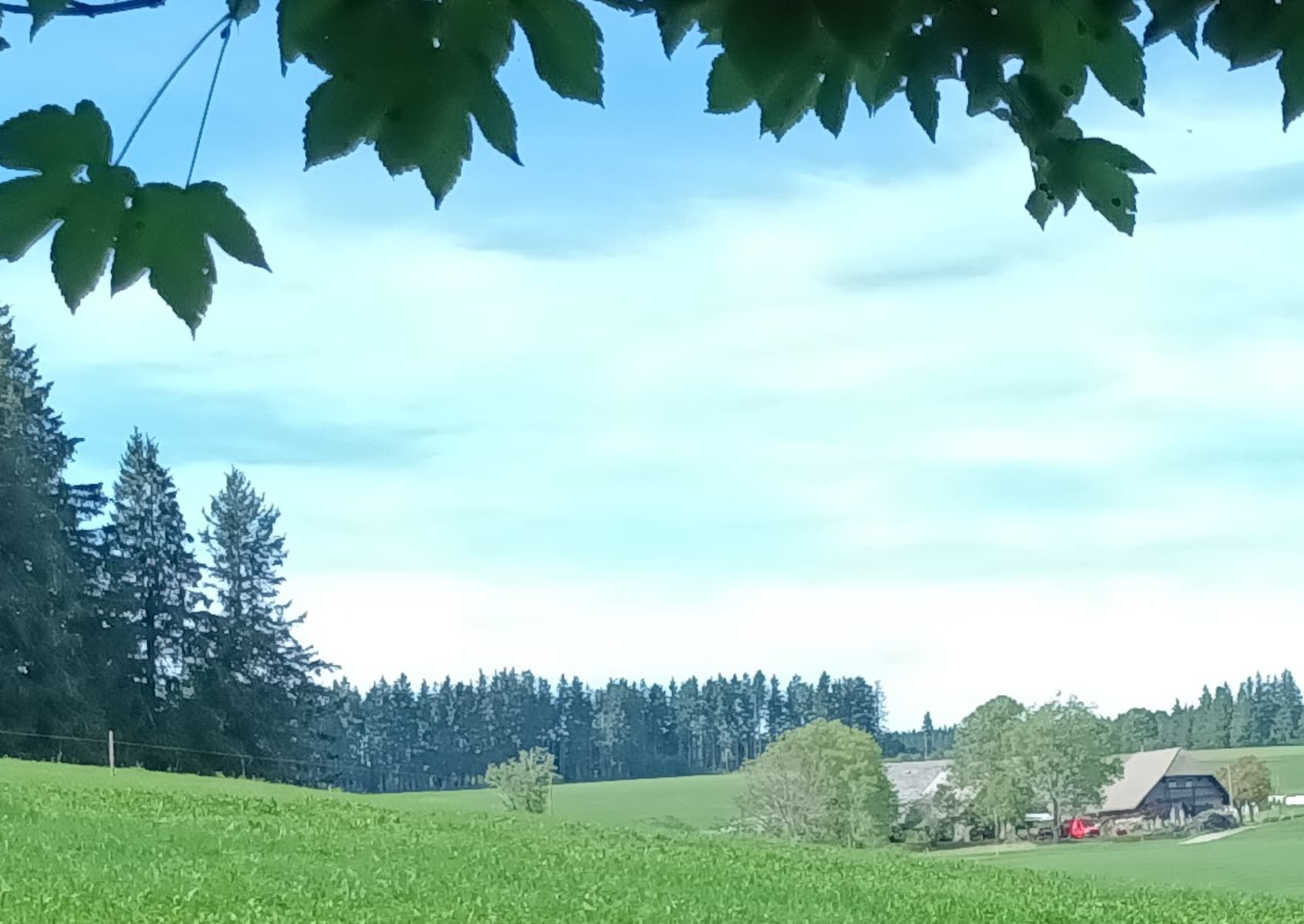
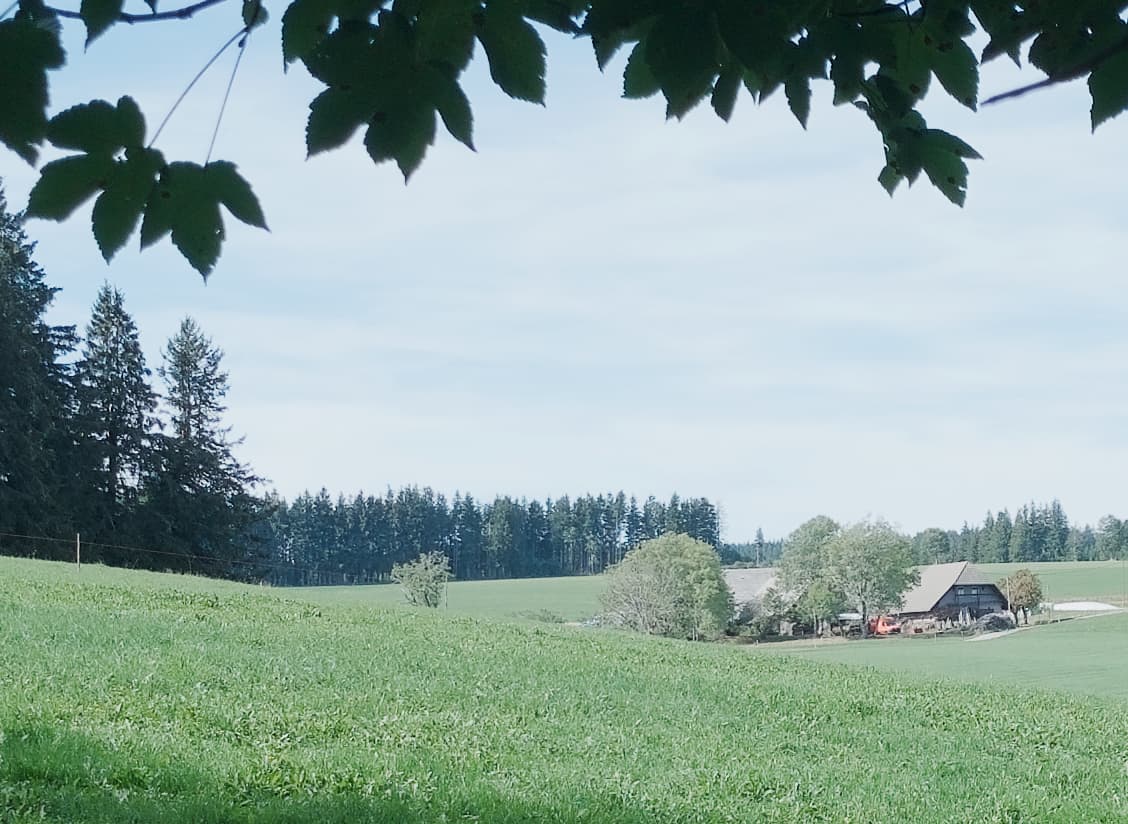
Jolla Phone Camera: Too many details are lost

Yes, I believe.
The DNG-to-JPG part is easier. At this stage, we are at home with the precious stuff and “just” have to apply custom curves and levels.

But the pipeline from the lens to the file is complex.
It looks like droidmedia, the camera dedicated software part that uses libhybris to talk to the android hw related software part, has to be patched to allow Sailfish to give the correct instruction for raw, compression etc. and be able to recieve the DNG, probably.
From what I understand,
Honestly, it is out of my current knowledge.

An AI described it like this, in terms of layers:

  • The kernel, talking to the IMX766 camera sensor
  • Mediateks library, HAL (=?hardware abstraction layer), proprietary, drives the ISP which deals with camera/image things into the SOC
  • Android camera API official layer, used by droidmedia
  • droidmedia, called from sailfish, kind of a translator, or a bridge.
  • gst-droid, converts droidmedia APIs into Gstreamer elements.
  • Qtmultimedia
  • The camera app.

I hope this is not filled with too much errors.
Please correct me if I understood incorrectly.

2 Likes

Thanks, I forgot that one.
Just tested, indeed, it also has DNG RAW.

The main issue you in the stock app pictures is posterization. Most likely due to too high compression.

2 Likes

Interesting, thank you for testing :+1:

1 Like

Pop Art compression :face_savoring_food:
Thanks for the pointing, joke appart.
The strange thing is that I seem having read the compression is (said) at 90%.
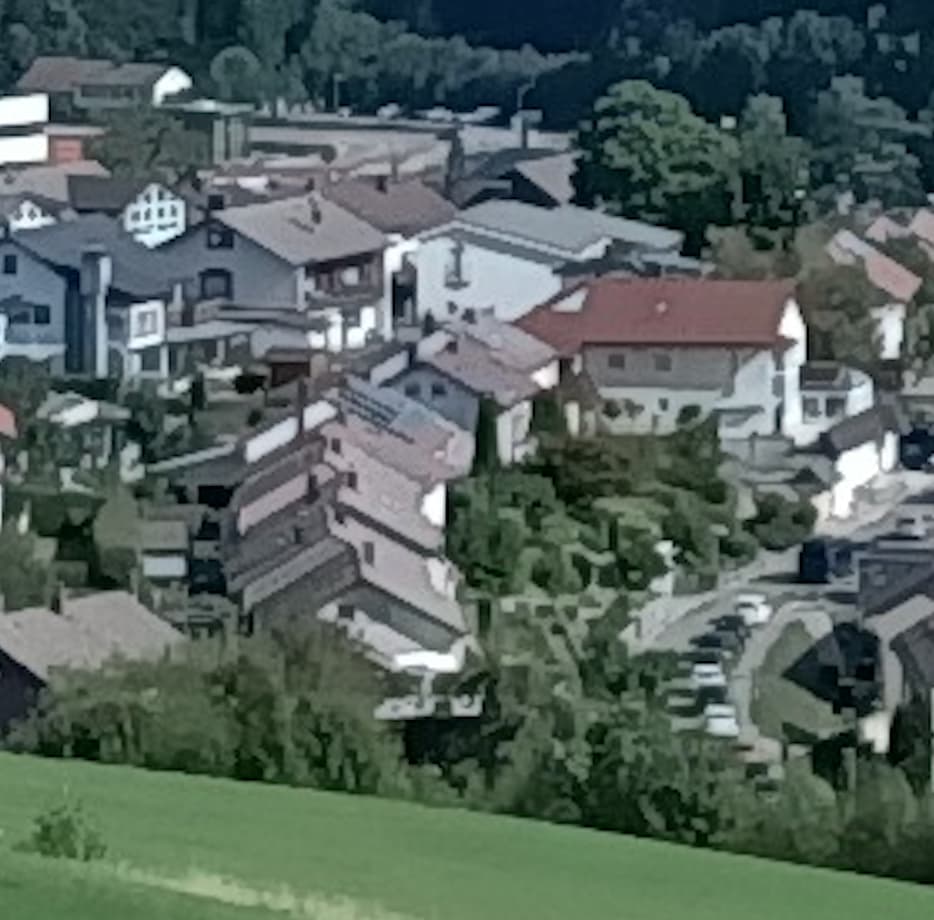
And jpeg compression is very obvious in its color cobblestones bigger than the pixels.
Here, no cobblestones at all.
But jpeg compression has perhaps evolved, while me not.

1 Like

JPG compression is a thing that wonders me (especially what it’s good for except maybe less storage space needed). Fossify camera (AAS) is thr only camera app I know where the compression can be changed in the settings, I always put in on 100% there.

That’s the main point, I believe.
Yeah, useful for technical or testimonial images, work, etc, but yes, not interesting photographically speaking.
OpenCamera also has the JPG compression setting, btw.

A lot of you are saying about using OpenCamera. I tried it but its really laggy for me. Is that normal? Normal camera app has like low fps when recording too.

1 Like

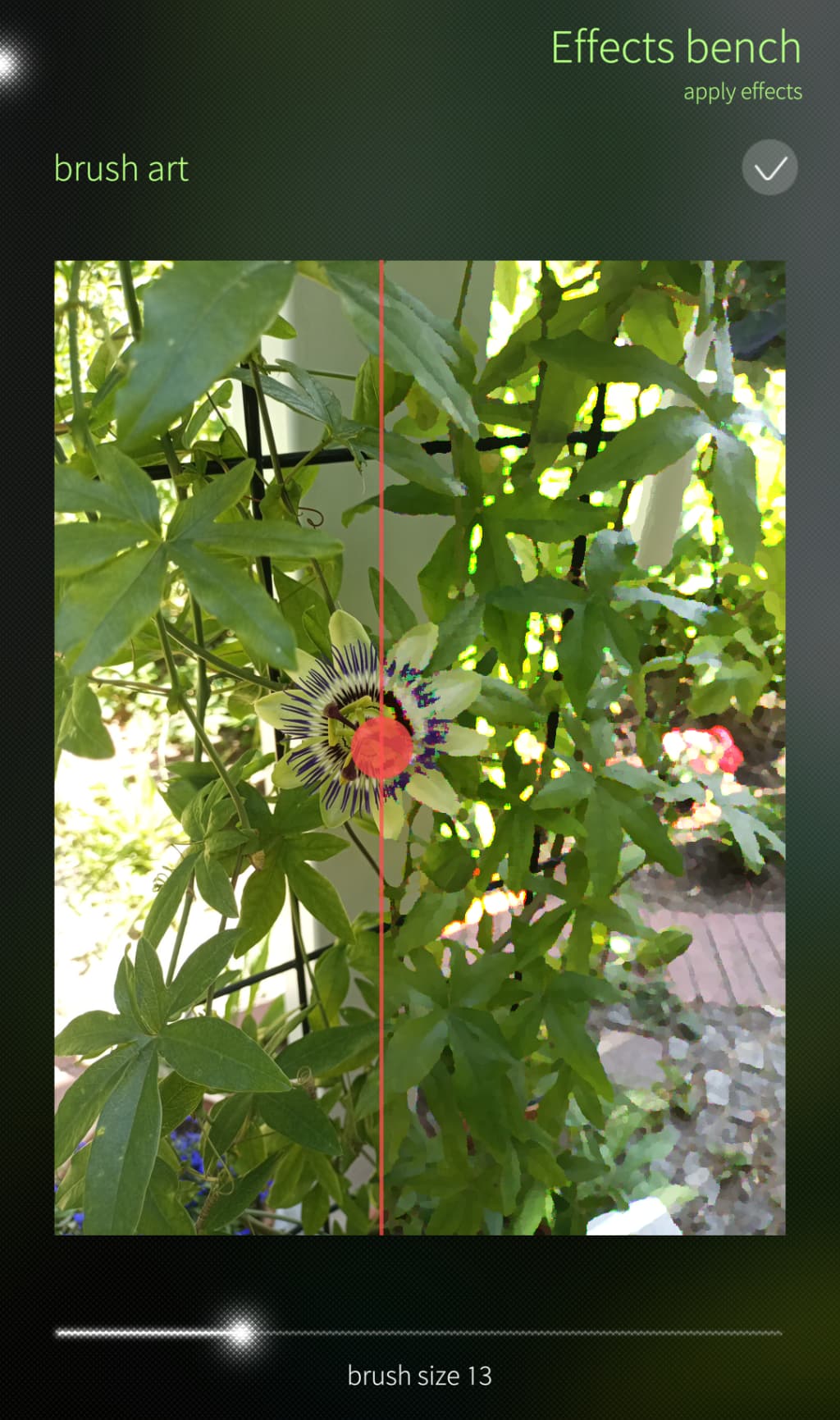
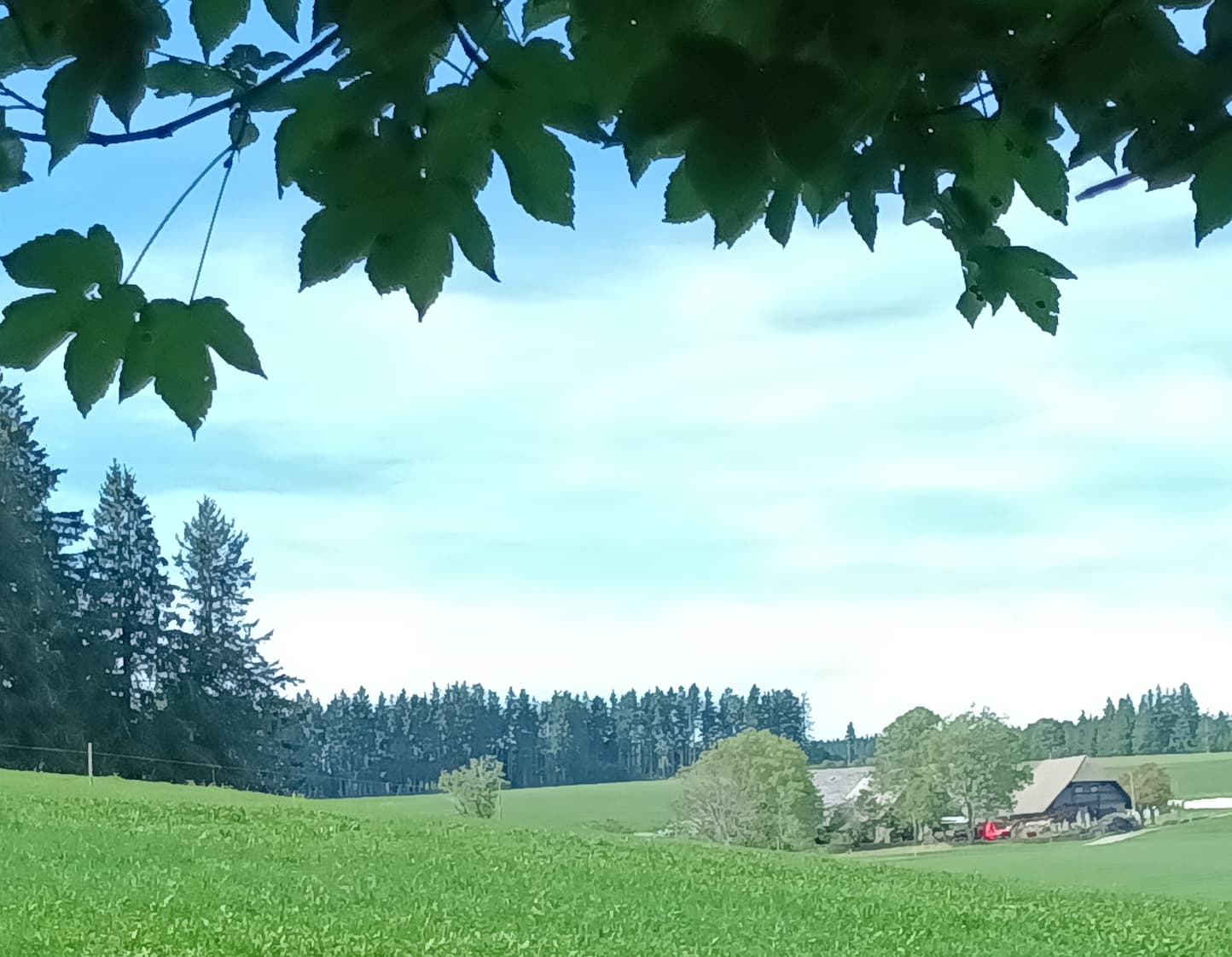
Although posterization also came to mind for me, I was almost convinced the camera app was running the Brush Art effect. Looking at the leaves …

2 Likes

I agree, when I first zoomed in to photos on my JP2, I thought they looked a bit watercoloury.

(But poetasterization sound cool, though :wink: )

1 Like

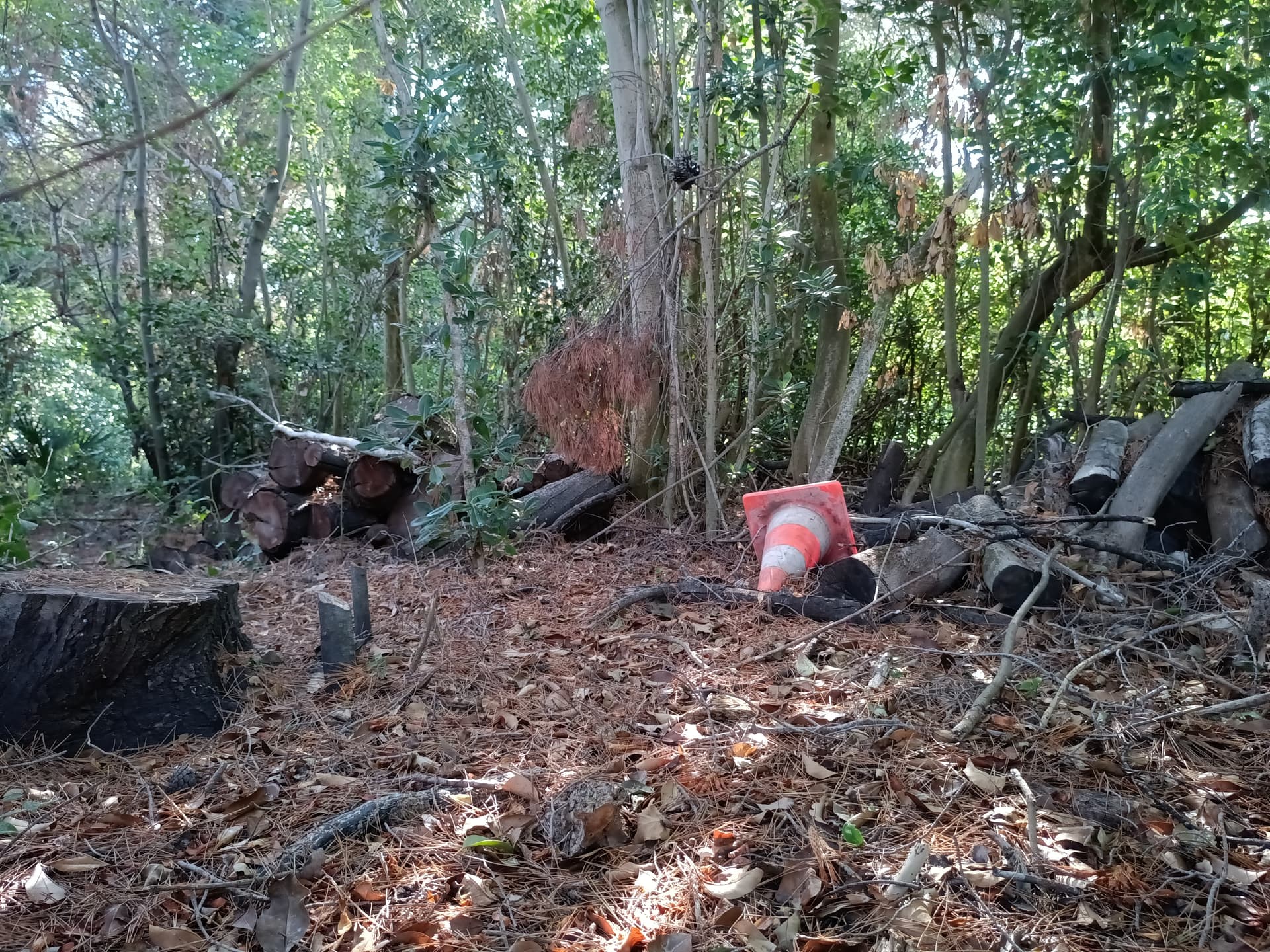
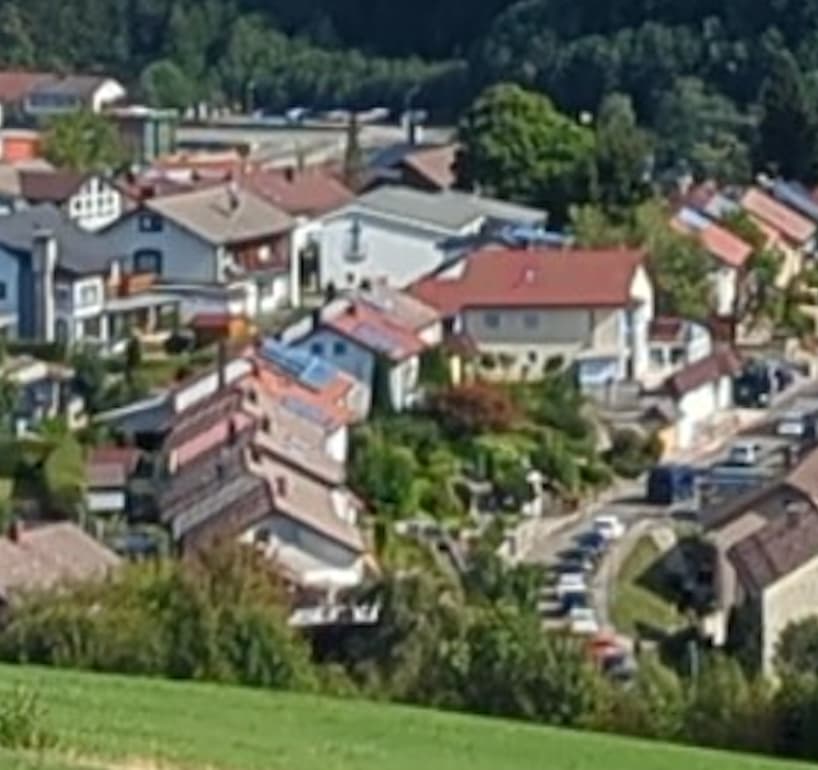
As we can’t compare Apples and G.. Pears, some users quite rightly pointed that the difference in the forest balances/temperatures/contrasts induces a bias or confusion, as taste comes into play.

Here are them, as equally balanced as I can in a reasonable amount of time.


Stock app (same as before):

DNG:

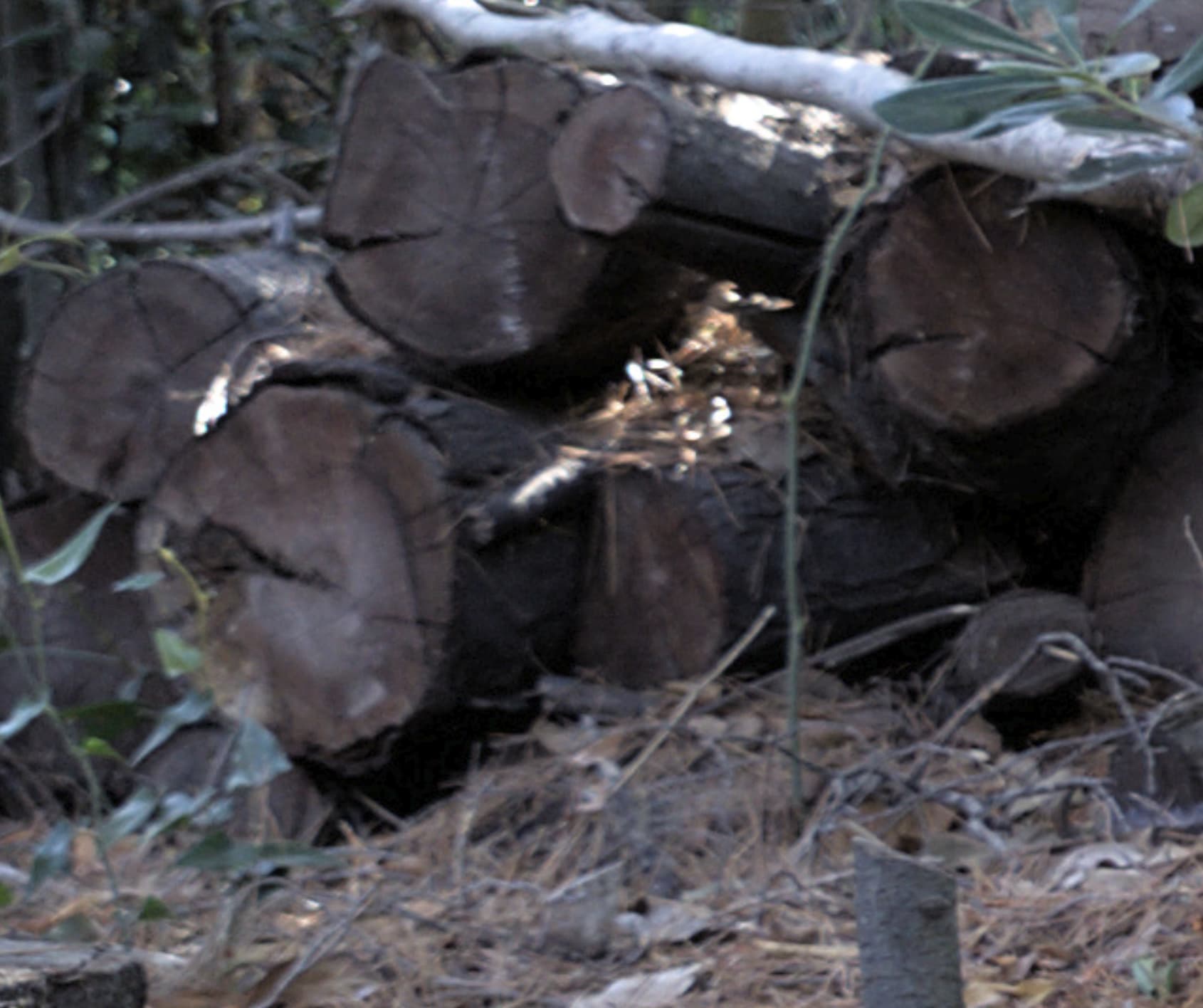
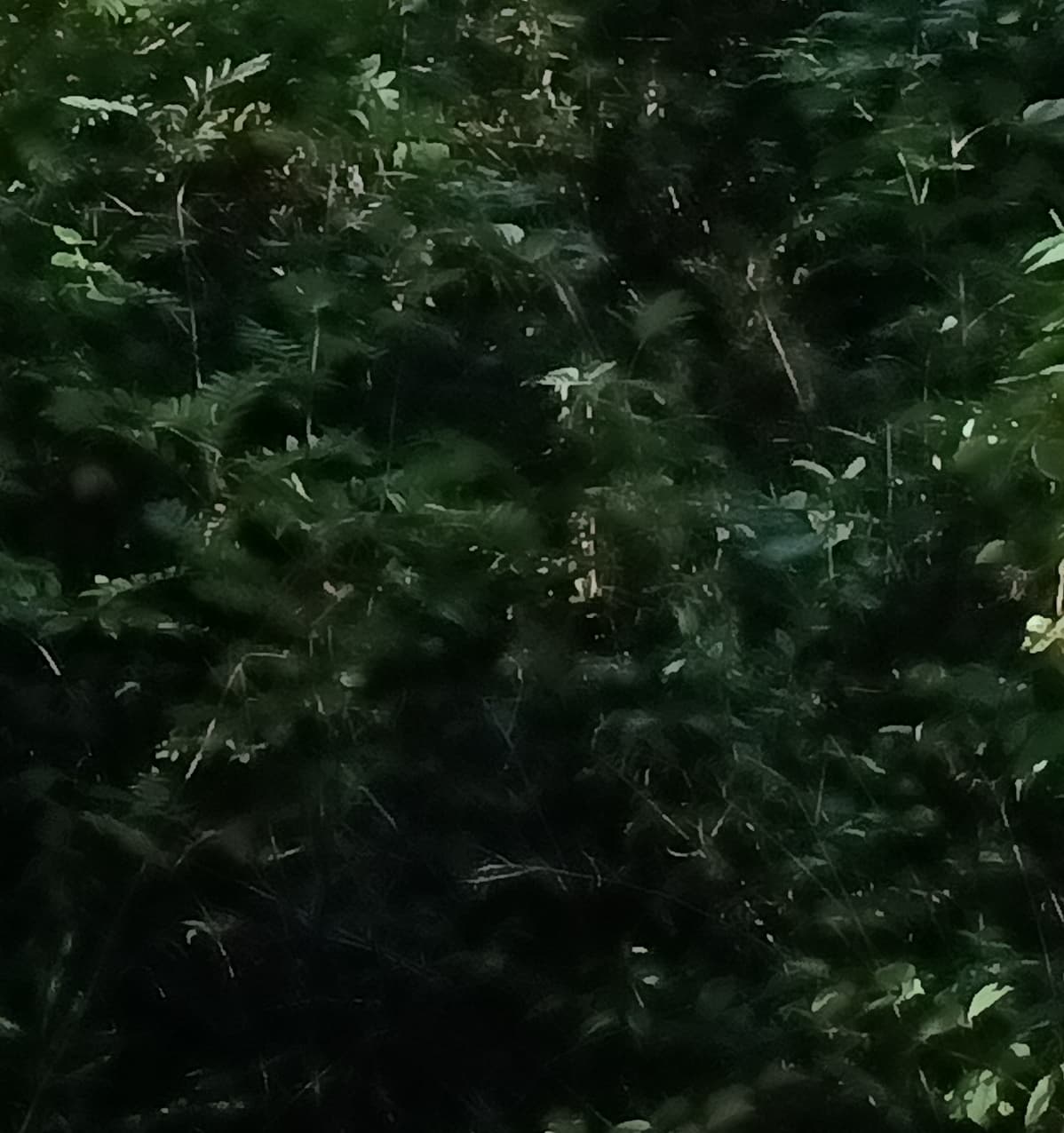
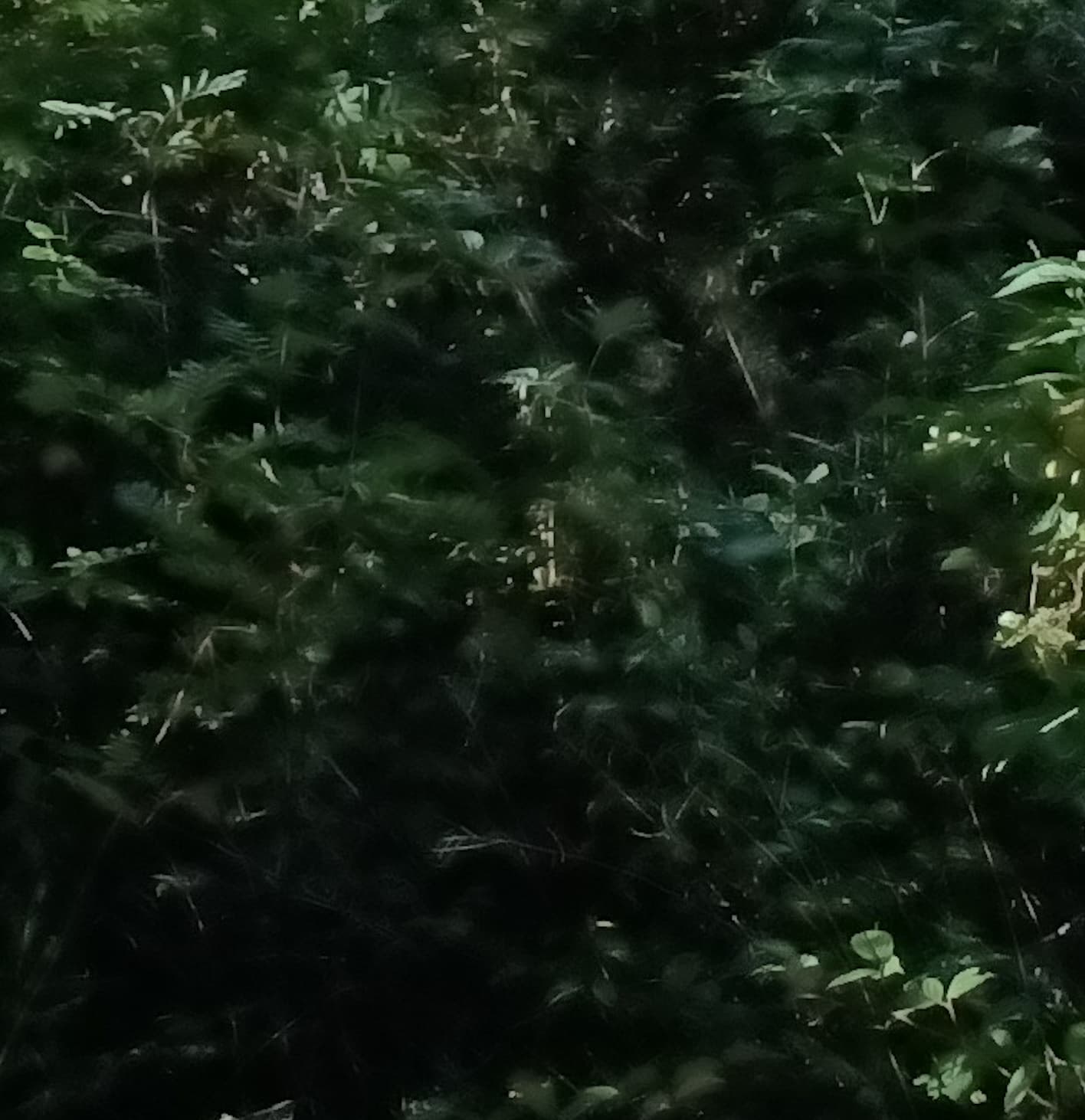
Crops:
Stock app:
-Centers of the logs loose much info.
-Some coloured details disappear.

DNG:


Stock app:
-everything is green,
-no more colour nuances in the trunks
-no more blueish sky reflection in the leaves

DNG:

2 Likes

I went out today to capture some test-images in the stock camera app, advancedcam and opencam (jpg & raw) containing different subjects to maybe help track down some of the weirdness.

A word on compression

It has been suggested that tuning the JPEG compression may help. I highly doubt that this is true, since JPEG compression artifacts look nothing like the ones we are discussing here. Roughly speaking, JPEG will look at groupings of 8x8 pixels - if the compression is to high, you will see distinct separations between these groupings. The wikipedia article on compression artifacts has a good example of this.

Posterization

Small details seem to get ‘lumped’ together into blobs. This almost reminds me of how some RAW processors have issues with Fuji X-Trans sensors. This is true for all camera apps, even OpenCamera - it is less pronounced in Sailfish Camera since it only saves a lower resolution. If we look at the RAW, it is evident that the detail is actually there.

JP Advanced Camera

JP Sailfish Camera

JP Open Camera JPG

JP Open Camera RAW

Control: Pixel 6, Open Camera JPEG

Tone Mapping 1: Dark areas

Tonemapping (roughly speaking) is the process of taking a sensor reading (of the number of photons) and mapping it to a colorspace that can be displayed by screens in a way that makes sense to us humans. While this sounds very straight forward, it is incredibly complicated - you can find years worth of discussions by people much smarter than me on the topic on the darktable forums.

Particularly, dark areas seem to loose detail in a ‘splochy’ matter. Again, the RAW reveals, that the detail is there.

JP Advanced Camera

JP Sailfish Camera

JP Open Camera JPG

JP Open Camera RAW

Control: Pixel 6, Open Camera

Tone Mapping 2: Highlight Rolloff in Saturated areas

As the colorspace hits it’s extremes (full bright, full dark), the possible options for colors go down (If you are at [254,254,254] you only have a single ‘red’ option for example). Again, this is a topic that is highly debated and in the case of darktable, disagreements on how to handle it have caused a fork of the project by it’s original developer with corresponding drama.

Looking at the JPEGs, we can see that we try to retain saturation even in these more restrictive situations. Darktable (at least with AGX tonemapping) will try to desaturate the extremes to make them more pleasing to look at. Something else that’s interesting here is that in my example, the JPEGs looks like we are limited by dynamic range, whereas the RAW actually contains a lot more data - while that is normal it also means, that with more advanced tone mapping, we could gain a bunch more dynamic range.

JP Advanced Camera

JP Sailfish Camera

JP Open Camera JPEG

JP Open Camera RAW

Control: Pixel 6 Open Camera

My goal with the Pixel 6 was actually to compare RAW to RAW, but it seems I forgot to activate that option on the Pixel

8 Likes

Interestingly, while looking at the source code of AdvancedCamera, I found that it sets both, sharpening and denoising to it’s max level, which could feasibly lead to the kind of artifacts we are seeing.

imageProcessing.denoisingLevel: 1
imageProcessing.contrast: 1
imageProcessing.sharpeningLevel: 1

I could not find the values being set anywhere in jolla-camera and I am also unsure, if those properties only apply to the preview or the captured image. I will try to create a test build of advanced camera to experiment with those values.

7 Likes

was the right way to say

. :grinning_face_with_smiling_eyes:

Thanks for this detailed report, findings and explanations.
I feel we’ll soon have the best smartphone cam ever!
With custom raw processing profiles and all.
Can’t wait :fork_and_knife: :face_savoring_food:

3 Likes

Since this is a text file, you could edit it and retry your tests with it. I’m curious if it has an effect.

Sure, I will asap and repport tonight or tomorrow.

1 Like

If that would be the case, DNGs wouldn’t be available, would they?
Or to put it another way: if DNGs (or some sort of RAW data from the sensors) are available then there might be a lot of improvement possible with image processing software - maybe even different software for different tastes.

Since I am not familiar enough with CPP & QML I had AI walk me through some of the moving pieces here:

Again, take this with a grain of salt, since I had AI guide me through it. I validated it to the best of my abilities

Yes, that was my first fear. But it was before doing deeper experiences, before the DNG post (58) and the corresponding edits.
After being able to test RAW on the AAS side, I came to the same conclusion as you.

That will be nice!

2 Likes

I don’t understand anything of the subject (super happy that there are people in community who does!), but to confirm Jolla is actively trying to get camera api 2 to work. I think @mal at least have been working with it and there was talks regarding it in latest community meeting! You can check the logs from that

10 Likes