Test: [Stock app JPG] vs [HedgeCam2 DNG]
Goal: try to find out if this hardware can, or not, deliver pics without the detail loss + poor textures we saw earlier.
Result: This camera is not an alien.
The hardware can render normal textures and normal “photo feeling”.
The noise is beautiful, compared to no noise.
The sharpening is not excessive anymore.
What happened, then?
It seems that the cam has a standard base JPG mode:
When an app asks a picture, it can quickly deliver a lightwight, not so bad JPEG.
Like a good gas station sandwitch.
But with this strange way of treating background and secondary subjects.
Very sub-optimal in my taste, this way to compress things, before the JPG compression.
These are elaboration on my side, as I know nothing about these processes.
Test procedure
Two pictures, to compare:
-
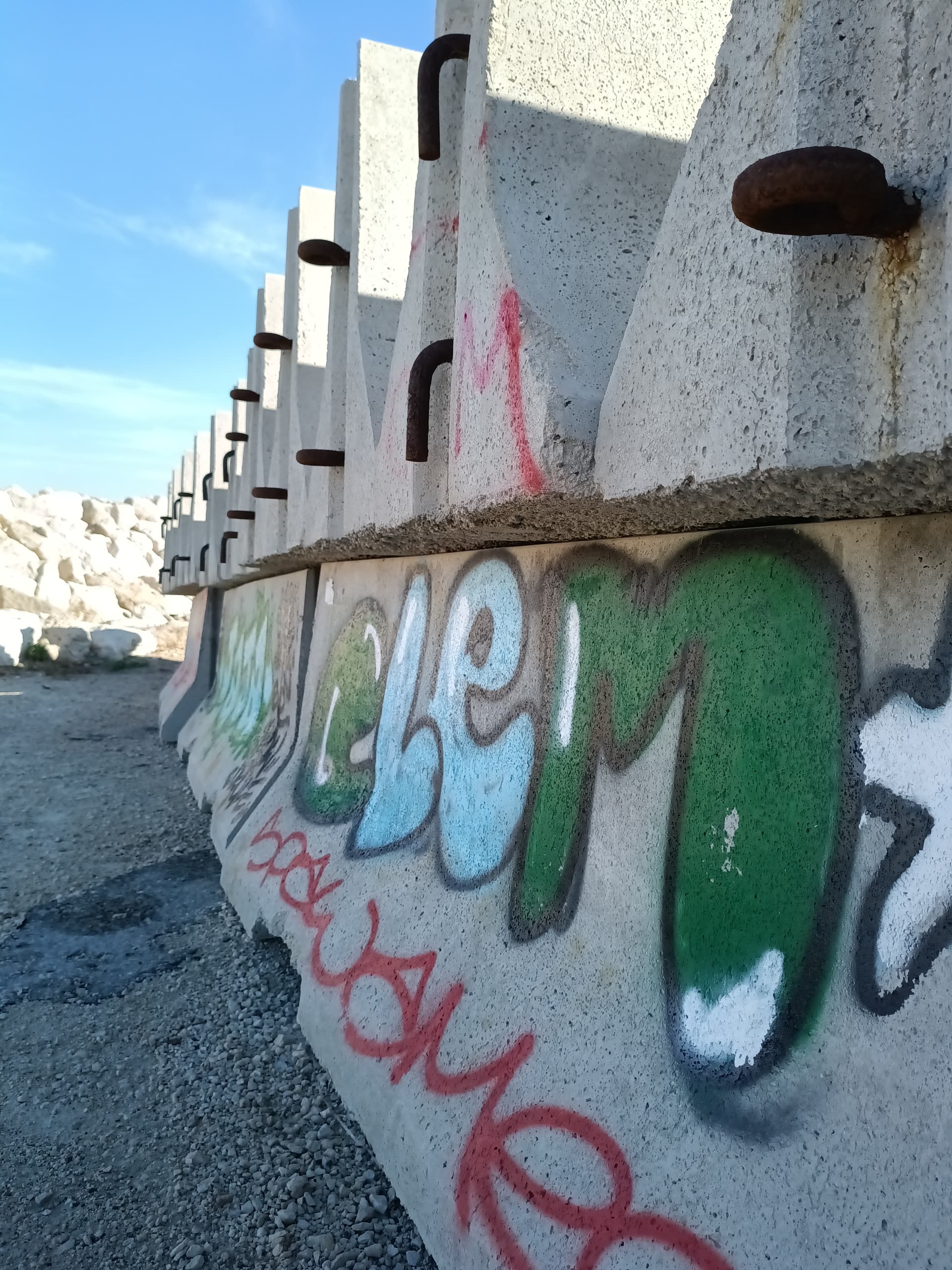
Stock SfOS app, auto-everything.
-
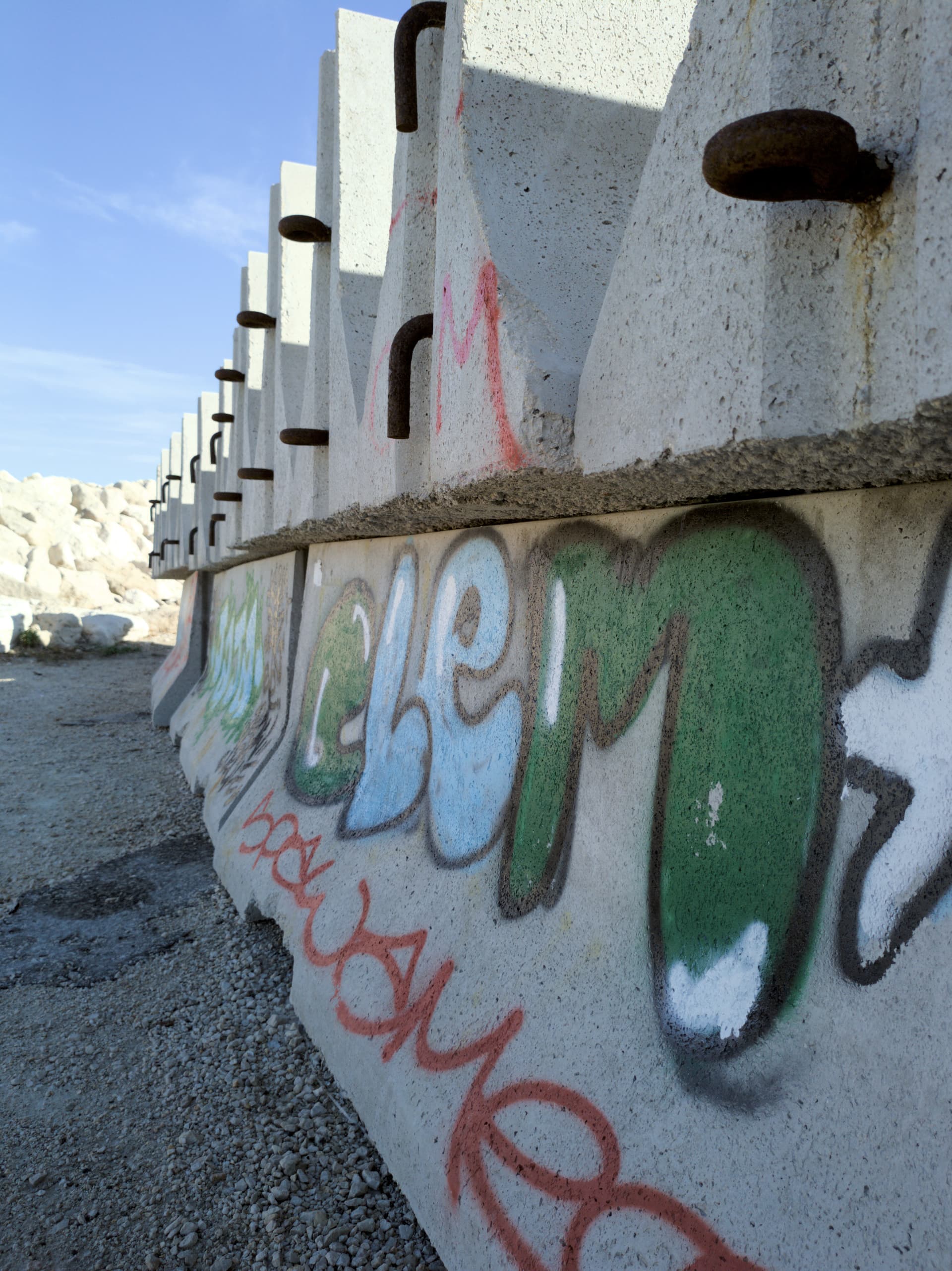
HedgeCam2 Android app, auto-everything, found by @WeaselWily
This generated DNG pics, that I developed into Darktable.
Some to match the stock pics balance, some to my taste.
Both at the same 12,5Mp resolution
Please click on the pics to enlarge.
Stock app:
DNG:
Crops:
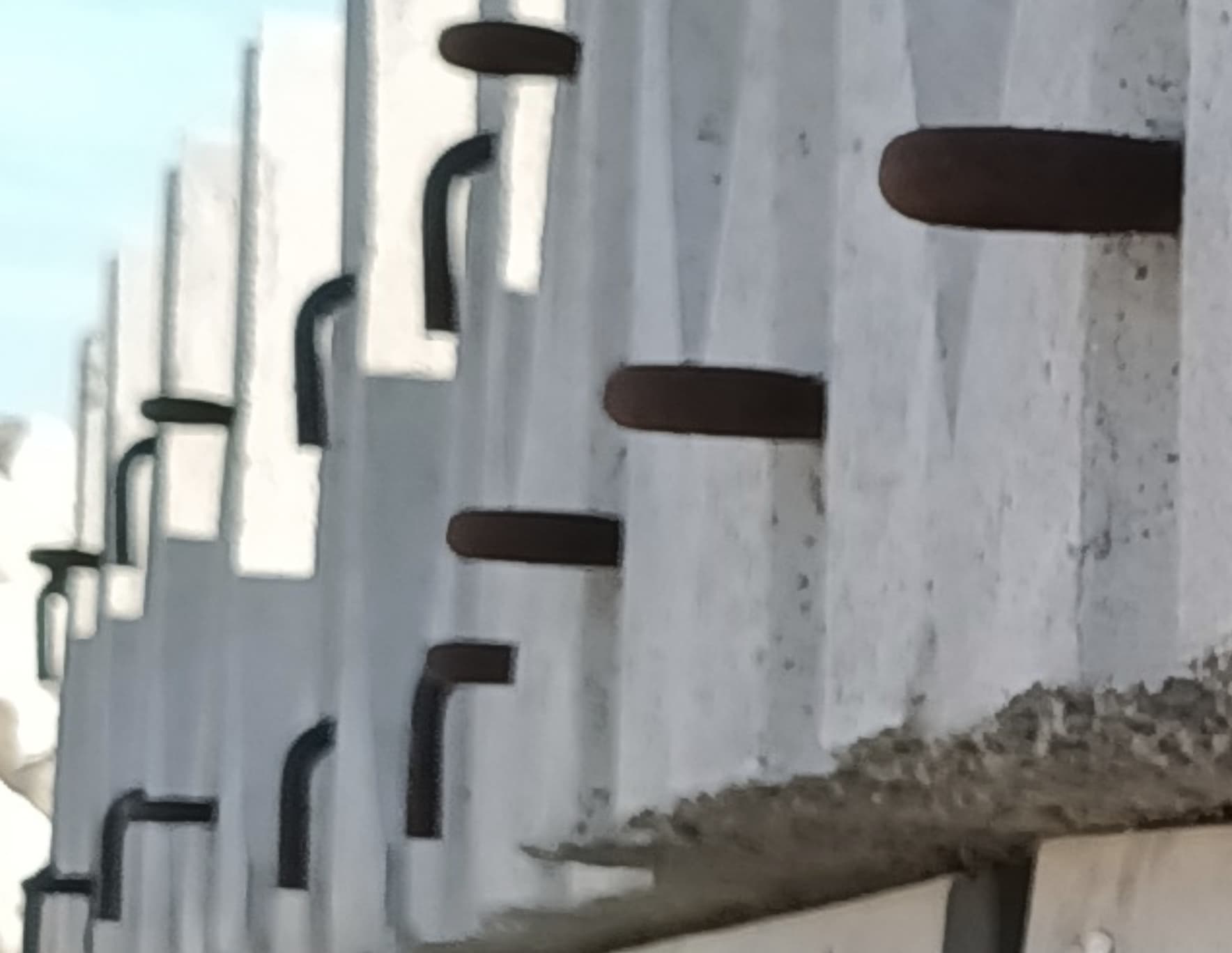
Stock app:
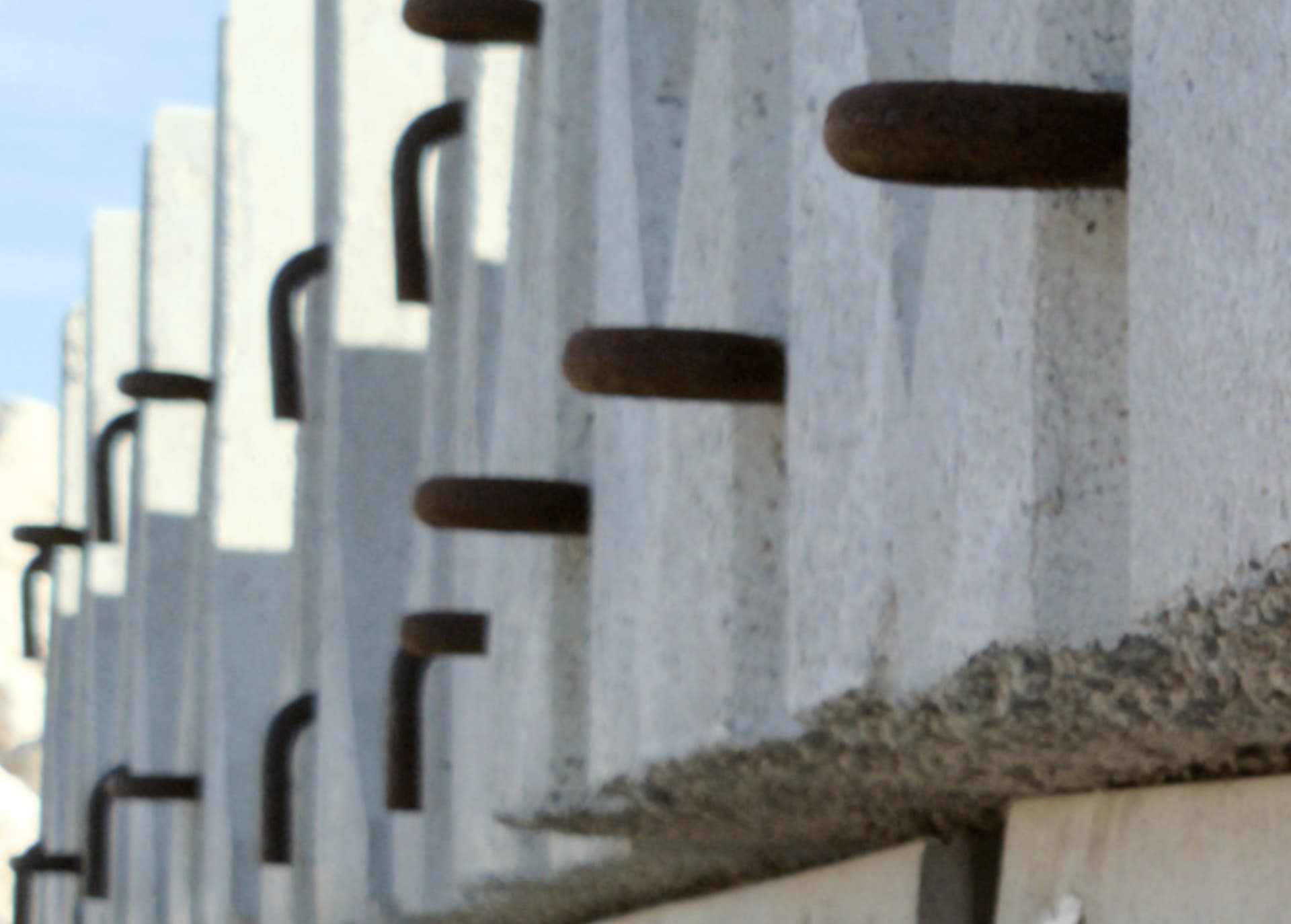
DNG:
See how the gradients on the rusted steel are alive and natural
Also the concrete textures are richer
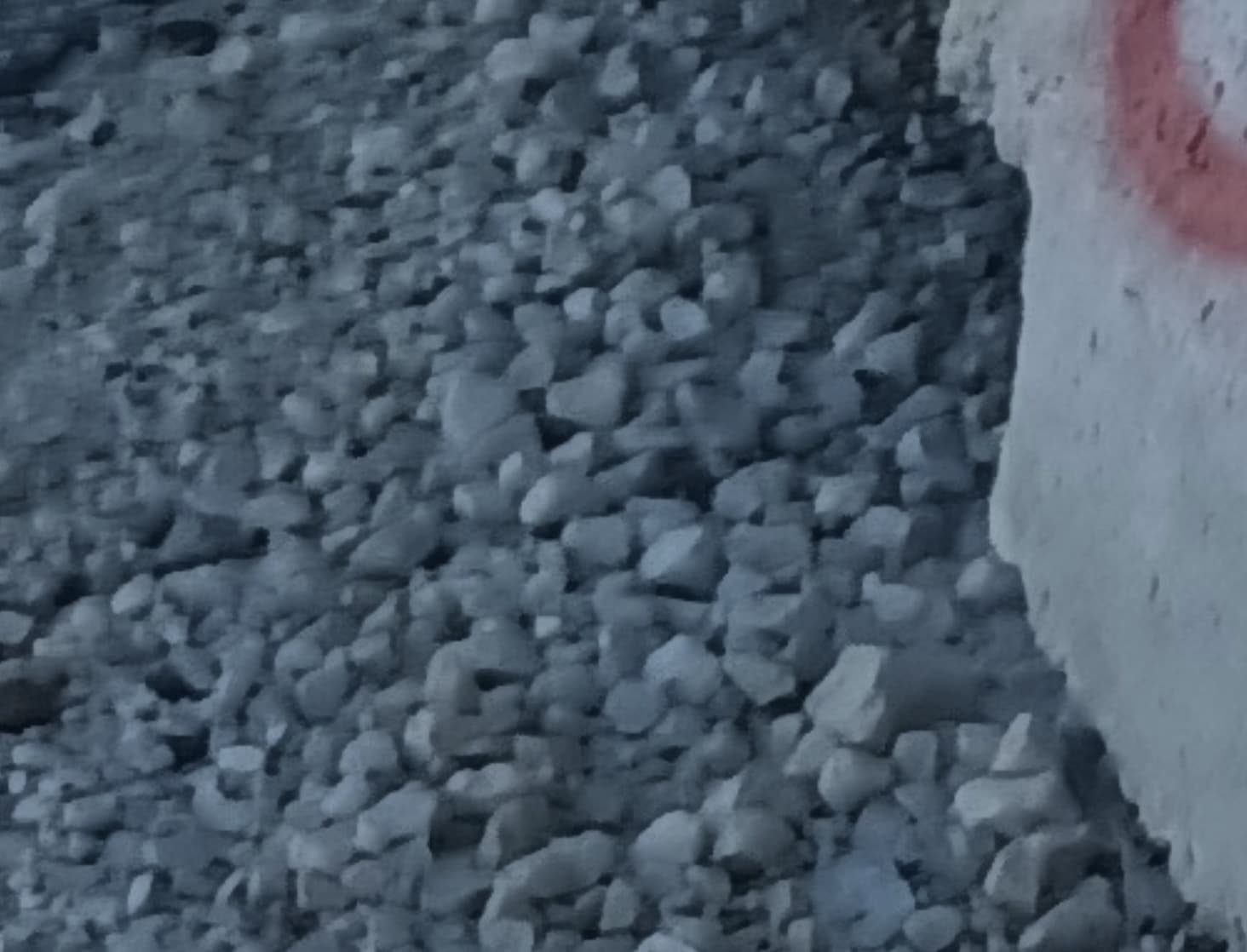
Stock app:
Almost monochromatic gravel
DNG:
More nuances in the tones
More details

(Different white balances, contrasts, exposures zones here)
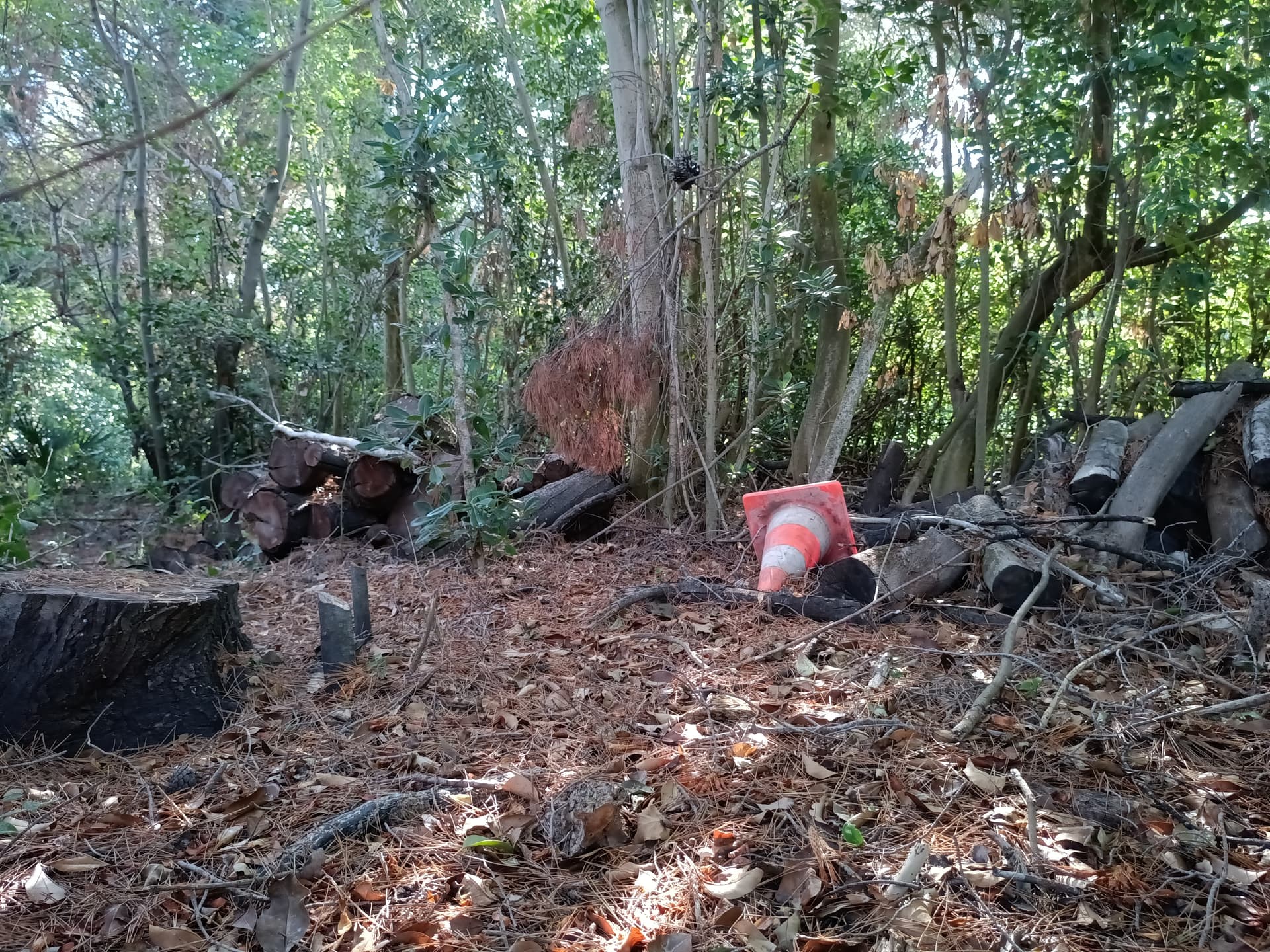
Stock app:
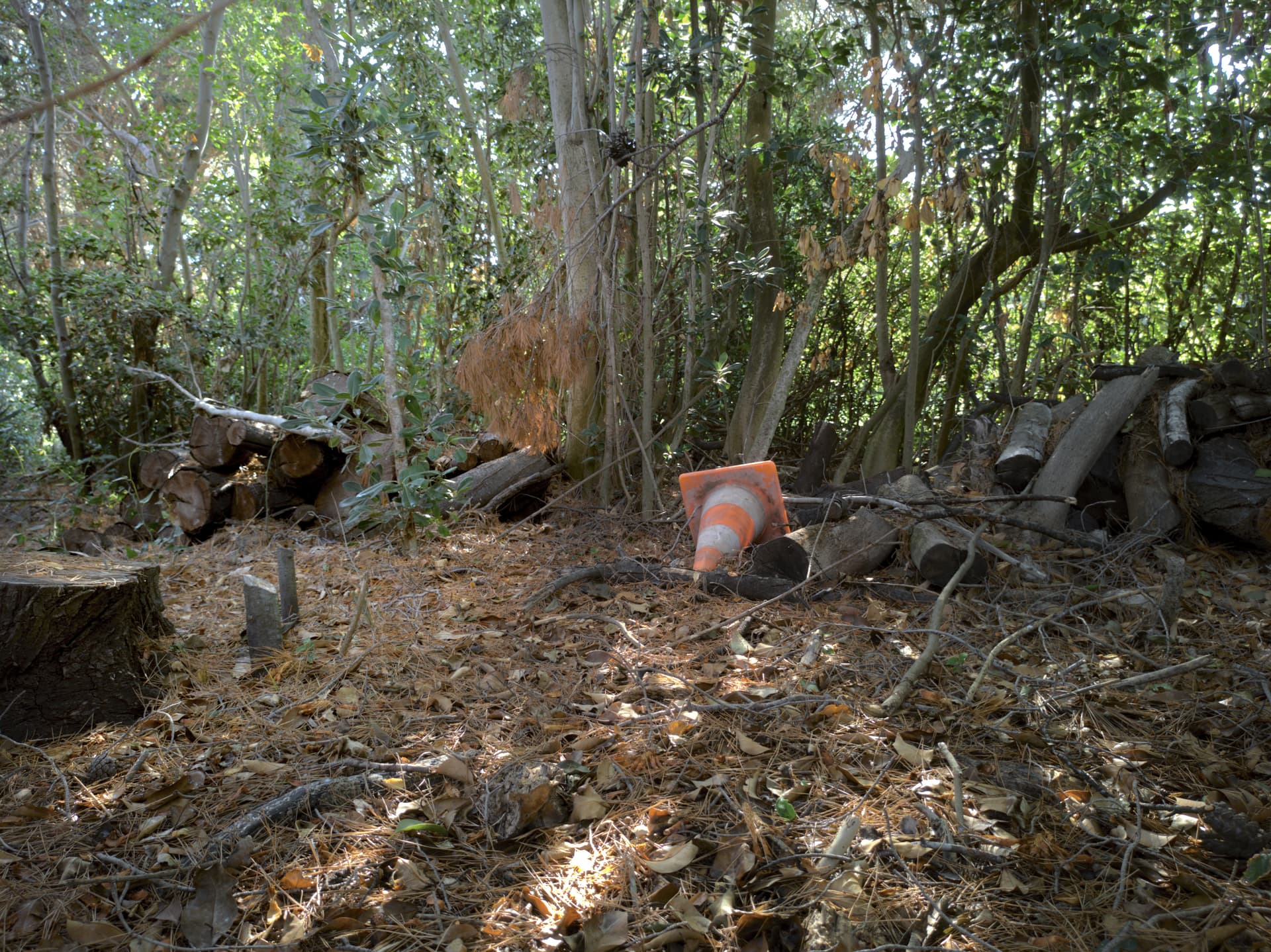
DNG:
Crops:
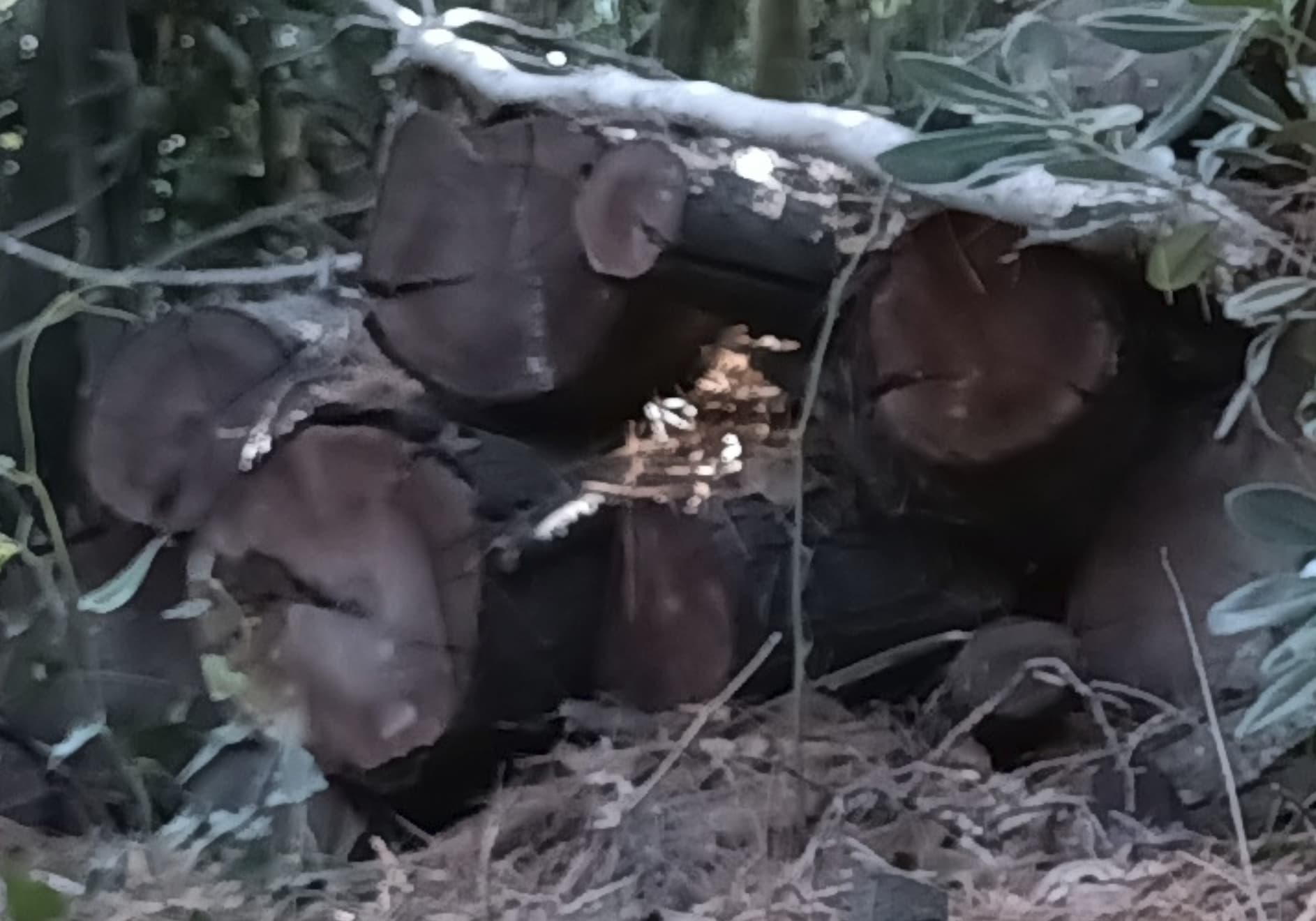
Stock app:
DNG:
See the wood details, life is back
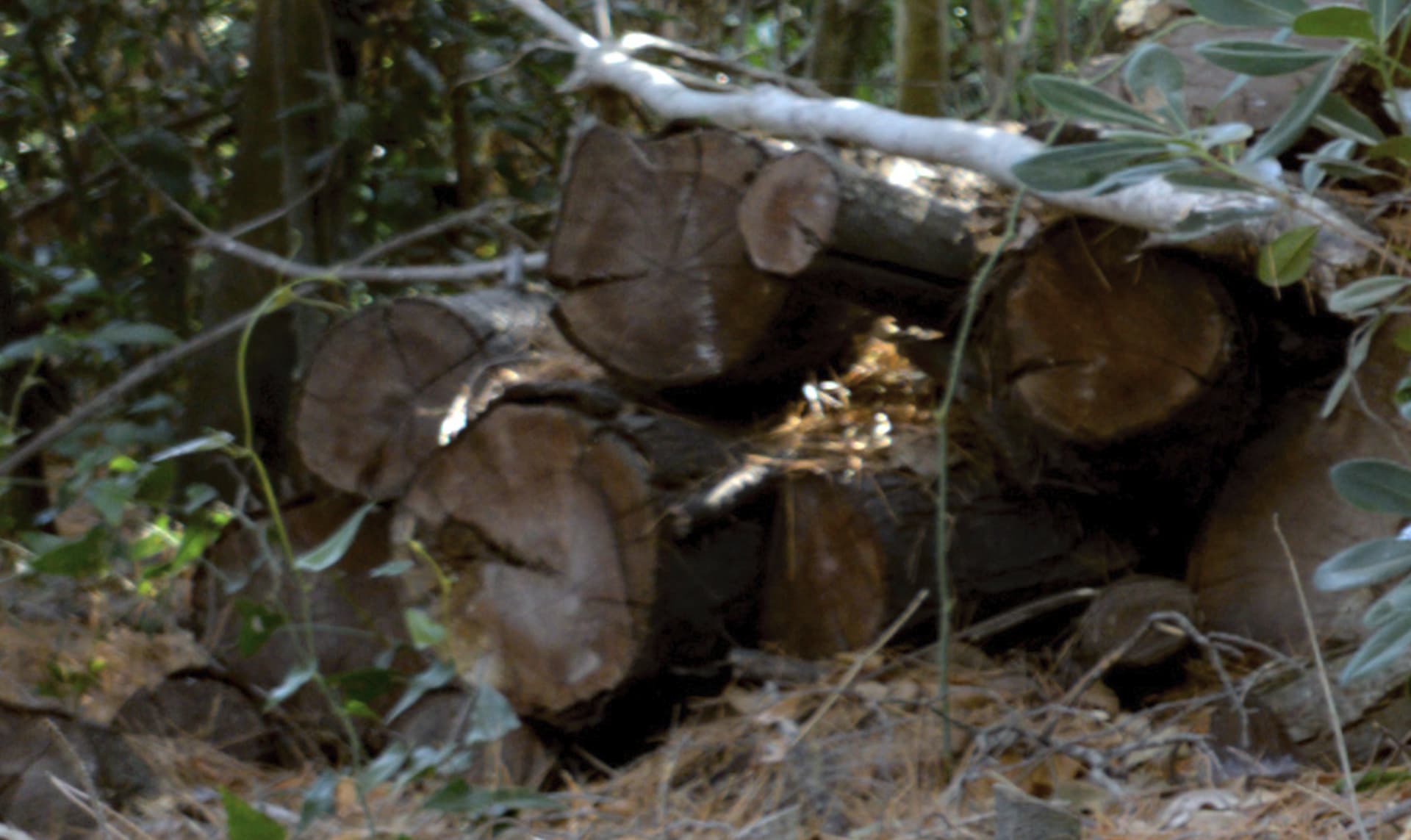
Stock app:
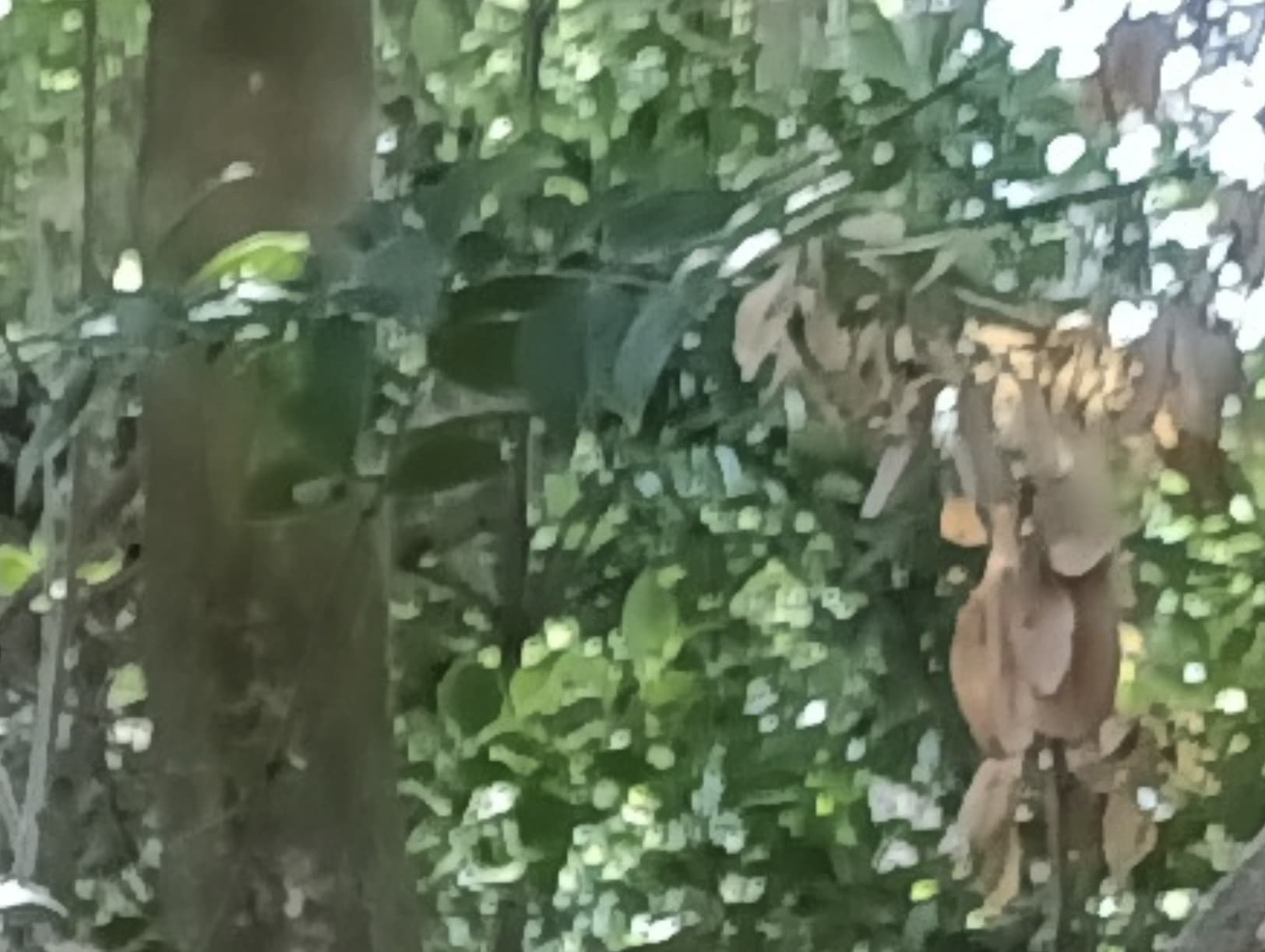
DNG:
Blurry but more of a natural feeling (trunk, leaves, sun)
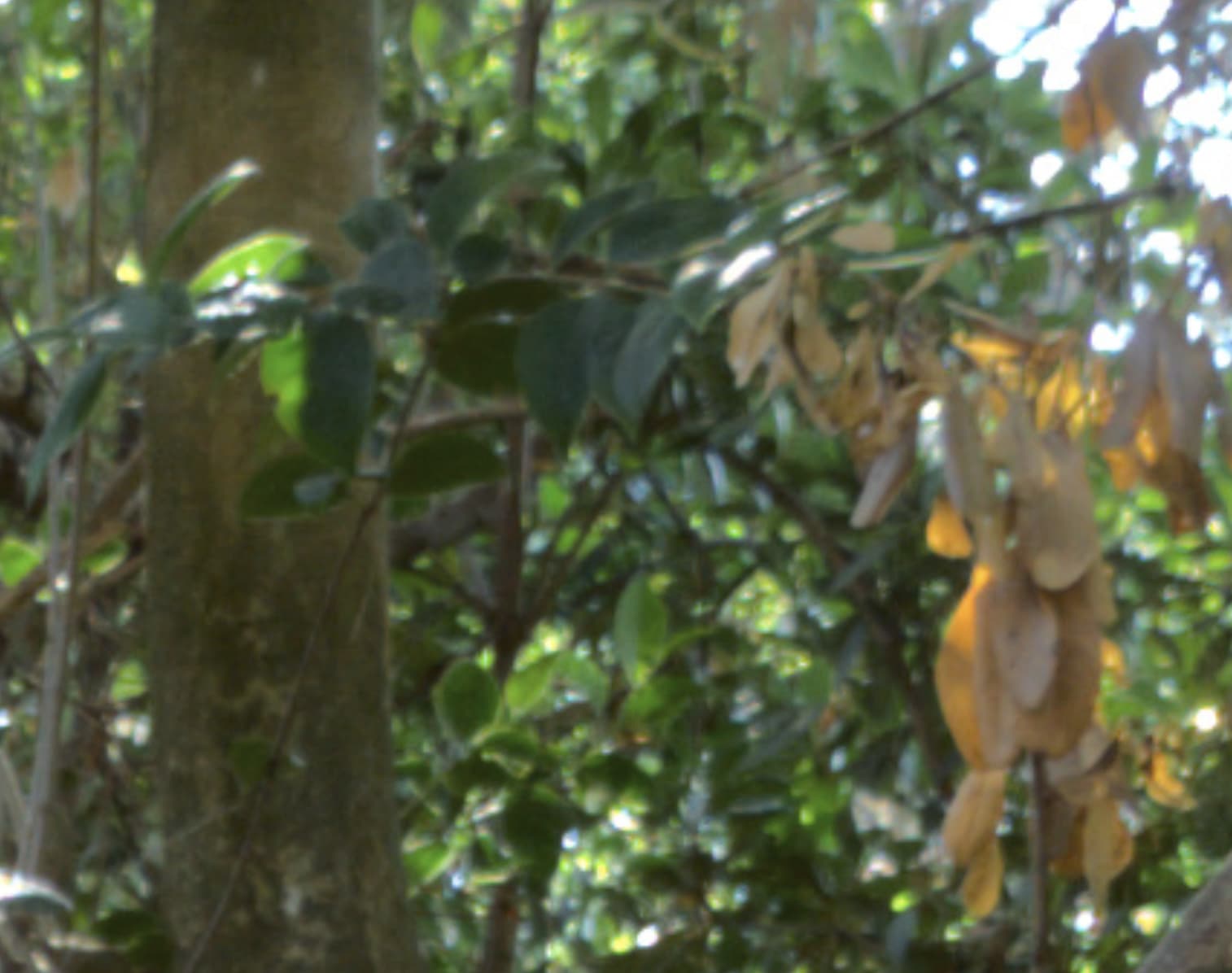
Stock app:
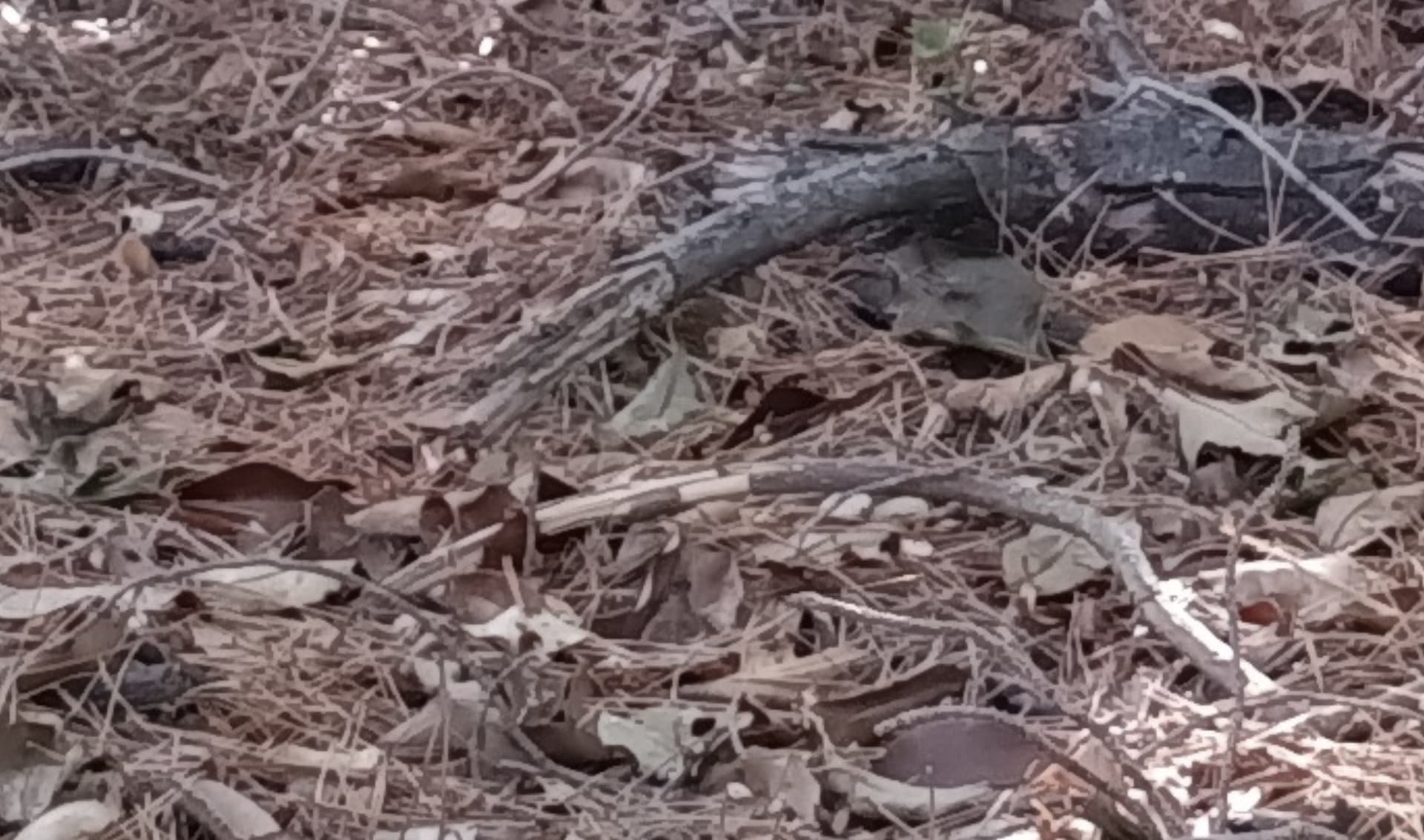
DNG:
Can you smell the forest?
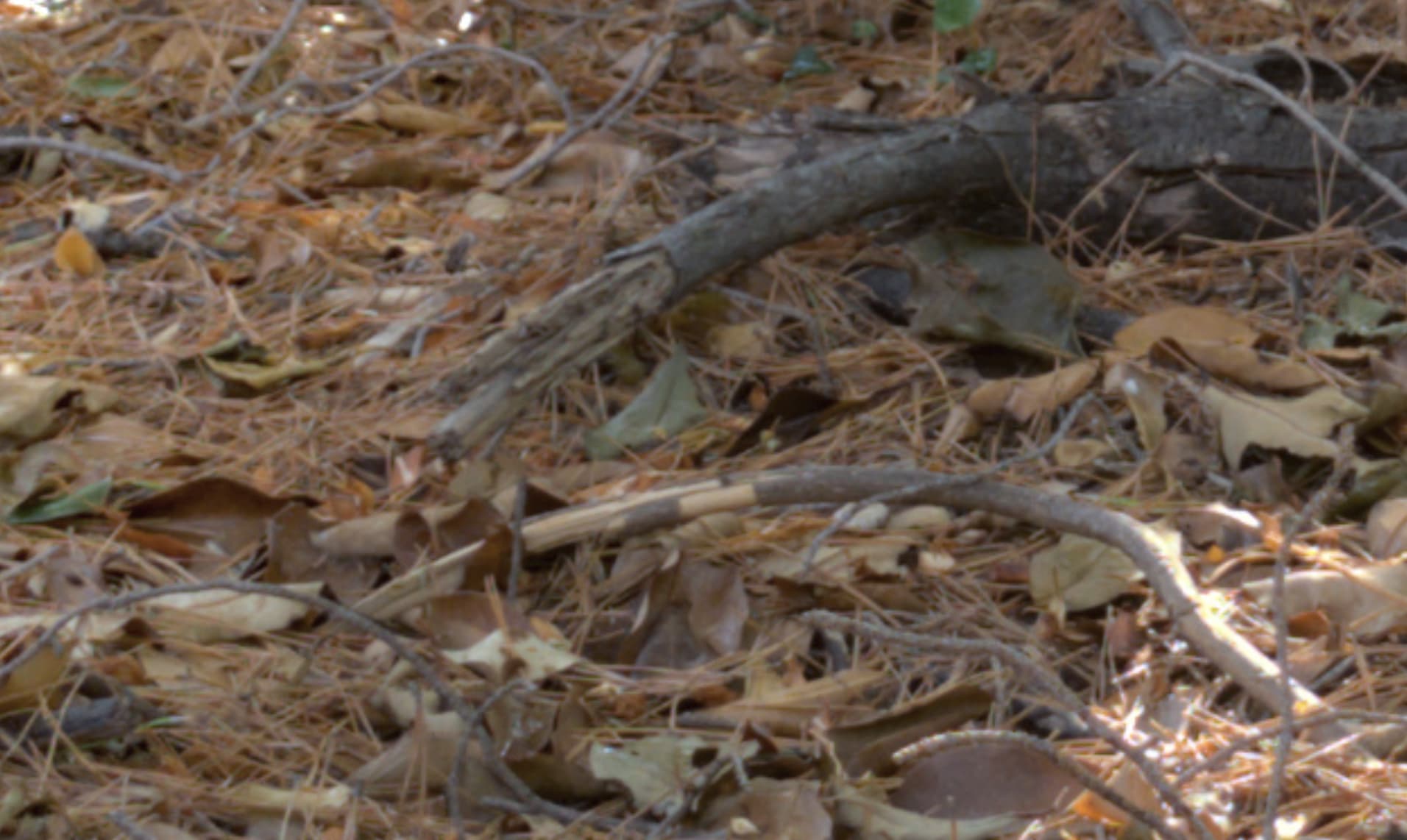
Unfortunately different focus distances. But still…
Stock app:
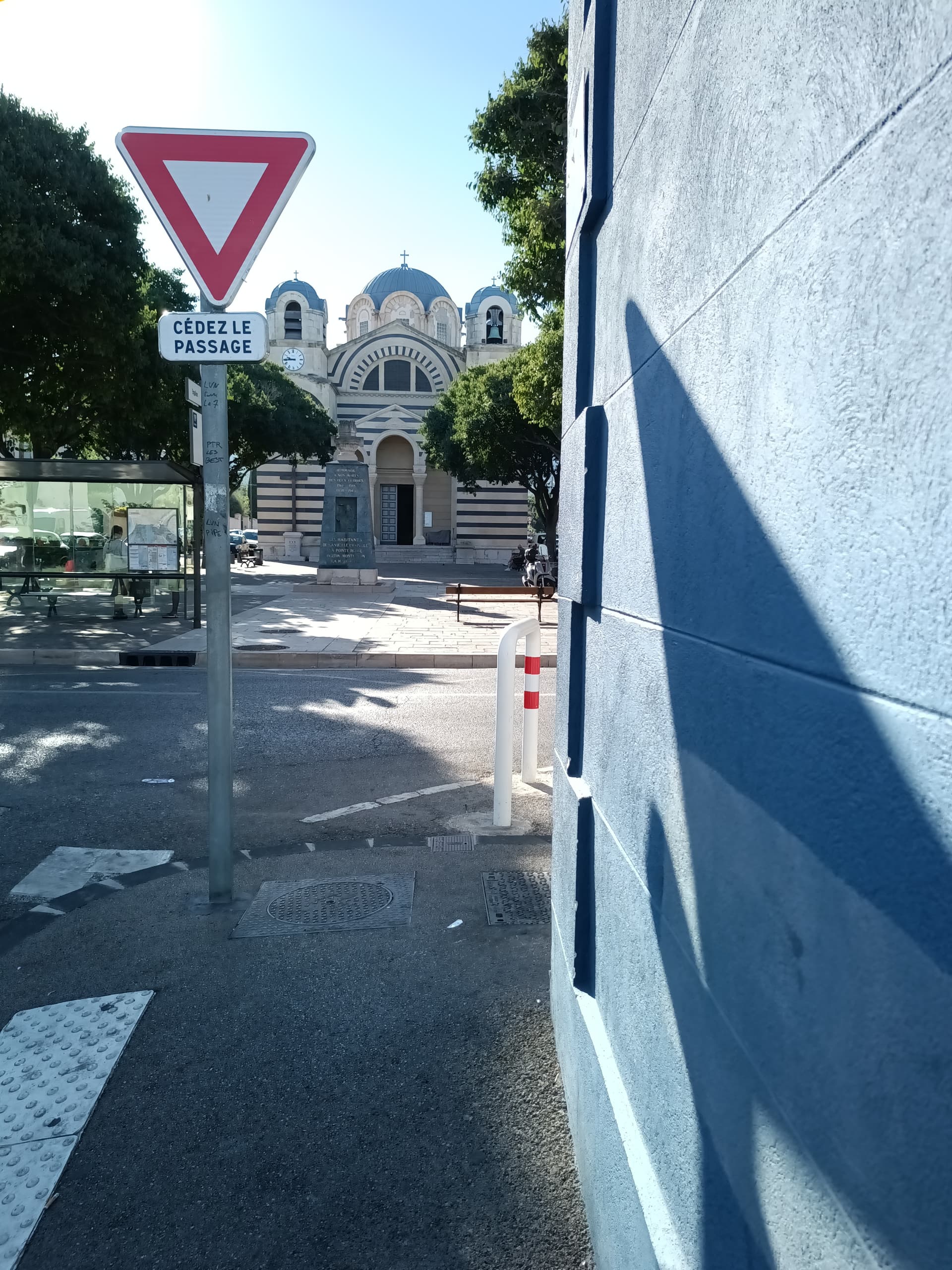
DNG:
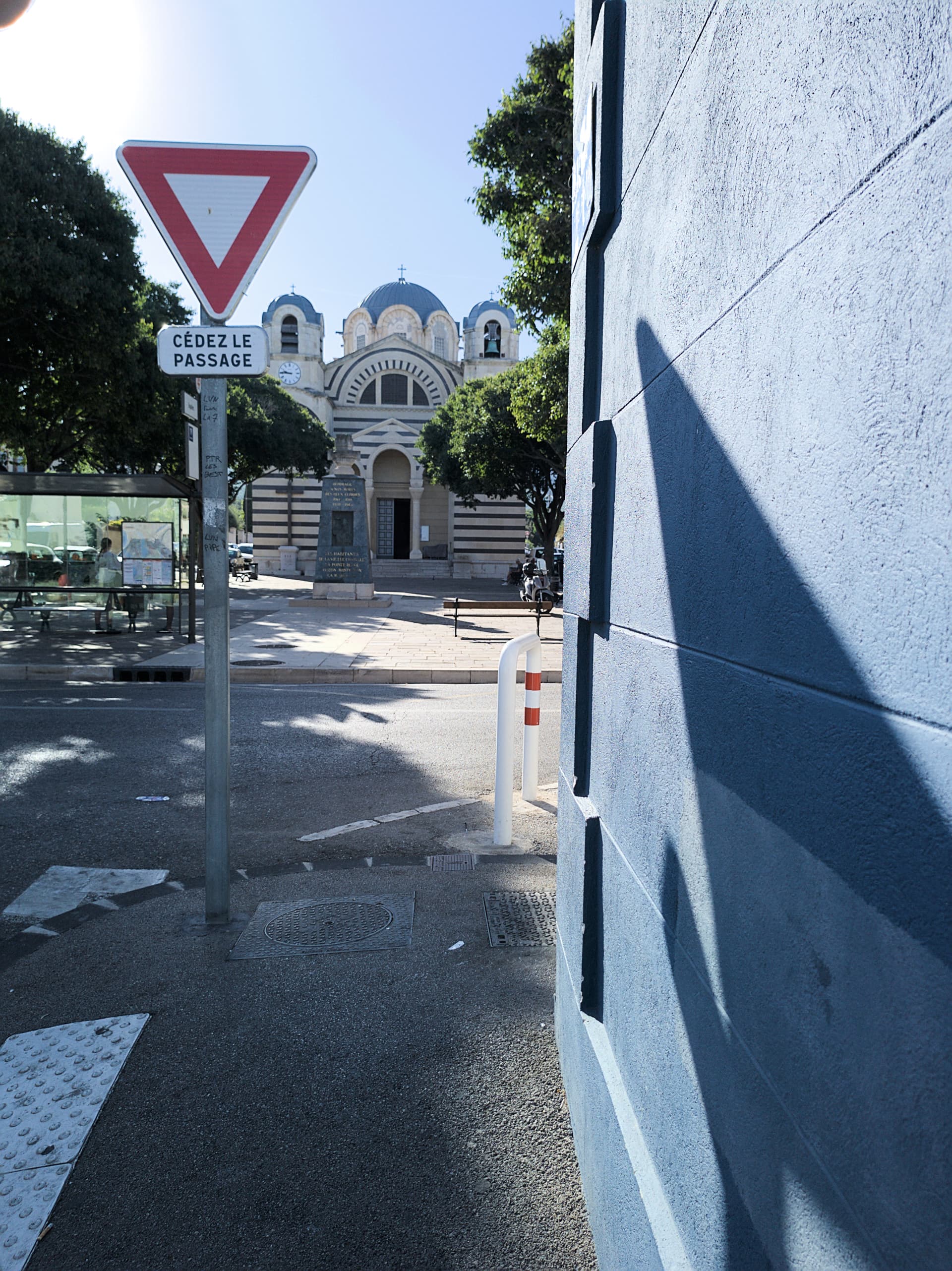
Crops:
Stock app:
Video game feeling
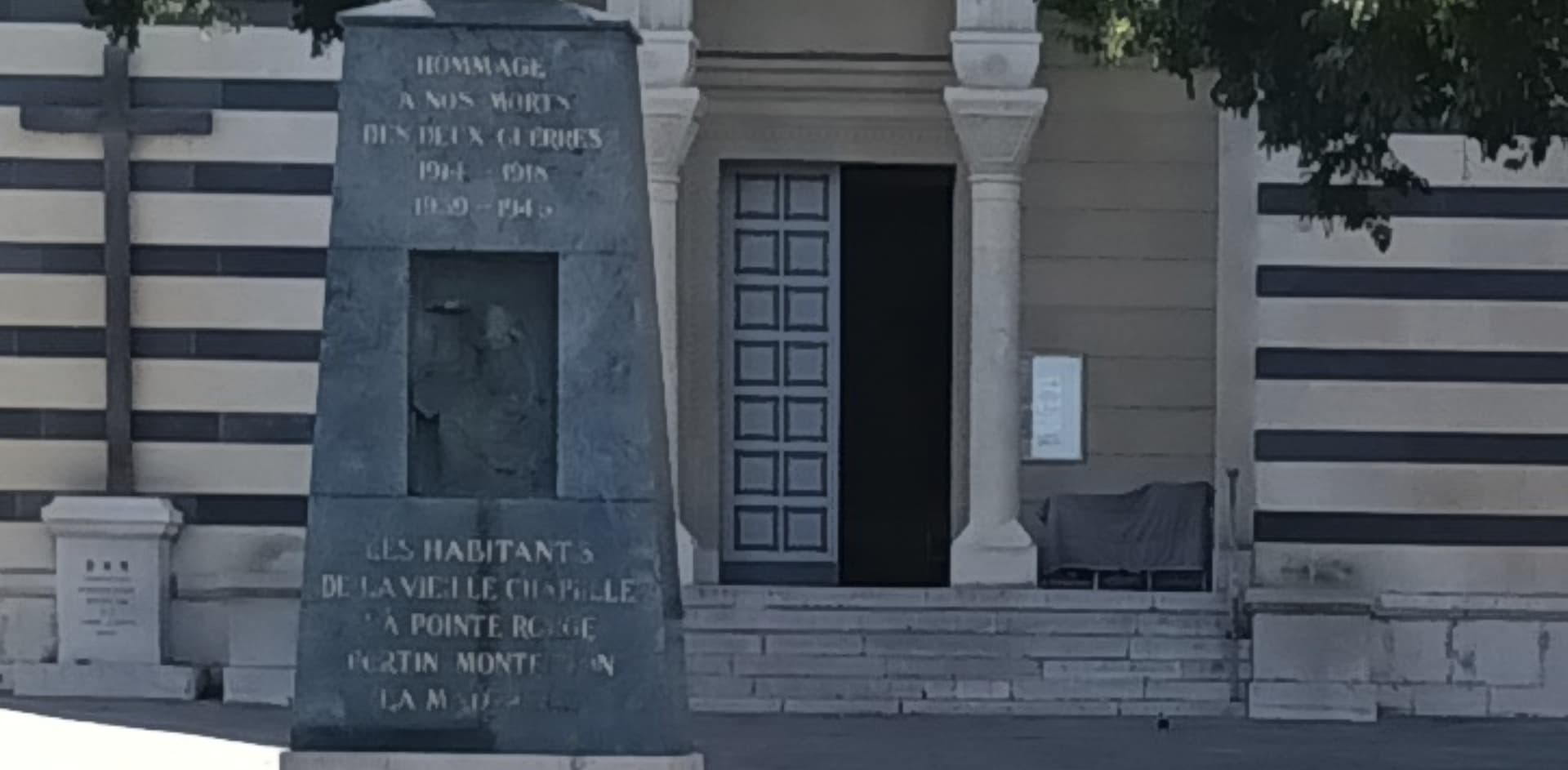
DNG:
(different focus)
True photo feeling, nice noise, imho.

Stock app:
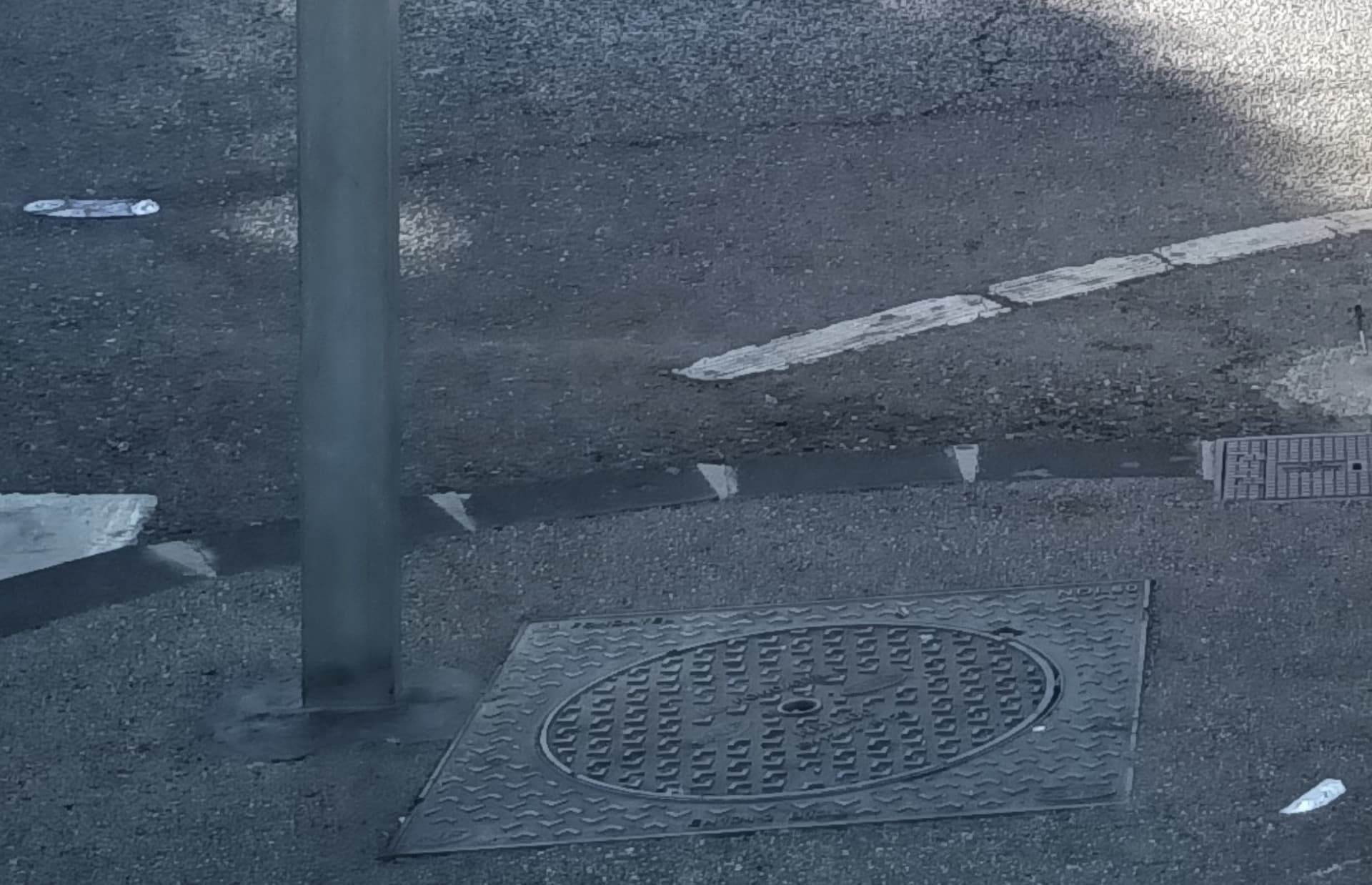
DNG:
Tar + steel post textures
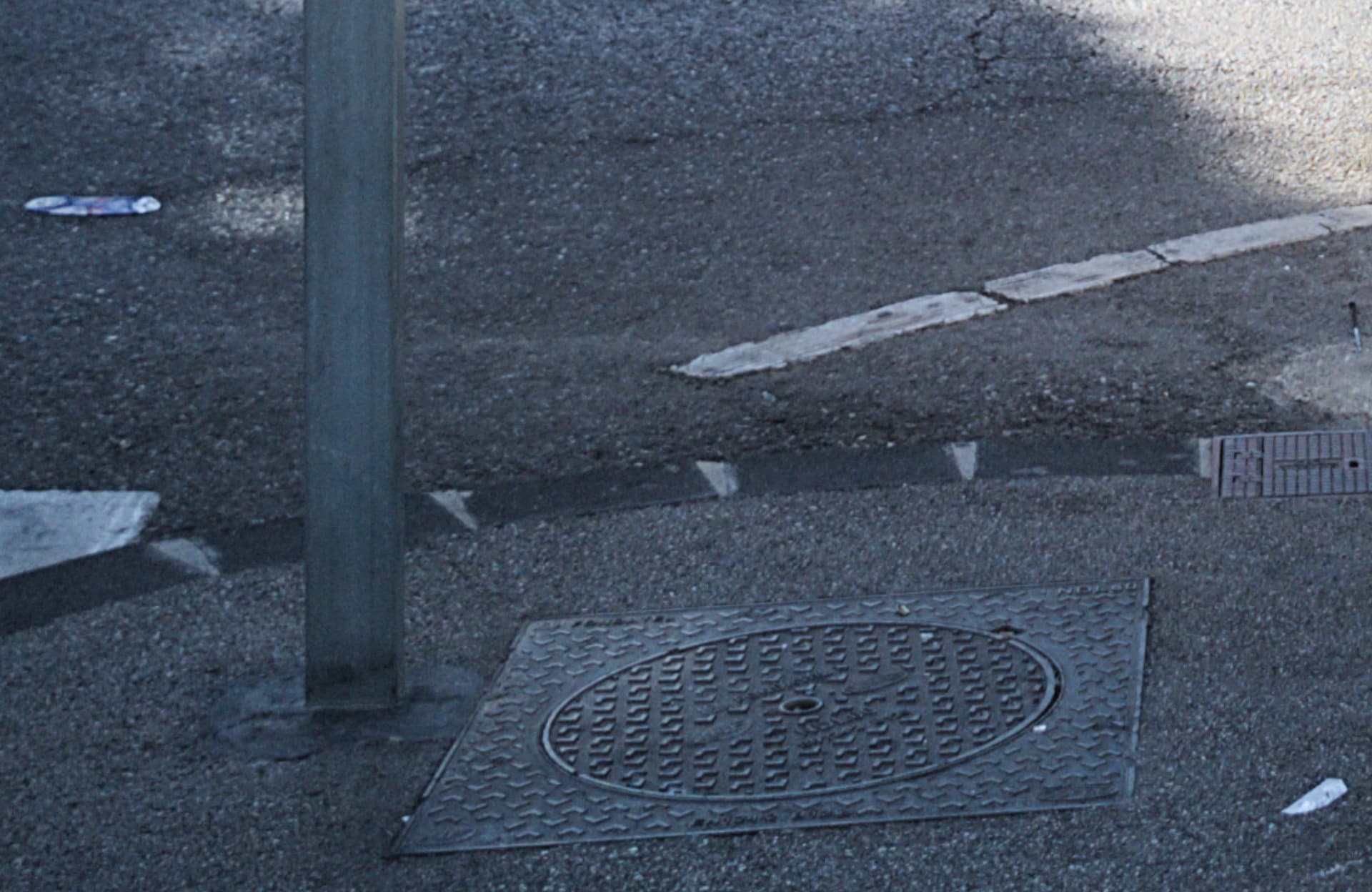
Stock app:
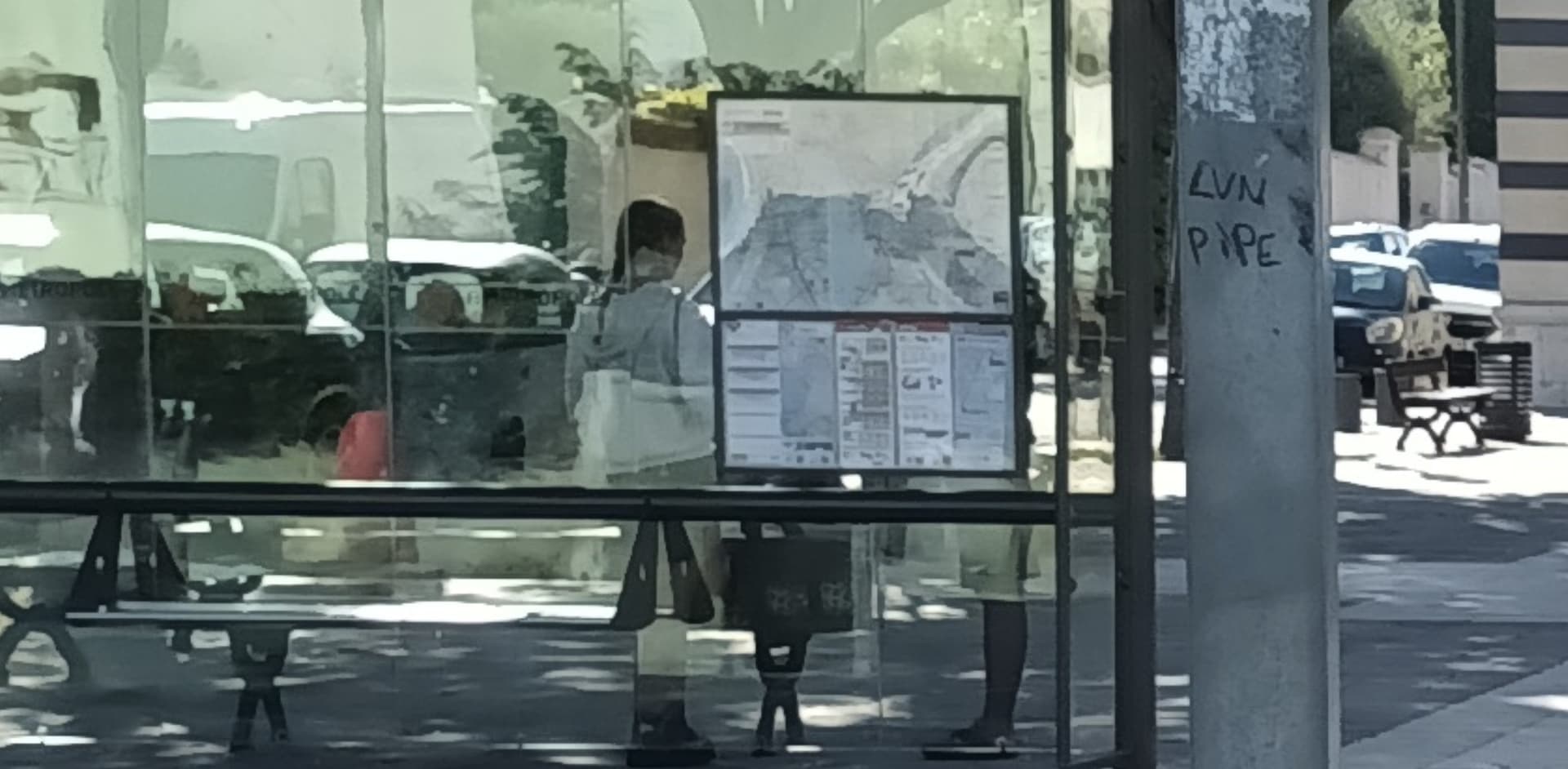
DNG:
Nice noise.
Colors on the bus sign.
Steel post texture.
