REPRODUCIBILITY: often
OS VERSION: 5.2.0.16
HARDWARE: Jolla Phone 2026
UI LANGUAGE: any
REGRESSION: unknown (compared to other Sailfish devices: yes)
DESCRIPTION:
When typing quickly, the keyboard has a tendency to swap to another layout, greatly interrupting the typing.
PRECONDITIONS:
Have at least two different keyboard layouts activated, for example, English, French and Dutch.
STEPS TO REPRODUCE:
Set the English keyboard layout as the currently active layout.
Start typing quickly, i.e. with two fingers. The problem appears most often when your fingers tap two keys that are close to each other in quick succession, for example, ‘n’ and ‘g’.
EXPECTED RESULT:
The keyboard enters ‘ng’.
ACTUAL RESULT:
The keyboard changes to Dutch or French. It depends on which letters you were tapping. For example, when you tap ‘n’ and ‘g’, it tends to get interpreted as a horizontal swipe to the left, changing to French (which is second in order).
Jp2. Can confirm. Actually ng is my new favourite fast switch when I don’t want to perform the swype
Edit: To be fair, I have to report that on the jp2 I removed only the first factory screen protector but still have the second one on. That might affect the touch input? On my xa2 without any screen protector, this is harder to reproduce.
I think some touchscreens are just more sensitive then others, on my 10 III it can get especially annoying when I’m trying to type quickly and the screen is greasy or something like that. A screen protector could also have an effect.
Anyway I think the solution to this problem is easy, a simple option to disable the swipe gesture. It is already redundant since holding the space bar can switch layouts. I have to admit I haven’t really dived into the keyboard QML yet, it could potentially be a simple patch.
On the JP, when trying to switch to keyboard entry on the PIN entry screen, as i am stretching to reach the icon, quite often my finger is incapable of pressing down on it, but instead pulls down, and triggers the top menu.
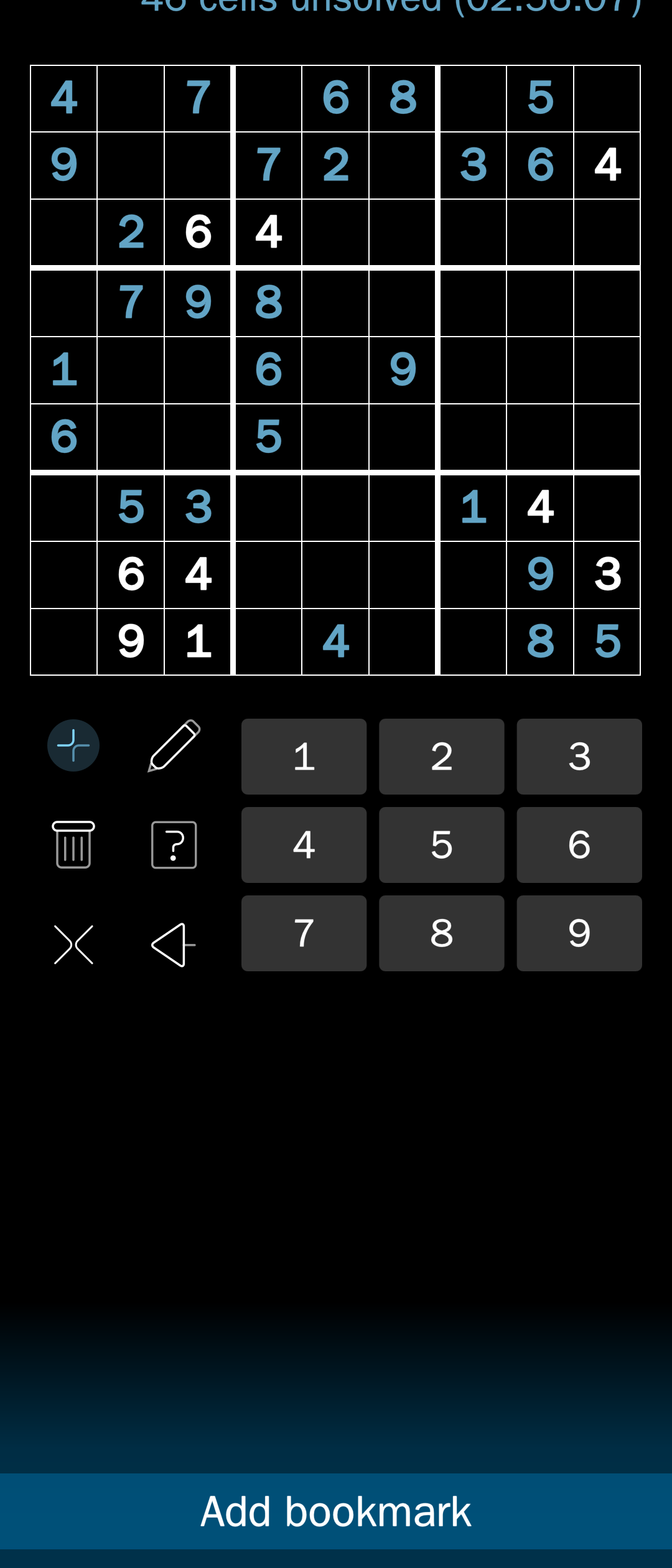
Another scenario where i get unwelcome swipes being registered (on the X10iii) is on the Sudoku puzzle game Aenigma.
Especially in one handed use, and with the app design requiring an emphasis on the top half of the screen, i can find myself reaching down to the number buttons but dragging the contact making a swipe-up and calling the bottom menu.
Is there a swipe threshold that we can play with to see what’s more comfortable?
Forgot to mention that this problem also exists for the swipe-down-to-hide-the-keyboard gesture, which is often interpreted as text input (or at least attempts to input text) instead of an actual swipe. Again, only (or perhaps far more often) on the Jolla Phone 2026, so it’s just the adaptation that needs some further tweaking.
+1 on this! When you’re typing quickly and you touch the screen with two fingers at the same time, trying to hit one key after the other, the keyboard indeed interprets this as a swipe. Going from the last held down key position, “swiping“ to the second finger that started touching the screen, triggering a layout switch.
Yep, I’ve had the same problem. Would be great to see this addressed in a future update - should hopefully be a simple fix! Or just give the user the option to turn swipe-to-switch-layout off.