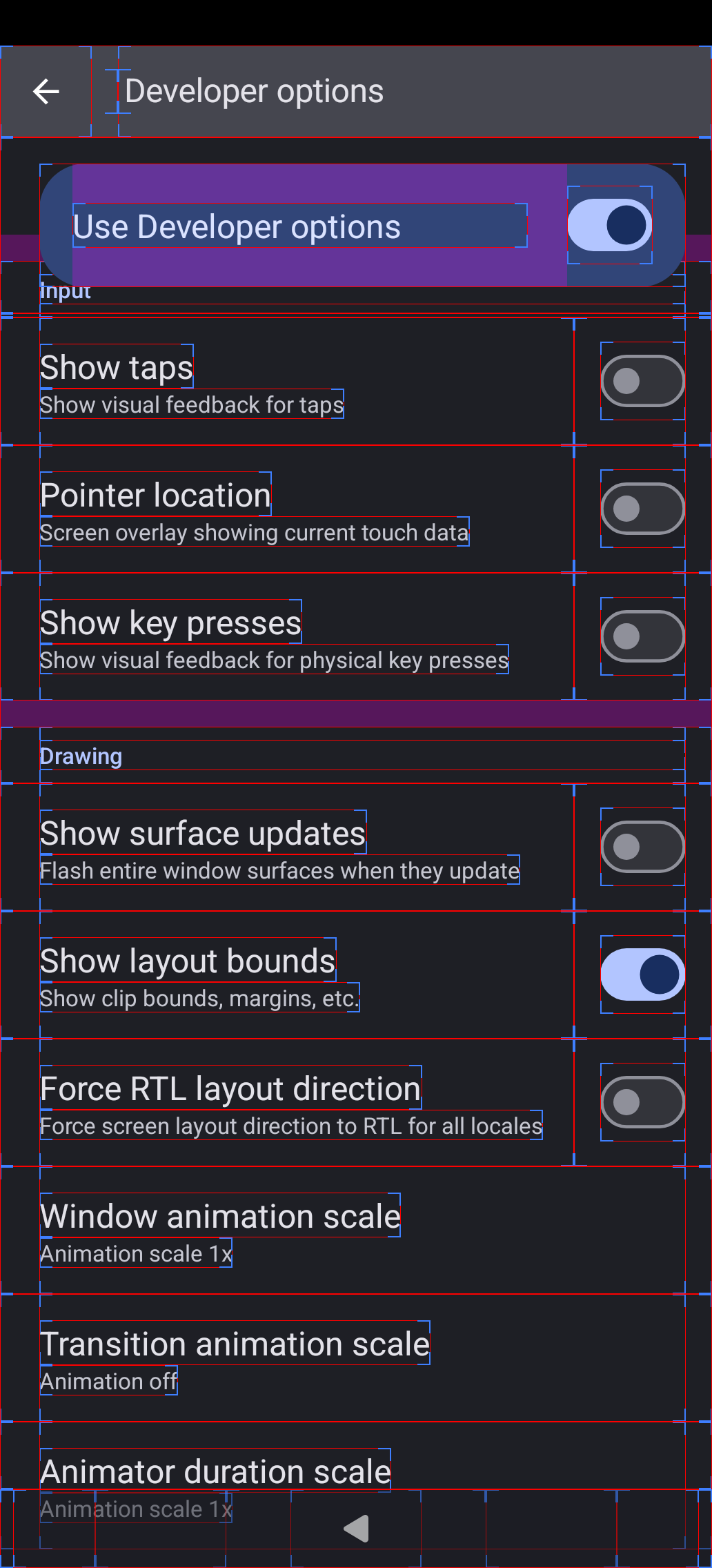
REPRODUCIBILITY: every single action
OS VERSION: SFOS 5.2.0.16
HARDWARE: Jolla Phone 2026
UI LANGUAGE: Czech
REGRESSION: Xperia 10V, SFOS 5.1.0.X - working without any issue
DESCRIPTION:
I’m playing Kingshot android game: https://play.google.com/store/apps/details?id=com.run.tower.defense&hl=en-US&pli=1
When my Jolla phone 2026 arrived and I wanted to use it as daily, I’ve installed this app also.
Unfortunately it's not possible to play it normally as it was on my Xperia 10V.
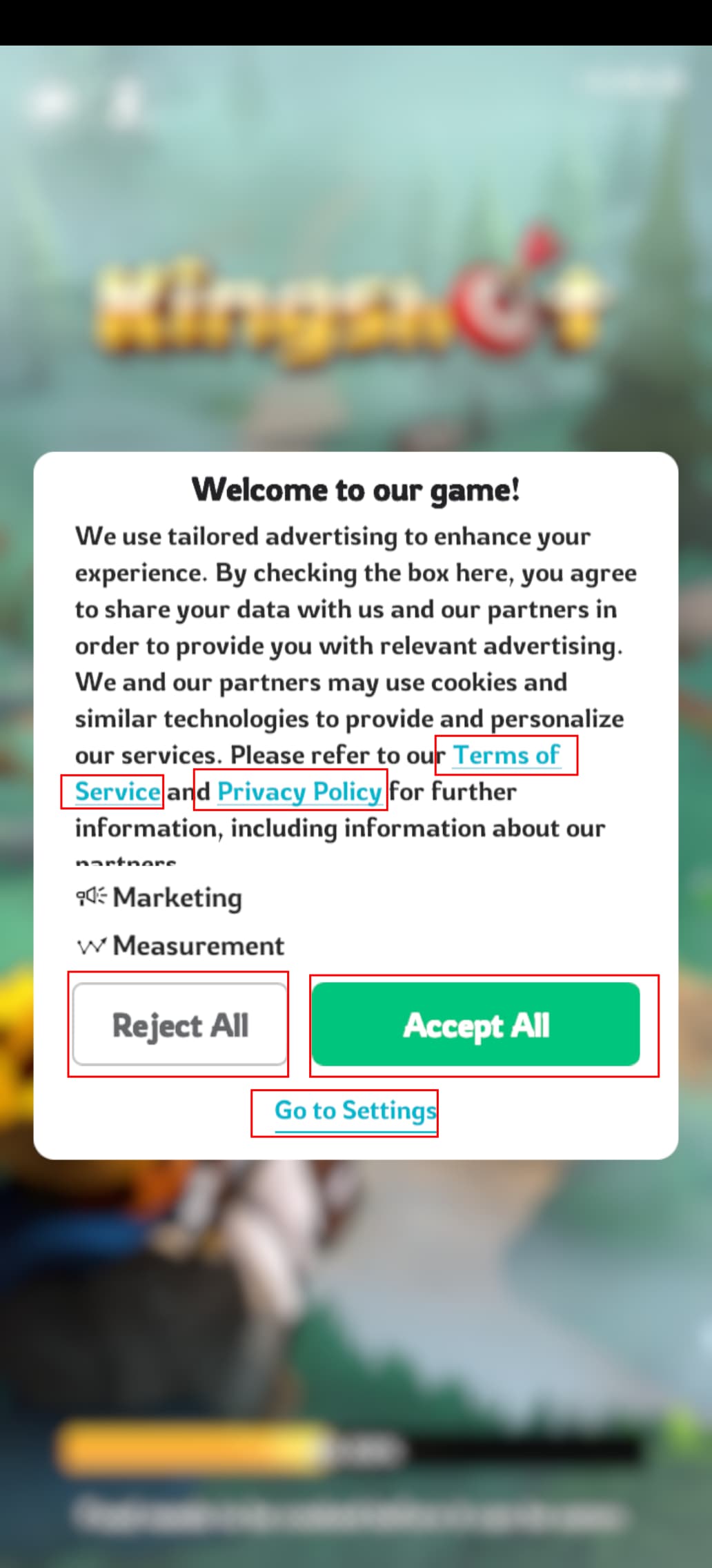
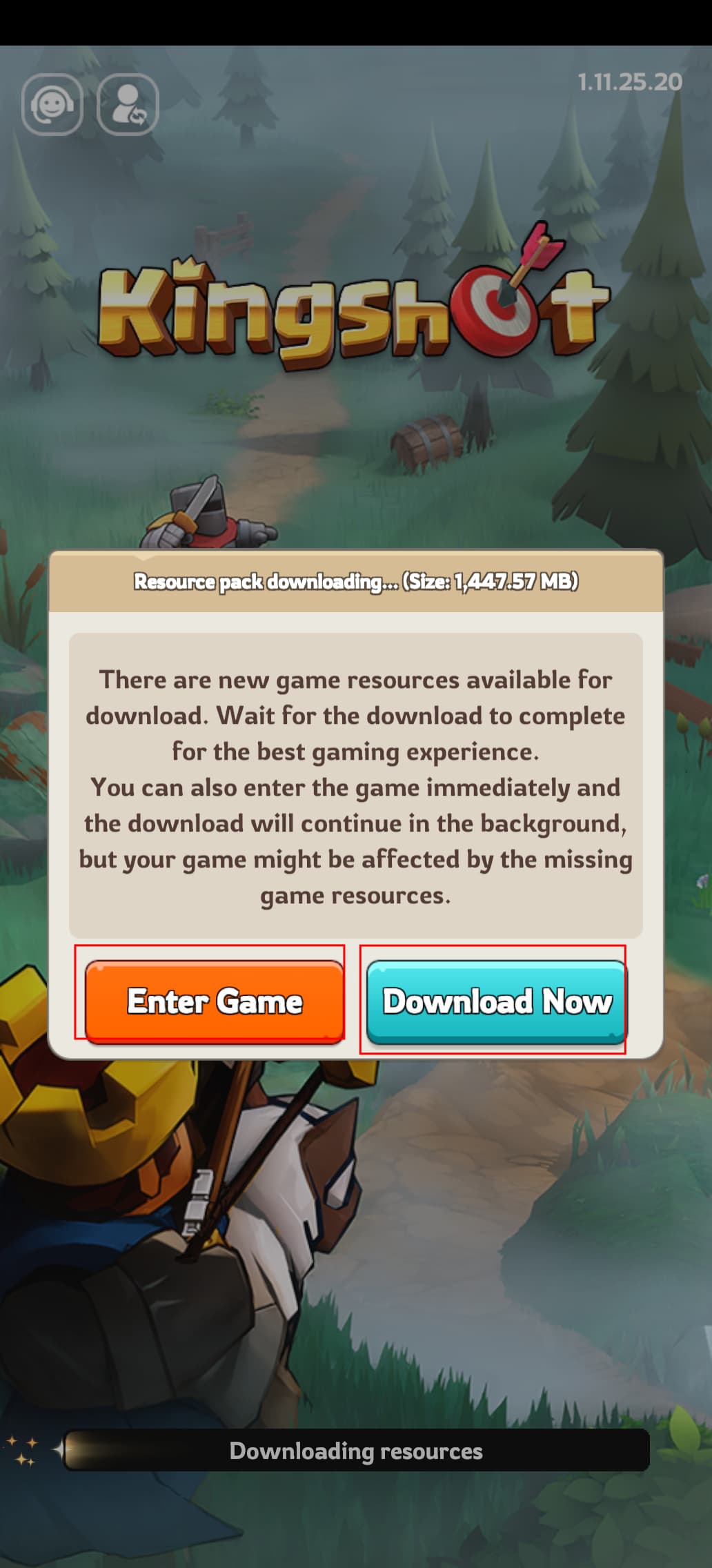
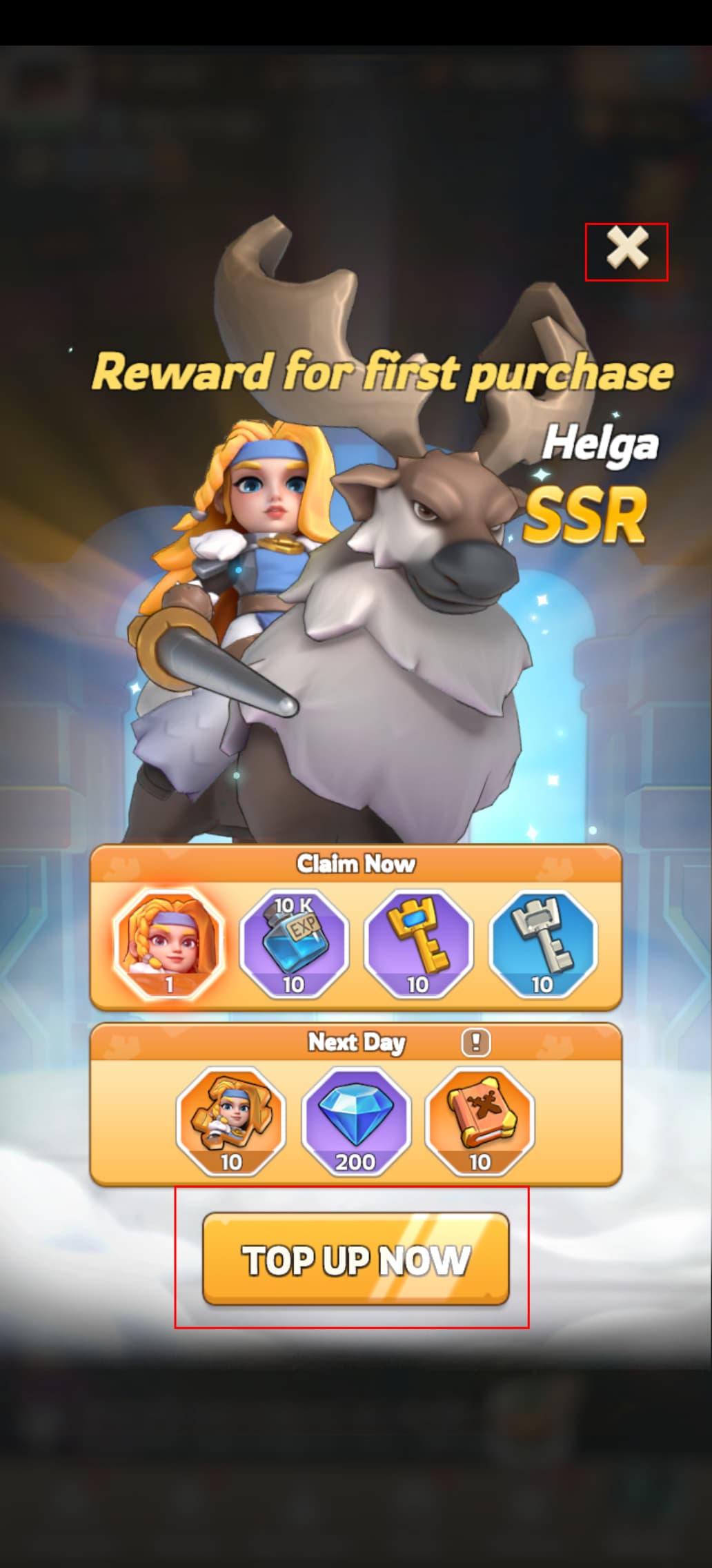
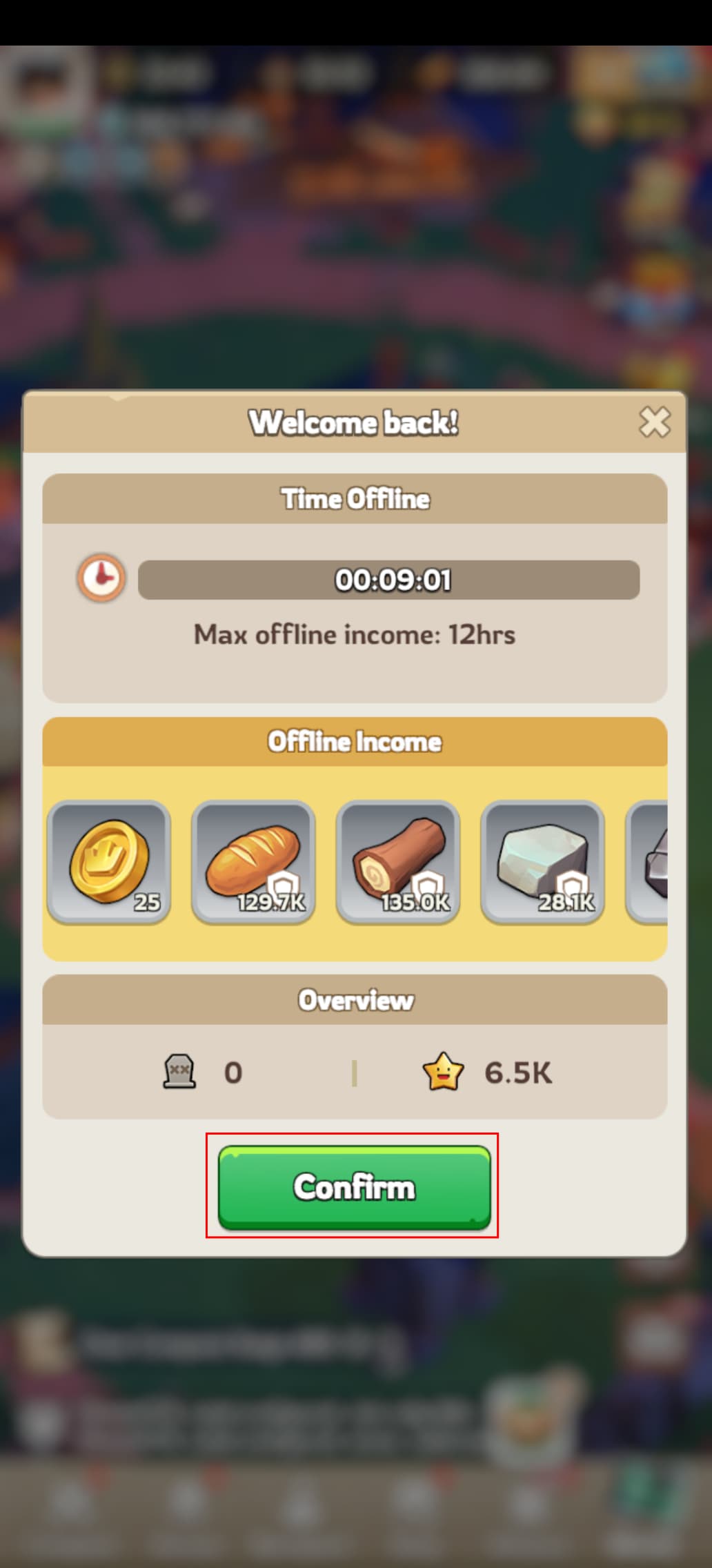
Each "window" which game generates, lets say some kind of upper layer instead of basic one is not possible to tap on buttons and make actions.
As you can see on attached screenshots all buttons, links and so one doesn't work.
Funny about it is, that when you lock screen via button, and unlock it via PIN or fingerprint button, that buttons are possible to click on them, but looks that just in short time. After 1 second or so, it doesn't work again. So for tapping on buttons on that upper layer, you have to lock and unlock screen of the phone.
PRECONDITIONS:
Install some game, maybe some Android app, which is showing “popup” windows. That Kingshot is suitable to reproduce issue every single time.
STEPS TO REPRODUCE:
-
Install game from Aurora store. Name of the game “Kingshot”.
-
After start each window makes this game unusable.
EXPECTED RESULT:
Clickable buttons, links, upper layer functional also.
ACTUAL RESULT:
Upper layer with buttons, action state or so doesn’t work properly without lock / unlock screen of the phone.
MODIFICATIONS:
Just install AppSupport and then Kingshot game.