NpJC2
24 March 2026 20:40
1
Hello.
I activated my new Jolla C2 a few day ago, but after insert a Sandisk Ultra SD Card (128 GB), this one wasn’t recognized on my phone.
Would you know if I have to do any technical operation to make my card recognized ?
For you information, the card is not empty.
Best regards.
Did you try to format your new SD-Card with your C2?
Settings:Storage
Maybe it is enough to just explicitly mount the card there without formating it first.
1 Like
NpJC2
25 March 2026 20:13
3
Hello.
What is the standard format for this phone ?
And then, how can I format my memory card ?
NpJC2
29 March 2026 18:21
5
If I understand well, I have to format directly on my Jolla C2 phone and not on my PC : is that correct ?
NpJC2
10 April 2026 18:47
6
Still… the “Memory card is not visible”… How can i do ?
My current memory card is formatted in exFat format, but with that information, it is obviously impossible to going forward with this phone.
Again, this Jolla C2 is a terrible mess… and it is also impossible to send it back to FInland !!!
It’s very easy to copy the content of SD, reformat it in the phone and then copy data back. So I don’t understand what exactly is “obviously impossible” here!
NpJC2
12 April 2026 15:04
8
I know how to save my data and get it back then.
But in my case, I don’t have any option to format my SD card on my phone.
In the “Storage” menu, you normally have three options : User Data, System Data and the last for the Memory Card.
However, I didn’t have any third option : my memory card isn”t still recognized !
How can I do ? Or sending back this phone back to its hometown in Finland… because it gives me nuts !!!
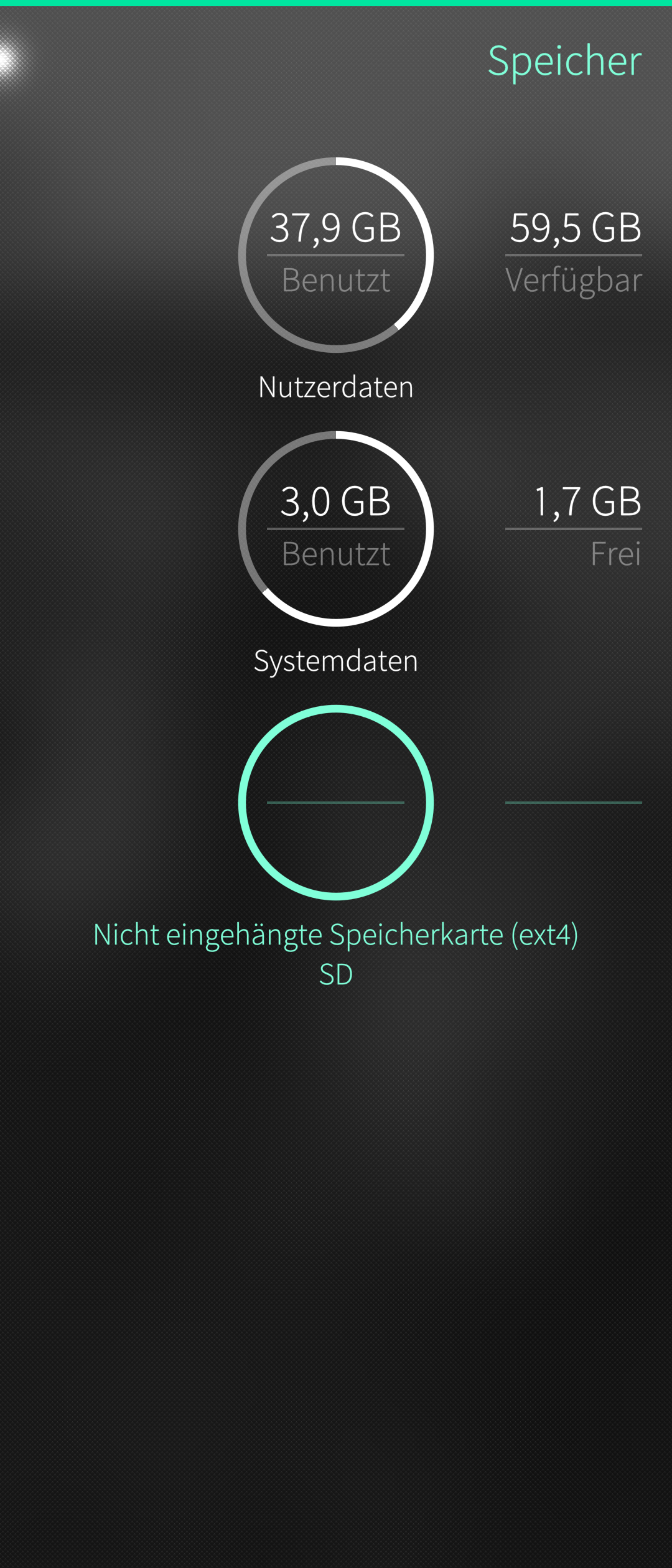
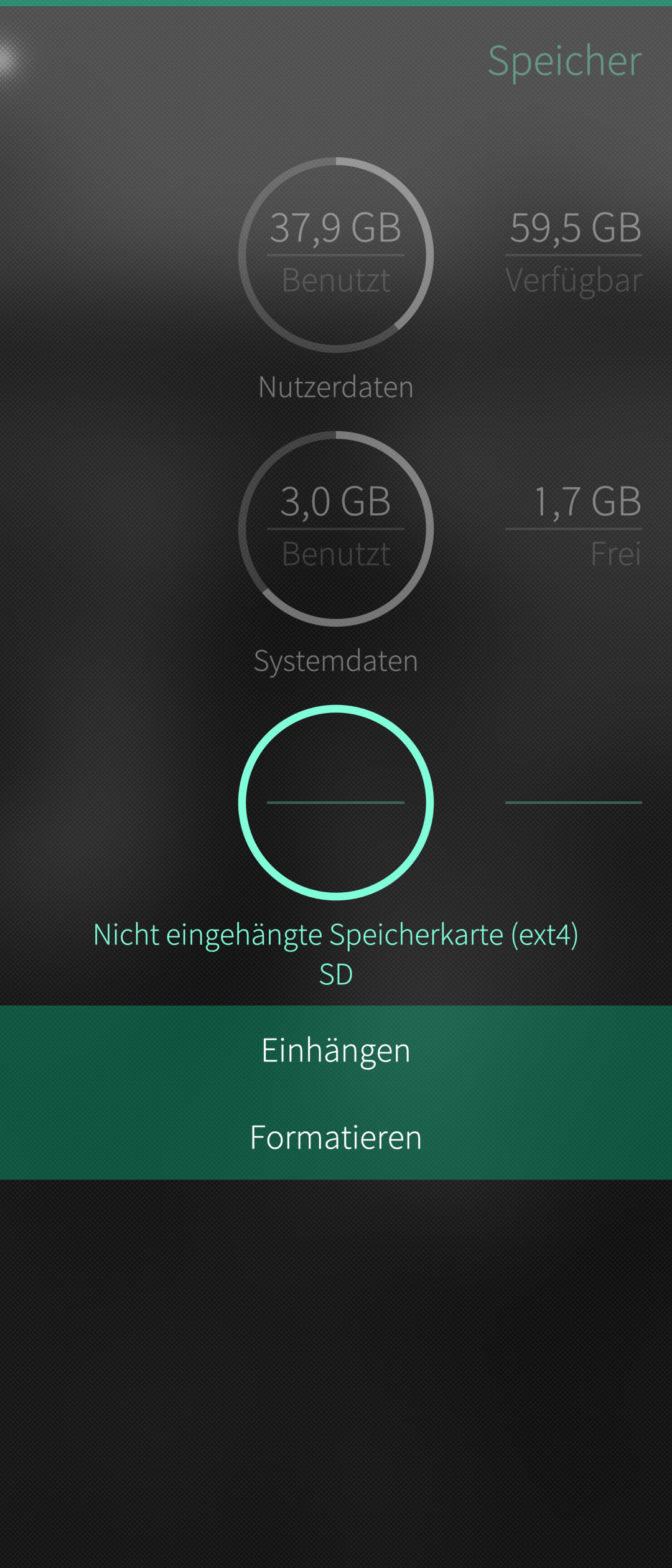
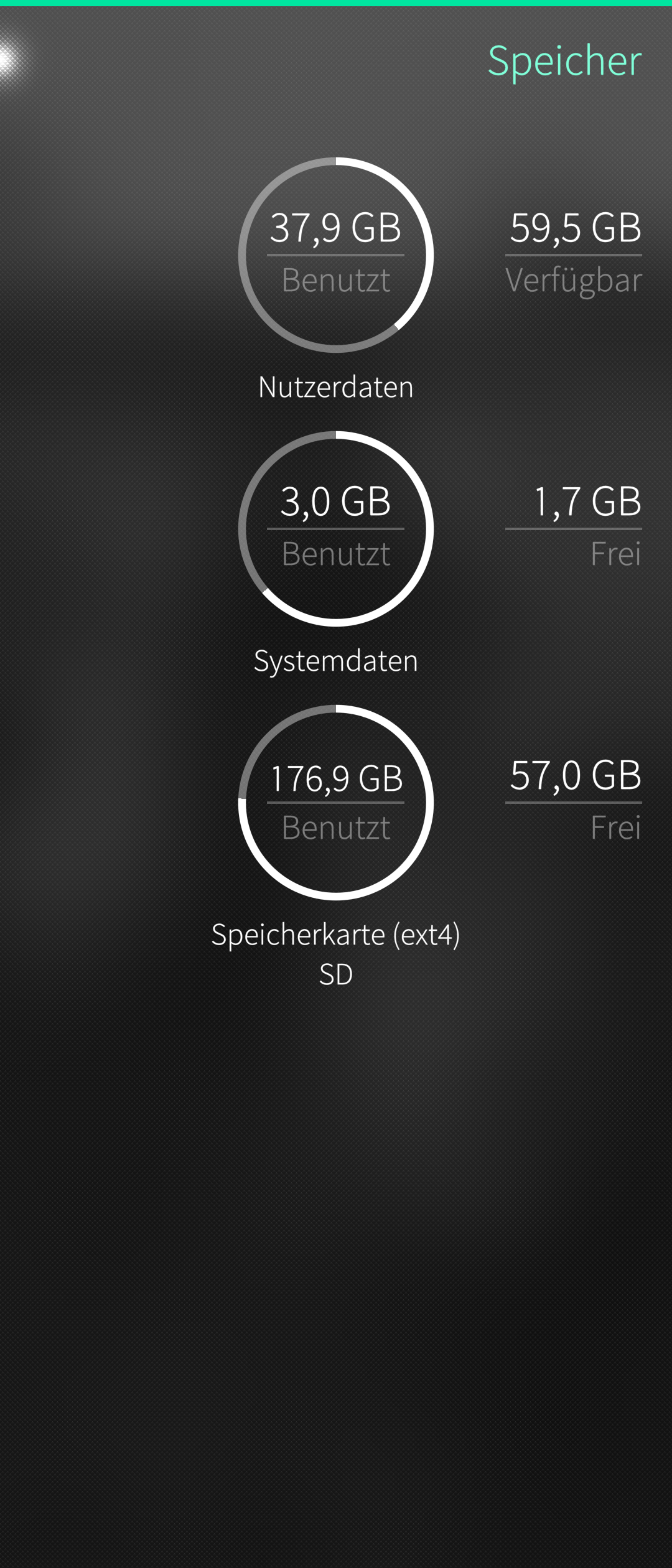
If you navigate to settings:storage you should see an unmounted storage device. Like here (system is German)
Press the icon saying unmounted SD card (or something along that line)
You now can choose between
mount
or
format
And after that you should be good to go.
Good luck.
That sounds like broken HW.
It seems to me like your best option. But you need a Zendesk ticket first which might take a few weeks.
Just in case I would try with another SD card in the mean time. Just if it’s detected. Good luck.
1 Like
Another question: Did you try another SD card just to make sure and where are you located? Postal service to Finland did work in the first place, didn’t it?
Format it on another device, with a Linux PC you can go straight to ext4, on Windows use FAT32, then reformat on the phone to ext4. Then change owner (chown) to defaultuser - after formatting the card is owned by root. Or use FAT32 (vfat).
I have several devices that can’t use or format exFAT.