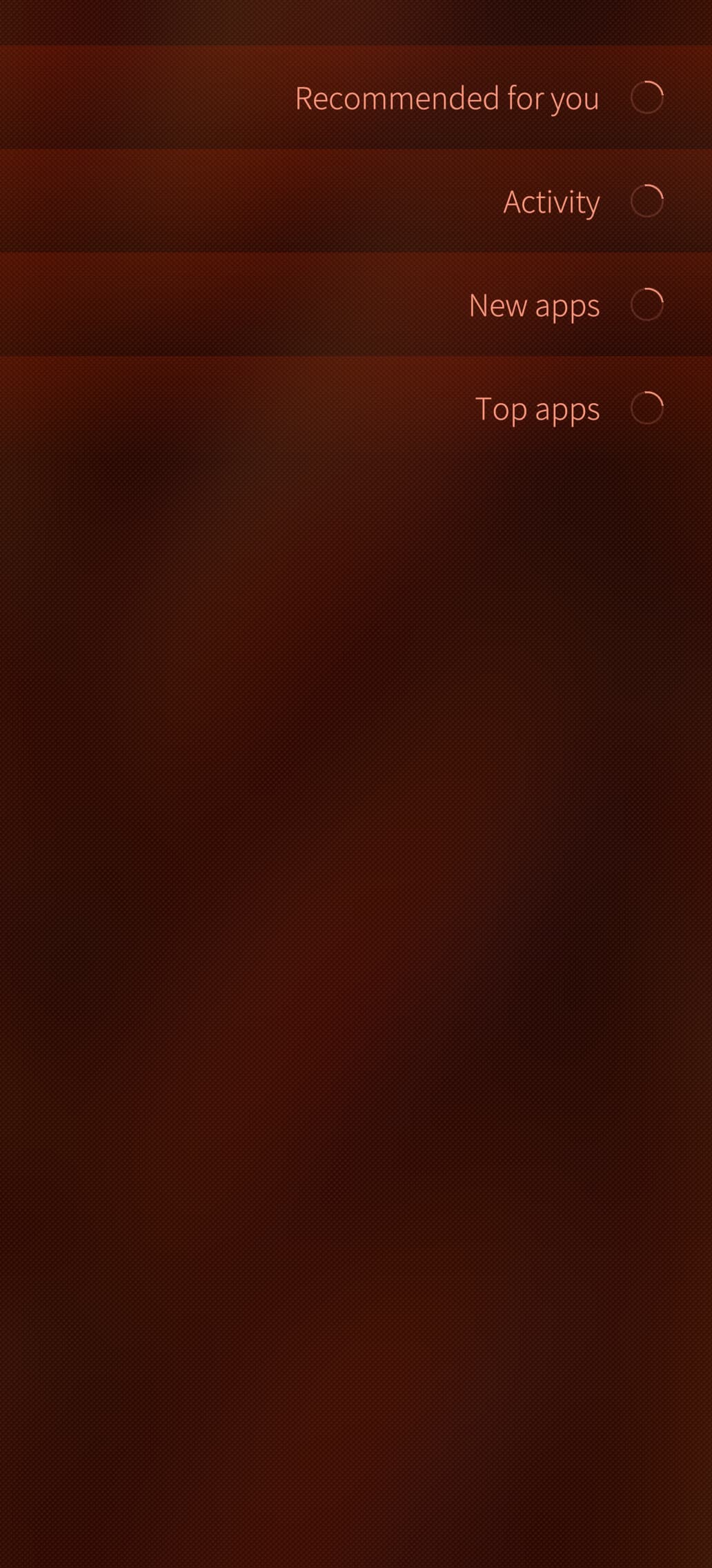
Jolla App Store Keep loading without showing anything except for titles of rows like recommended apps, new apps, etc.
this happen when I don’t use the phone for a while.
after some interval when I open Jolla app store it keep loading like i mentioned above.
the Jolla store start working after I use the phone consecutively for 5 to 7 minutes doing other things like use browse or something else.
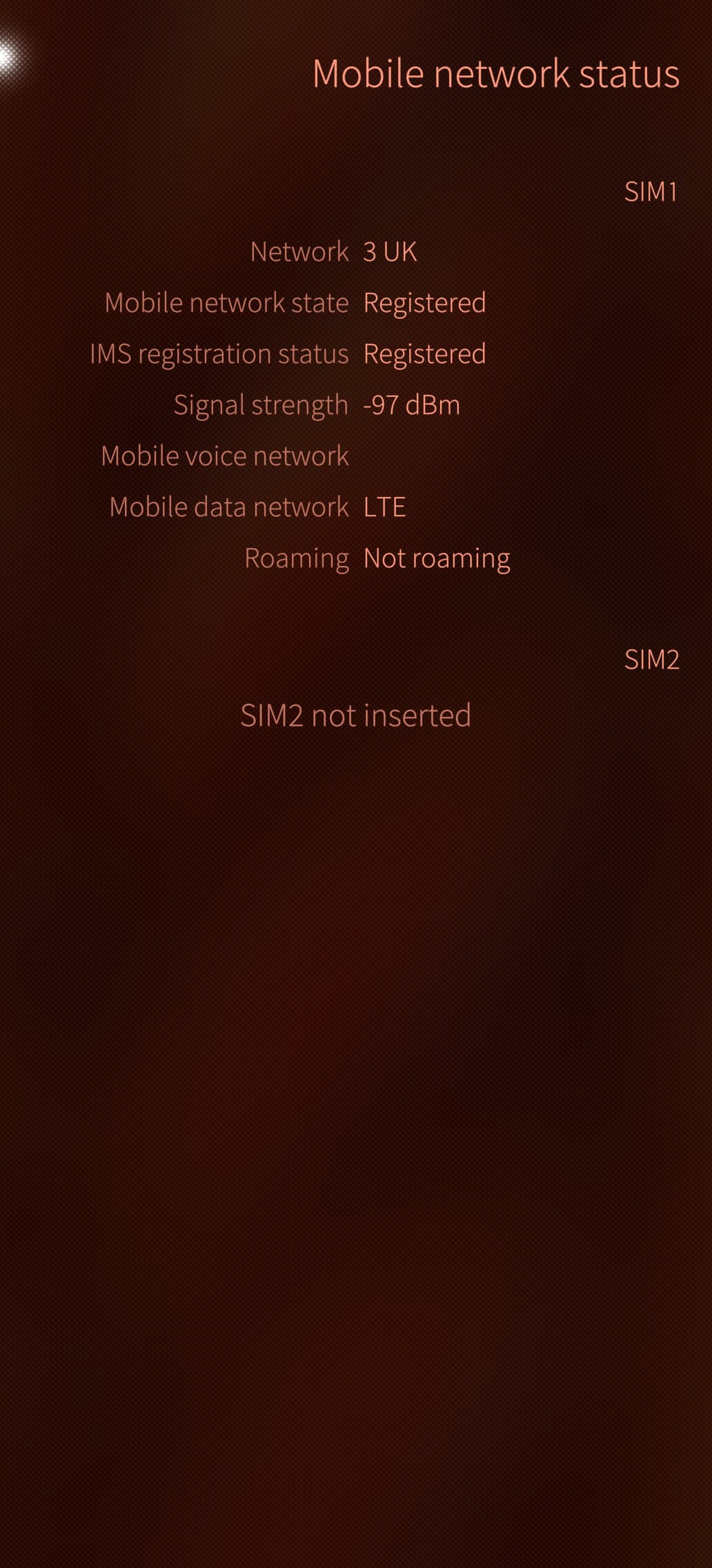
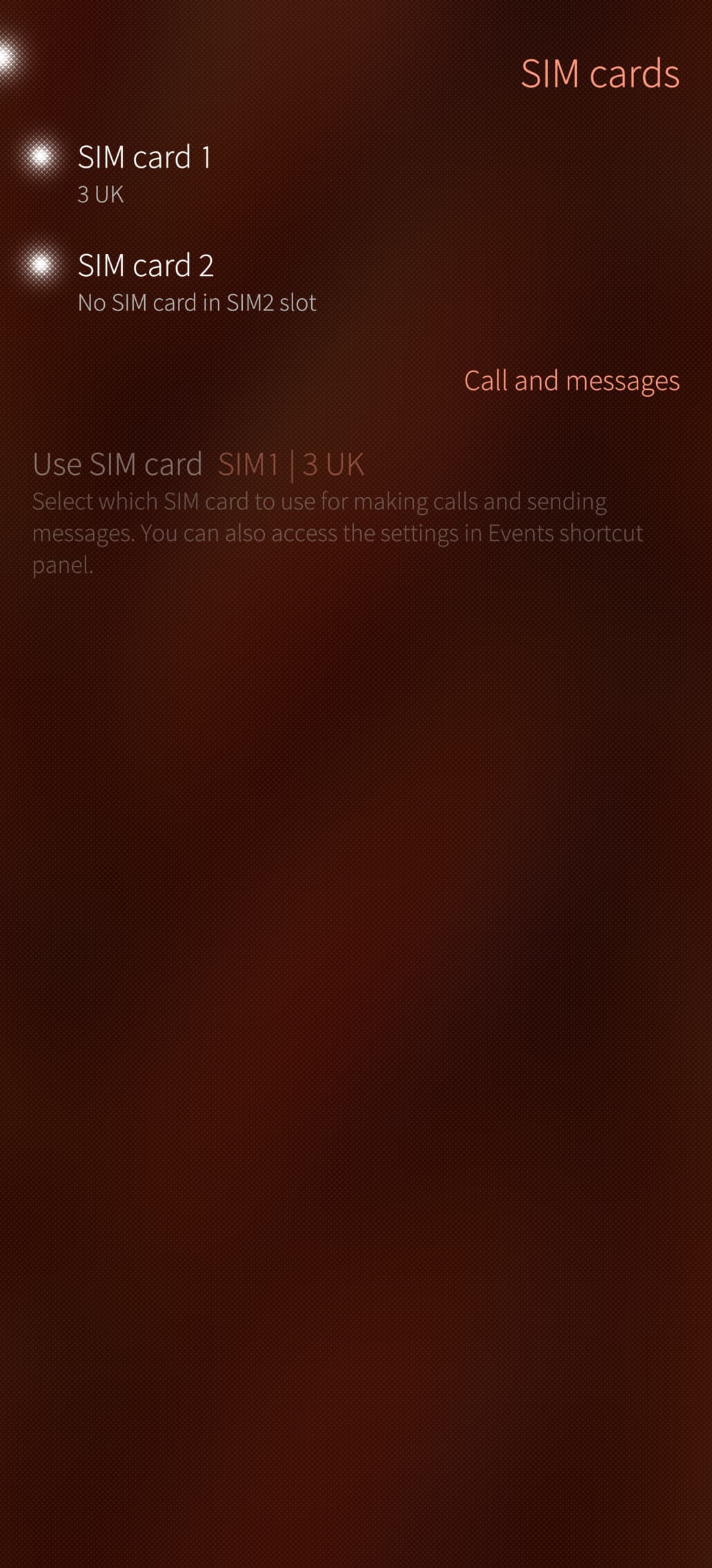
I am mostly using Sim data/Mobile Data on New Jolla Mobile 2026.
Any suggestion well be appreciated.
Thank You
What about other apps that need web access?
Is VoLTE indicator active - nonblinking?
Can you test with another SIM?
Another WiFi?
When testing do note which data path do you use. WiFi or Mobile data. Which GSM generation indicator does your phone show: 2G, 3G, 4G, …
Do you have any third-party app sources installed?
Like Storeman, Chum, or one of the newer ones like SaneFish?
Also, is your Jolla account configured? Sometimes it helps iff you remove and re-add that.
Yes, Web Browser work fine as I mentioned above.
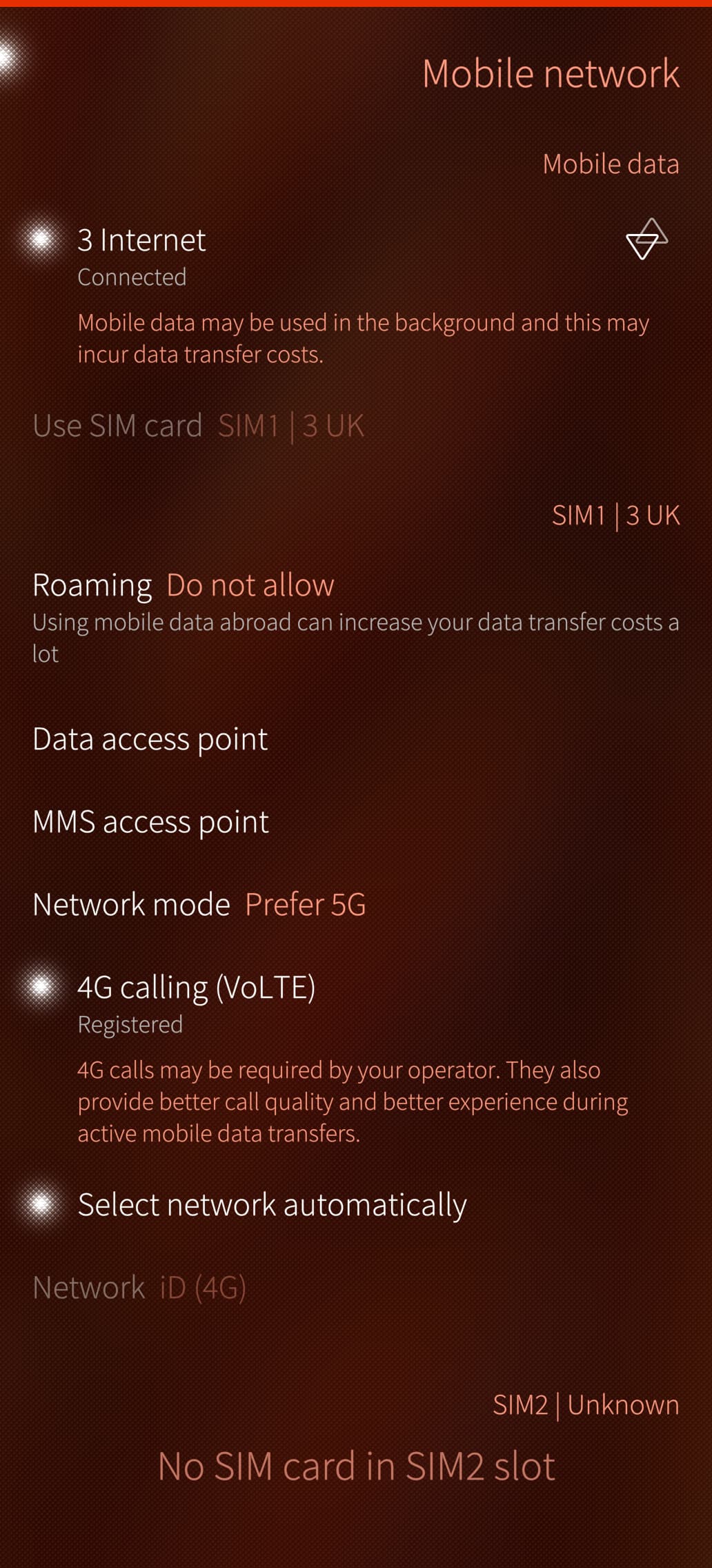
In setting 4G Calling VoLTE is active. But I don’t know where it indicate or blinking show.
As far on my phone upper bar show battery, time, 4G, Sim 1, Sim 2. There is another sign like bow tie but I don’t know what is that for.
Mostly my network show 4G services . but if I am outdoor it show 5G.
I am using Mobile Data Using 4G.
Thank You for your Time
No, I have not Installed any other third party apps.
I know about these stores but I have not used it yet.
Yes, my Jolla Account is working fine.
I will try to remove and add account again and update.
Thank You for Your Time.
Have you tried rebooting your phone?
No, I have not after this issue yet.
I will try that after removing and adding account again.
As I have to wait for this issue to reappear . I will reboot it that time.
oh , there is one more issue . When I reboot the phone then sim card or sim services did not work.
It show signs like 4G and sim inserted or active but no internet.(I have not tested the Call on it yet)
I have to turn off and on the Sim card from the setting then it start working again.
Thank You for your Time
I remove the account and re add it. but still getting same problem.
even on wifi.
I tried by rebooting the system and it work.
it sure work and load the store immediately but when I use the the phone after some interval it again act like before and not load app store until I use it for consecutively for few minutes.
even on Wi-Fi as well
Thank You
New Update.
Now app store is not working even after using browser or other things consecutively .
Now it’s only working after restarting the device.
Are you logged into your Jolla account?
Settings:Accounts
yes, it is login
I also removed it and add again aswell.
is there any solution?
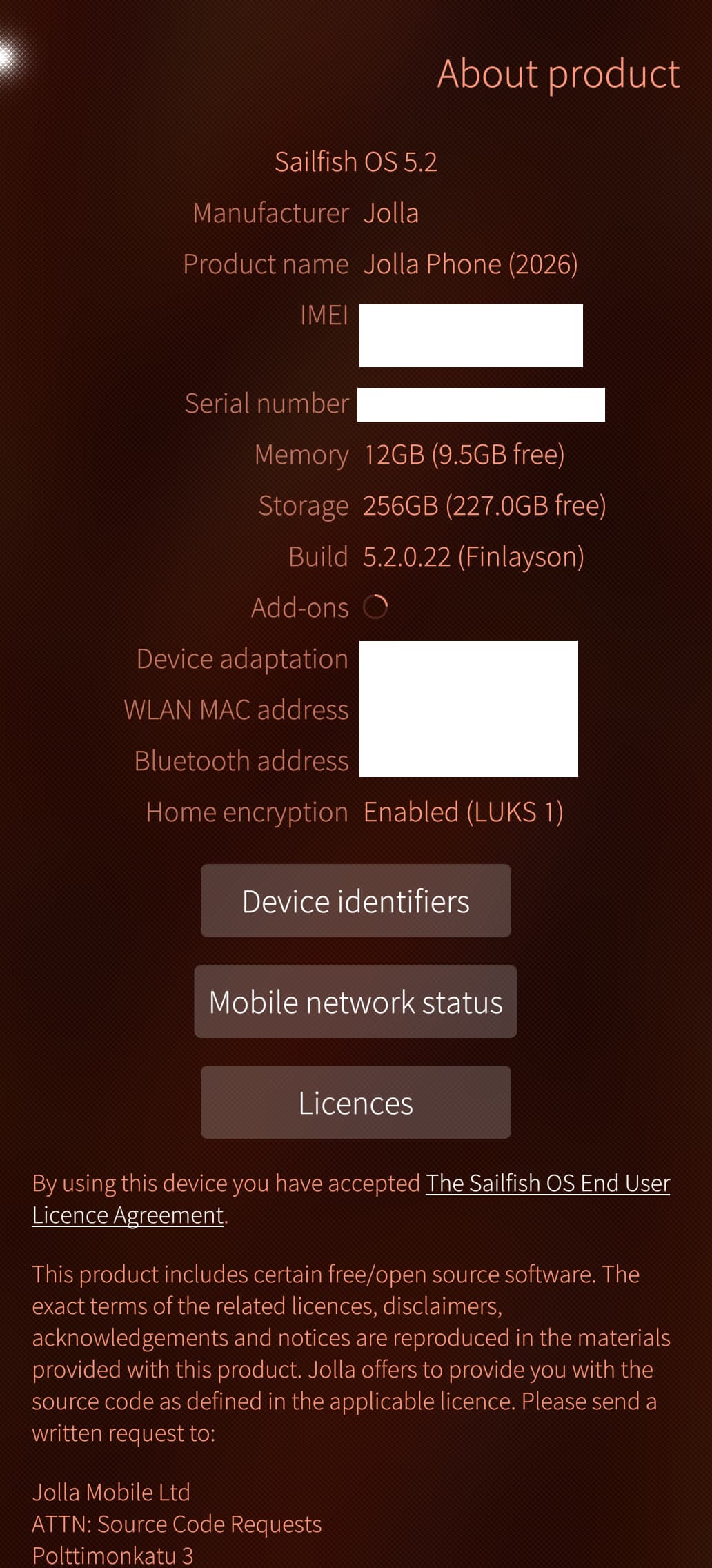
i have attached the screenshots for better understanding.
Thank you
abdul.jolla:
is there any solution?
Can you try to:
enable developer mode if you haven’t already.
open the Terminal application
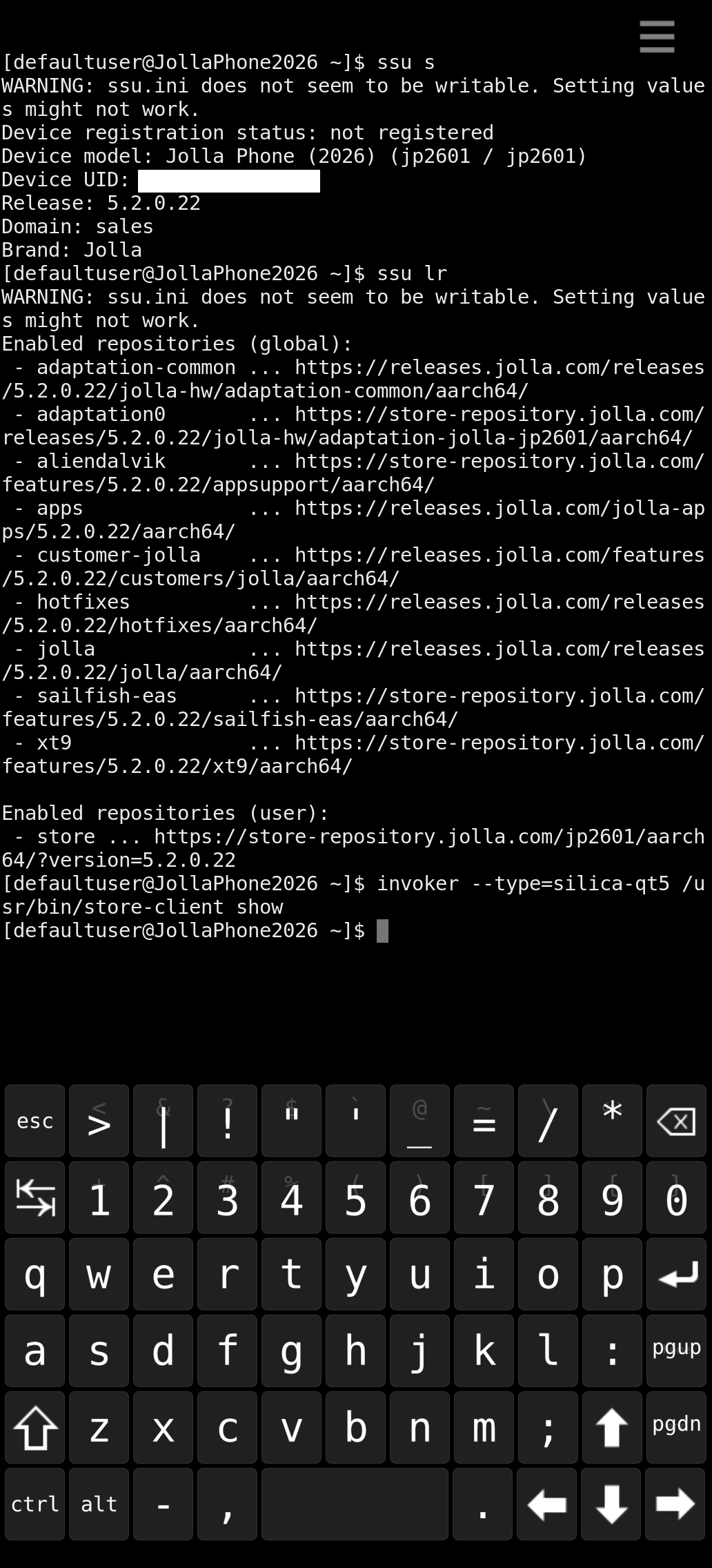
Post the output of these commands:
ssu s
ssu lr
invoker --type=silica-qt5 /usr/bin/store-client show
Okay, thanks. Repo config looks okay to me. But that last command really should show some output. Was Jolla Store open when you executed that?
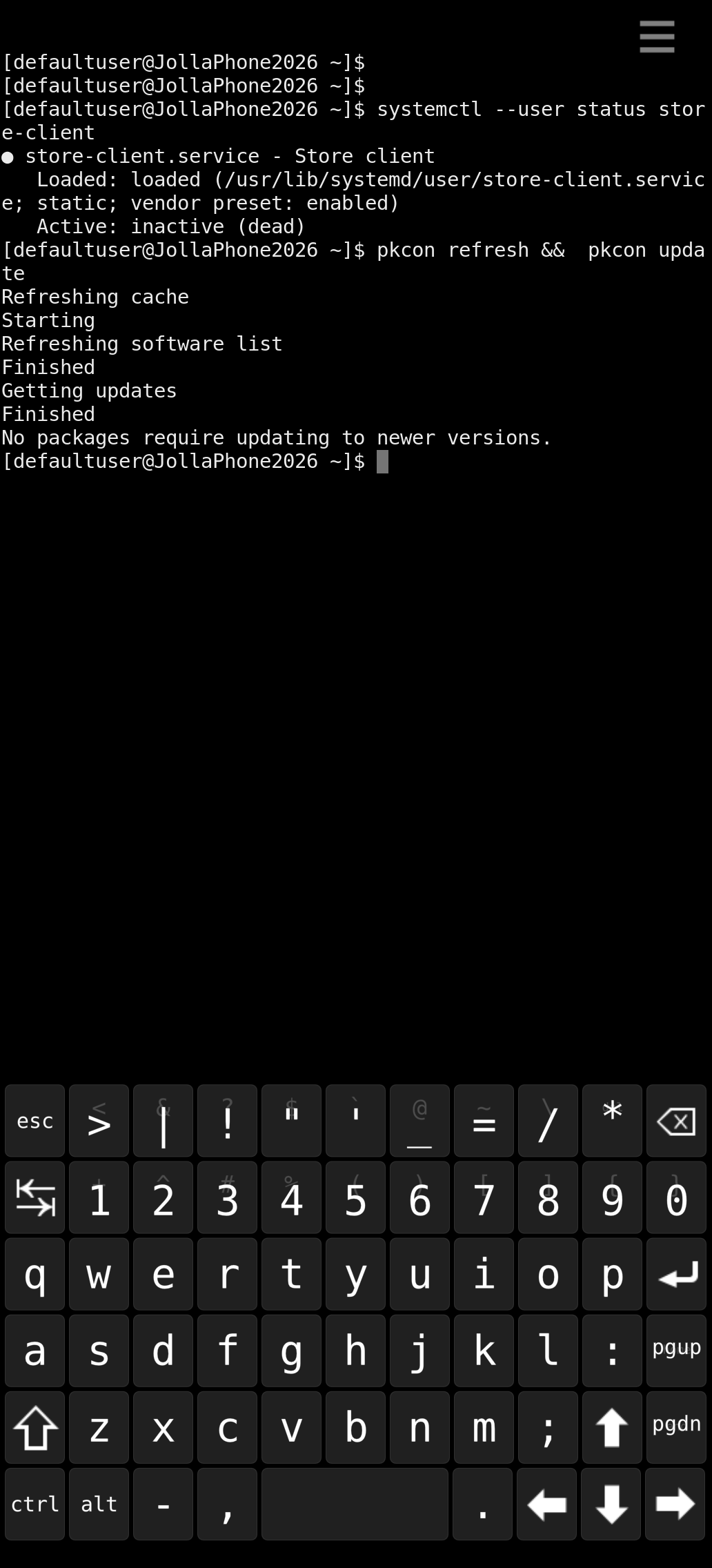
Please show:
systemctl --user status store-client
pkcon refresh && pkcon update
Have you done any OTA updates of the OS since you got the phone?
yes, Jolla Store opened after that command and executed but it was still loading like before.
yes, system updated from 5-2-0-20 to 5-2-0-22.
thank you.
I have noted one more thing that along with the Jolla Store not working, The add-on in the device setting also did not load or show properly and keep loading.
also now store do not work at all like before even if I use other app to interact with internet for few minutes.
UPDATE: It work if I restart phone but if leave the phone to be for a while then it will start behaving same again.
Is this maybe IPv6 vs IPv4 thing? Like you phone connects to Internet using IPv6, but the services you are trying to connect, are available only in IPv4?
I don’t know about that if Jolla store or it’s services use that or not.
Also when we are using a Mobile Data then which services is being used. I can understand over Wi-Fi these options are available.
Thank You