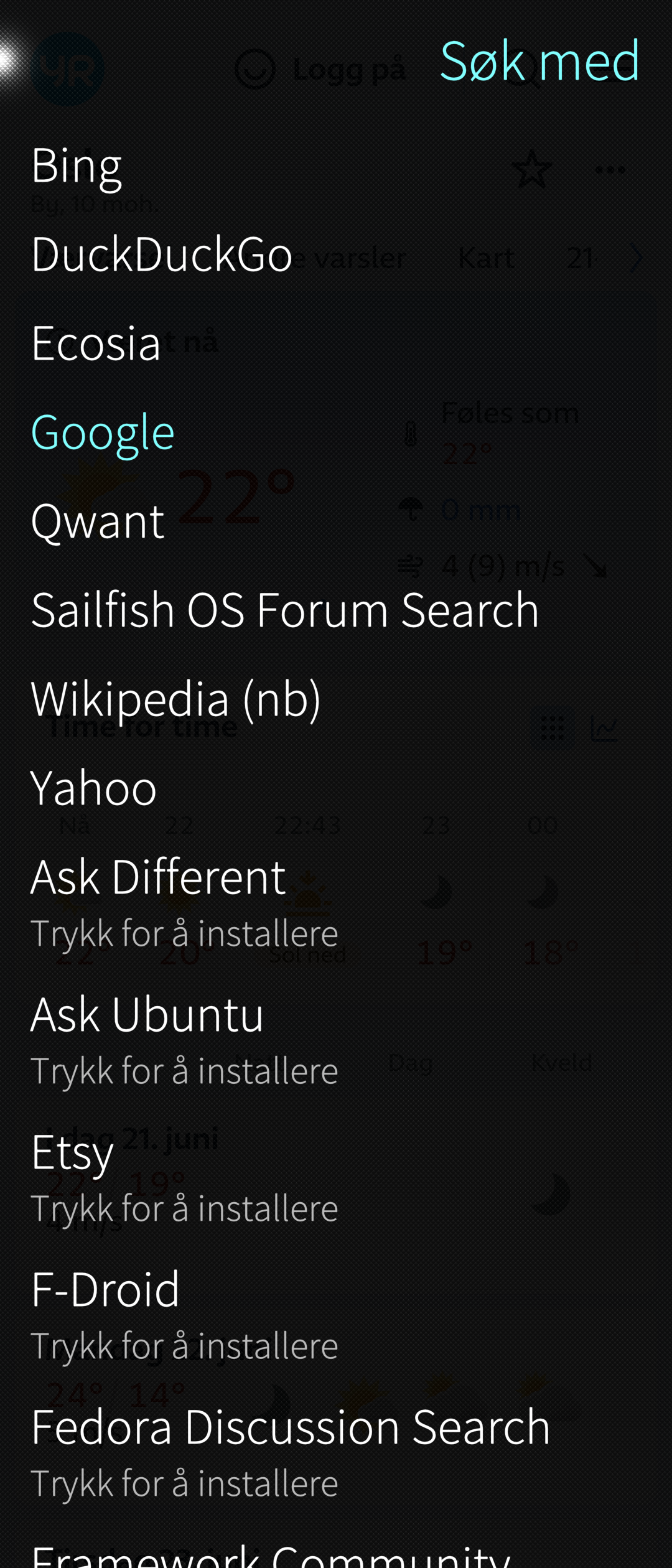
Sorry for maybe asking a stupid question, but: How do I change the default Sailfish browser into duckduckgo? Isn’t there an option anywhere, without reinstalling browsers or text commands?
Thank you!
Sorry for maybe asking a stupid question, but: How do I change the default Sailfish browser into duckduckgo? Isn’t there an option anywhere, without reinstalling browsers or text commands?
Thank you!
I wonder the same thing too, after someone suggested changing the default browser, but didn’t mention how. I can not find any place where to change the default applications for different tasks.
Browse to DDG once and perform a search.
After that it will appear as an option in the Browser Settings.
When theres no duckduckgo option, visit it manually and repeat steps above, maybe restart browser.
@nephros @fingus I don’t think this is about changing the search engine.
Since everything and their dog has a Chrome-clone, DuckDuckGo has one too (an Android app).
I honestly don’t know how mime handler registration for Android apps work nowadays. Since a while back i even stopped getting asked what browser to use for http(s) links. Perhaps one could set a default in that dialog - i don’t remember.
You are right of course.
Yes, i didn’t mean the search engine, but choosing another browser as default, that opens, when another app is requesting a browser session.
How do I change the default Sailfish browser into duckduckgo?
You got the answer.
Unfortunately no, I just got the answer, how to change the search engine in the default browser settings. I asked, how I can change the systems settings, how I can set a browser to be the default browser.
I think you misunderstood “duckduckgo”. There is a search engine of this name - that’s not what I meant. And there is an Android App, a Browser, afaik a fork of firefox - that is what I meant. So you can also understand my question, how to change default browser setting to any other browser than the sailfish browser, e.g. firefox.
No, it is in fact not even a Chrome clone like i thought - it is just an UI around the system WebView (which is Chrome).
What I normally do, regardless of the browser used, is set the default search engine to “Custom URL” and then input the exact keyword query URL, e.g. I use https://altpower.app/?q=%s (simply because I prefer this UX). The %s marker gets interpolated with your query to build the full search URL. Works in all stock browser apps. 
I guess since Sailfish OS has no concept of a “default application”, there is no way to set a “default browser”.
Sure it does!
Default (or only) handler of the http and https protocol schemes.
Yea what I mean is the only way for an app to be the “default” is to be the only registered handler for a scheme (or mime-type).
Otherwise users always get the “choose app” dialog (with not-quite-obvious ordering of apps).
Plus the non- standard but cool “hostname” variant - but that can’t apply to a generic Web Browser.